See who opened a link
Who can do this
Owners, administrators, the branch's manager and the project's lead. Every plan that can send a delivery by link.
See when a delivery link was opened and which files were downloaded.
- Open Projects, choose the project and select the Access tab.
- Under Delivery links, select the ⋯ button on the link's row. A menu opens.
-
Select Activity. The activity opens under the row.
-
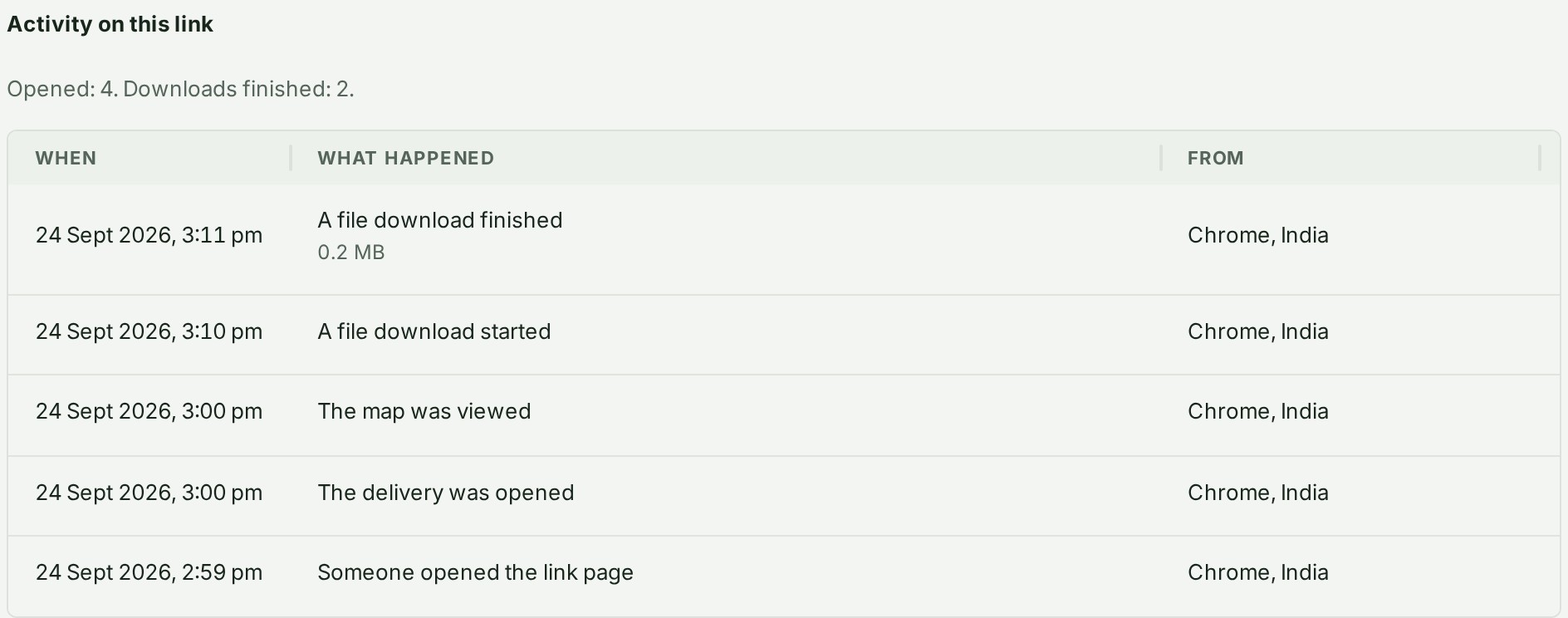
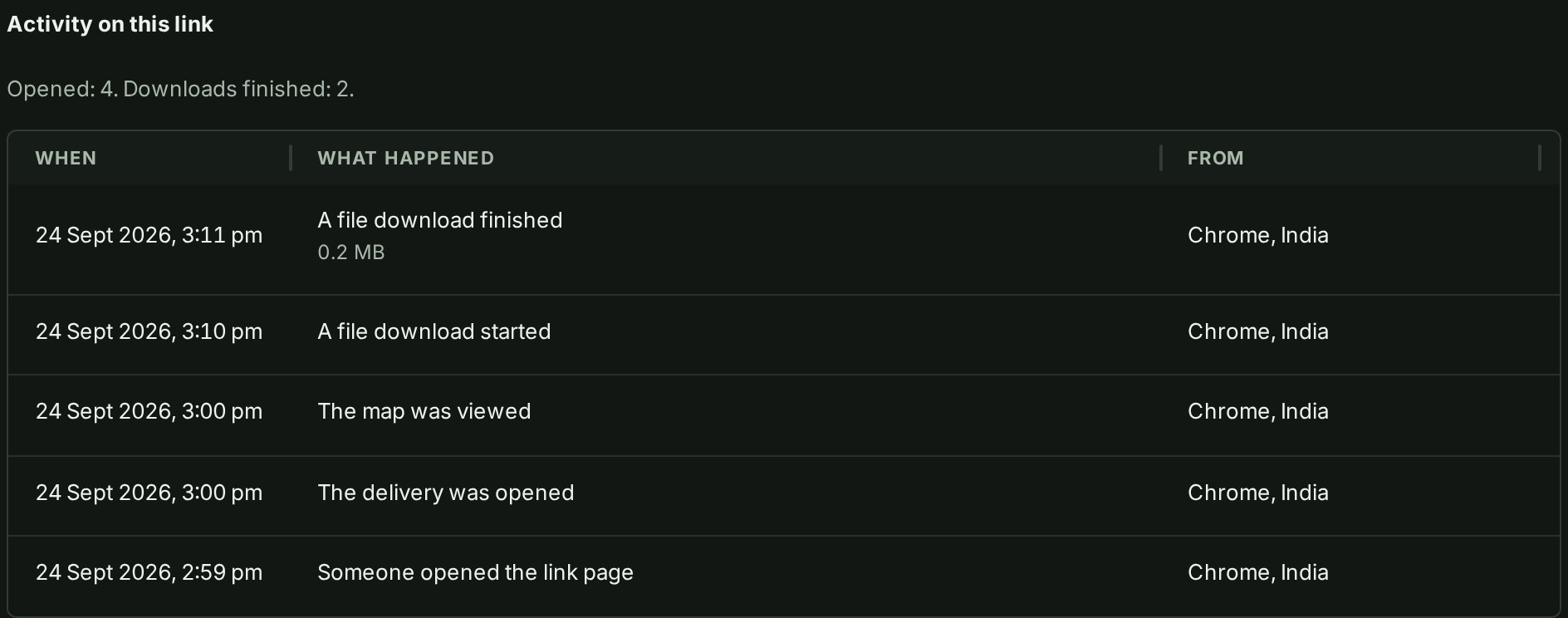
Read the line at the top, then the table. It lists the newest first: the day and time, what happened, and the browser and country it came from.
- To close it, select the ⋯ button on the row again.
- Select Hide activity. The activity closes.
What happens next
Each link keeps a short record of what happened through it, so you can tell whether the person opened the delivery and downloaded the files. The list updates the next time you open it. The row counts Times opened and the downloads, and says when it was last opened.
If something goes wrong
- Nothing has happened on this link yet. Nobody has looked at it. If you expected somebody to, check the address they were sent, or send a new link.
Details
What the list can show
Each line gives the time, and the browser family and country. Under What happened you can read:
| What happened | When it appears |
|---|---|
| Someone opened the link page | Somebody loaded the link's first page. |
| The delivery was opened | The person selected View delivery, or entered a correct code. |
| A code was emailed | A code went to the address the link is bound to. |
| A code was accepted | The person entered the right code. |
| A wrong code was entered | The person entered a code that did not match. |
| Someone was let in after the code check | The code check passed and the person was admitted. |
| The map was viewed | The person looked at the delivery's map. |
| A file download started | The person began downloading one file. |
| A file download finished | One file finished downloading. |
| An archive download started | The person began downloading the whole archive. |
| An archive download finished | The archive finished downloading. |
| A request was blocked | GISweaver refused something the person asked for. |
| The link was ended | You ended the link. |
A person who only looks at the first page, as an email program does when it checks a link, is listed under Activity but not counted in Times opened.