React to a note
Acknowledge a note in Project notes, or a comment in a file thread, with an emoji and without writing a reply.
-
Open the project's conversation or the file's thread.
The notes or comments show.
-
At a desk, point at the note and use a quick emoji beside it, or choose Add reaction to pick another emoji. On a phone, open the note's More sheet, or use the reaction pill beneath a file comment, to reach the quick emoji.
A highlighted pill appears under the note. The number beside an emoji counts the people who used it; point at the pill to read their names.


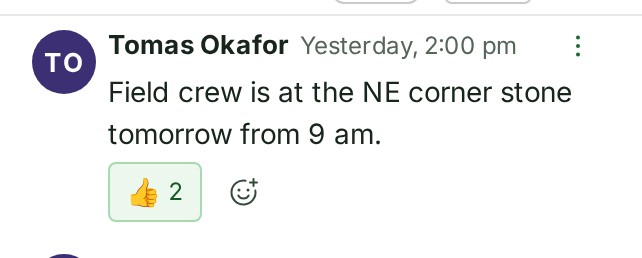
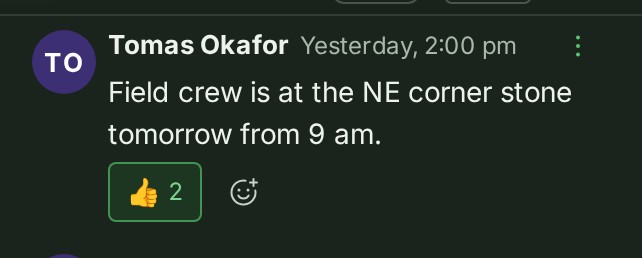
-
To remove your reaction, select its highlighted emoji again.
The pill goes, or its number falls by one.
What happens next
Reactions send no notification and do not mark a conversation unread or move it to the top of the list. Deleting a comment hides its reactions and prevents new ones. A note or comment can have up to 20 different emoji, and you can add up to 10 yourself.
Details
- When reactions are available for the organisation that owns the conversation, you can react wherever you can reply, including a client conversation that permits comments.
- Client reviewers can react in a conversation where their review lets them comment. People receiving a shared release can react in its conversation when that access includes commenting.
Next: Reply in a thread