See the plan prices for your country
Read the plans GISweaver offers in your country, one country's list at a time. Firms in India pay in Indian Rupees, with the price note stating what is included; firms elsewhere pay in US dollars, excluding local taxes.
- Open the plans page.
-
Check Your country. It starts on the country you appear to be connecting from, or on the one you chose last time in this browser. If it is wrong, choose yours.
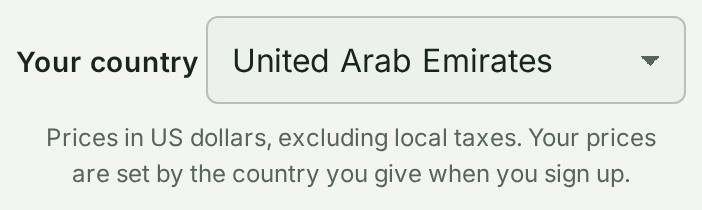
-
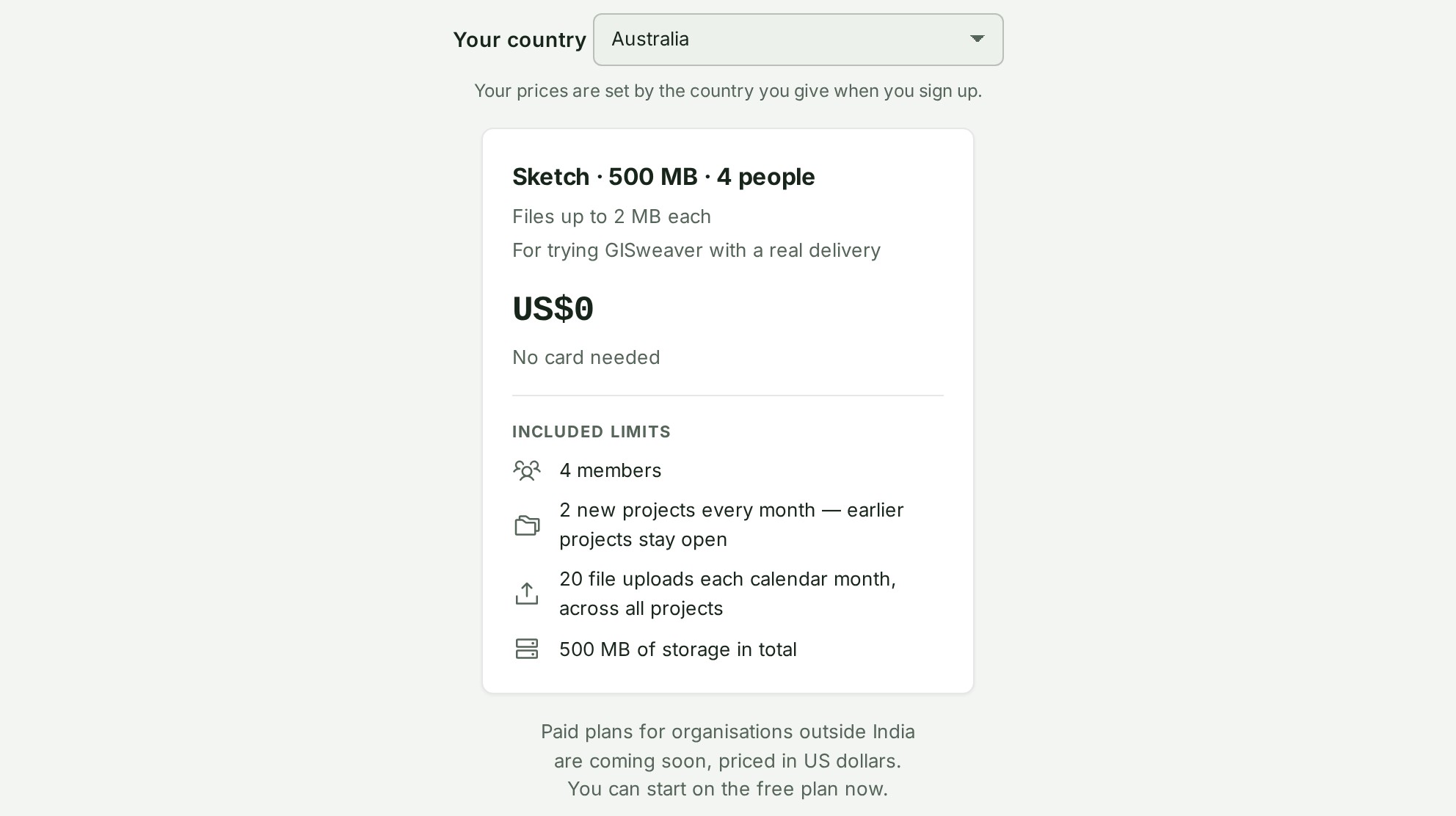
Read the plan cards. Each card shows the plan's limits, its features and its price in your country's currency.


If your country has no paid plans on sale yet, the page shows the free plan alone, says paid plans are coming soon and has no Monthly or Yearly switch.
What each card can show
| State | What the page shows |
|---|---|
| A plan on your country's list, with a price | The price in your country's currency, with the plan's limits and features. |
| The free plan | Free, with its limits and features. |
| A plan that is not on your country's list | Nothing. A plan can be on sale in India and not elsewhere, and the two lists are kept apart. |
| No paid plan on sale in your country | The free plan alone, and Paid plans for organisations outside India are coming soon. |
The questions under the cards answer for the country you chose.
What happens next
Your organisation pays from the list for the Country you choose when you create your organisation. You cannot change it yourself; support can correct it. The country you choose on this page only changes what this page shows. Inside GISweaver, Billing shows your organisation its own list.
If something goes wrong
- If the page starts on the wrong country, choose yours under Your country. A VPN can cause this. The page remembers your choice in this browser.
- If a plan you expected is missing, it is not on your country's list. Ask support: see Ask GISweaver support for help.