Take the map tour
Take the three-step tour of the tool strip, the row of controls above the map.
-
Open a project on the map. The tour opens under the tool strip, at Tools.
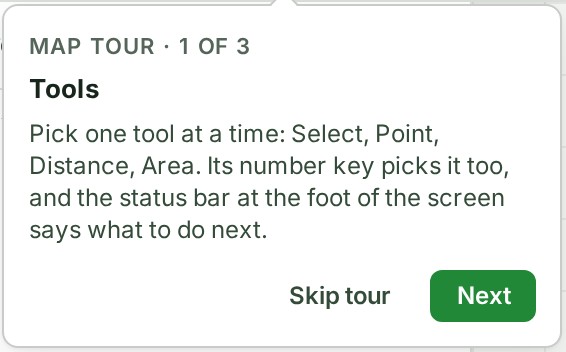
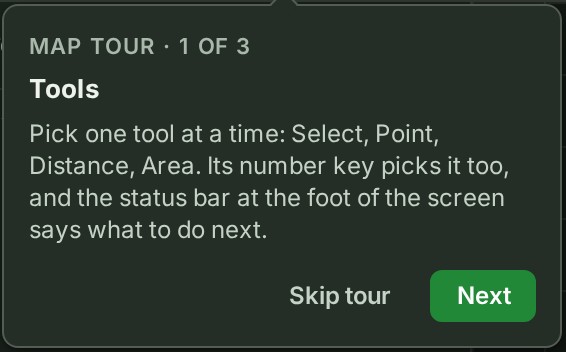
-
Read the callout and select Next. The callout for View opens.
- Select Next again. The callout for Layout opens.
- Select Done. The tour closes.
What happens next
The tour does not come back in this browser once you have finished or skipped it. The offer is remembered in this browser, like finishing the tour. To leave it earlier, select Skip tour or press Esc.
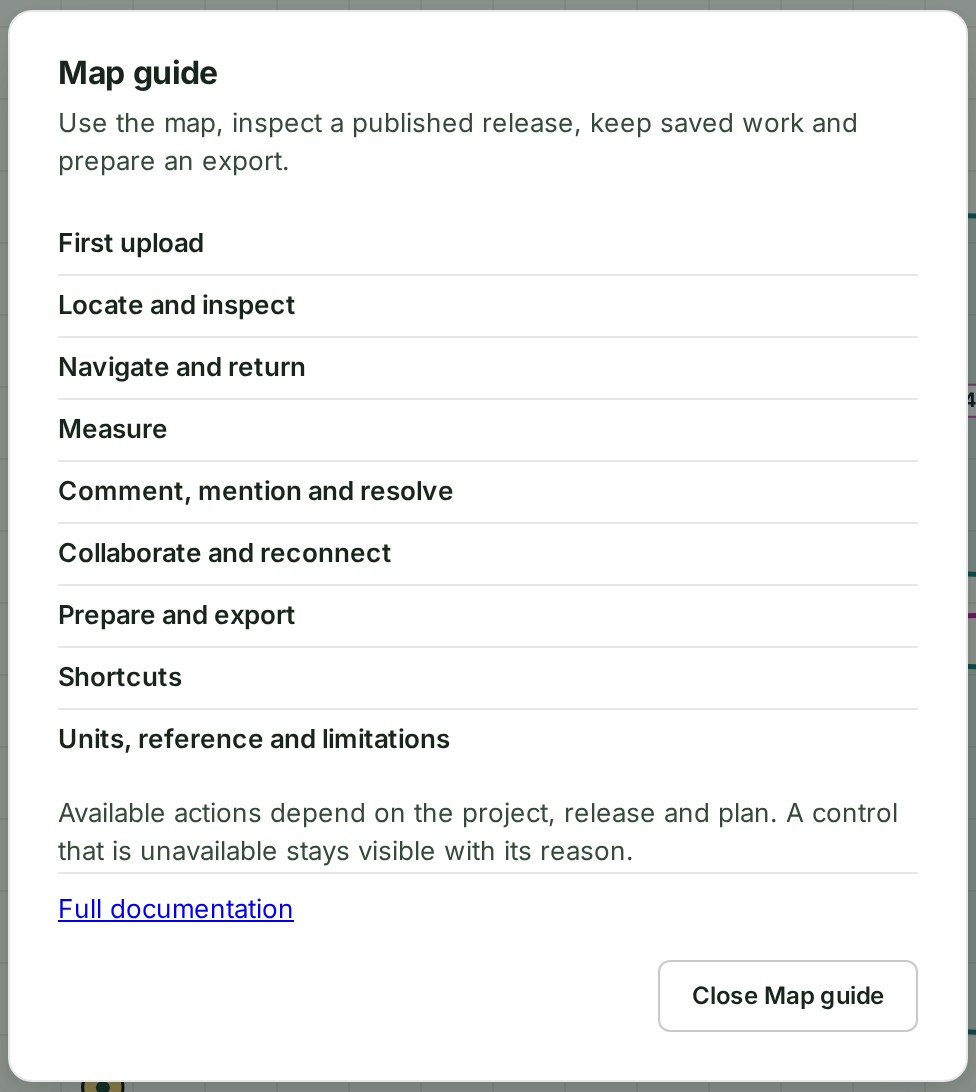
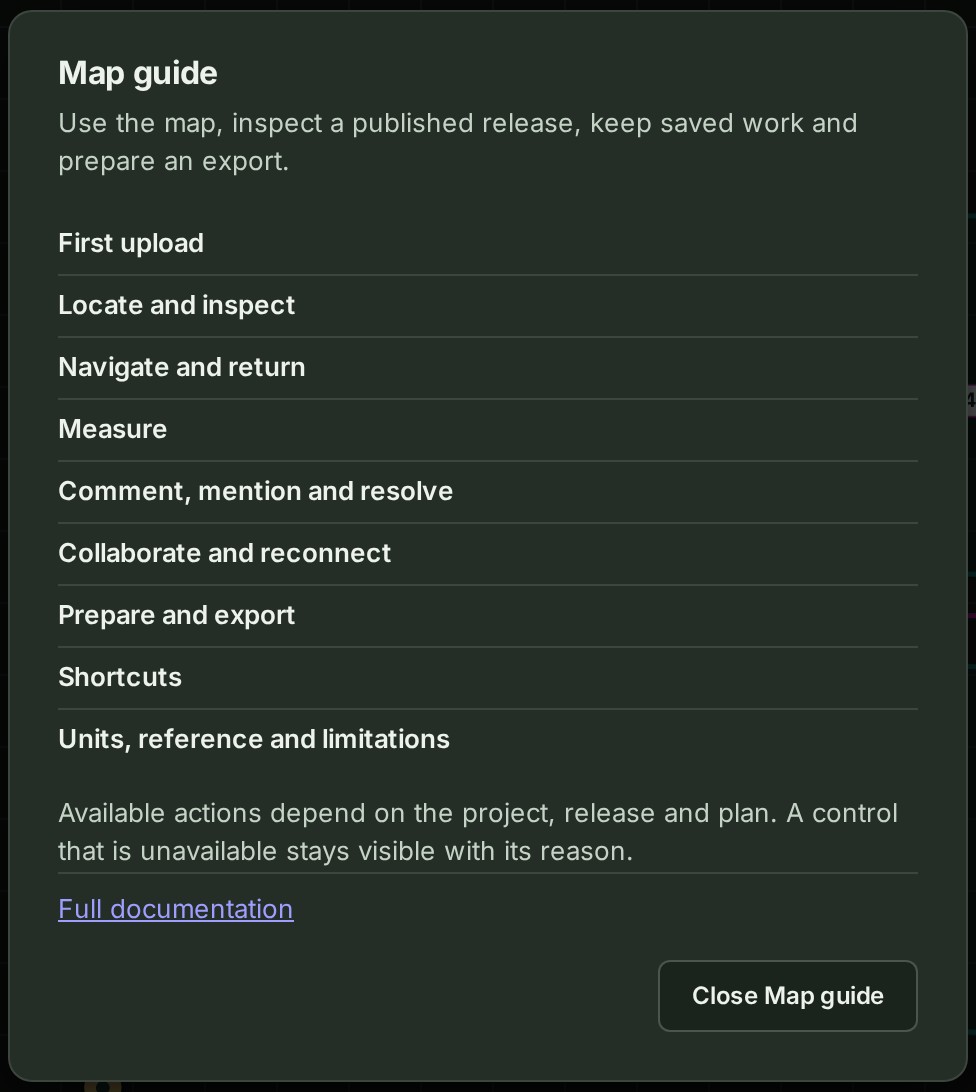
To read more at any time, select the question mark (Help) at the top of the screen and choose Map guide, or press the ? key. The guide lists its chapters; select a chapter's title to read it, and Close Map guide when you are done.
If something goes wrong
- The tour does not appear. It is shown once per browser, at a desk, on your own organisation's projects. On a phone, and on a survey another organisation shared with you, it is not offered. After a link to a conversation or an object, the map offers it in the status bar instead: see Open a project on the map.
- The question mark is not there on a phone: the rail gives way to tabs at the foot of the screen. Open the guide's own page, Map guide, instead.
Details
The Map guide lists its chapters on its first screen. Full documentation at its foot opens this guide.
Next: Move around the map