See how far a project's checklist has got
Who can do this
Anyone who can read the project. The steps show on the project, on its row on the Projects list and on Home. Every plan.
Read how many checklist steps are done, and how many required steps are due, without opening the checklist.
Read it in any one of these places.
-
On the project, read the line under the project's state. It reads, for example, 7 of 12 steps · 2 required due. Select it to open the Checklist tab.


-
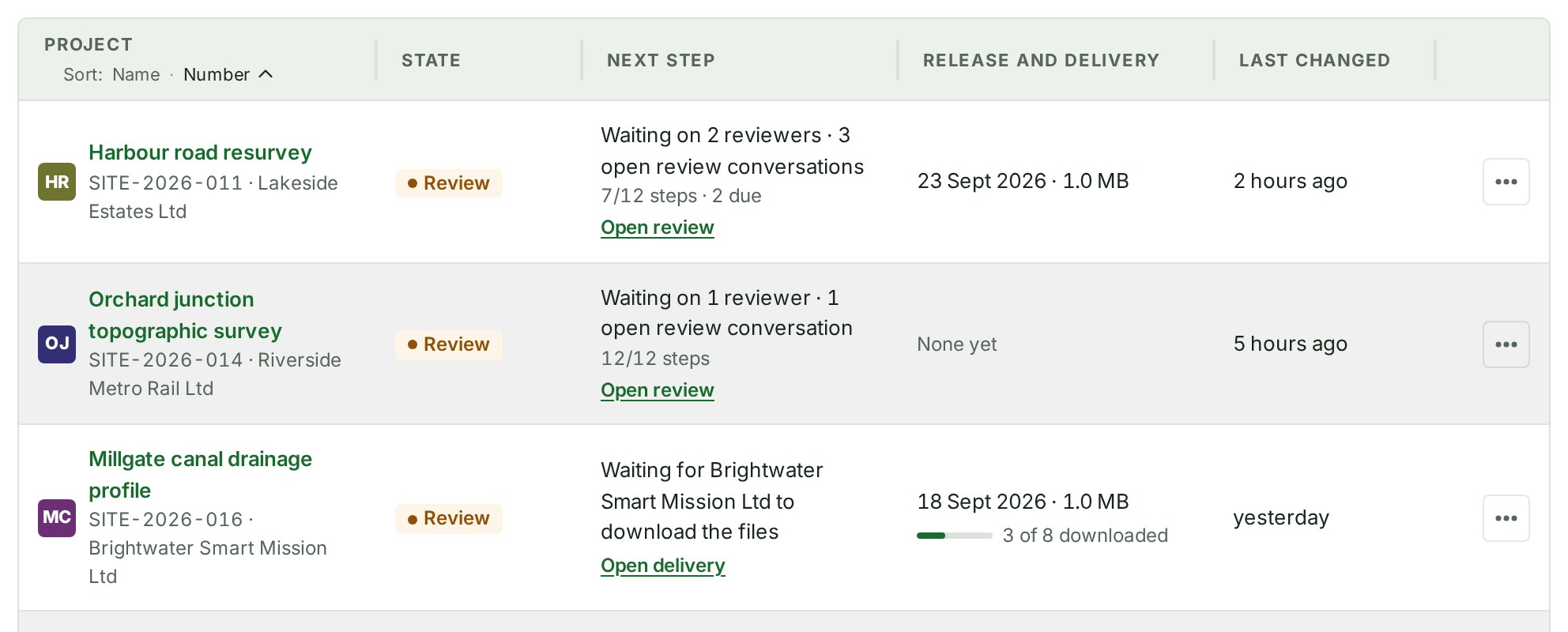
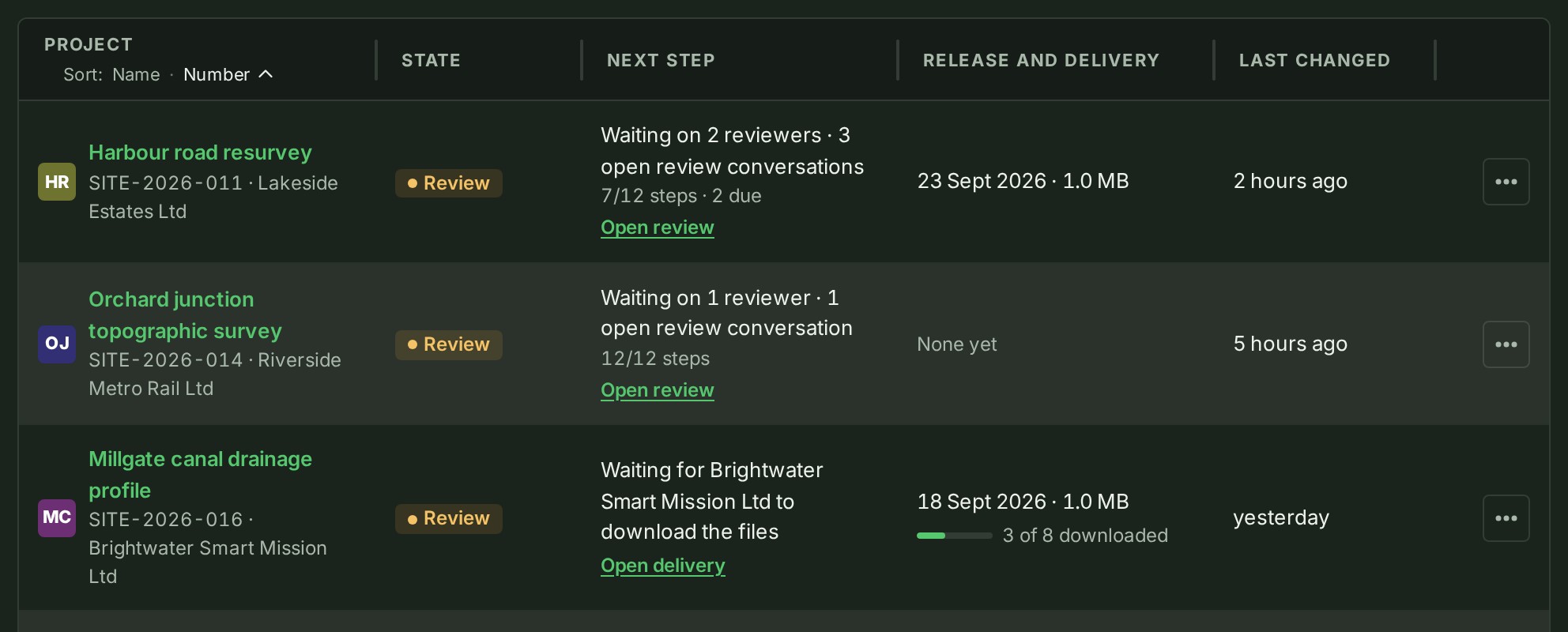
On Projects, read the Next step column. Under the sentence a small line reads 7/12 steps, and · 2 due when required steps are due.
-
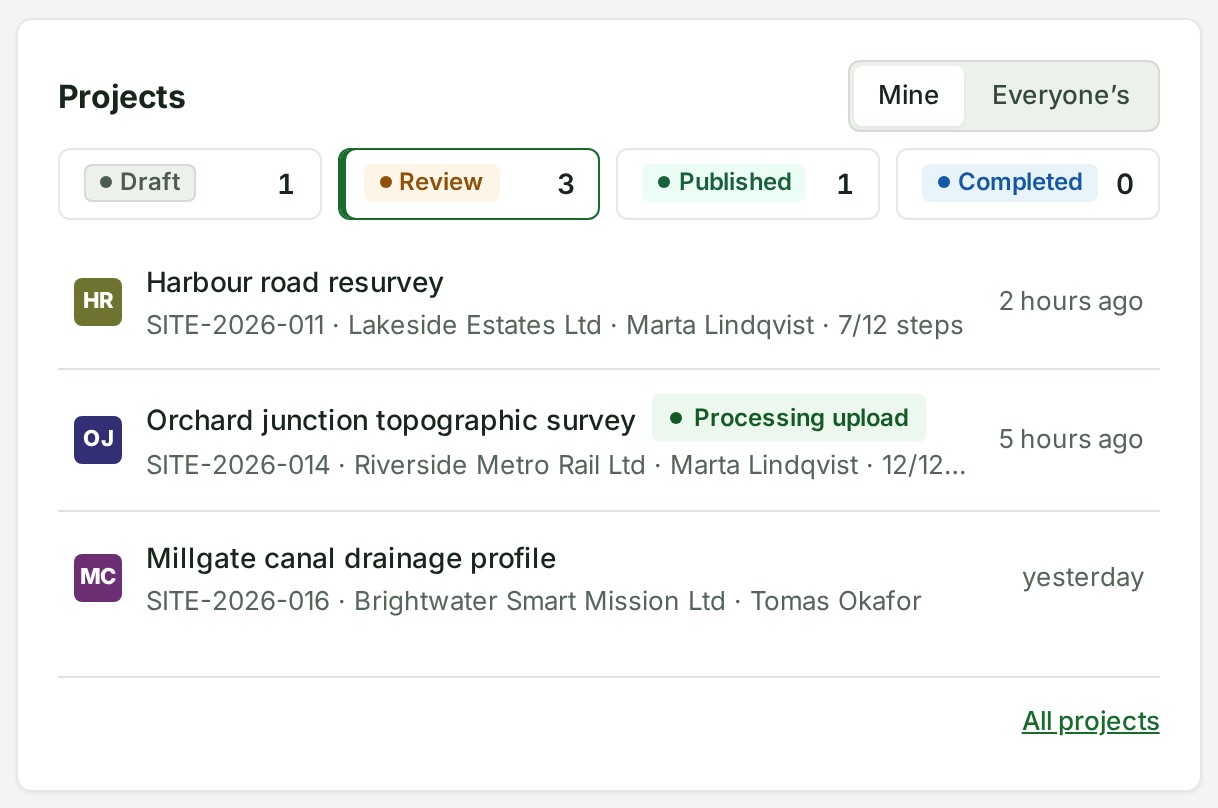
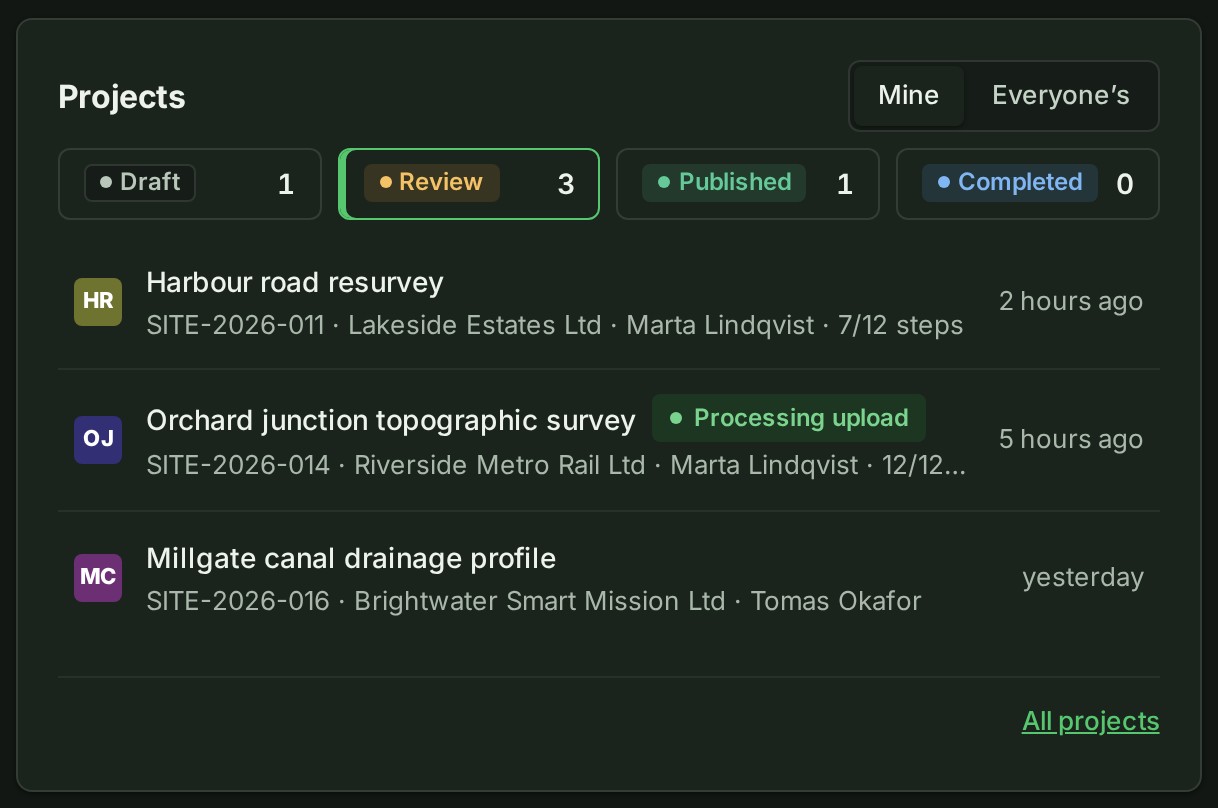
On Home, under Projects, the line under each project's name ends with its steps, for example 7/12 steps.
What happens next
The numbers move when someone ticks or unticks a step, adds or removes steps, or moves the project to another state. A project with no checklist shows no steps.
If something goes wrong
- No steps are shown for a project. It has no checklist yet. See Add a checklist to a project.
- The steps are missing from Projects. Your role cannot read every project, so the list shows no standing lines. See Narrow the list.
- A different count on Home and on the project for a moment. Each page reads the project when it opens. Reload the page.
Details
Required steps that are due
A Required step is due once the project is in the step's stage or past it.
| Step's stage | Due from |
|---|---|
| Draft | Draft, then Review, Published and Completed |
| Review | Review on |
| Published | Published |
| Any time | Never due; counted in the total |
When required steps are due, the project's line says 2 required steps due instead of ready to review or publish, and a Published project with a delivery says the same instead of ready to mark completed.
The same words show in Waiting on on the Overview, where the Your team choice counts the project. The words are a nudge: nothing is refused. See Move a project on with required steps open.


On a phone
On a phone the strip is one short line, for example Waiting on your team · 7/12 steps · 3 open, and is not a link. Open More, then Checklist, for the steps.