Resume an interrupted upload
Who can do this
Anyone who may add files to the file's project. Every plan. Resuming does not count as a new upload.
A large file is sent in parts. If the tab closed or the connection dropped before every part arrived, the parts already received are kept for a while, and you can resume from where it stopped by choosing the same file again.
-
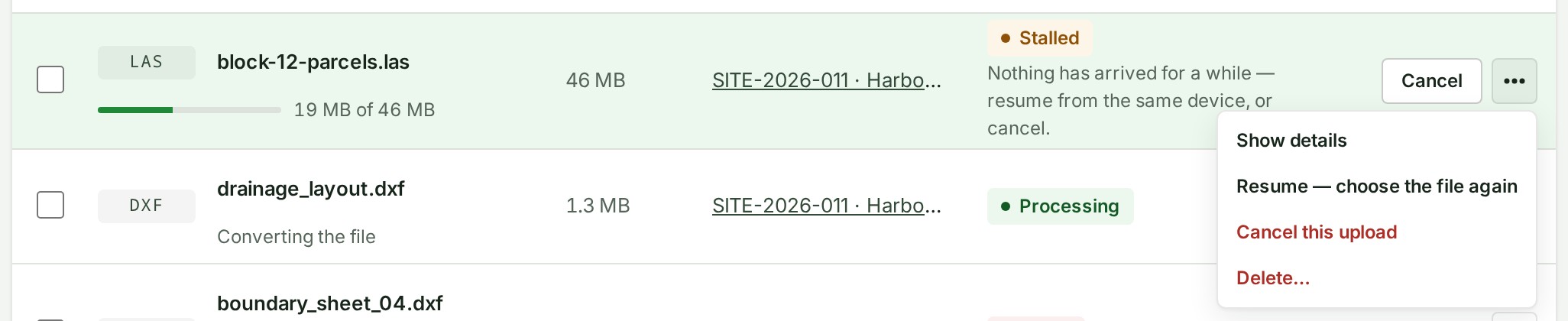
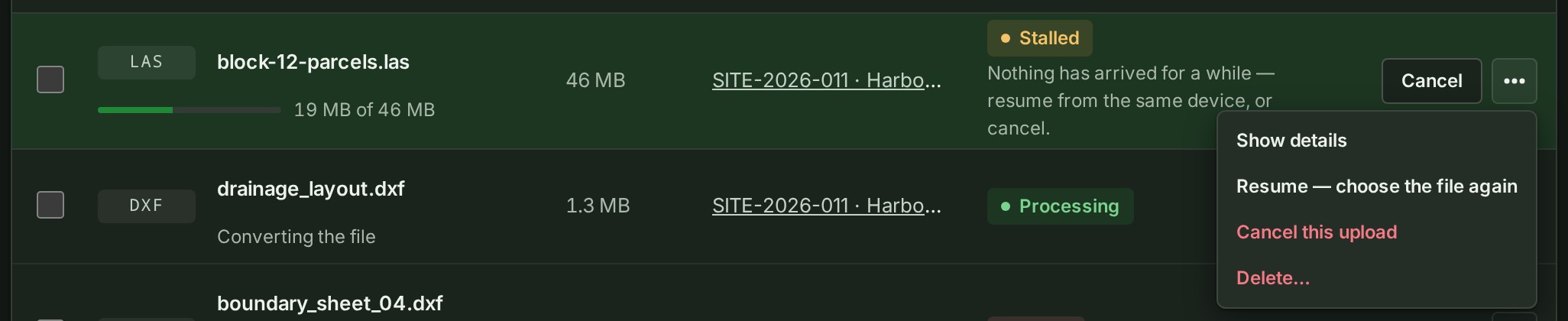
Open Uploads, or the project's Files list. The file reads Stalled, with Nothing has arrived for a while — resume from the same device, or cancel. under its name.
The file you want is in the list.


-
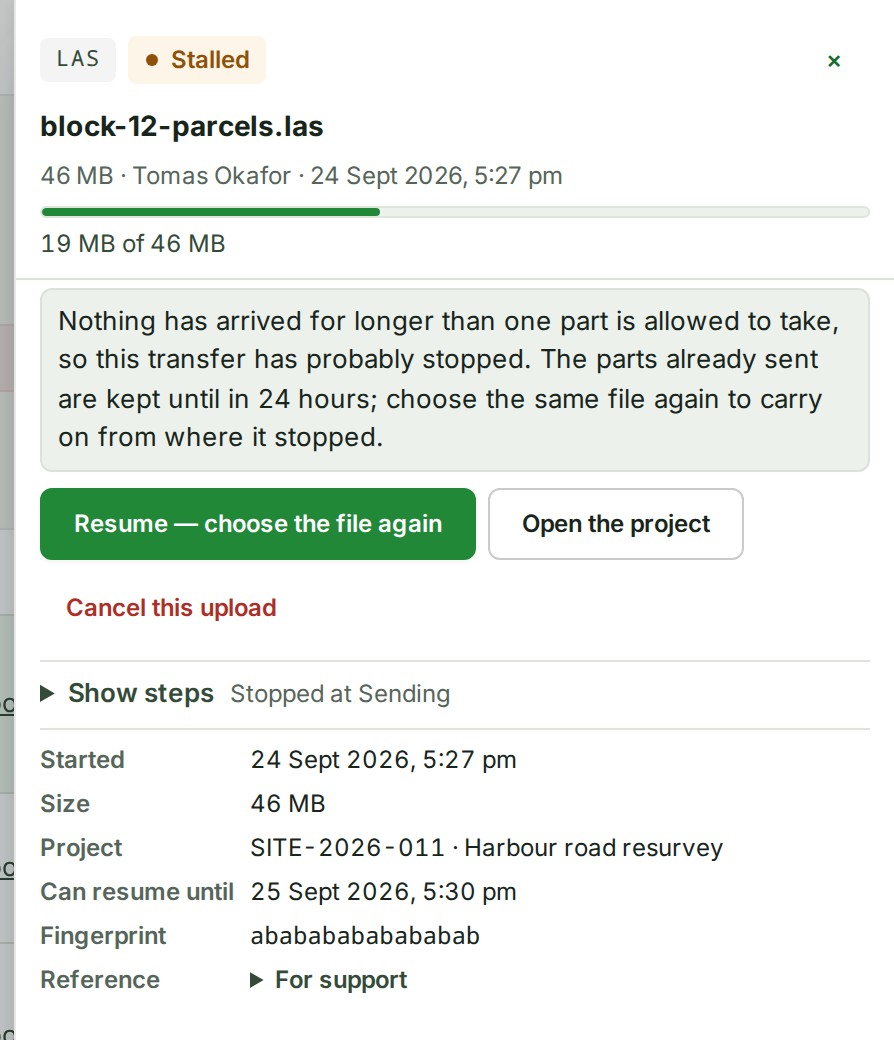
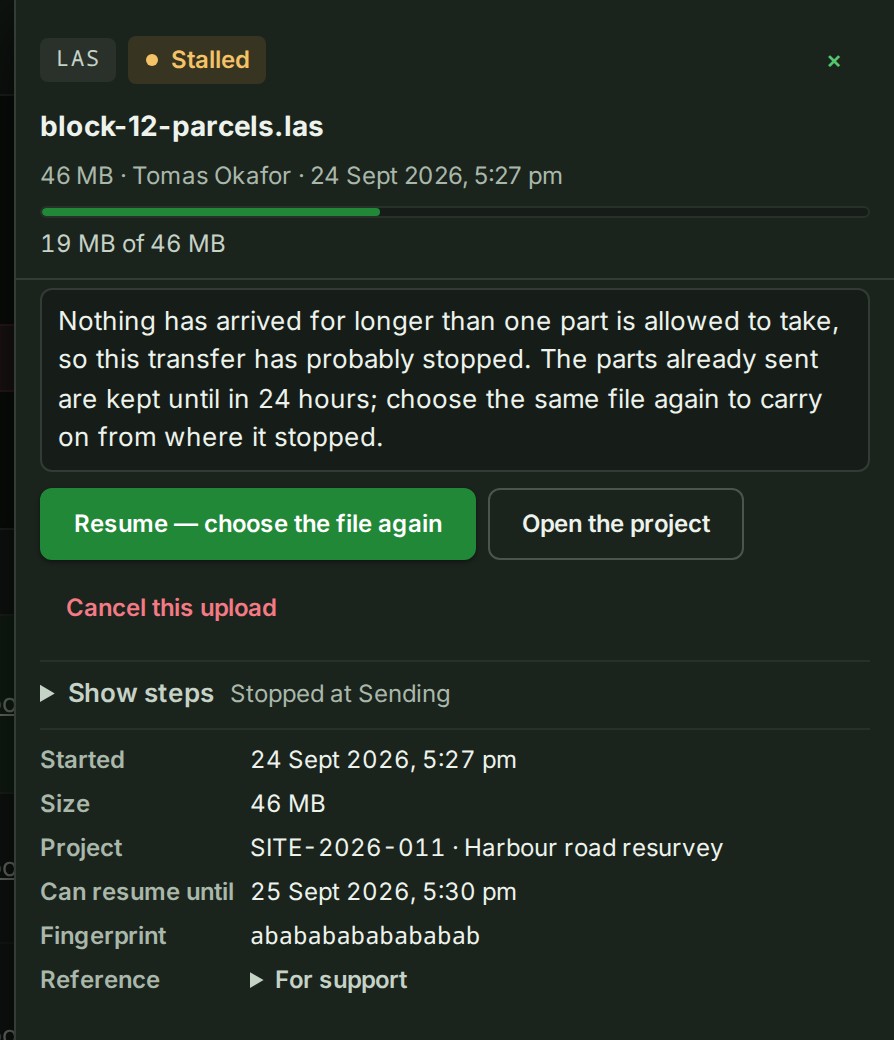
Select its name. Can resume until in its details is your deadline.
The details show a date and time to resume by.
-
Open the file's ⋯ menu and select Resume — choose the file again.
Your computer's file chooser opens.
-
Choose the same file on your computer: the same file, unchanged, from the same place.
The row shows the rest arriving.
What happens next
The upload resumes from the last part that arrived, the row shows the rest arriving, and then it reads Checking like any other file. Keep the tab open until it does.
If something goes wrong
- The transfer was not finished in time and the parts have been discarded. Sending the file again starts a new transfer. The parts expired. The row reads Failed with Stopped before the whole file arrived. Select Send the file again; it is a new upload.
-
The row reads something other than Stalled. Use the control for its state, which Supported files and limits lists.
-
You chose a different file, or the file changed since. A different file starts a different transfer. Do not change or delete a file before resuming it.
- The file never appeared in the list. It was still waiting in your browser when the tab closed, so nothing of it reached GISweaver and there is nothing to resume. Add it again.
Details
Choosing the same file again while it is still on its way from this tab does not start a second copy: the row says You chose this file again: this is its transfer, already on its way.
If a transfer still will not resume, quote the support reference from the file's details (under Reference) when you ask for help.
Words used across these pages are in the glossary.
Next: Cancel an upload