Retire or restore a checklist template
Who can do this
Owners and Admins, and any role your organisation has made that includes Edit checklist templates. Every plan.
Retire a checklist template when your firm should no longer offer it, and restore it later if you change your mind.
-
Open Checklists from Organisation controls and select the template.
The template editor opens.
-
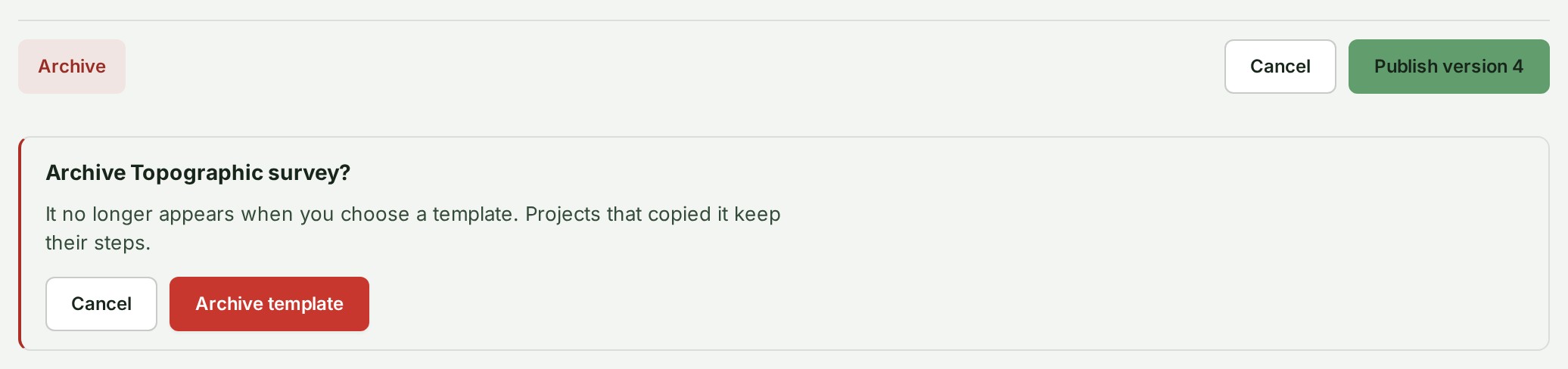
Select Archive at the foot of the editor.
A question opens under the foot of the editor.
-
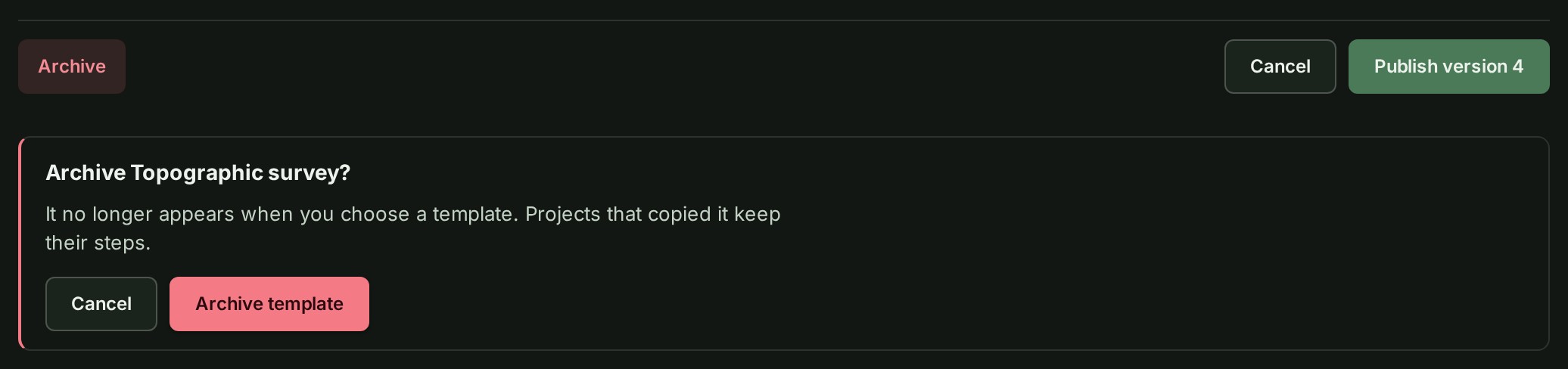
Read the question Archive Topographic survey? and the line under it.
The line reads It no longer appears when you choose a template. Projects that copied it keep their steps.
-
Select Archive template, or select Cancel to keep the template as it is.
The notice reads Topographic survey is archived. The list shows the template under Archived.
Restore a template
-
Open Checklists from Organisation controls.
The templates of your organisation are listed.
-
Under the table, select Archived. The number beside it counts the archived templates.
Each retired template is listed with its version and a Restore button.


-
Select Restore beside the template.
The notice reads Topographic survey appears again when you choose a template. The template is offered again on the project form and on Add a checklist.
What happens next
A retired template leaves the choices on the project form and on Add a checklist. It cannot be edited until it is restored. Restoring does not make it the default again.
Both acts, and every new version, are in your organisation's audit trail; see Read and filter the audit trail.
If something goes wrong
- This template is archived. Restore it to edit it or to offer it to new projects again. You opened a retired template. Select Restore in the notice.
- Restore is missing. On a phone a template can be read but not changed; restore it on a larger screen.
- Another checklist template already has this name. Restore is refused when a live template took the name meanwhile. Rename the live one, or leave this one retired.
- Only Owners and Admins can change checklist templates. Ask one of them. Your role cannot open Checklists.