Archive or unarchive a project
Who can do this
Owners and administrators; a Branch manager, for a project they opened that still holds nothing. Every plan.
Archive a project you no longer work on to take it off the Projects list and free its number, with everything recorded in it kept.
-
Open Projects.
The list shows your projects.
-
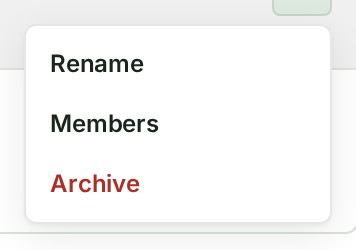
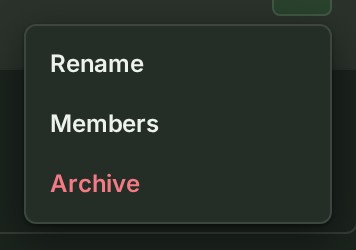
Open the ⋯ menu on the project's row and select Archive.
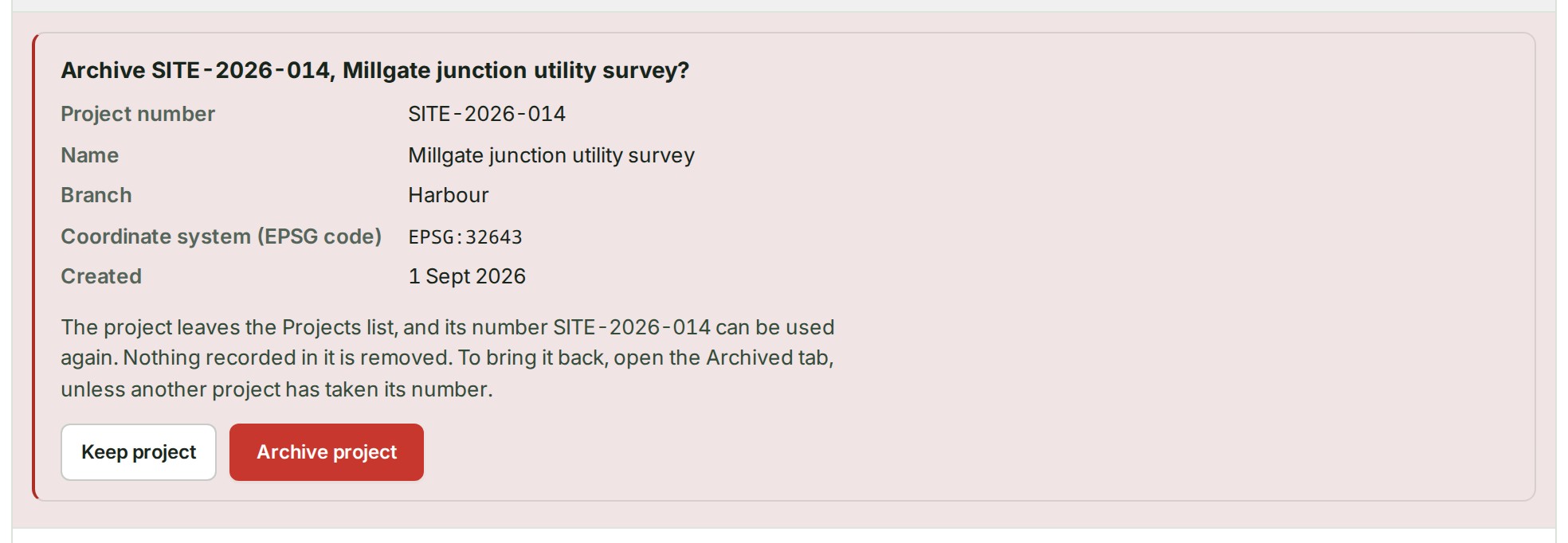
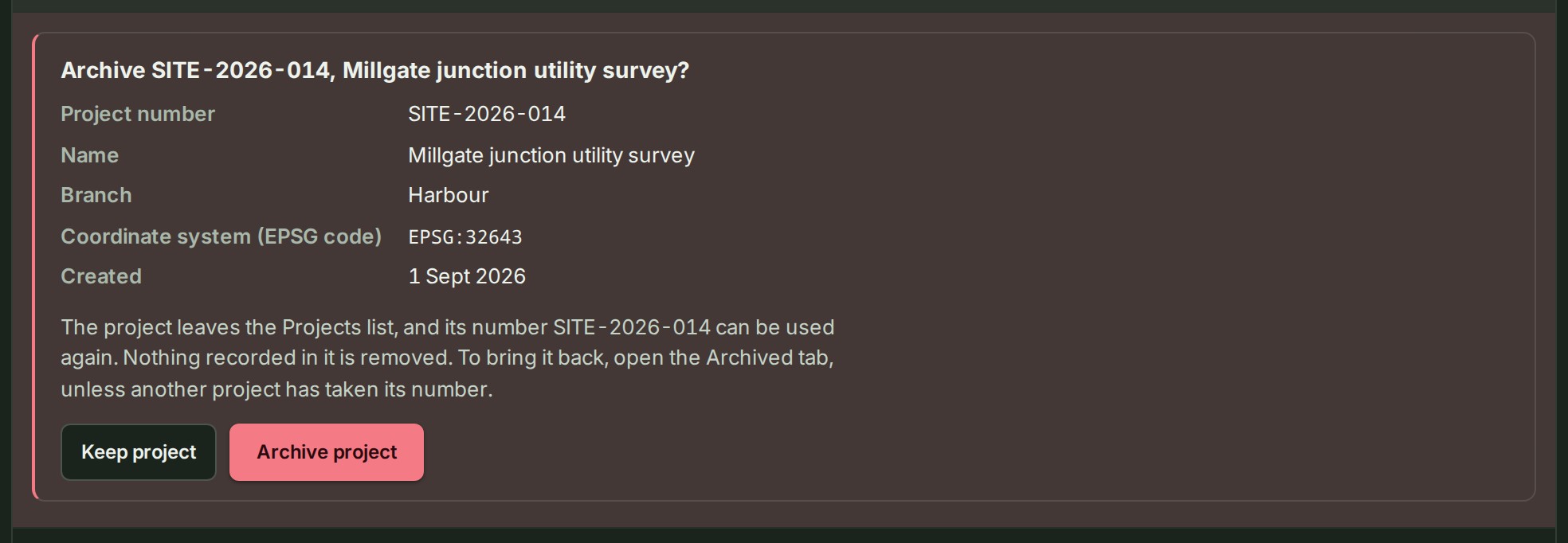
The row opens a question with the project's details and what archiving does.
-
Select Archive project.
GISweaver says the project is archived, and it is no longer on the Active tab.
What happens next
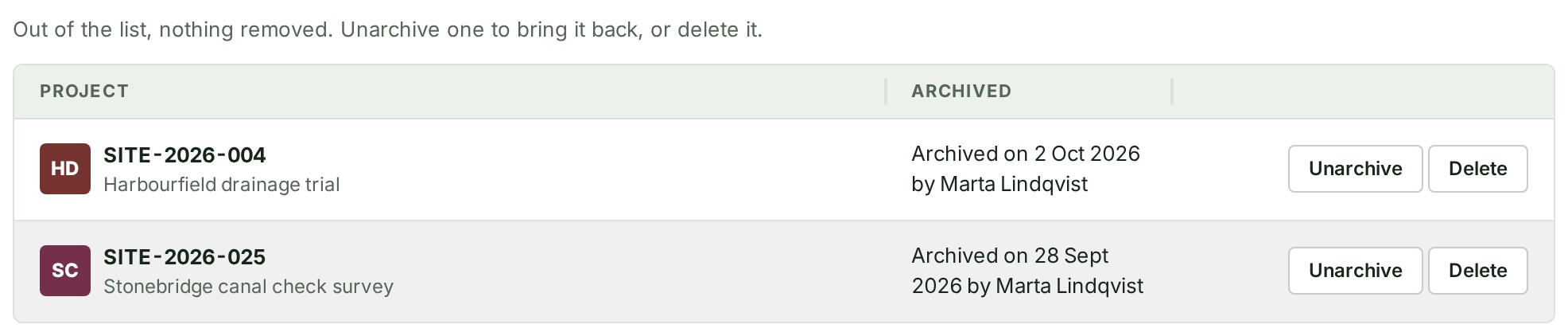
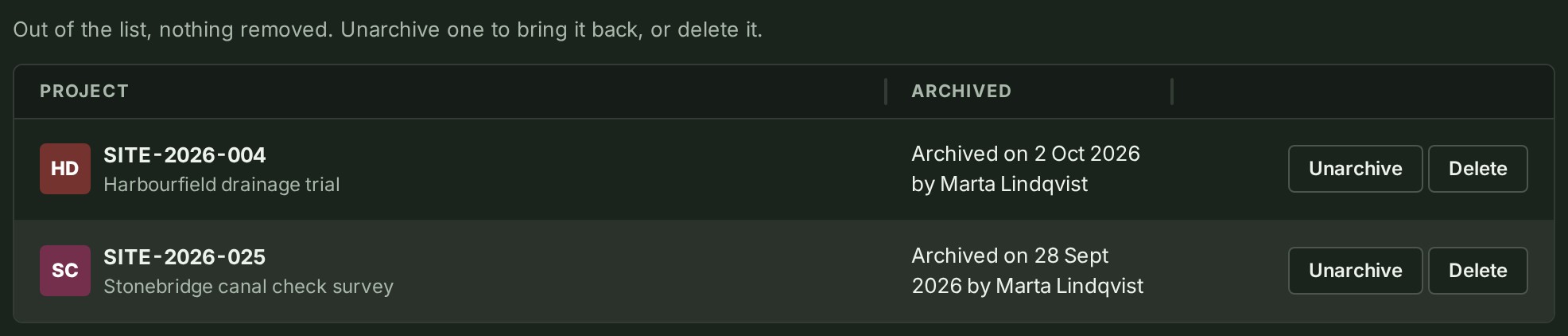
Nothing recorded in the project is removed. On the Archived tab each project shows when it was archived and by whom.
Unarchive a project
Unarchive a project to put it back on the Projects list.
-
Open Projects.
The list shows your projects.
-
Open the Archived tab above the list.
The tab lists each archived project with an Unarchive and a Delete button. It is there only while an owner or an administrator is reading and at least one project is archived.
-
Select Unarchive beside the project.
GISweaver says … is back in the Projects list. and the project is on the Active tab again.
If something goes wrong
-
There is no Archive in the row's menu. Your role cannot archive projects, or, for a Branch manager, the project was opened by someone else or already holds something. Ask an owner or an administrator.
-
This project has published releases, or deliveries, shares or review access, so it cannot be archived. Its survey data stays where it is. A published release, delivery, share or review access stops archiving, and the project stays on the list. Review access can cover an unpublished draft too. To remove the project instead, see Delete or restore a project.
-
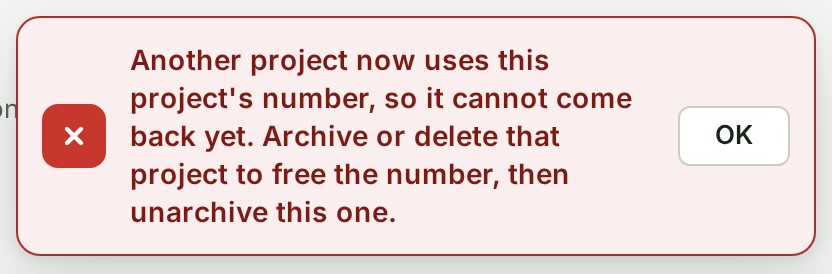
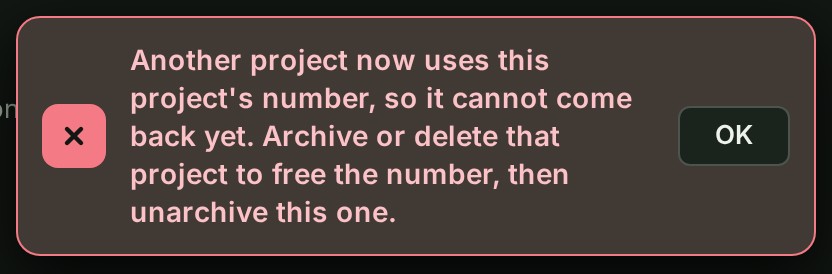
Another project now uses this project's number, so it cannot come back yet. Archive or delete that project to free the number, then unarchive this one. Unarchive is refused. Do as the sentence says.
-
You open the Archived tab, or an address ending
?view=archived, and see a notice with Try again instead of the list. The list of archived projects could not be read just now; it is not empty. Select Try again; only that list is read again. The tab stays in place meanwhile, so you are not sent to Active by mistake.

More: Who can archive.