Give a team or branch a role
Who can do this
Owners, administrators, the branch's manager and the project's lead. Project roles need "Roles and permissions" in your plan.
Give a team or a branch a role on one project once, instead of adding each person.
- Open Projects and find the project. Its row is in the list.
- Select the ⋯ on its row. A menu opens.
- Choose Members. The panel lists the roles held directly on the project.
- Under Teams and branches with a role, select Give a team or branch a role. A form opens.
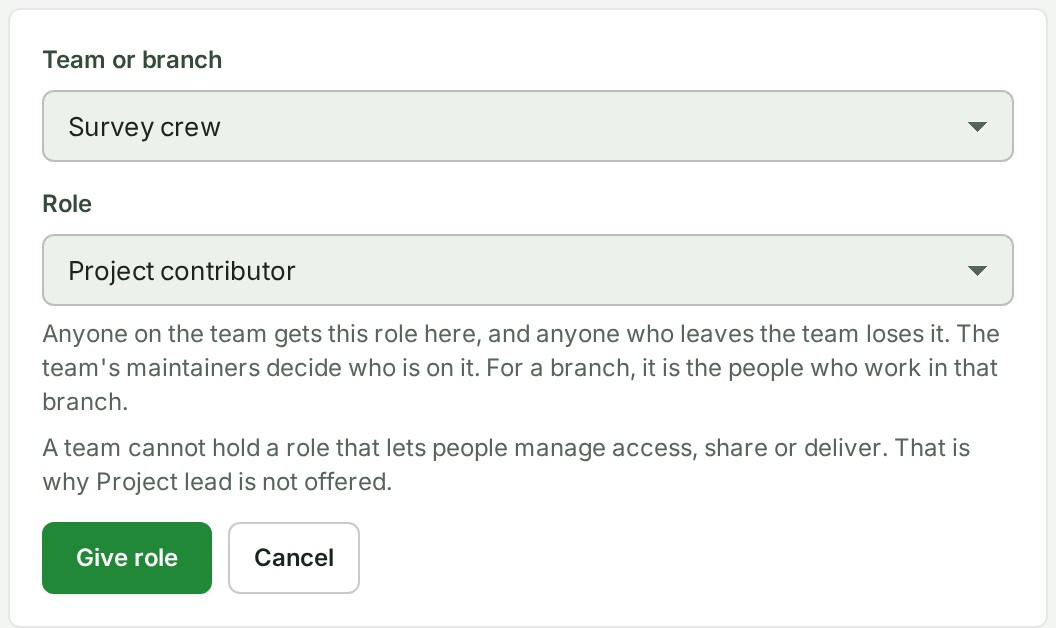
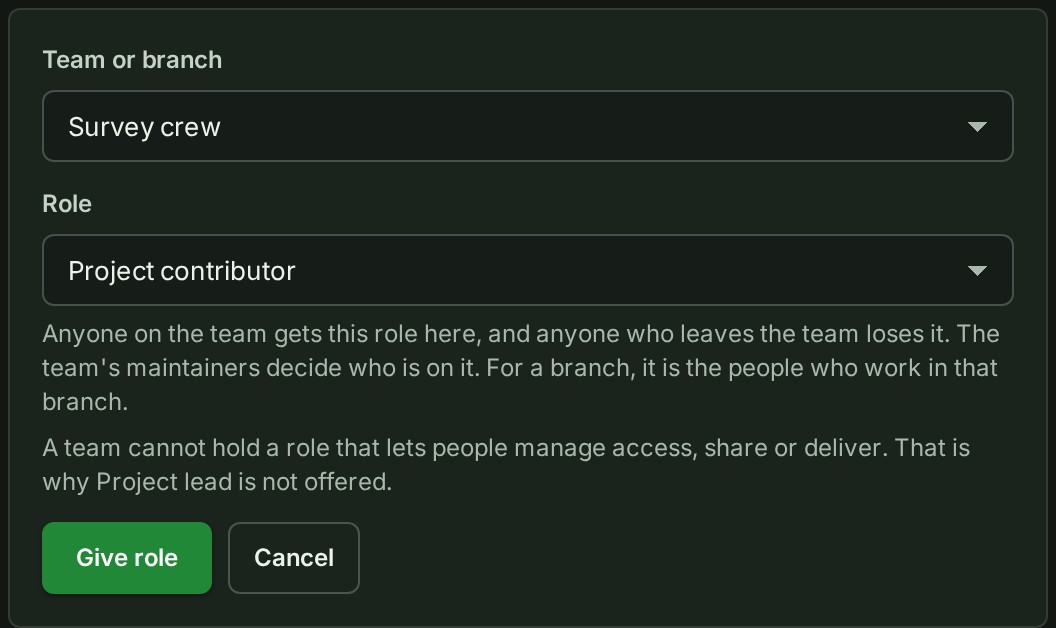
- Choose the team or the branch in Team or branch. The field shows it.
- Choose the Role. The field shows the role.
-
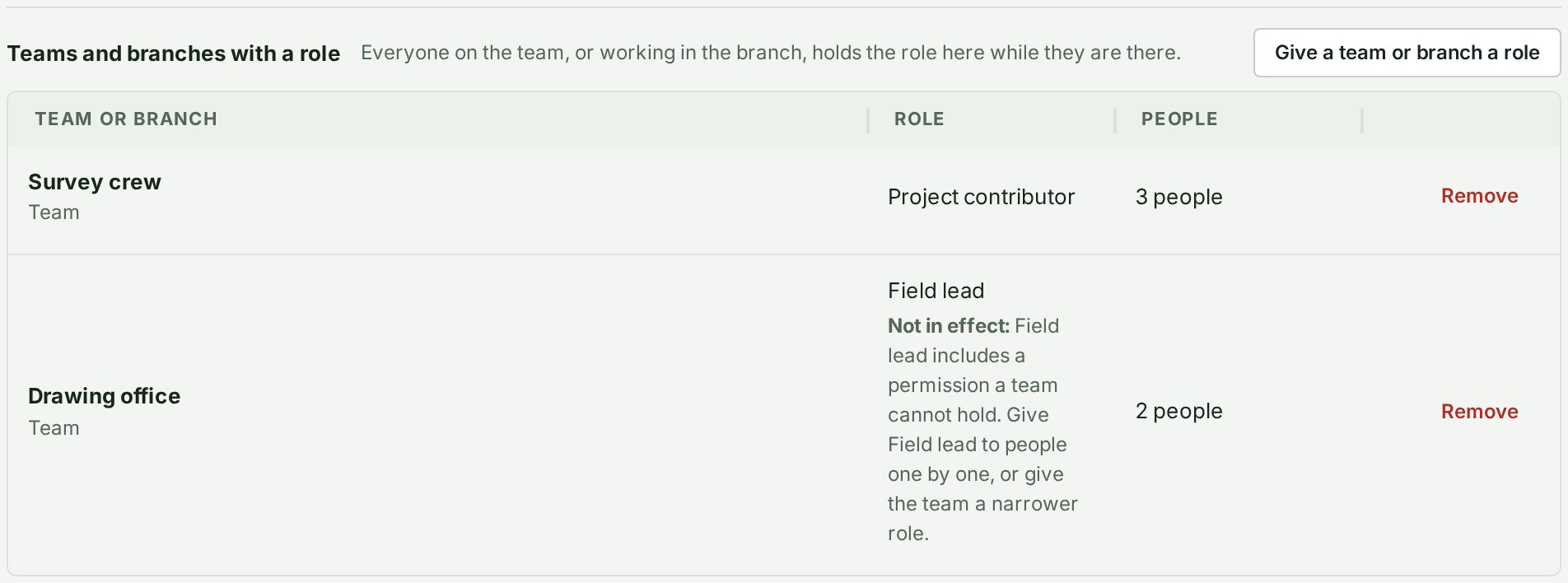
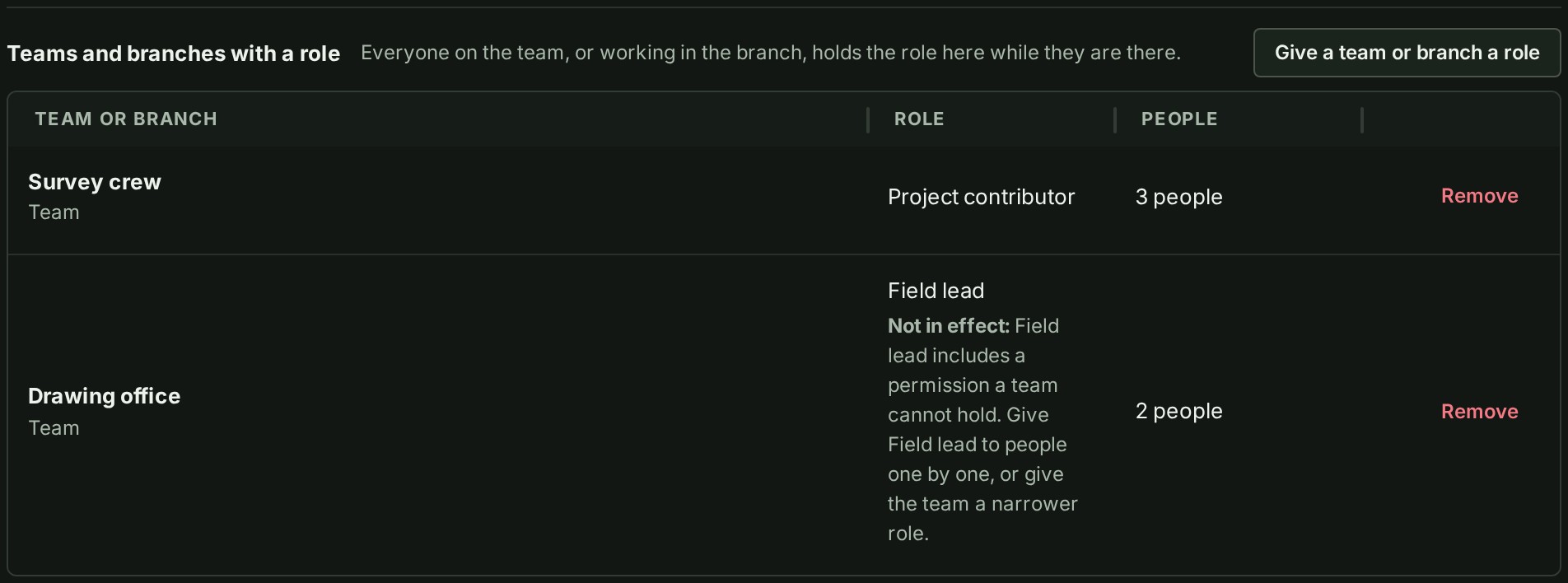
Select Give role. The team or branch appears in the list with its role and the number of people it reaches.
What happens next
Anyone on the team has the role on the project from then on, and anyone who leaves the team loses it. The team's maintainers decide who is on the team; you do not change that here. Someone who also holds a role of their own on the project keeps both, and the wider of the two applies.
Take the role away
- Select Remove on the team's row. The question Take \<role> away from \<name> on \<project>? opens under the row.
- Select Remove \<name>, naming the team. The role is taken away from everyone on the team at once.
A branch works the same way and gives the role to the people who work in it.
If something goes wrong
- The form stays open and shows a sentence above it: the team or branch already holds a role here, the role is not one a team may hold, the team has been archived, or the project has reached the most teams it may have. Change or remove the role it holds, or choose another team.
- Give a team or branch a role is not on the screen: you do not hold the right to give roles on this project. Ask a project lead or an administrator.
- Project lead is not offered. A team or a branch cannot hold a role that lets people manage access, share or deliver. Nobody should reach that power only by being on a team. Give Project lead to a person: see Give a colleague access to a project.
- A row says Not in effect: and then a reason. A role was changed so that it now carries one of those powers, so the team has stopped having it on that project. Nothing is removed, and the role works again for the team if it is narrowed.