See what you have sent
Who can do this
Owners, administrators, the billing role and auditors see the list. Extending and reminding are for owners, administrators, the branch's manager and the project's lead. Every plan.
The Sent tab of Deliveries lists every delivery your organisation has made, from every project, with how many files each client has downloaded. A delivery stays on the list after it ends, because it is the record that it happened.
- Open the Sent tab of Deliveries.
- Find the delivery by the organisation under Delivered to, with the day it was Delivered and its Access ends, the end of the day you chose, in India time, such as 15 Oct 2026, 11:59 pm IST (UTC+5:30).
-
Read Files, for example 2 of 5 downloaded, and the Status.
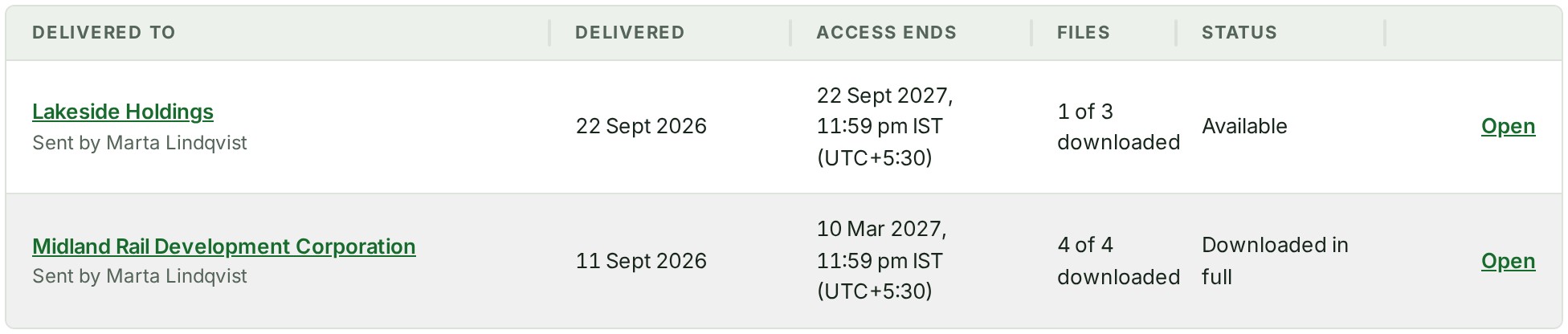
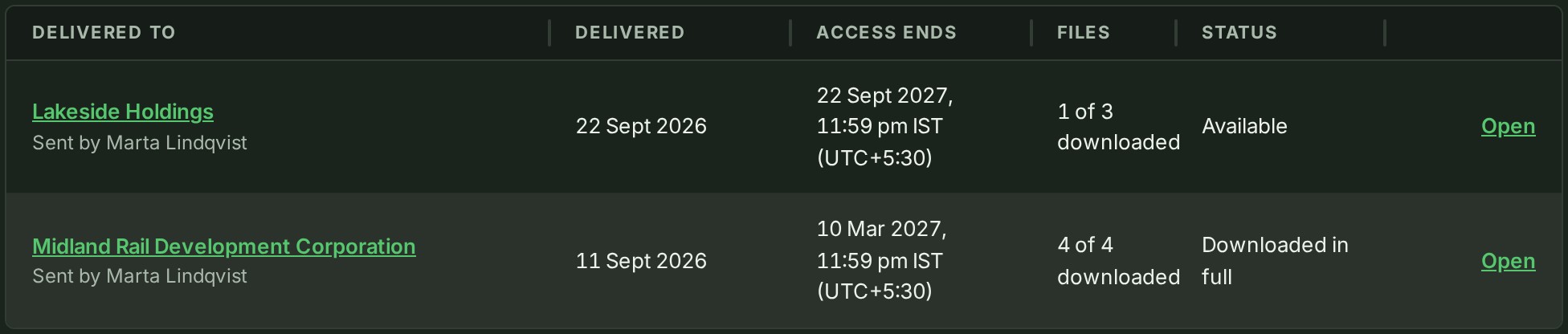
-
Select View to see the delivery's own page: what was delivered, each file with its checksum and the day it was downloaded, and the Receipt.
What happens next
When the client has downloaded every file, the status reads Downloaded in full and the delivery's page shows the Receipt: when it was completed, the files and their size, the Receipt checksum and Signature. Select Copy receipt to keep it elsewhere; either organisation can check it without asking GISweaver.
To give a client longer, or to remind them, see Extend a delivery or remind the client.
If something goes wrong
- Nothing has been delivered yet. Your organisation has not delivered anything. See Deliver a release to another organisation.
- Only owners, admins, billing managers and auditors can see deliveries sent. Ask one of them if you need to see them. Your role cannot open this list. Ask one of them.
- No receipt yet: not every file has been downloaded. The client has not finished. Remind them, as in Extend a delivery or remind the client.
Details
What each status means, and how long a delivery can be held, are on one reference page: Delivery settings and what a delivery holds.
The product words on this page are explained in the glossary.
Next: Find an earlier release