Lent roles
Use Lend a role to give a colleague one of your roles for a set time, up to 90 days, while you are away. This page also says what you see when a role is lent to you.
Lend a role for a while
Lend a role under Lent roles on the People page lends a colleague a role until a date you choose, at most 90 days ahead, with a reason the audit trail keeps: a colleague going on leave, not a promotion.
- Choose the colleague. Only members of the organisation who are not suspended are offered.
- Choose where the role applies — the whole organisation, one branch or one project — and the role. Across the organisation you can lend Billing manager or Auditor. Over a branch or a project, you can lend any role of that scope. Only the Owner can make someone an Admin, from People.
- Choose the last day and give the reason, then Lend role.
The form offers only roles you hold everything of yourself. The Billing manager role lends billing and not the Auditor role, because the Auditor reads the audit trail and the Billing manager does not.
A lent role stops applying:
- on its last day, which the audit trail records;
- when you, or anyone who may lend at that scope, takes it back;
- when the person who lent it no longer holds what they lent, for example after their role is lowered or they are taken off the branch or project;
- when the person who lent it, or the person who holds it, is removed from the organisation;
- when the plan stops including Delegated access.
Those endings are final: the role does not come back if the person rejoins or gets the role back, and the audit trail says which of them it was. While the person who lent it or the person who holds it is suspended, the role is paused instead, and applies again when the suspension is lifted, if its last day has not passed.
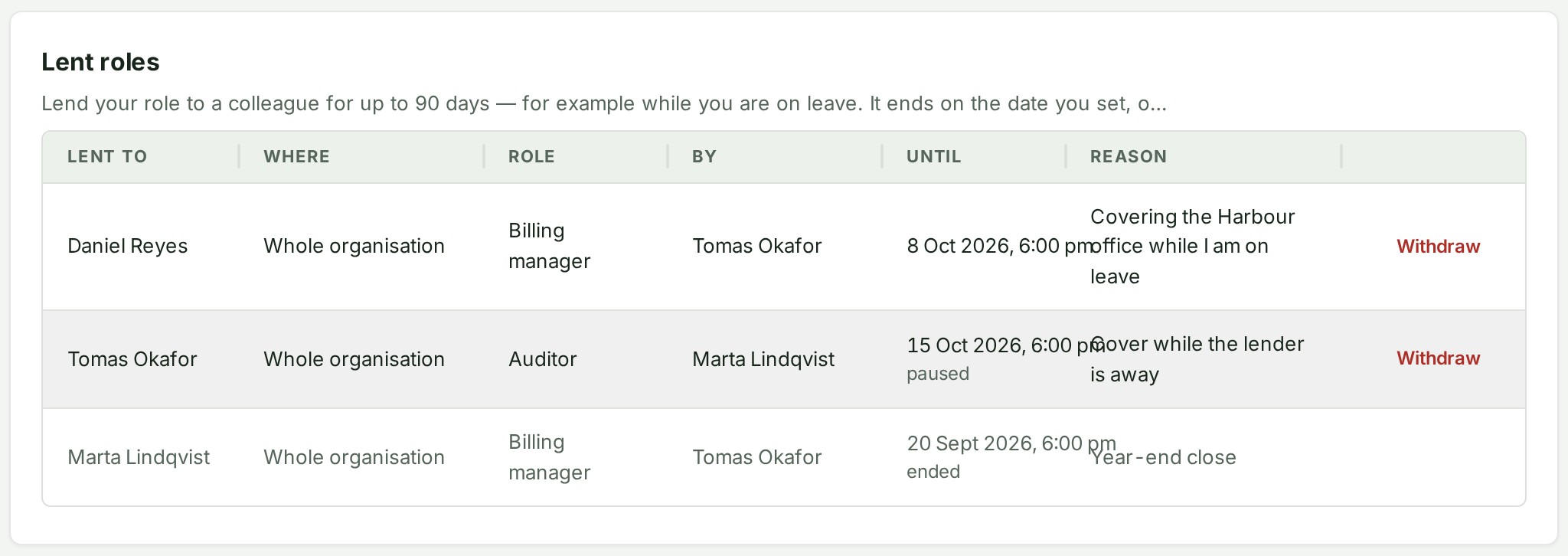
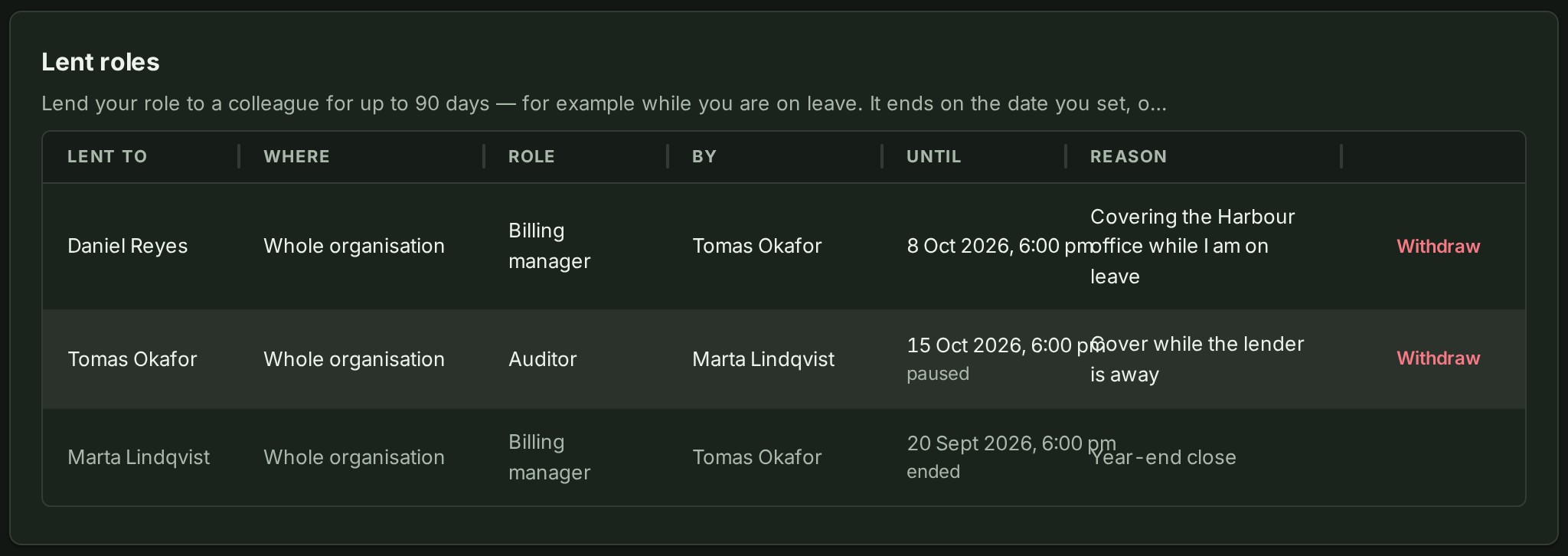
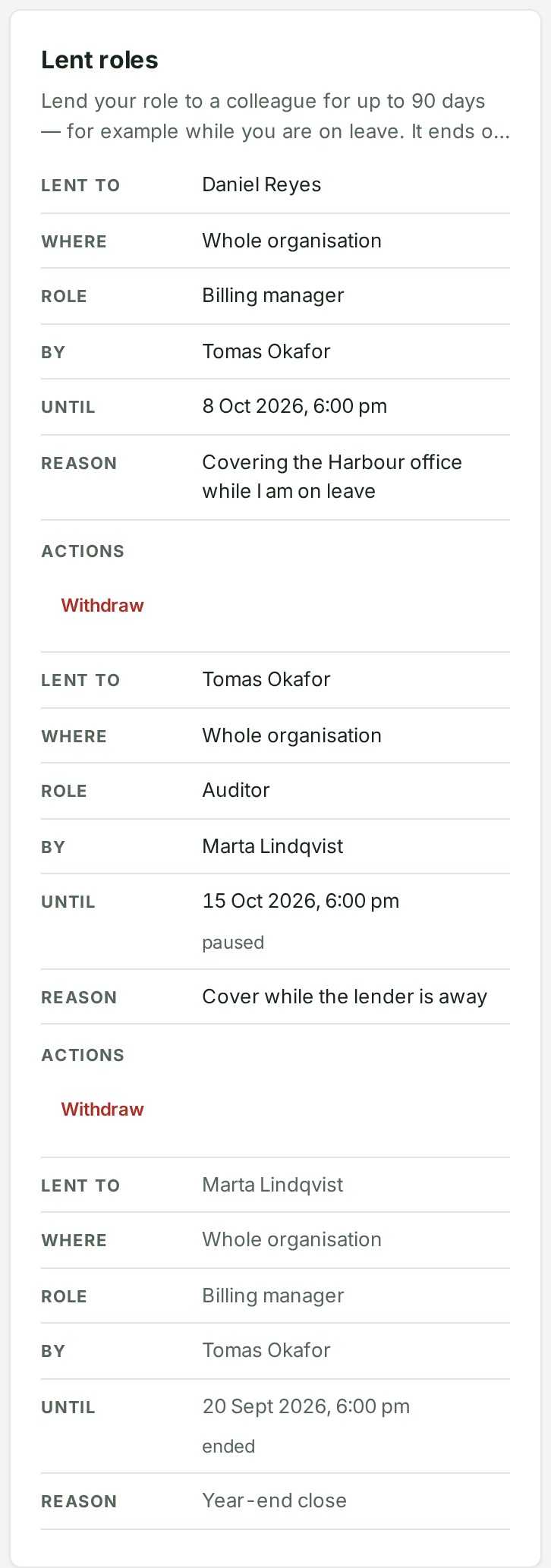
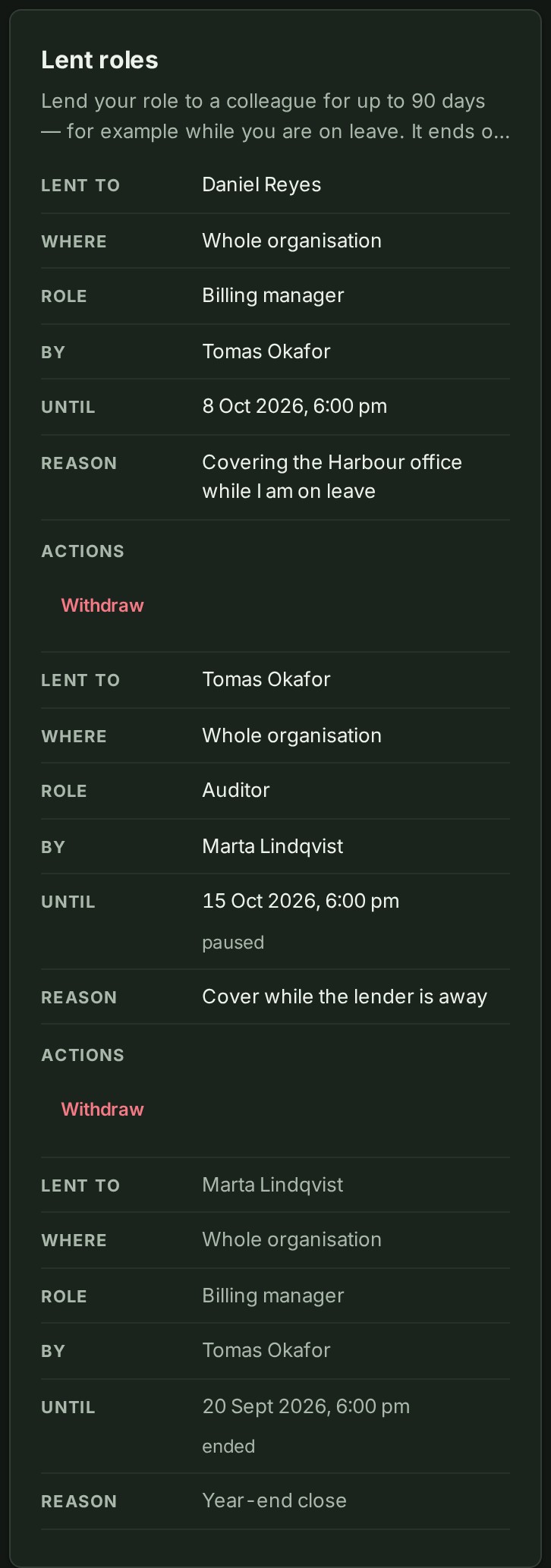
On a phone each lent role is a card:
Why this is so
A lent role is the lender's own authority, held for them while they are away, so it can never carry more than they hold and it does not outlast their holding it. A role lent out of a lent role ends no later than the one it came from, and ends with it. The Lent roles table shows paused beside a role that applies to nobody for now, and ended beside one that is over; a role ends the moment the change that ends it is made, and the audit trail records it then. When a change to the plan takes Delegated access away, lent roles end with that change and are recorded then. When the plan runs out by its date instead, they stop at once and are recorded as ended the next time anyone in the organisation uses the Console, or within the hour.
When a role is lent to you
When an organisation role is given to you or ends, its bell notice opens Settings, where you can see your role. Notices about naming an administrator still open Access → Administrators.
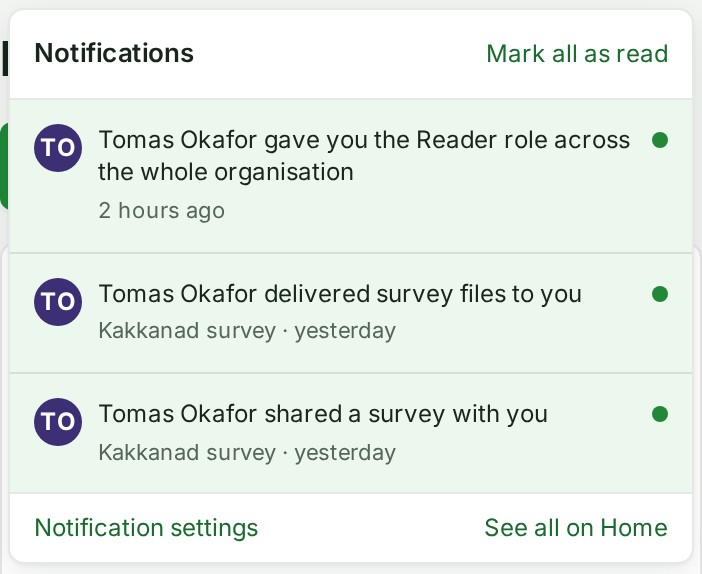
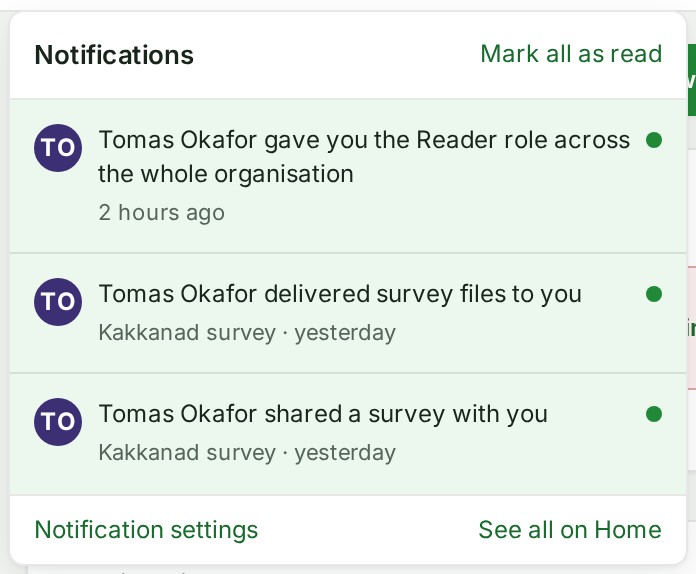
Lending a role gives it to someone for a fixed time: a colleague who is away can lend you their Billing manager or Auditor role over the organisation, or a role over a branch or a project, until a date they choose. While a loan runs you can do what the role allows, as well as what your own role allows.
- Your bell reads "\<name> lent you the \<role> role until \<date>", and the same news arrives by email. Choose it to open Settings.
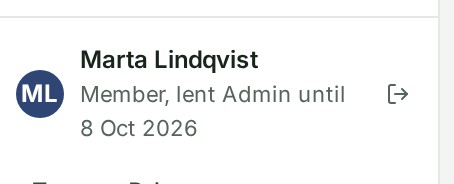
- Wherever your role is shown, the Console names both: your own role and the one lent to you, for example Member, lent Admin until 8 Oct 2026. Your row on People says the same.
- The Console shows you what the lent role opens, without a reload: an Admin role lent to you brings People and clients, Billing and more of Organisation controls onto your menu, and New project and New group become available.
When the loan reaches its end date, or someone withdraws it, the Console goes back to your own role. If it was withdrawn, your bell reads "\<name> withdrew the \<role> role lent to you" and an email says the same. If you lent a role and someone else withdraws it, you are told too. A lent role can also end, or pause, for the reasons under Lend a role for a while; the bell does not announce those, and the audit trail records them.
Why this is so
A lent role carries the role's rights and no more, for as long as the loan runs. It does not change your own role: what you hold permanently is what you can invite people to or give others, so a lent Admin role lets you manage members but not make anyone an Admin for good. A role lent over one branch or project applies there only, and the Console shows the controls it opens there. If your own organisation role is Billing manager or Auditor, a control that a branch or project role would open may still stay hidden; GISweaver honours the role when you act. The Console notices an organisation loan starting or ending within about half a minute; returning to the tab checks again at once.