GISweaver Console
The Console manages your organisation's work and account — separate from the Map, where you view a survey on the map. Choose the right organisation first if you belong to more than one.
Why this is so
A change in one organisation does not change another. What you can see or change depends on your role — a person may open a project but not invite a colleague or change a plan; if a button is missing or you see a permission message, ask an owner or administrator to check your role and its scope. The left navigation marks its destinations when one is active; inside a project, the top of its page names your organisation and the project's number and name.
Find a section
| Section | Use it for | Before you start | Result |
|---|---|---|---|
| Home | What is waiting on you, your projects by state, recent work and the way back into the last project | Any member of your organisation | You see rows that link to where the work is done; some sections depend on your role |
| Projects | Project records, project members and new uploads | You need access to the project or its branch | You can open its work and start a transfer into it |
| Uploads | Every transfer in the organisation | You need organisation-wide project access | You can see progress, attention items and the project for each transfer |
| Messages | Private one-to-one conversations with colleagues | Any member of your organisation | Only you and the person you message can read it |
| Deliveries → Shared releases | A release another organisation has shared for map access | The sender must share it with your organisation | You can open the permitted map access |
| Deliveries → Received and Deliveries → Sent | Files sent between organisations | A release must first be prepared for delivery | You can check received and sent hand-offs |
| People and clients → Clients (under Organisation) | Reusable client-directory entries | You need client-directory access | Projects can use one consistent client record |
| Access (under Organisation controls) | Roles, permissions, policies, administrators and approvals | Any member can read it; the owner and access administrators act | You see who administers access and what waits for approval |
| People, teams, branches and clients (People and clients, and Branches under Organisation controls) | Colleagues, access and project groups | You need the relevant people or branch permission | The right people get access at the right scope |
| Settings (under Organisation controls) | Organisation identity, standards, records and data downloads | Some pages need owner-level permission | You can review or manage organisation-wide details |
| Organisation controls (under Organisation) | Access, Branches, Drawing standards, Checklists, Public profile and Settings in one place | Owners and administrators use most of it | You can open any control your role allows |
| Billing (under Organisation) | Plan, use, payments and invoices | Choose the correct organisation | You can review the current commercial record or, if authorised, start a change |
| Preferences (account menu) | Your profile, measurements and sign-in security | You must be signed in | Your own account settings change without changing survey data |
| Help | Product guidance and support | None to open Help | You can use available support options or see the contact route |
Start with your survey work
After you sign in, GISweaver opens Home for everyone. It shows what is waiting on you, your projects by state and what you opened recently. People who read every project in the organisation also see recent deliveries.
A Continue card at the top takes you back to the last project you opened. With no projects, Home says so and, if you may, offers New project. Creating a project opens it so you can add files.
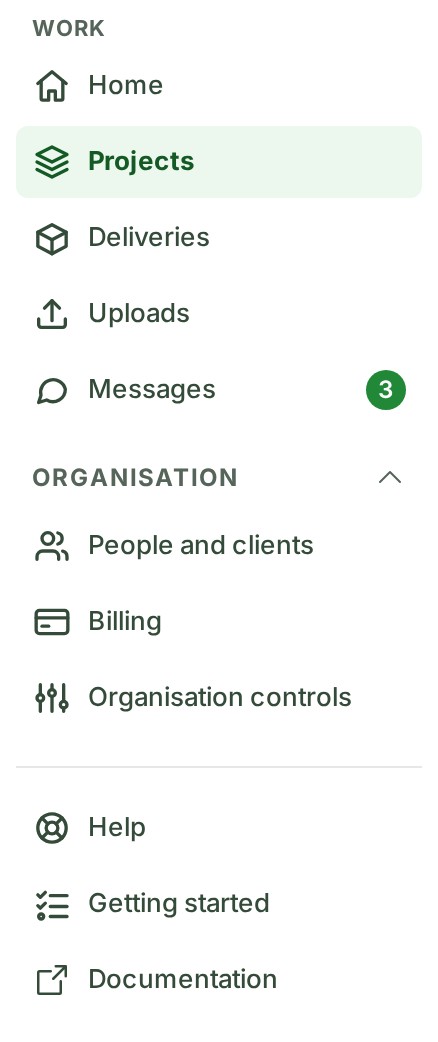
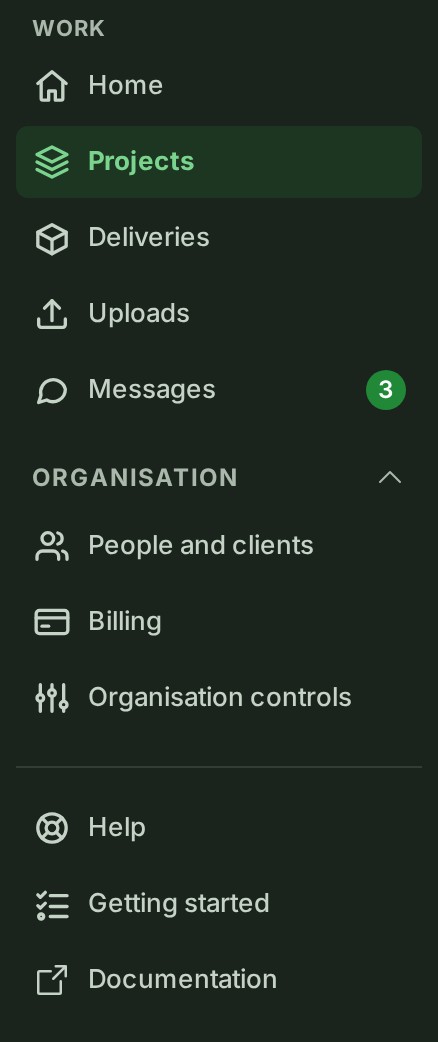
- Work keeps Home, Projects, Deliveries, Uploads and Messages visible when your permissions allow them.
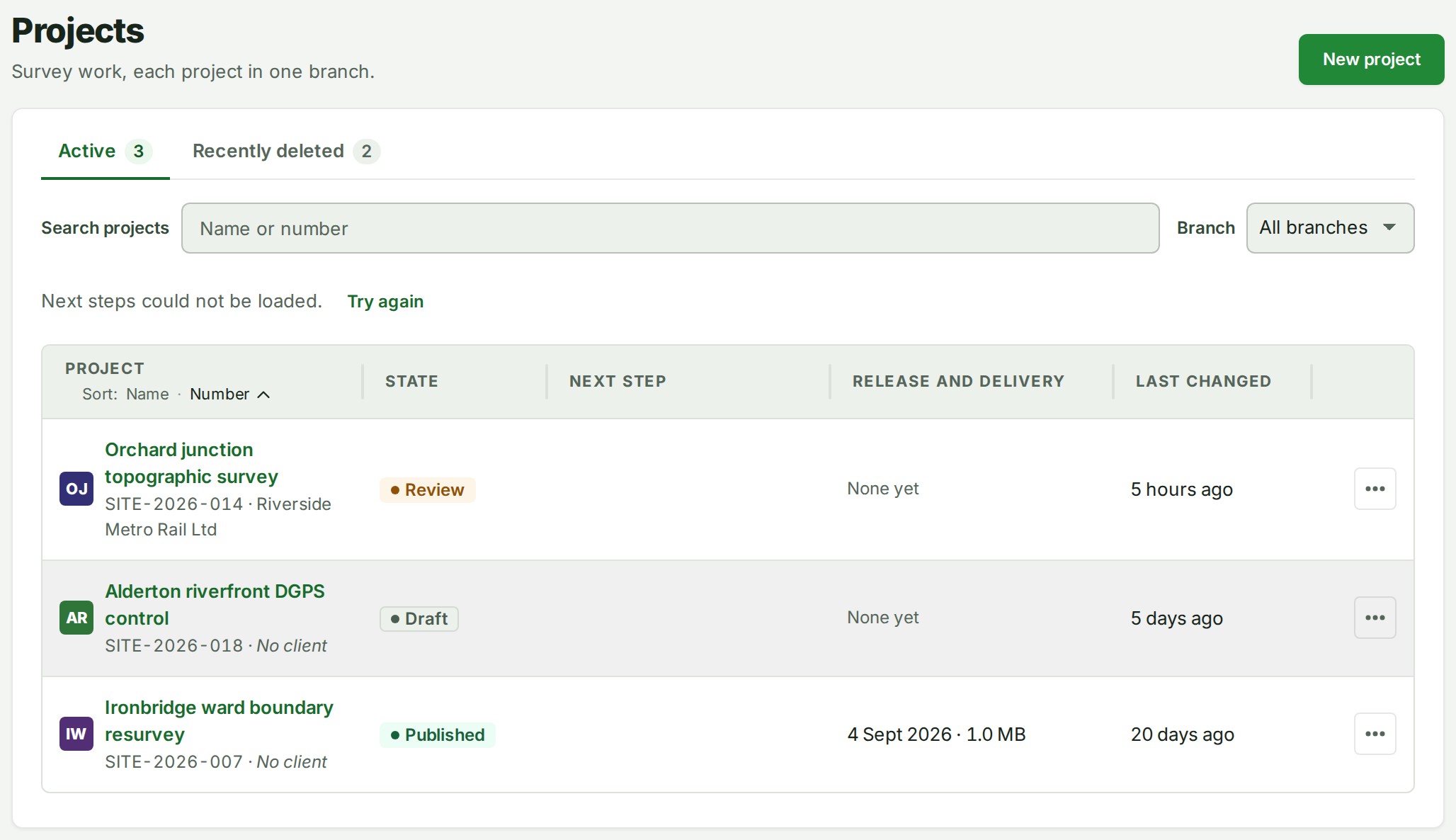
- Projects lists every project you can open. People who read every project (owners, administrators, billing managers and auditors) also get State and Waiting on choices (see Narrow the list).
- Deliveries holds what crosses your organisation's boundary, on three tabs: Received (what other organisations delivered to you), Shared releases (what they shared with you) and Sent (what your organisation delivered).
- Organisation holds People and clients, Billing and Organisation controls. Organisation controls is the one entry for Access, Branches, Drawing standards, Checklists, Public profile and Settings (see Organisation controls).
- On a desk the Organisation section starts open for everyone. Your choice is remembered for this account and organisation, and opening a page inside it opens the section.
- The collapsed icon rail shows every destination you may open, without the section heading.
Your picture in the top bar opens Preferences and Security. On a phone, the menu button opens the same navigation.
For owners and administrators, Getting started sits beside Help and Documentation until every step is ticked or you choose Don’t show this again on its page. Either also removes its reminder, and it is then in the Help menu (the Help menu button in the top bar). To bring it back to the navigation after Don’t show this again, open it and choose Show Getting started again. Inviting colleagues is an optional step.
At the foot of the navigation, under your name, are Terms, Privacy and Vision, mission and governance. Under them are the Console and Engine versions: quote them when you contact support. On a phone the same lines close the navigation menu, and signed out they end the footer of every page. Collapsed, the navigation keeps only the numbers.
Controls around the navigation
| Control | Where | What it holds |
|---|---|---|
| Theme | The account menu, on one row | Light, Dark or System (follow your device's own setting). Each choice is a small button with a picture: a sun, a moon, and for System a screen at a desk or a phone on a phone. The chosen one is raised and outlined; hold the pointer over a button to read its name. |
| Help (a question mark) | At the top right, beside the bell, and on the map beside Upload | Help for this page, Map guide, Search the guide, Report a problem, Your tickets and Keyboard shortcuts. On a phone it is a Help group in the menu under your picture. The guide's pages open in a new tab. |
| Collapse and Expand navigation | The foot of the navigation, at a desk | Fold the navigation to a column of icons, and open it again. For owners and Admins, Organisation starts folded at a narrow desk. |
| Open Console navigation and Close navigation | The menu button at the top left, on a phone | The navigation as a menu. Your organisation's name is at the top of it. |
Find something by name
To go straight to a project, a file, a thread, a client, a member, a delivery, a release, a page or an action, use Search in the top bar, or press ⌘K or Ctrl+K. See Find anything.
Work in more than one organisation
If you belong to more than one organisation, the one you are working in is named at the top of the Console beside its mark, with a short coloured bar that is the same for that organisation every time. To change it:
- Choose the organisation's name in the top bar (on a phone, open the menu first) and pick another.
- GISweaver asks "Switch to \<organisation>?" and names both organisations. Choose Switch to organisation to go, or Stay in organisation (your current one) to change nothing. If a form or a note holds text you have not saved, the question says so and its button reads Discard and switch.
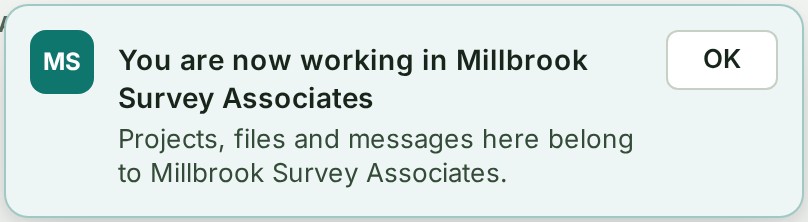
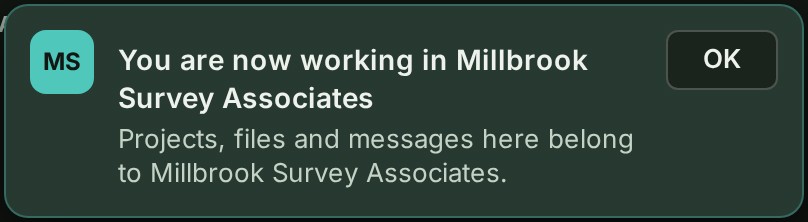
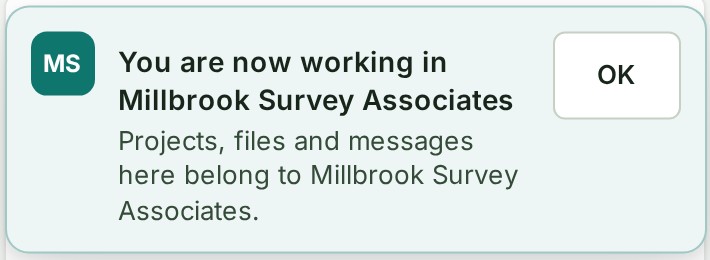
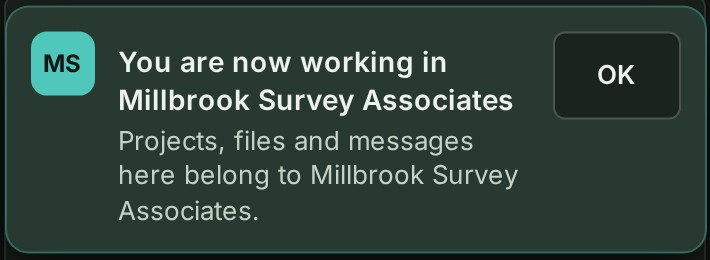
- The Console opens that organisation's Home page and says "You are now working in \<organisation>"; the organisation's name in the top bar is outlined in its colour for a few seconds.
Each browser tab keeps the organisation it is working in. Refreshing the page keeps you in that organisation and on the same page, and choosing another organisation in one tab does not move a tab you already have open in the other one. A new tab opens in the organisation you last chose or last changed something in, and the next sign-in opens in the one you last chose.
If you open a project's address while a different organisation is selected — a link a colleague sent, or a bookmark — the page says "This project is in \<organisation>", shows both organisations, and waits: Switch to organisation opens the project at the same address, and Stay in organisation (your current one) goes to Home. When the project is not in any organisation of yours, the page says there is nothing at that address.


Why this is so
Each organisation's records are kept apart: while one organisation is selected, another's projects are simply not visible, and a page cannot mix the two. Opening Home after a switch keeps you from standing on a page that belongs to the organisation you just left. New project, Give access and Invite a client name the organisation they act in, so an act made in the wrong one is visible before it is made.
Do a common task
- Open a shared release: another organisation must have granted map access first — see Shared releases.
- Monitor a transfer across every project in the organisation: see Uploads.
- Open and follow a support ticket: see Help.
- Send or receive a file hand-off (different from map access above): see Deliveries.
If your session or connection stops
Keep any tab holding a draft open. A short connection failure keeps your current screen; a confirmed session loss pauses actions while retaining the draft. Follow Keep your draft when a session ends to sign in in another tab and check the original session before saving again. If a screen cannot open, follow the reload offer and read its unsaved-work warning before reloading.