Home
Home is the first screen after you sign in. Every row on it opens the screen where the work is done, and Home itself changes nothing.
To open it again, select the GISweaver mark at the top left, or Home at the top of Work in the navigation.
The sections
| Section | Shows | Select a row to |
|---|---|---|
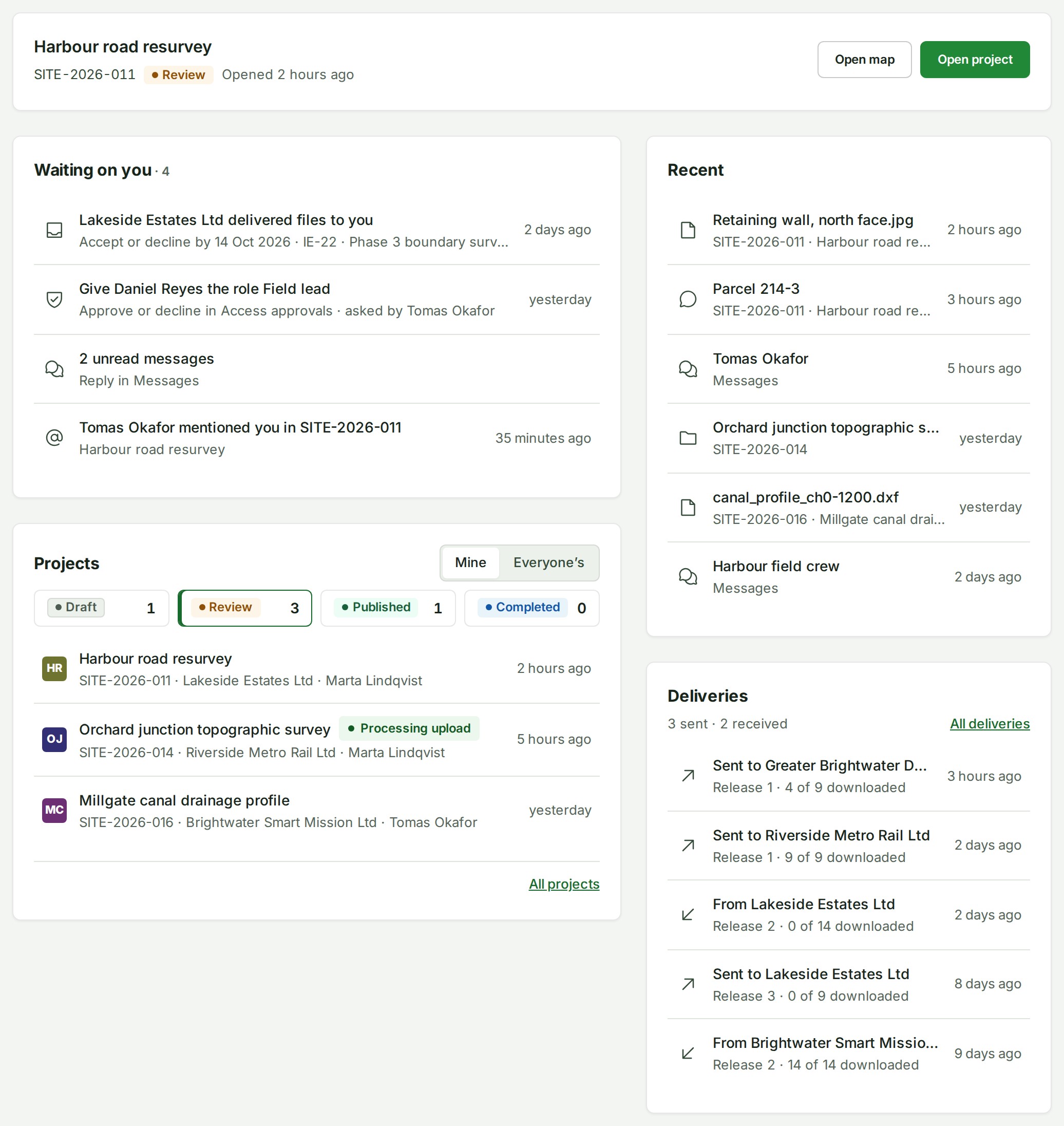
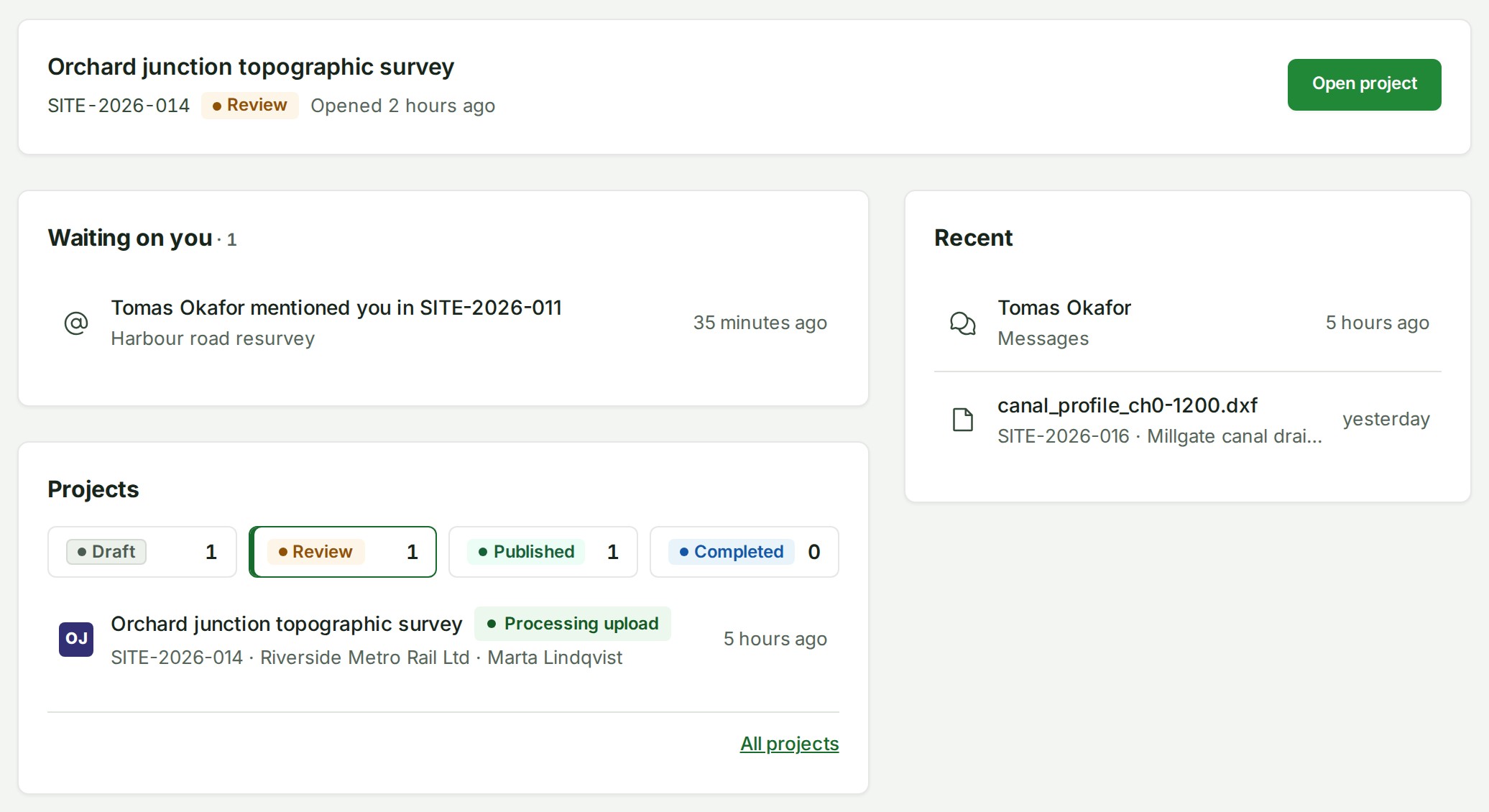
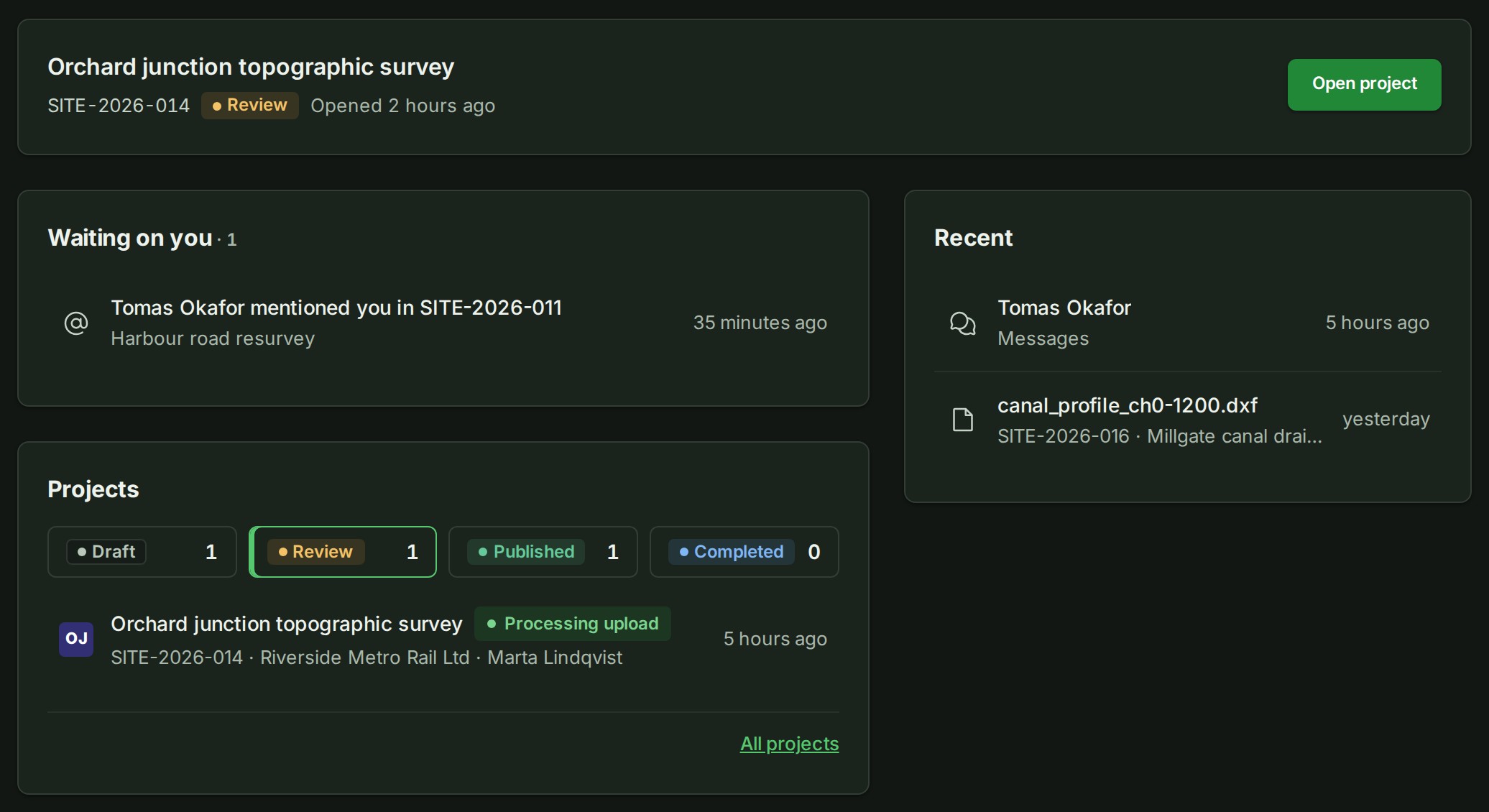
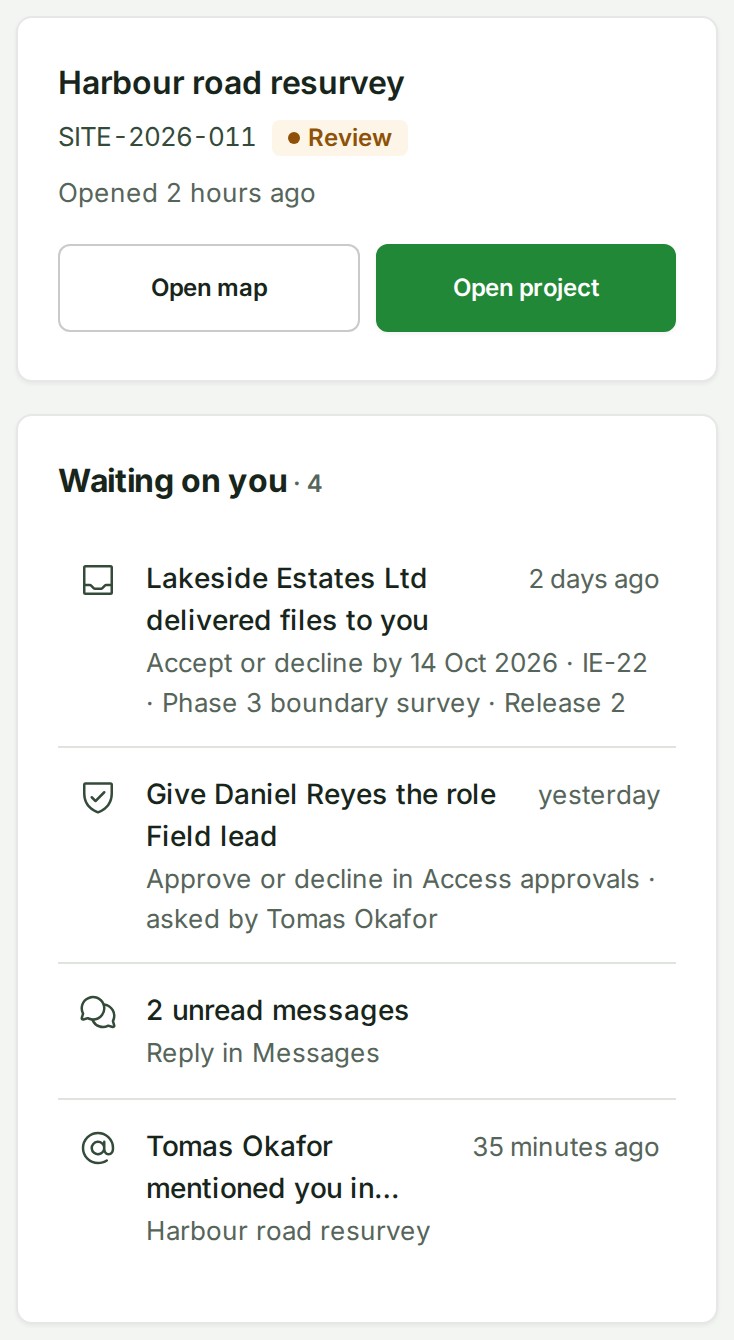
| Continue | The project you opened last, with its number, state and when you opened it. | Choose Open project, or Open map when the project has a release. |
| Reviews for you | Surveys another organisation has invited you to review, while the review is open. | Open that review. |
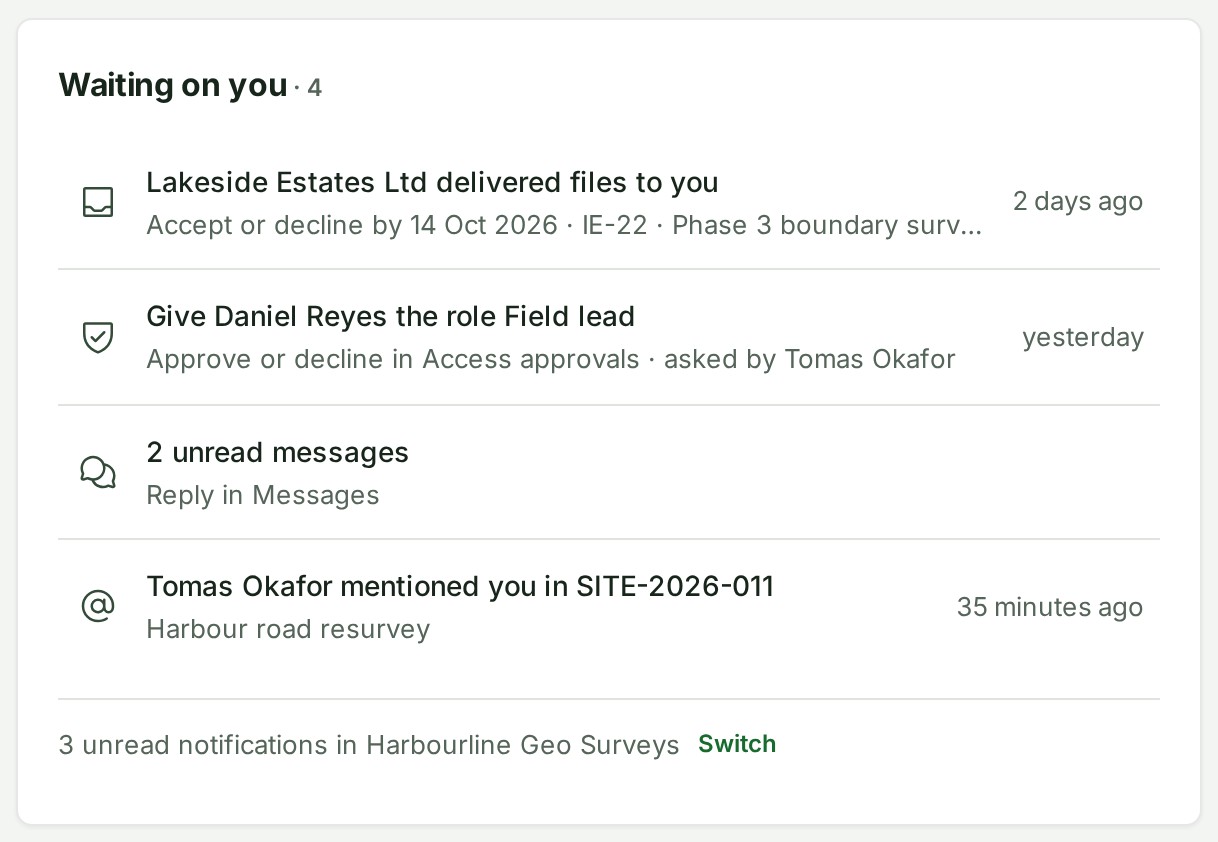
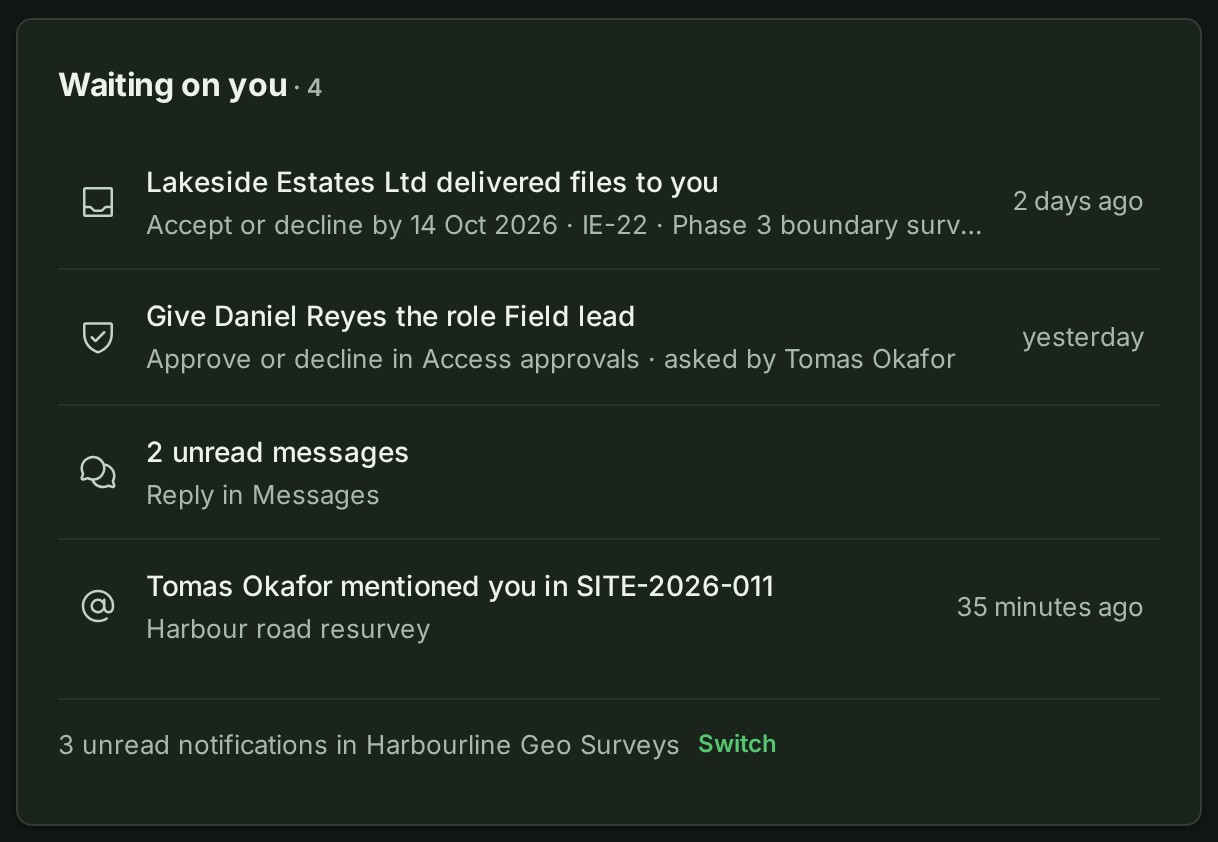
| Waiting on you | What you are expected to act on. | Open the screen where you answer. |
| Projects | Your projects by state: Draft, Review, Published and Completed. | Open the project. |
| Recent | Projects, files, conversations and chats you opened lately, newest first. | Open it again. |
| Deliveries | The latest hand-offs between organisations, sent and received. | Open the delivery. |
Home reads again when you return to its tab after a minute or more, and when you switch organisation. It does not refresh while you look at it.
Continue
The card is absent until you have opened a project in this organisation. You choose whether to go back to the project or to its map.


Reviews for you
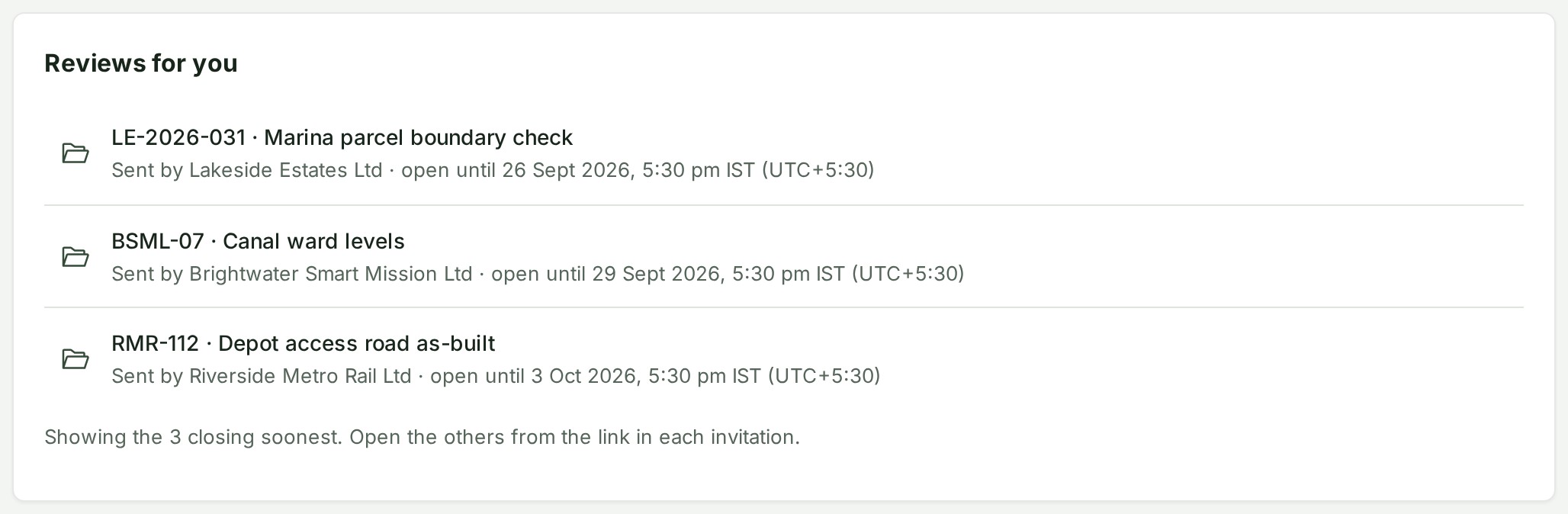
The card sits across the top, above the other cards, and is absent when no review is open for you. Each row shows the project's number and name, Sent by the firm, and open until the day.
A review that has ended, been withdrawn, or belongs to a project the firm has archived or deleted leaves the card the next time Home opens. With more than 50 open reviews the card lists the 50 that close soonest and says so (Showing the 50 closing soonest. Open the others from the link in each invitation.). See Review a survey as a client.
Waiting on you
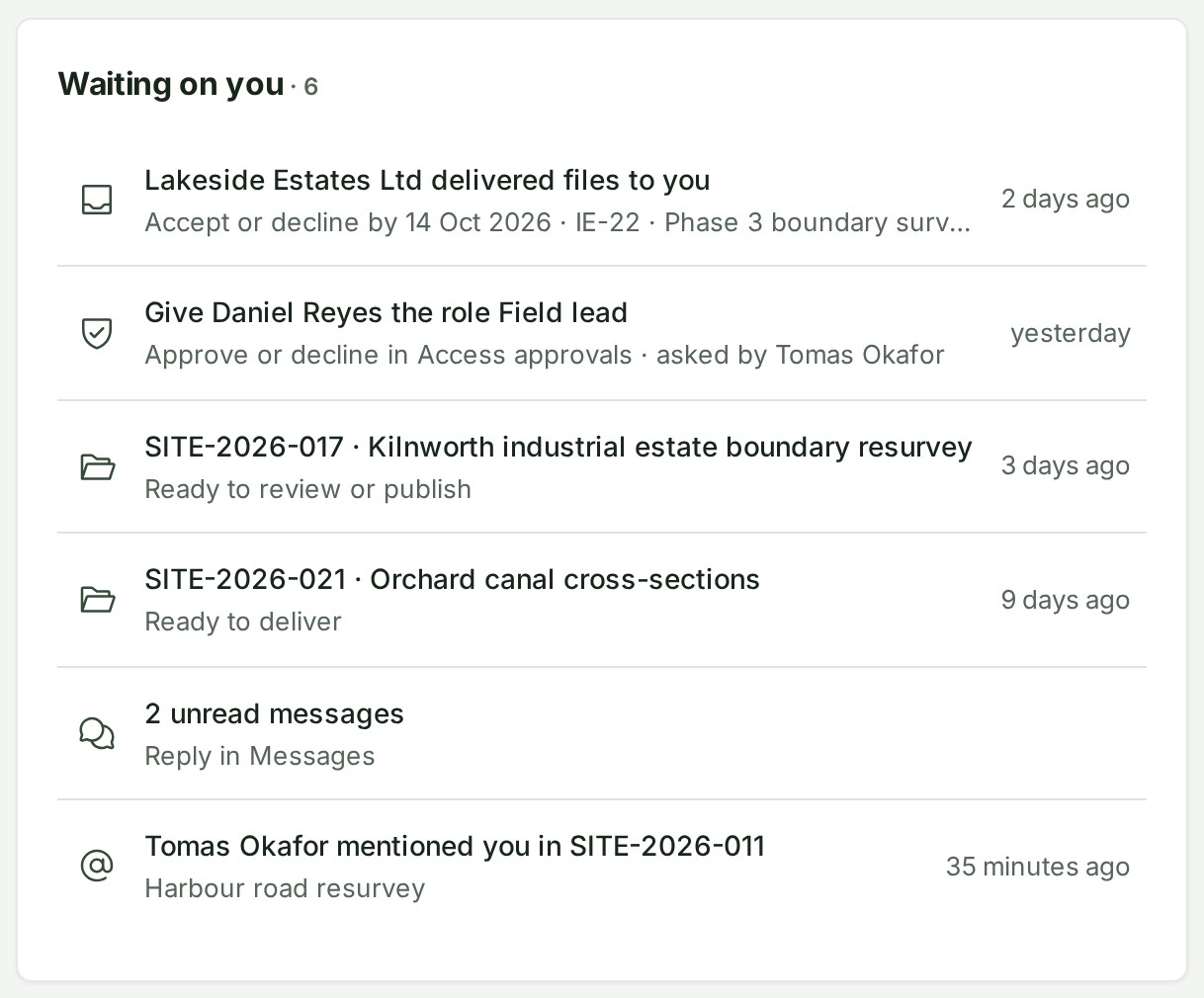
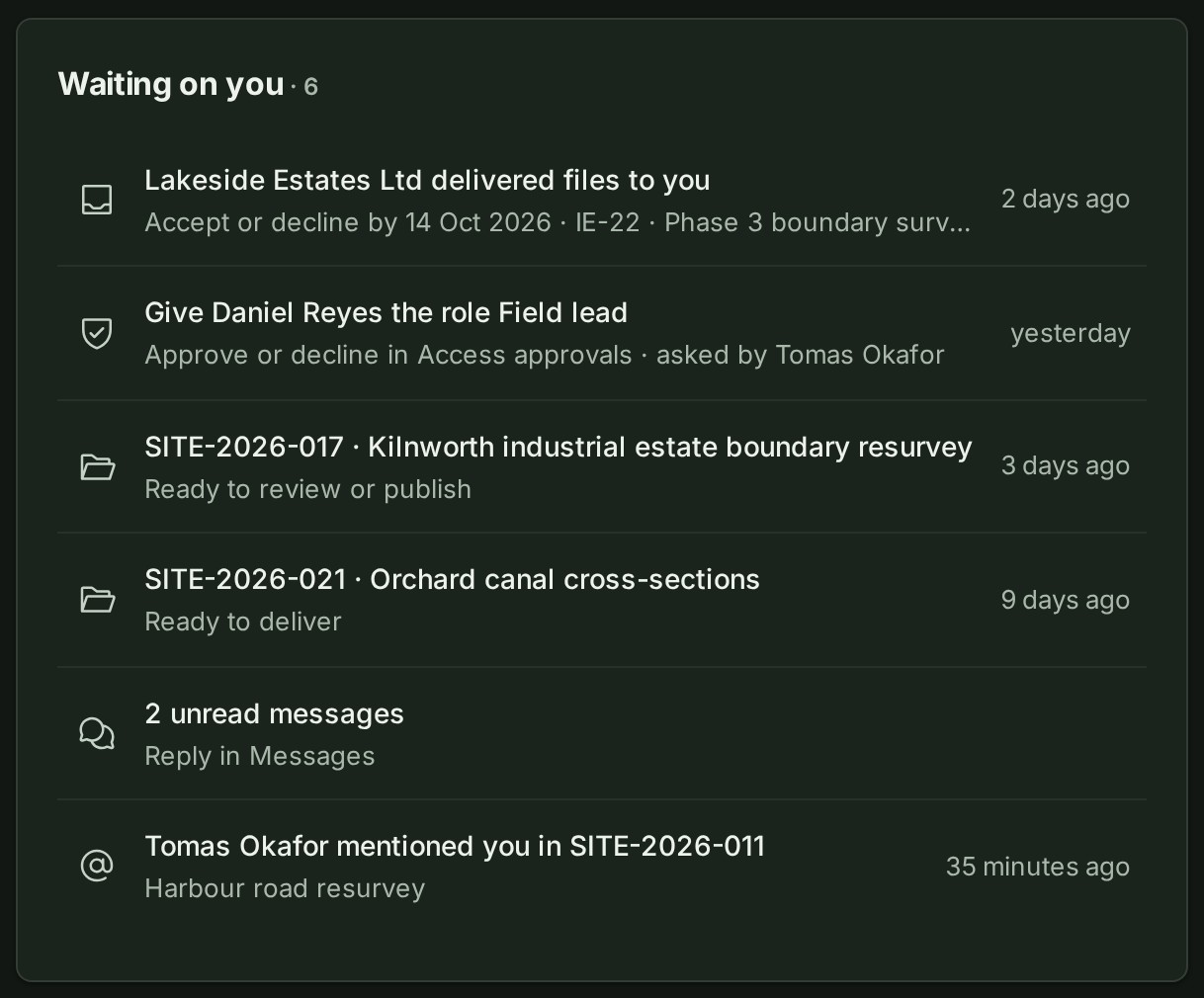
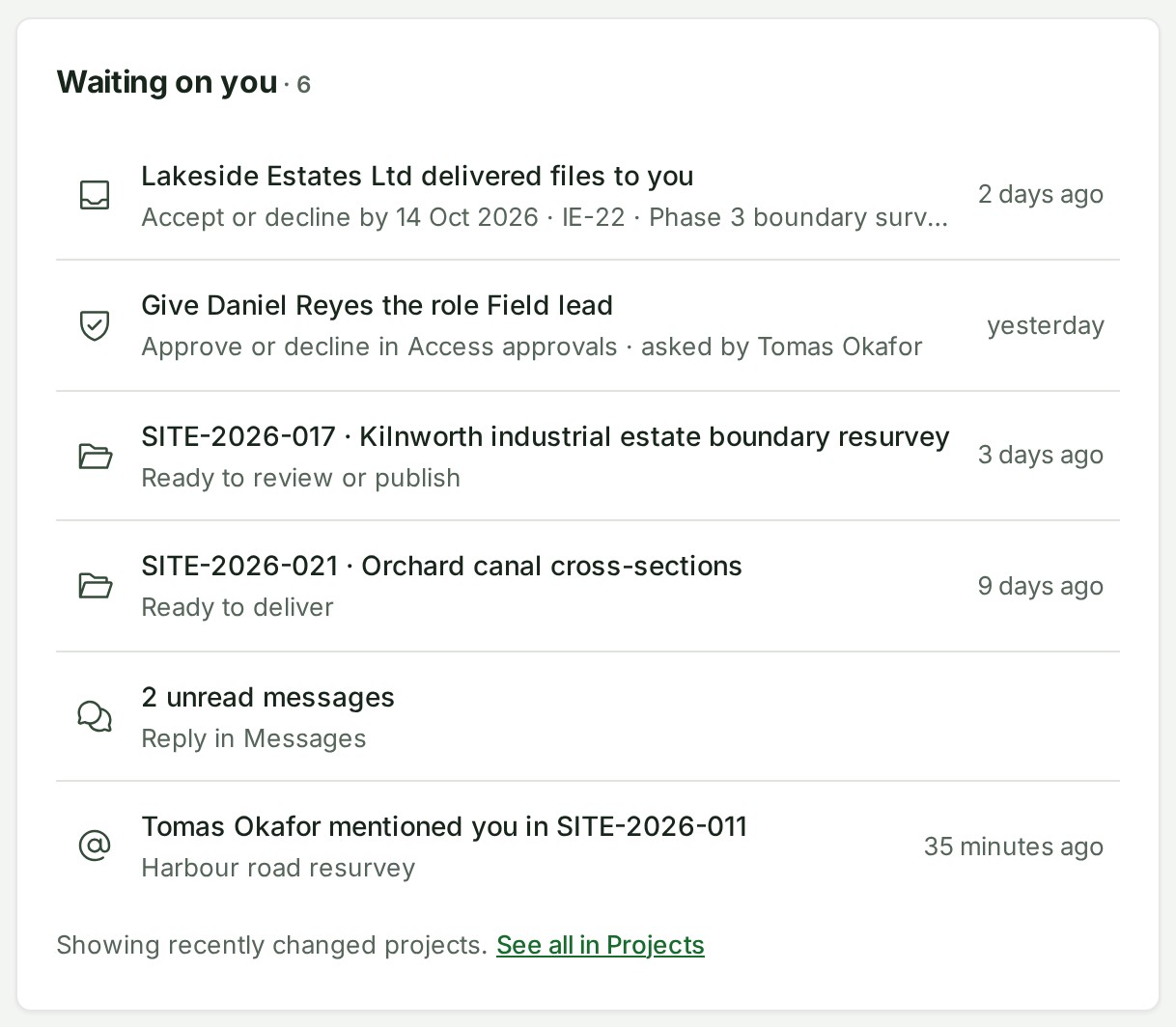
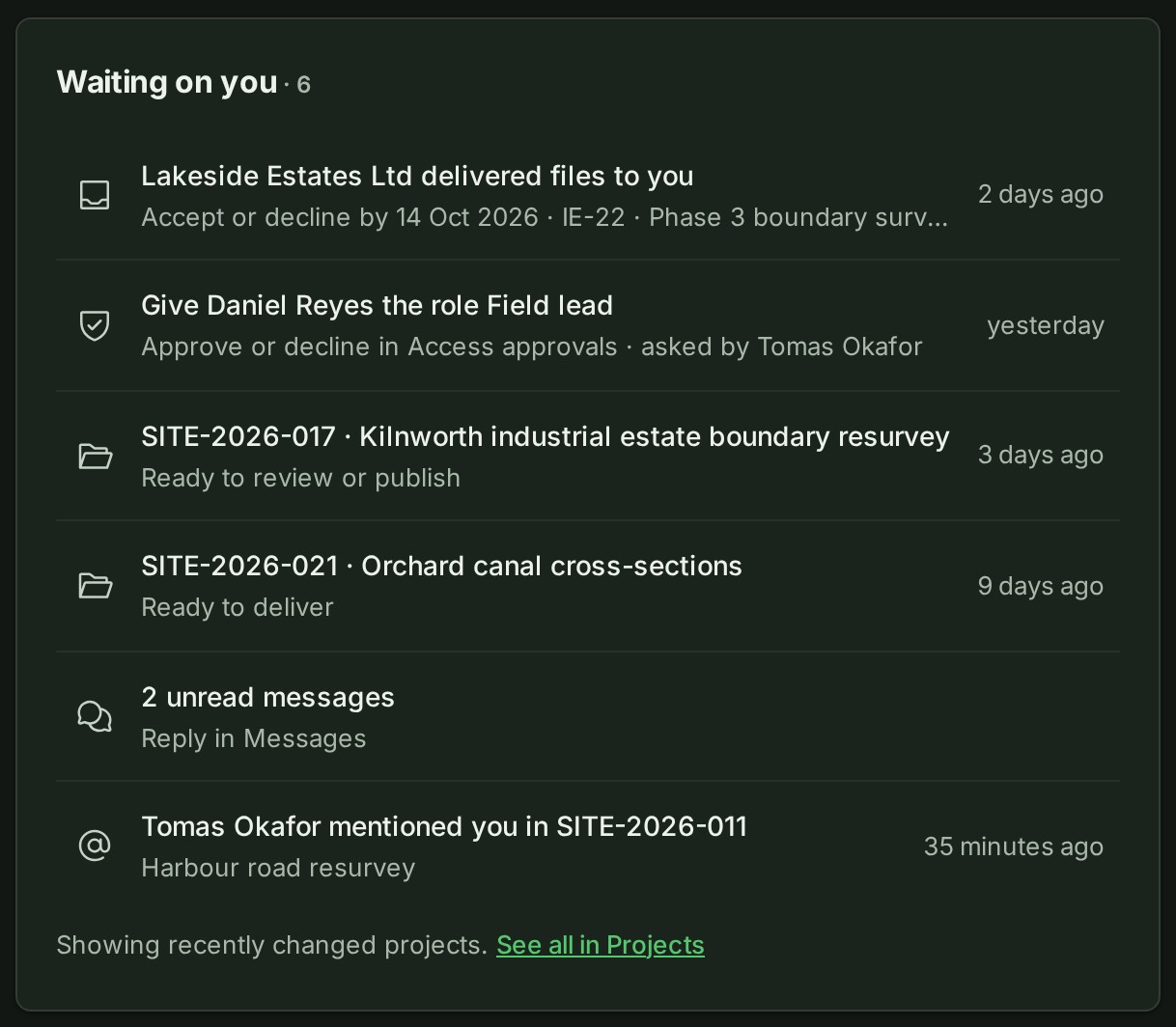
Decisions come first, the ones you have waited on longest at the top. Then come the projects whose next step is yours, newest change first, then your unread messages and notices.
| Row | Where it comes from | Where it goes |
|---|---|---|
| An access change someone asked for | The organisation's access approvals. Only people who can decide them see it: the owner, and anyone named an access administrator. | Access · approvals. A request to give someone a role reads Give \<person> the role \<role>, with Approve or decline in Access approvals · asked by \<Requester> under it. Any other change reads \<Requester> asked for an access change, with Approve or decline in Access approvals under it. |
| A project whose next step is yours | A project that waits on you or on your team: you are one of its leads, or it has no lead. You see the projects you can open, so a project lead or a branch manager sees theirs too. | The place the project's own strip links its waiting phrase to, else the project |
| A delivery sent to your organisation that nobody has accepted yet | Owners and administrators see it. The row reads \<Sender> delivered files to you, and under it Accept or decline by \<date>, the day access ends. | The delivery |
| Unread messages | Your unread private conversations: one row, with the count and, under it, Reply in Messages. | Messages |
| An unread notice that needs an answer | A mention, a conversation opened with you, a review thread you were named in, a grant or invitation offered to you, a connection asked for, or a project you were made responsible for. | The same place the notice in the bell opens |
A project row gives only what to do (Ready to review or publish), because the heading already says it waits on you. The Projects list says Waiting on you only when you are a project's single lead, Waiting on the leads when there are several, and Waiting on your team when there is none.
News stays in the bell, not here: being added to a project, a team or a group, and replies to something you said. A notice about an access change or delivery that already has its own row is not shown twice. Opening a row does not mark anything read.
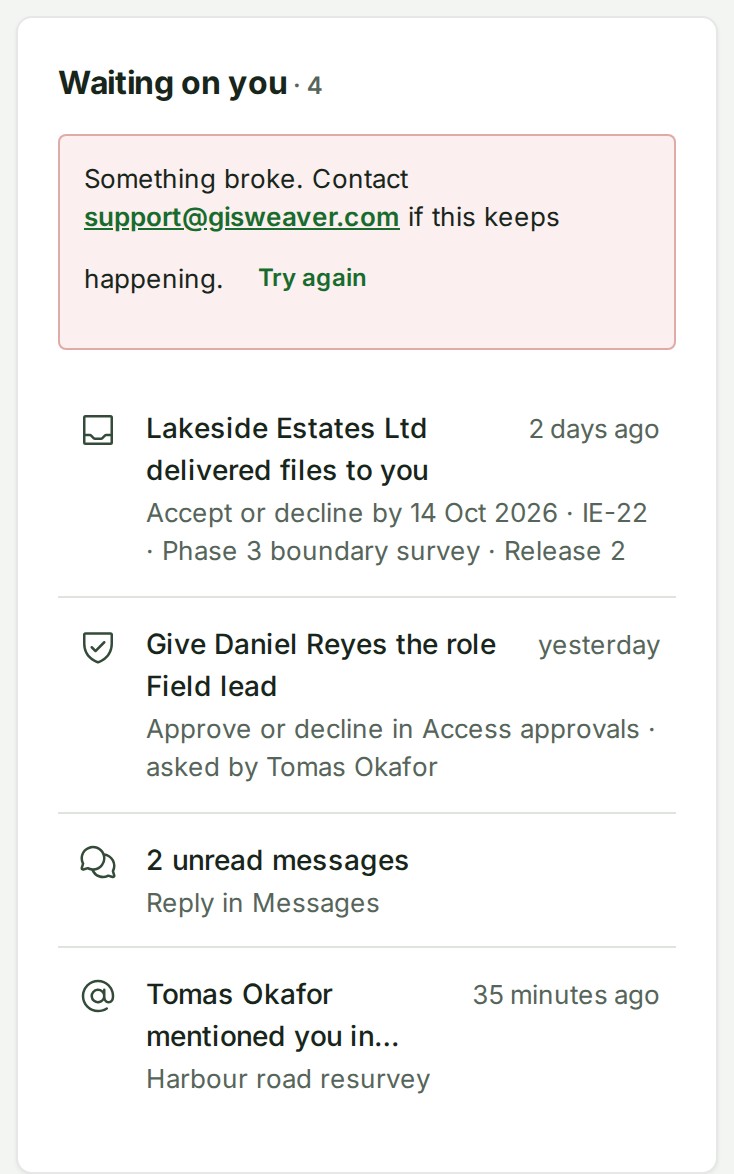
The section holds eight rows at a desk and five on a phone. Rows beyond that are counted in two links:
- See n more waiting on your team opens Projects filtered to the projects waiting on your team (the list's Your team tile, which also holds projects led by someone else).
- See n more in notifications opens the bell's list.
Home reads your most recently changed projects. When there are more, a line says so (Showing recently changed projects.) and a link, See all in Projects, opens the same Projects view.
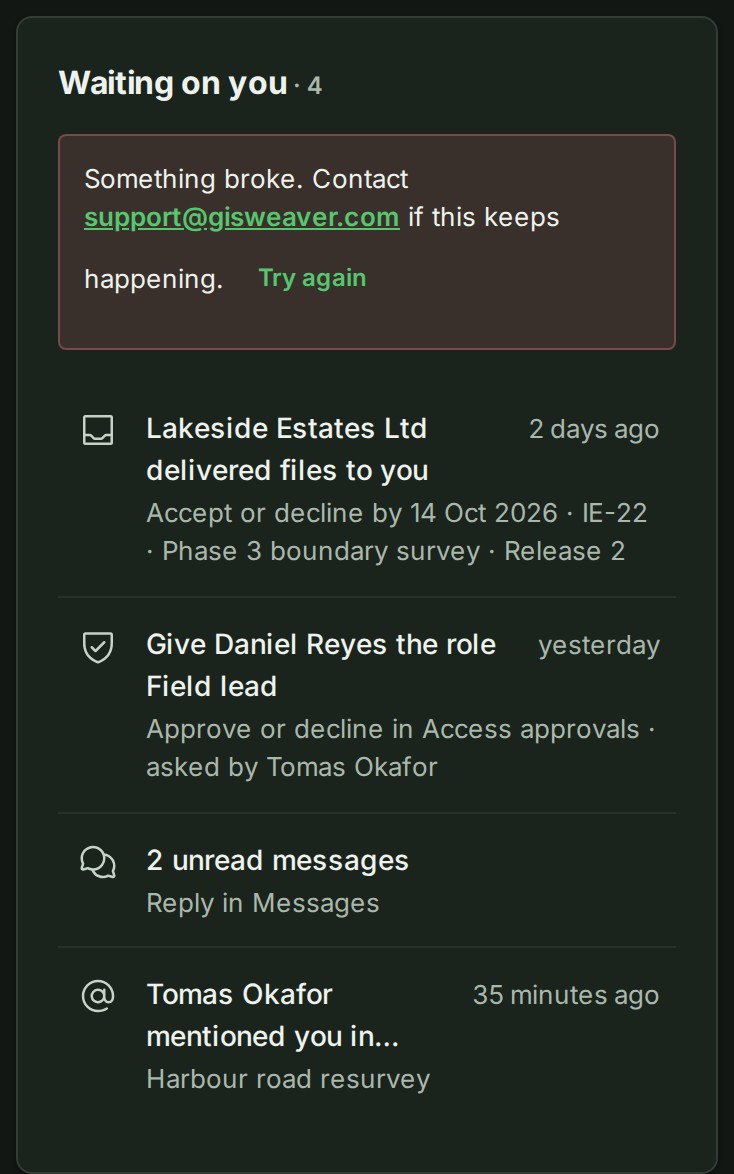
If the projects cannot be read, the section says so with Try again and does not say that nothing is waiting.
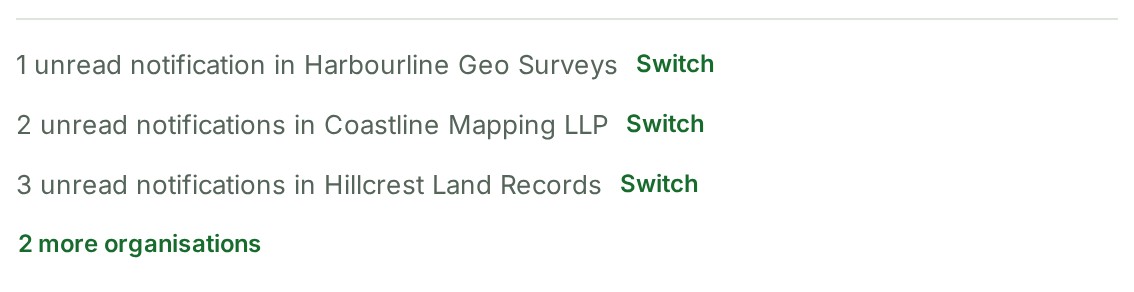
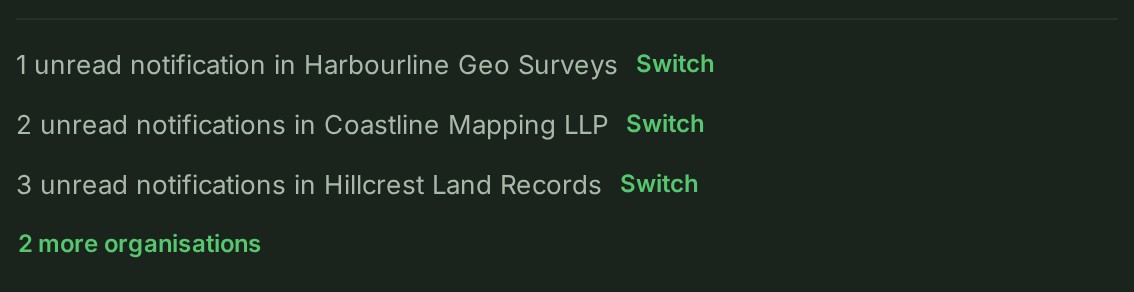
When another organisation of yours has unread notifications, one line under the section says so (for example 3 unread notifications in Harbourline Surveys) and offers Switch. With more than three such organisations, the last line reads n more organisations (1 more organisation for one) and opens the bell's list. It counts every unread notification there, news and replies included, so it can be more than that organisation's own Waiting on you shows.
Projects
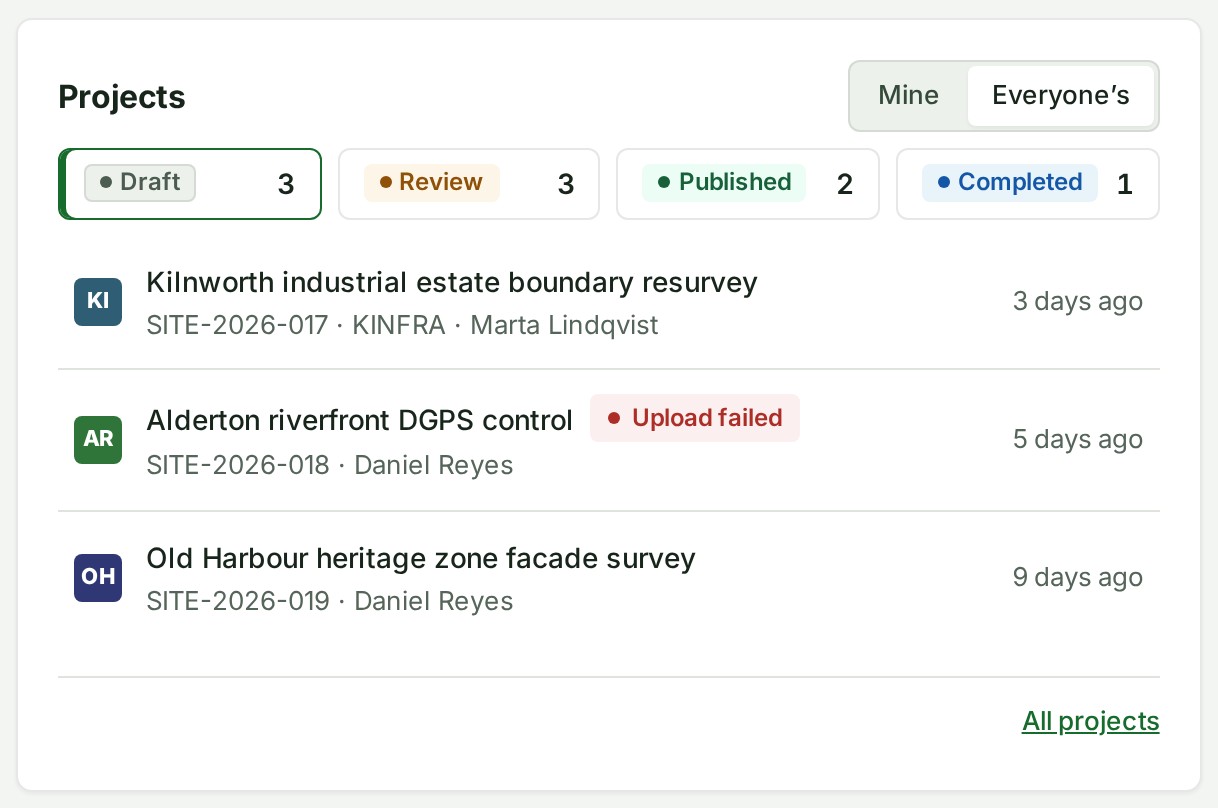
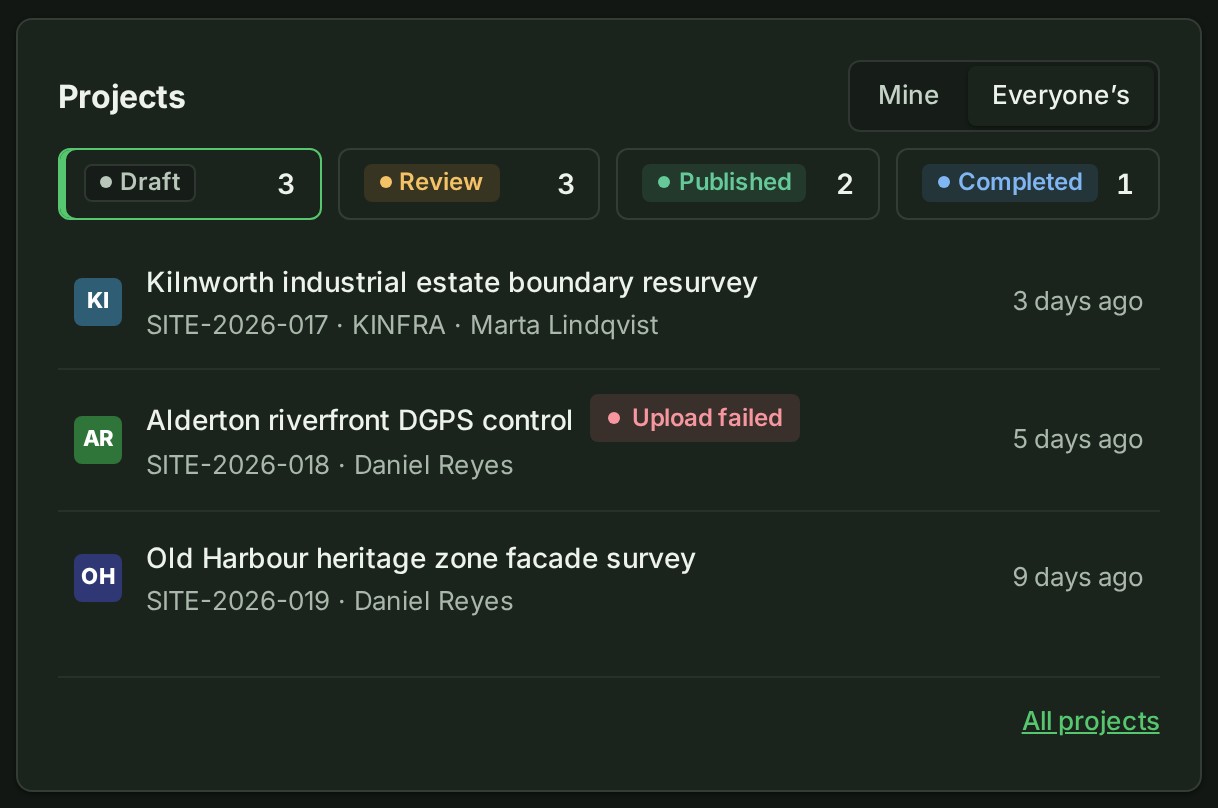
The section shows the four states with how many projects are in each, and under them the projects in the state that is open, the one that changed most recently first.
| Item | What it does |
|---|---|
| The state that opens first | Review when it holds any project, otherwise Draft, otherwise Published. Completed never opens first. |
| A project with no state yet | Counts under Draft. |
| A row | Shows the project's number, client and lead; how many checklist steps are done when it has a checklist (for example 7/12 steps, see See how far a project's checklist has got); a Confidential tag where it applies; and when it last changed (a file added or removed, or a move to another state). |
| Rows listed | 6 at a desk, 4 on a phone. |
| All projects | Opens Projects at the state you have open. People who read every project (owners, administrators, billing managers, auditors and custom roles that include it) also get the State and Waiting on choices. |
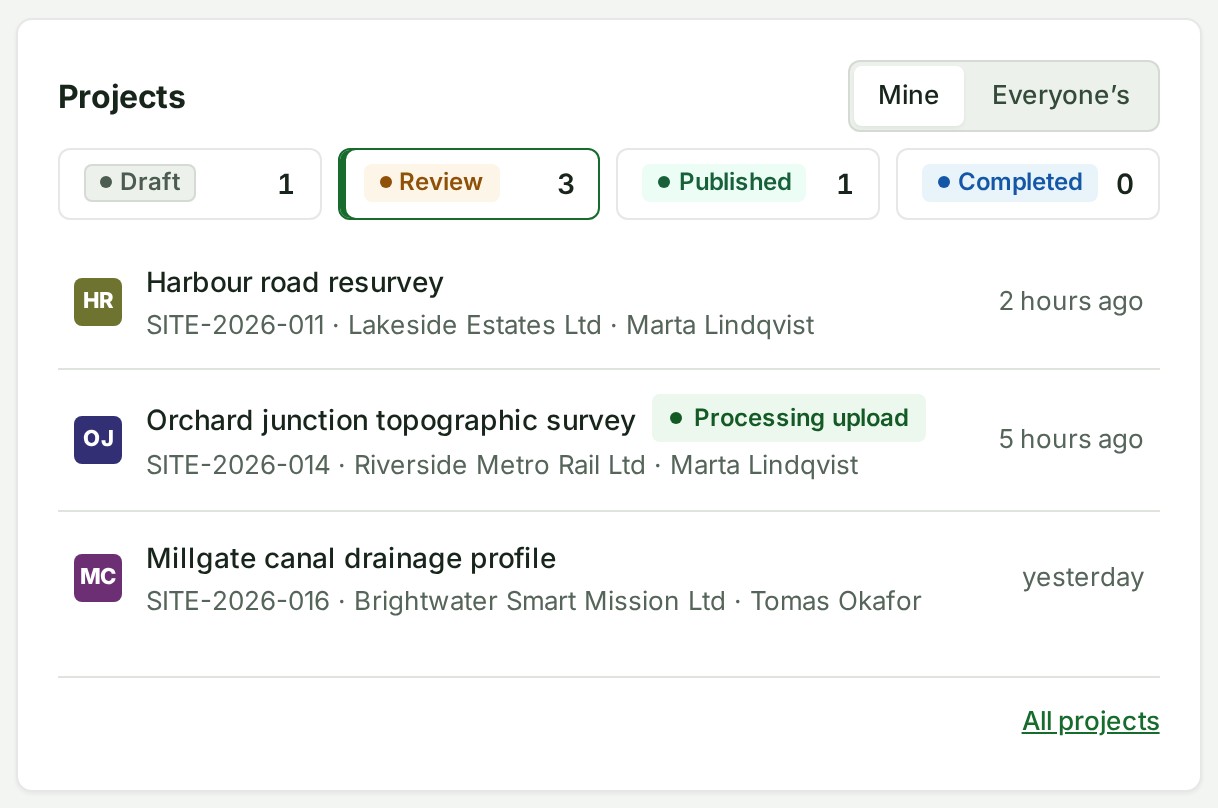
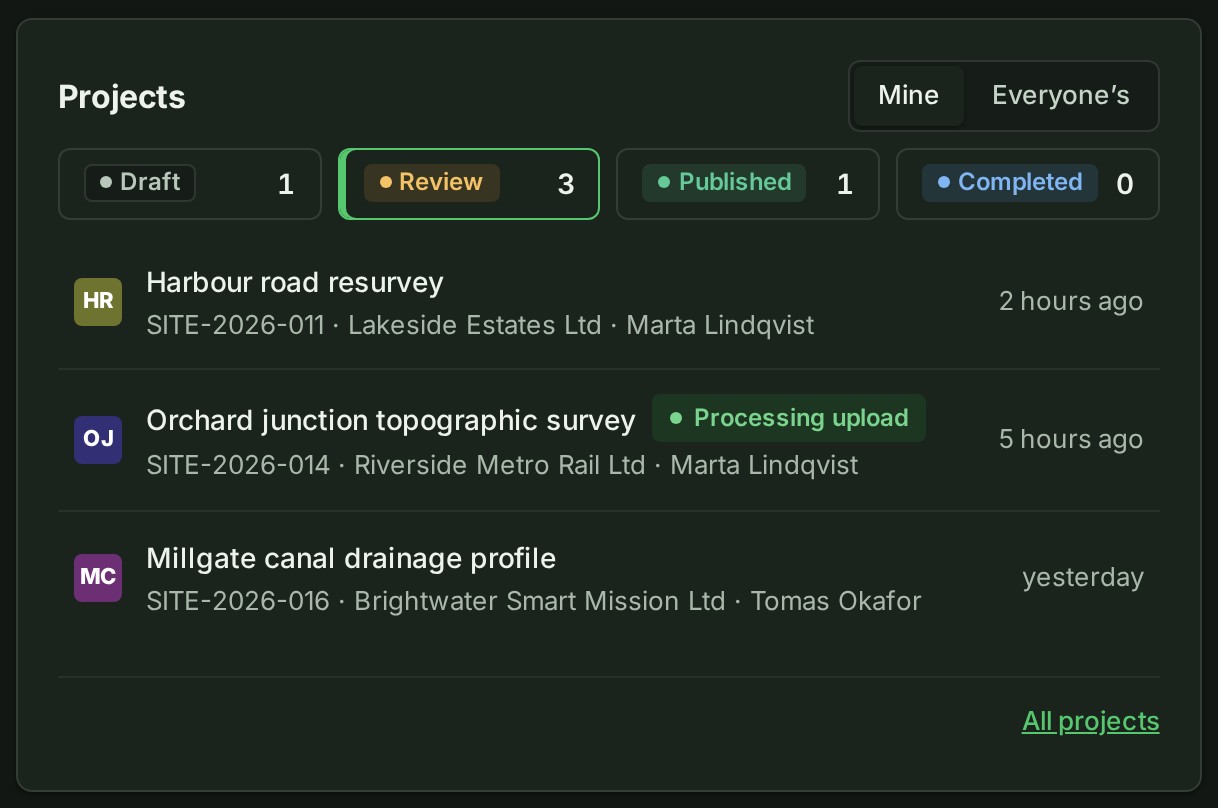
If you can read every project in the organisation, the section opens on Mine and offers Everyone’s. If Mine is empty, it opens on Everyone’s. GISweaver remembers your choice for this organisation in this browser.
Mine is the projects you lead, the projects or branches you have a role on, and the projects you opened in the last 30 days. If you reach only some projects, through a branch or a project role, the list is already yours and there is no choice to make.
Recent
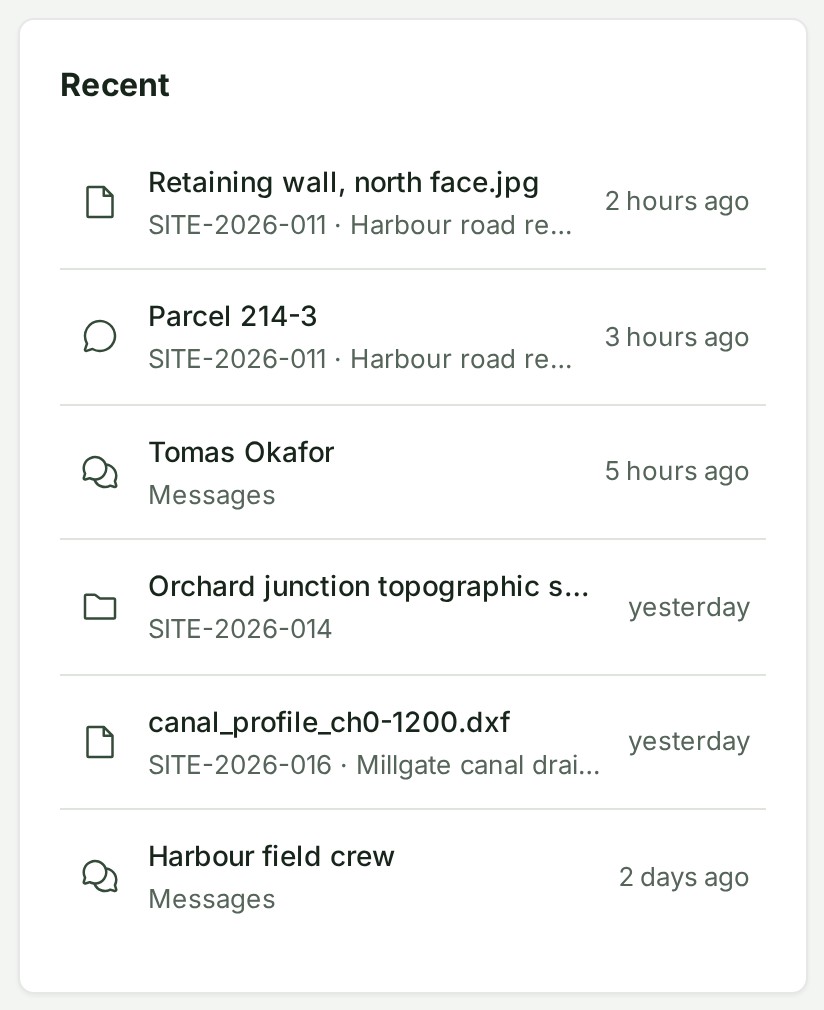
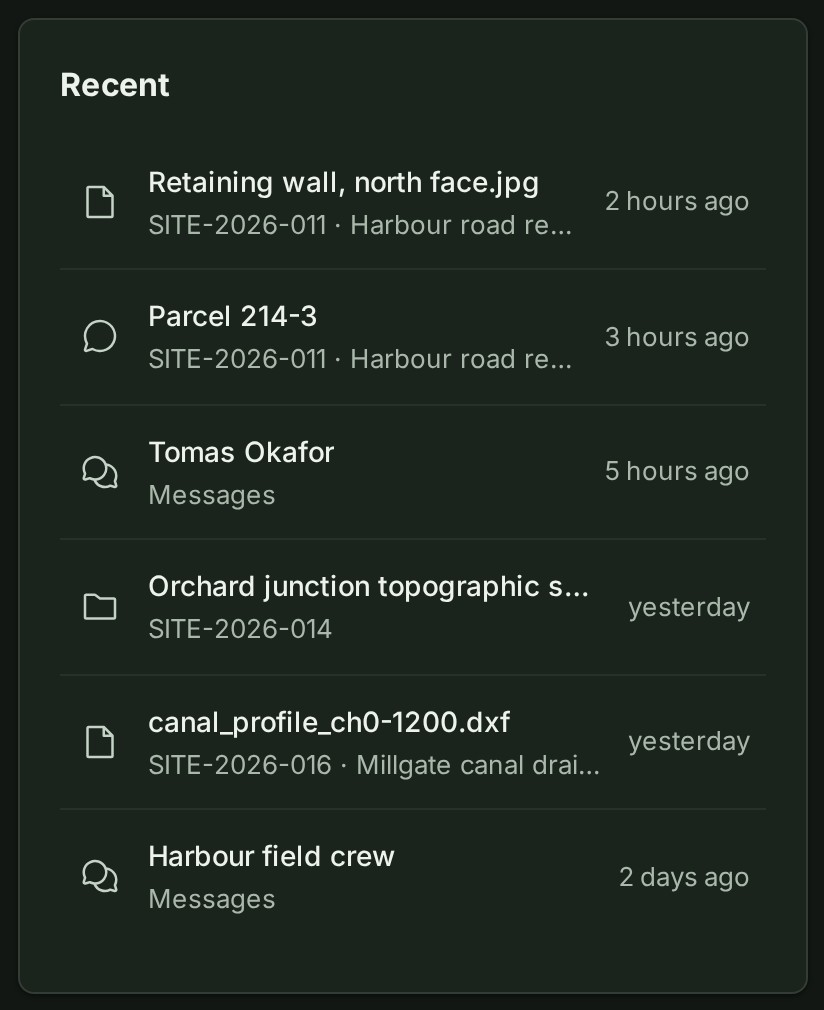
The last projects, files, project conversations and chats you opened, newest first, each with when. A file or a conversation names its project underneath; a chat says Messages.
Eight rows show at a desk and five on a phone. A row disappears when what it points to is deleted, or you can no longer open it.
Deliveries
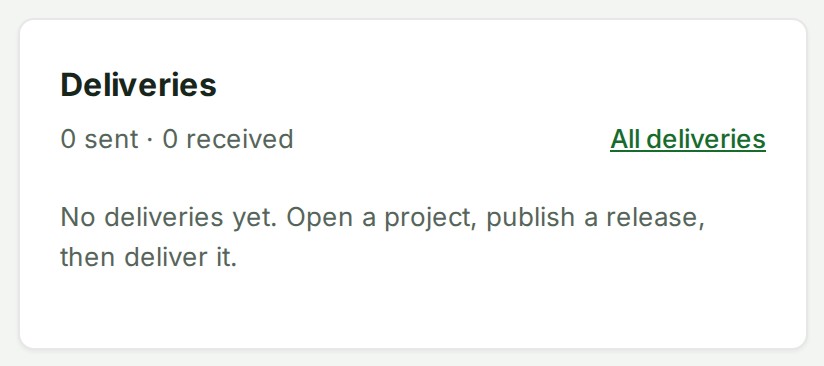
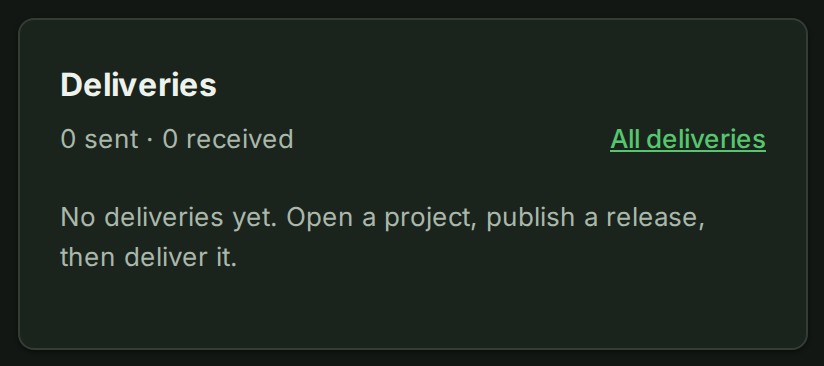
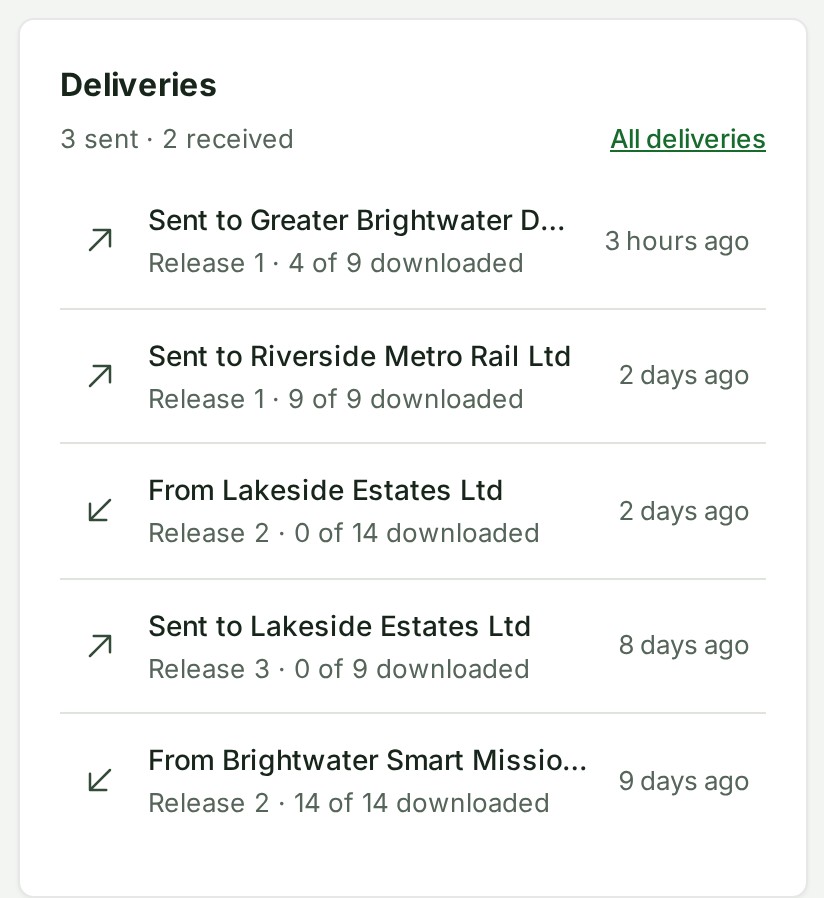
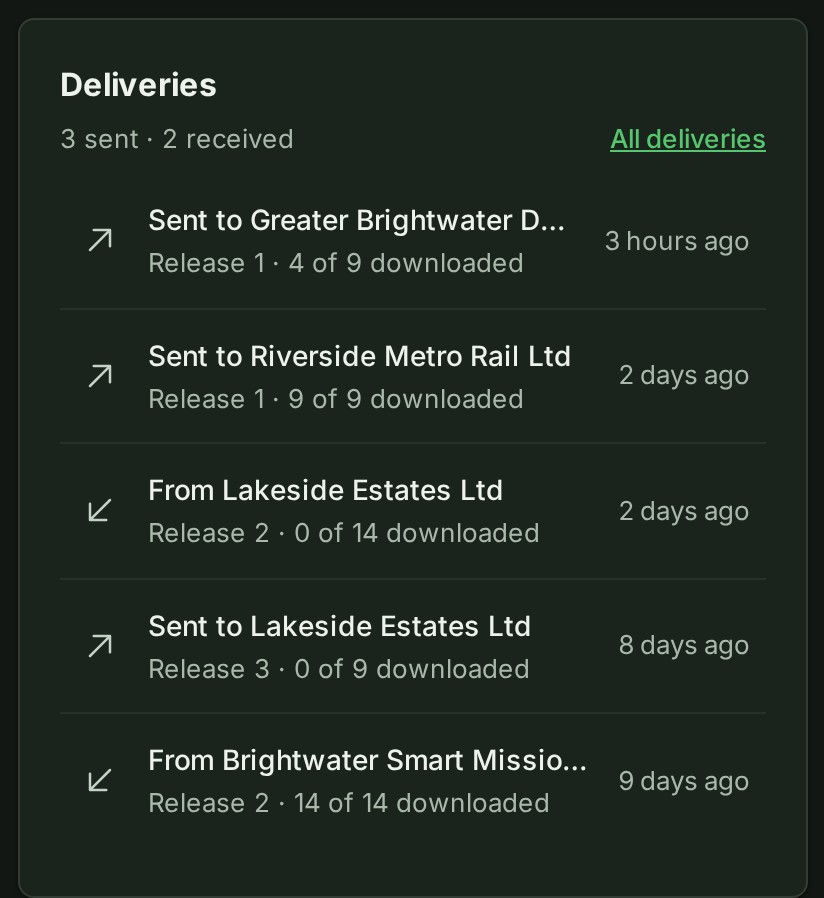
A row names the other organisation, then the release and how many of its files were downloaded (for example Release 1 · 4 of 9 files downloaded), and says when. The heading counts how many you have sent and received; All deliveries opens the full list.
Five rows show at a desk and three on a phone. With none yet, the card says so.
Why a section is missing
Home shows only what your role can open, so a section is left out rather than shown empty.
| Section | Missing when |
|---|---|
| Continue | You have not opened a project in this organisation yet. |
| Waiting on you, access changes | You cannot decide access approvals. |
| Waiting on you, deliveries | You cannot answer deliveries for the organisation. |
| Mine and Everyone’s | You do not read every project in the organisation. |
| Deliveries | You do not read every project in the organisation; deliveries are an organisation-wide list. |
A member who is on a few projects sees Waiting on you, Projects and Recent, and nothing else.
If something goes wrong
| You see | Do this |
|---|---|
| Could not load this section. with Try again | Select Try again. The other sections are unaffected. |
| No projects yet | Your organisation has no project you can see. If you can create one, select New project. |
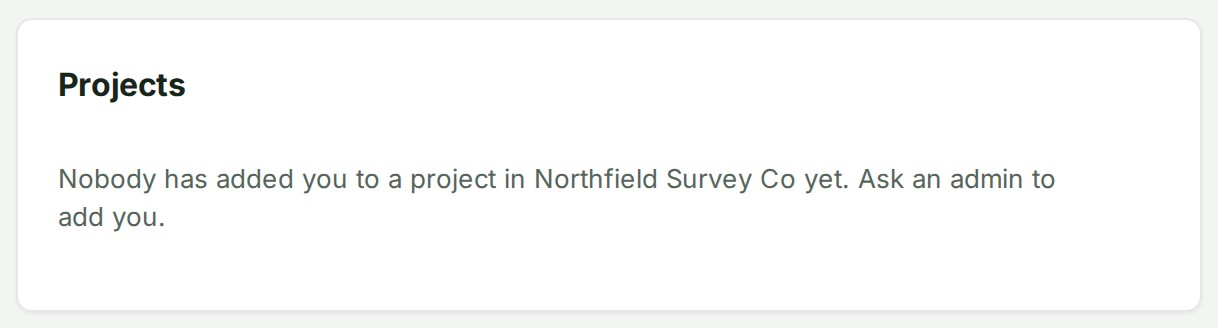
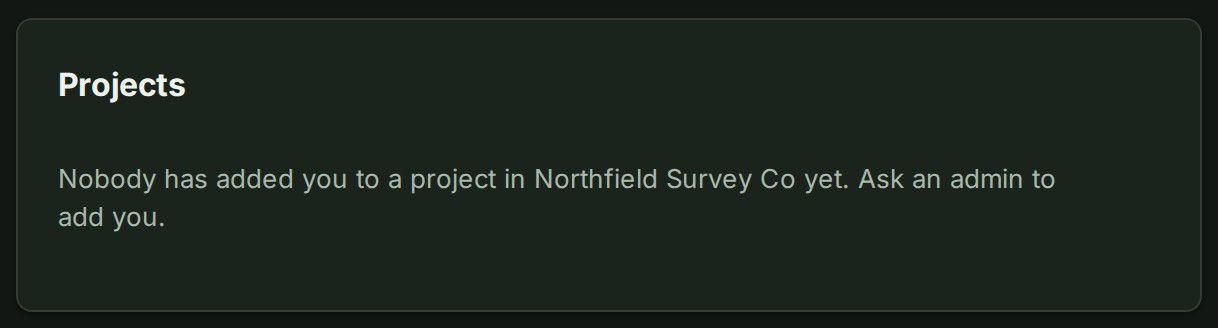
| Nobody has added you to a project in \<organisation> yet. | You have no project role here. Home adds Ask an admin to add you. Ask a project lead or an Admin to add you; the project then appears under Projects. |
| A section you expected is missing | See Why a section is missing. |
On a phone
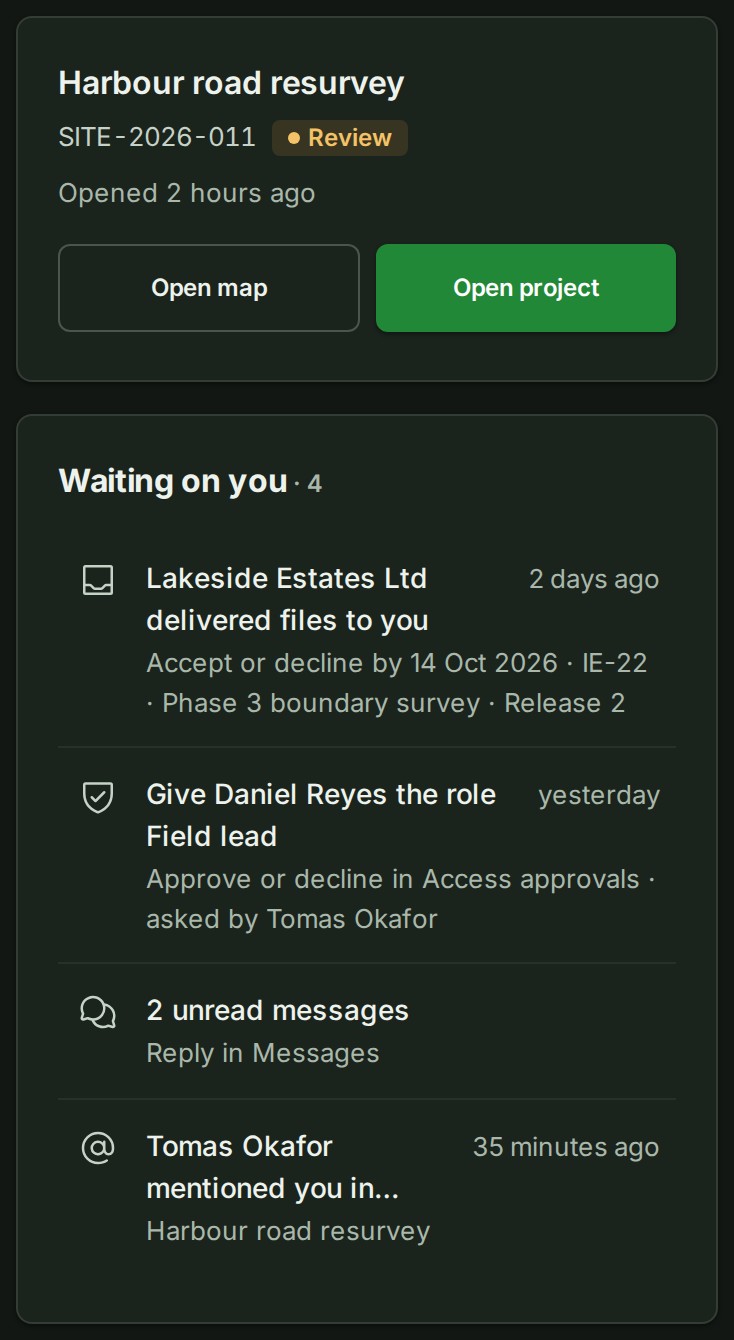
The sections come in this order: Continue, Waiting on you, Recent, Projects, then Deliveries. Rows are taller, and a long name may take two lines. The four states are tiles in a two-by-two grid. Each section shows fewer rows, and the same links lead to the full lists.
Why this is so
Home is a front door, not a second place to work. Each row opens the screen that already holds the act, so there is one place to approve, one to reply and one to publish, and what you may do there is decided by your role on that screen. Home reads only what you may already read: a confidential project you cannot open is not listed here, in your recents, or in a notice, and a person with several organisations has a separate Home in each. Your recents belong to you and the organisation you opened them in; they follow you to another browser, and they are never shown to a colleague.
Next: Projects and uploads