Assign people to a project
Who can do this
Owners, administrators, the branch's manager and the project's lead. Every plan.
Assign colleagues to a project to say who is responsible for it; assigning does not give them access.
-
Open Projects and choose the project.
Its page opens.
-
Select the Access tab. Under Who can see this project, in the People in … section, select Assign responsibilities.
The dialog lists the people who can open this project, each with their role and where it comes from.
-
Tick each person who is responsible for this project, for example as survey lead, QA or client coordination.
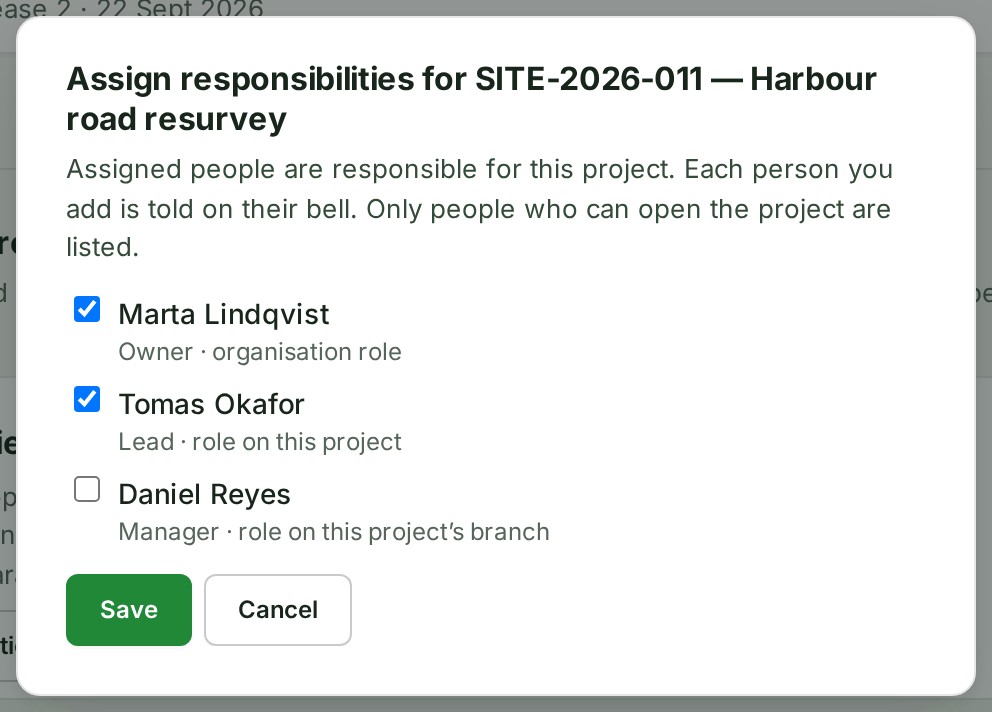
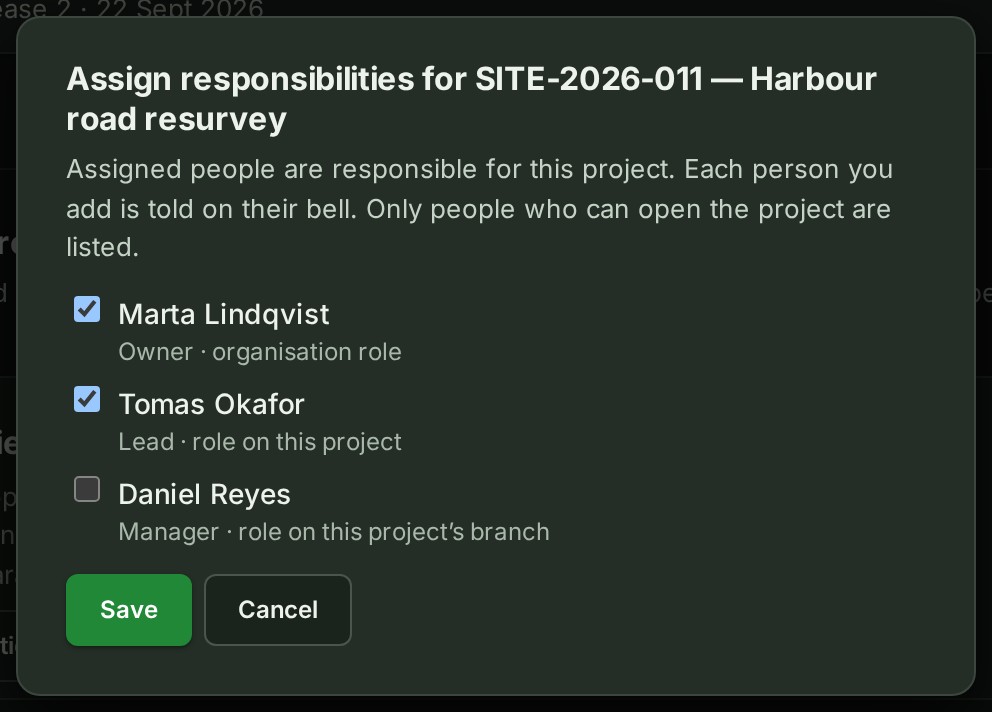
A tick shows beside each person you chose.
-
Untick anyone who is not responsible.
Their box is empty.
-
Select Save.
The dialog closes.
What happens next
Each person you added is told on their bell, for example "A. Surveyor assigned you to SITE-2026-012". The list marks everyone assigned with Assigned, and the About this project card on the Project tab names them and links back to this tab.
The change is listed on the project's Activity tab. @All in the project's conversation includes the people assigned; see Tell everyone with @All.
If something goes wrong
- Somebody assigned to this project cannot open it any more. Change who is assigned under Who can see this project. Untick the person marked Cannot open this project any more, then select Save.
- Somebody else changed these details while you were editing. Cancel and open them again to see their changes. Select Cancel, select Assign responsibilities again, and make your change on top of theirs.
- The details could not be saved. Try again. Nothing was saved. Select Save again in a moment.
- The people could not be loaded. Select Try again; only this section reads its people again.
More: Assigned people.