Connect a team to a firm
Use this when a firm that works for you needs to offer a review of its project to someone in your organisation. The firm can choose only a person on a team you have connected to it. Make the team first: see Teams.
The firm sees the team's name and each person's display name, never an address, and chooses the person from that list.
When a firm invites you by letter and you accept, GISweaver makes a team for it. It is called Working with \<firm> and is already connected to that firm. The person the letter was addressed to is on it, and the person who accepted is its maintainer. A firm you accepted by code made no team: connect one yourself, as below.
Connect a team
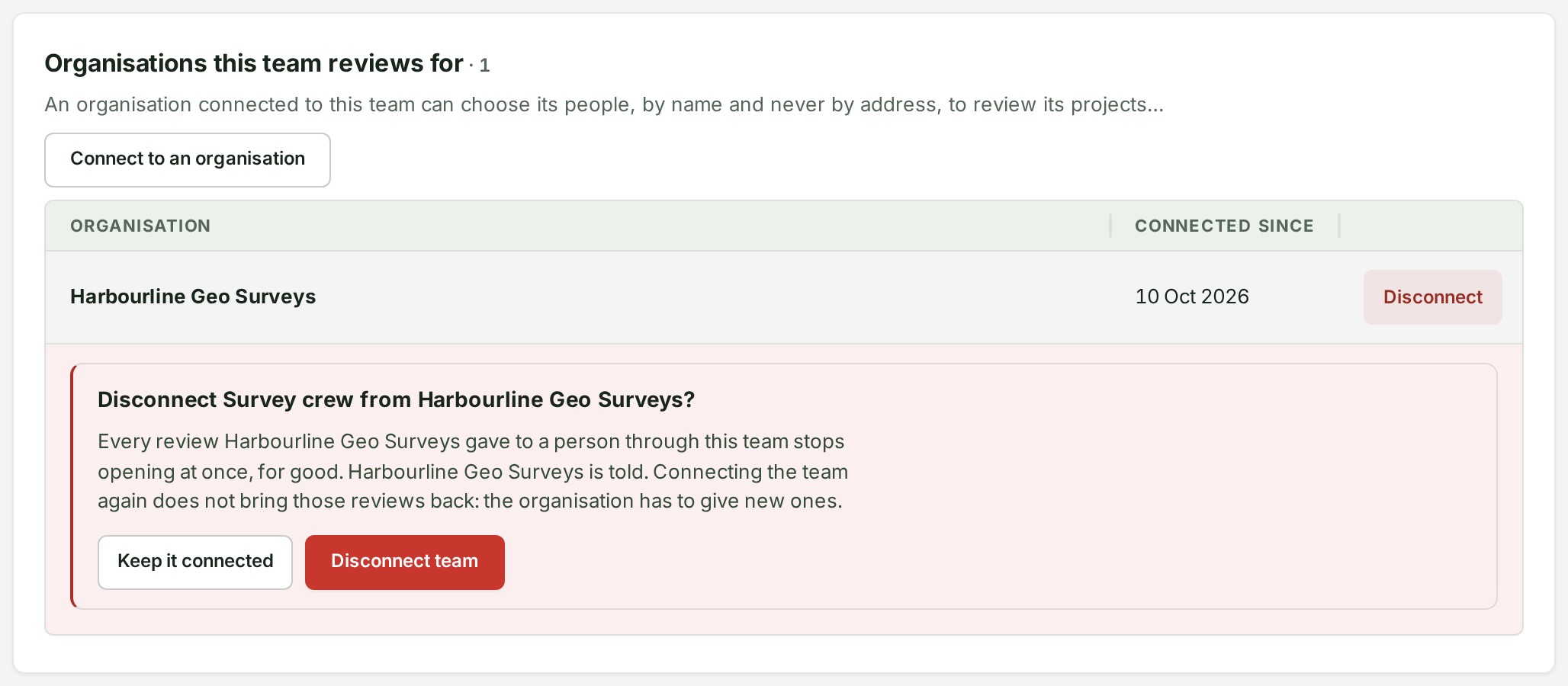
- Open the team and find Organisations this team reviews for.
- Select Connect to an organisation. The list is the firms that have linked your organisation as a client, the same firms as under Organisation controls → Settings → Organisation → Connections; a firm the team is already connected to is not offered again.
- Choose the firm under Organisation, read what the firm will see, and select Connect team.
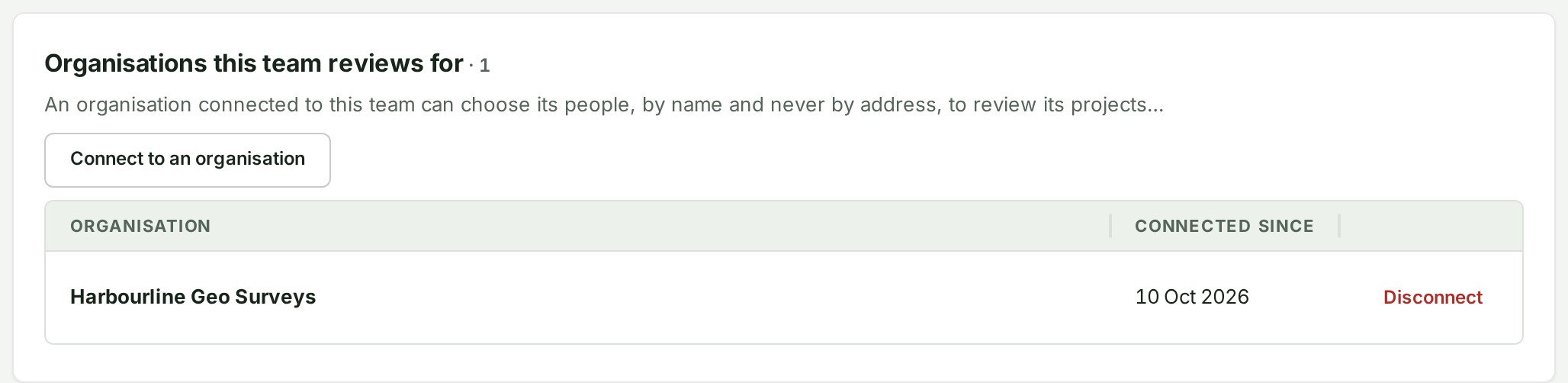
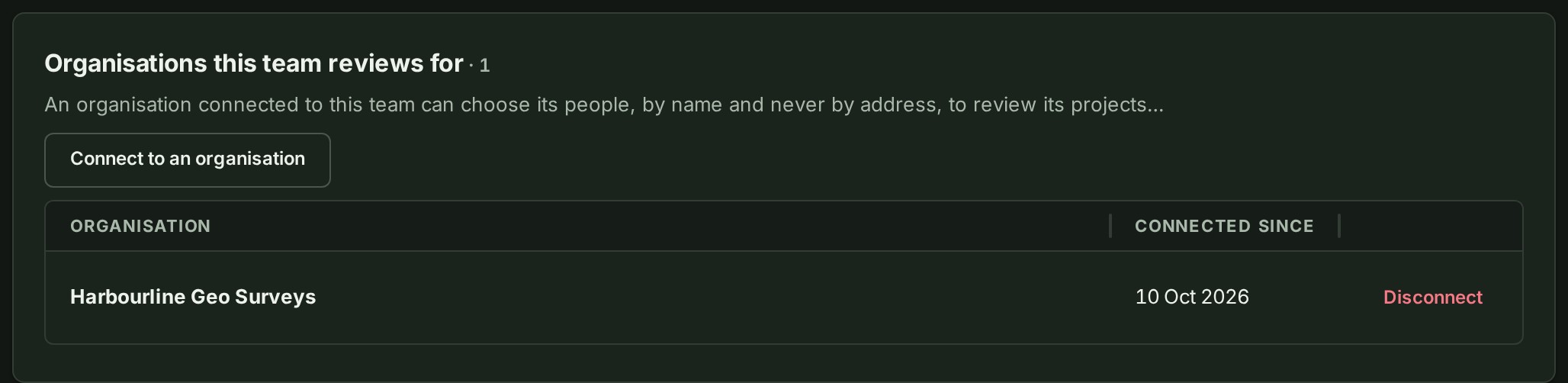
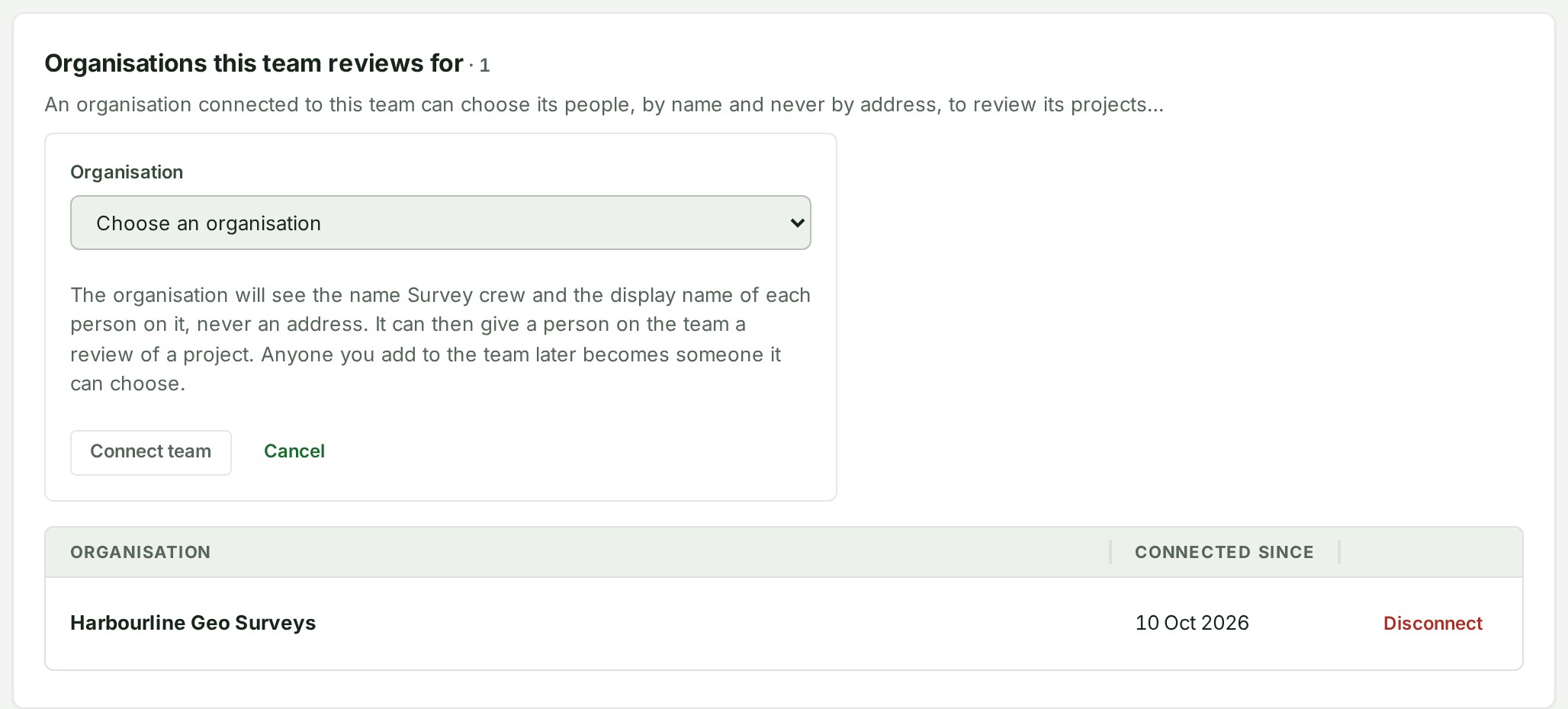
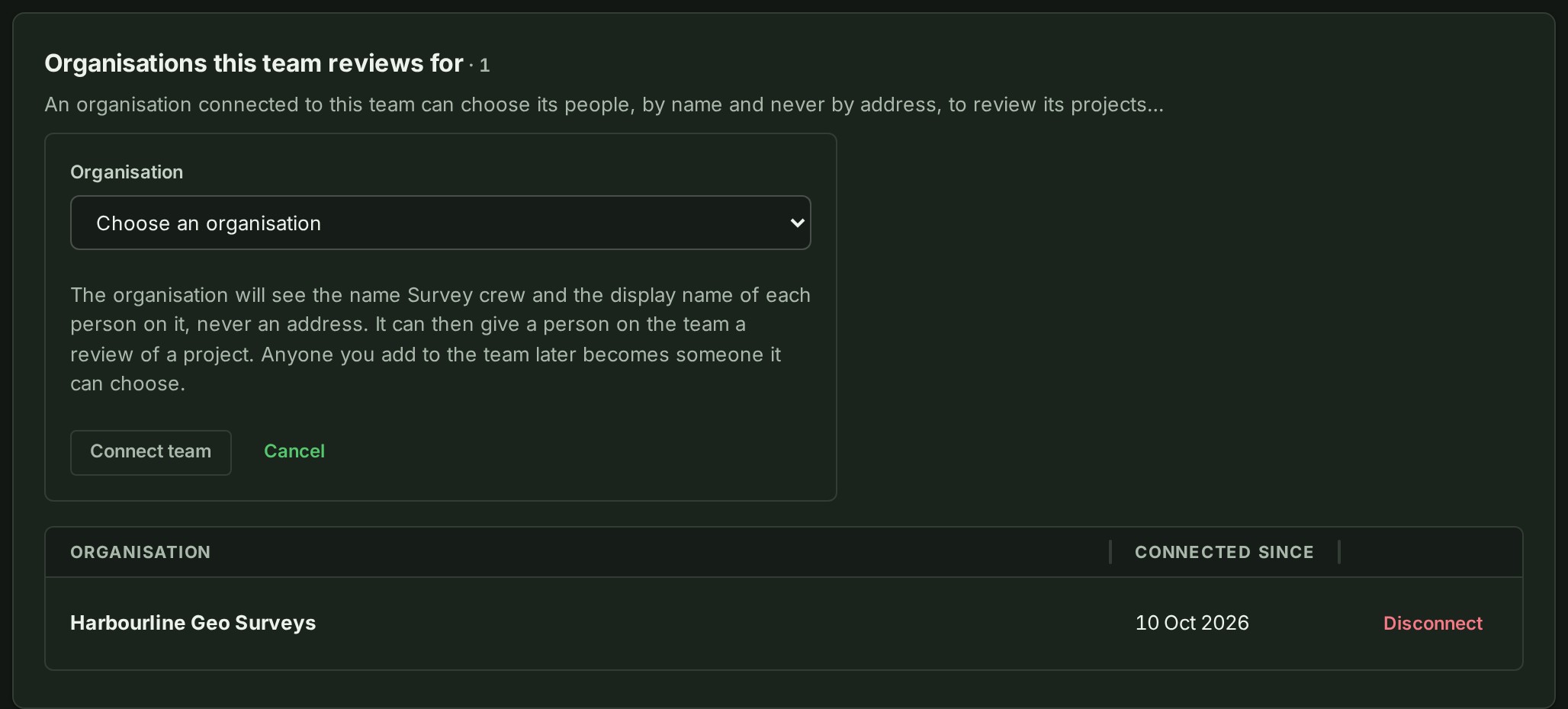
The Owner, an Admin or an Access administrator can connect and disconnect a team. Everyone who can open the team sees the firms it works with. A team can be connected to up to 20 clients, and to a firm more than once when the firm has more than one client entry linked to you. On a plan without Teams, you cannot connect a team; disconnecting is never held back by a plan.
Disconnect a team
Select Disconnect on the firm's row, read the question, and select Disconnect team. Every review the firm gave to a person through this team stops opening at once, for good, and the firm is told in its bell. Connecting the team again does not bring those reviews back: the firm gives new ones.
See what your teams can open
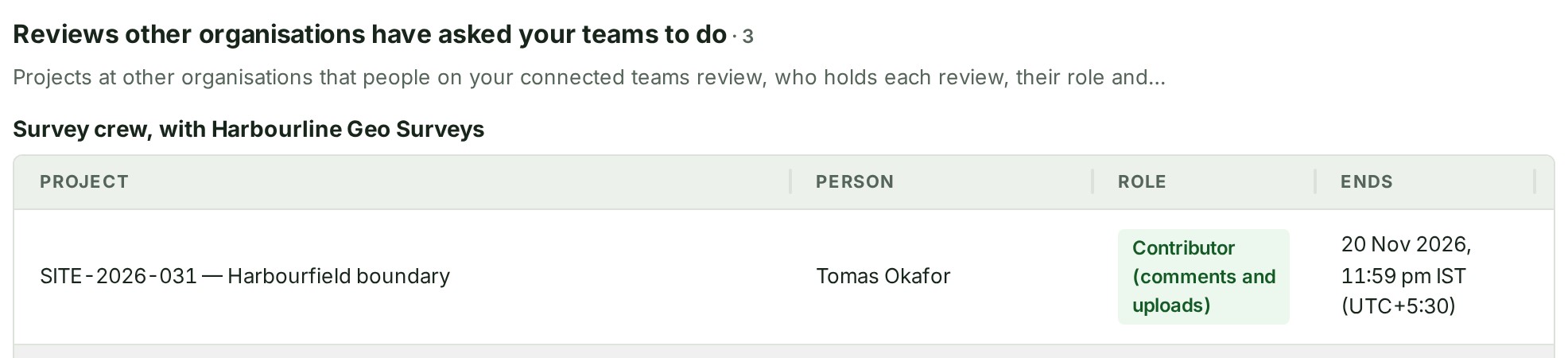
The Owner, an Admin or an Access administrator sees, on the Teams tab, Reviews other organisations have asked your teams to do: for each team and firm, the projects the firm has given your people to review, as the reviewer's page is headed (the project number and name), who holds each one, whether they are a Reviewer (comments) or a Contributor (comments and uploads), and the day it ends. A person taken off the team, a team disconnected, or a review that ends drops off the list at once. The team's own page shows the same list for that team, and the Teams list says under each team's name which firms it works with. The list holds at most 500 reviews; past that, a line under it says it shows the first 500 and that more are open.
What your changes do to the firm's reviews
The team is how the firm's review access to your people is kept, so what you do to it matters to the firm's reviews:
- Taking someone off the team ends the access the firm gave them, at once and for good. Putting them back does not bring it back. If the firm wants them to review again, the firm gives them a new review, chosen from the team as it is then.
- Archiving the team ends every review the firm gave through it.
- Disconnecting the team from a firm ends them in the same way. The firm is told in its bell; your audit trail and the firm's both record it.
- A colleague who leaves the organisation, or is suspended, stops being someone the firm can choose, and a person who leaves is gone from every connected team.
- When the firm changes someone's role between Reviewer (comments) and Contributor (comments and uploads), the person keeps their access with the same files and end day, and your audit trail records the change.
Reviews the firm gave to someone who is not on a connected team keep working until they end by themselves, which is at most ninety days after they were given. Other colleagues on the team, and reviews through another team, are not touched when one person leaves.
If something goes wrong
- This team is connected to 20 clients, the most it may be. Disconnect one first.
- That team is already connected to that firm. Reload to see it. Somebody connected it a moment before you (or you submitted twice). Reload the page; the connection is there.
- No client of that firm is connected to your organisation. The firm has no client entry linked to your organisation, or it has archived it. The Organisation list offers only organisations that have linked you.