Move a project on with required steps open
Who can do this
Owners, Admins, the branch's manager and the project's lead, the people who move a project between states. Every plan.
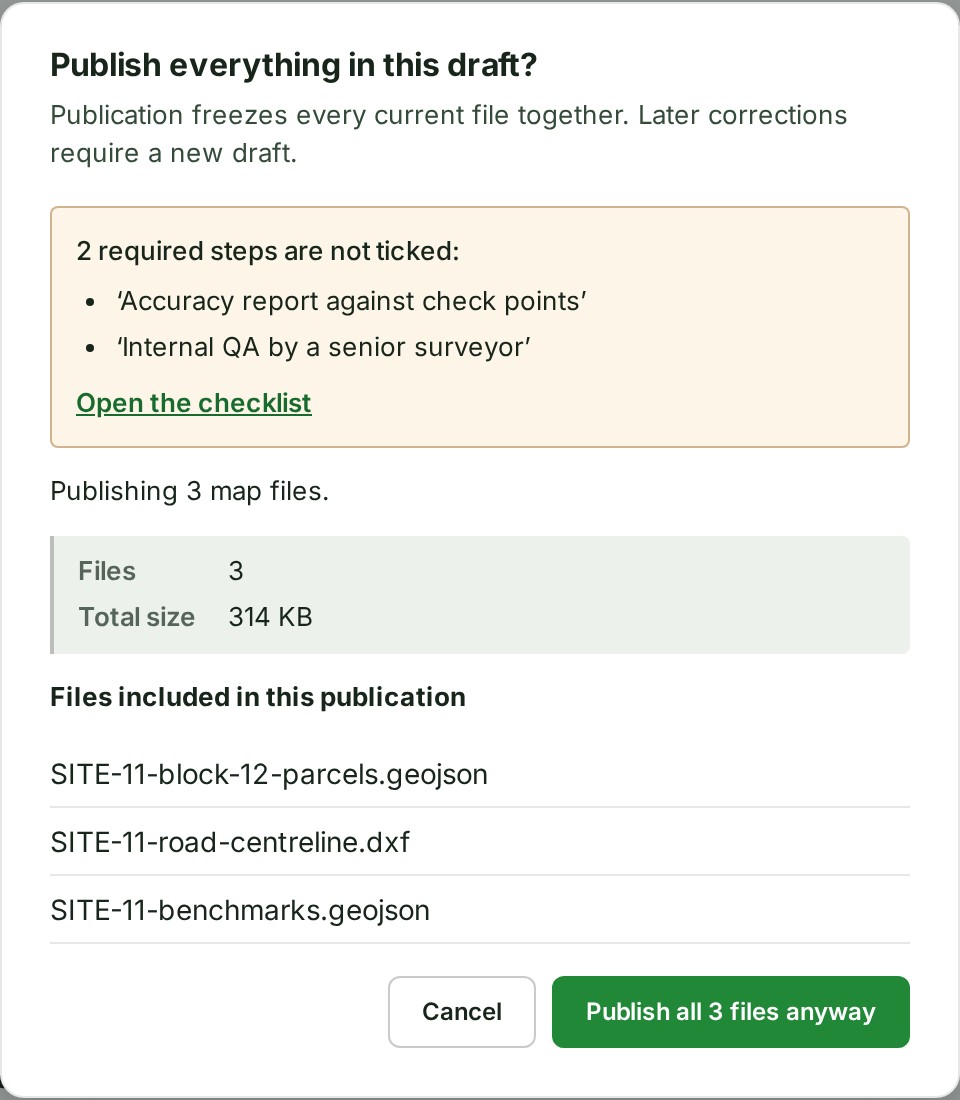
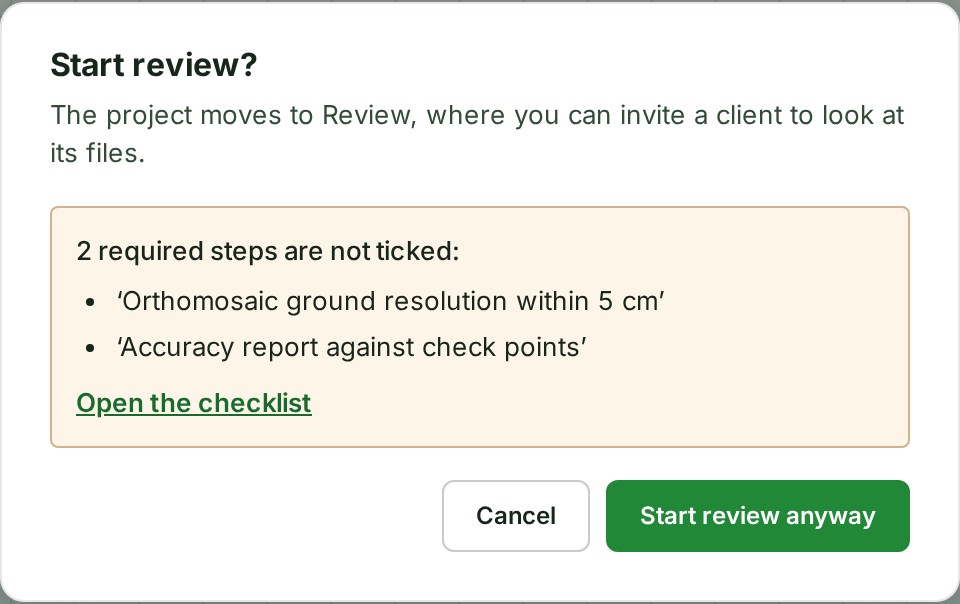
GISweaver tells you when Required checklist steps are not ticked before you start a review, publish or mark a project completed, and never stops you.
- Open Projects and choose the project. Result: the project opens.
-
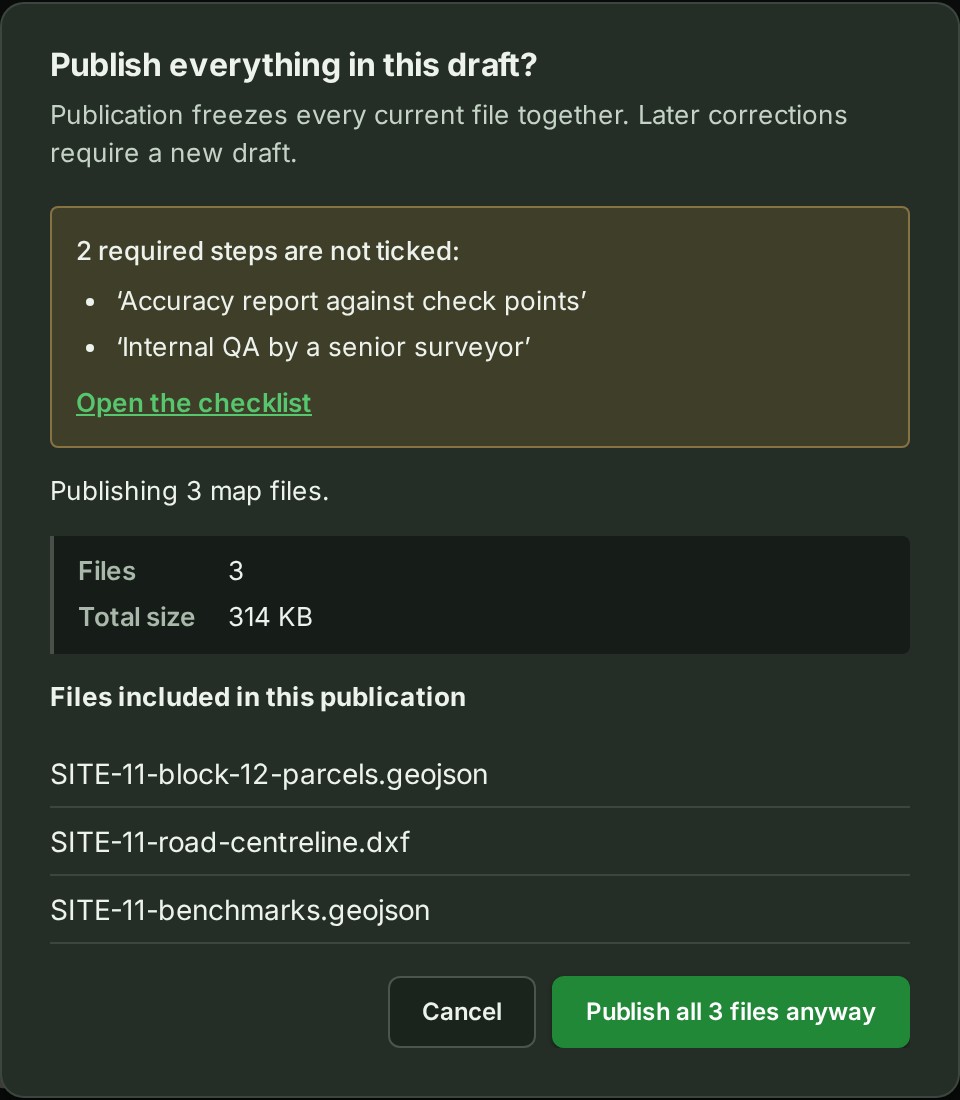
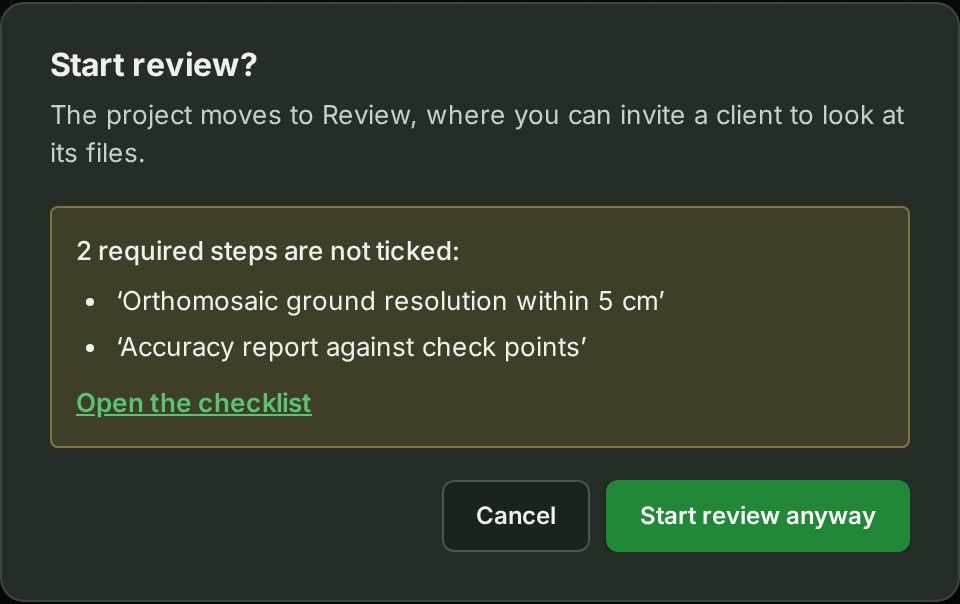
Start the move you want: Start review, Publish or Mark completed. Result: if required steps are open for the state you are leaving, a notice names up to three of them, and and 2 more when there are more.
-
Read the open steps. Result: you know what the checklist still asks for.
-
To go on, select the button, which now ends in anyway: Start review anyway, Publish all 3 files anyway or Mark completed anyway. Result: the project moves as it would have.
What happens next
To fix the open steps first, select Open the checklist in the notice instead of going on. GISweaver writes the number of required steps that were open into the move's entry in the project's Activity tab and the audit trail, for example moved from Draft to Review with 2 required checklist steps not ticked.
With no open required steps there is no notice, and Start review moves the project at once. For which steps each move counts, see Review and publishing reference.
If something goes wrong
- The notice is missing, though a required step is open. The checklist had not been read yet, or the step belongs to a later state. GISweaver counts only the steps of the states you leave. The move still records the true count.
- A project lead or an Admin moves this project to its next state. Your role cannot move the project. See Start a review.
Next: Publish a release