Start a private group
Who can do this
Owners and Admins. A team's maintainer can start a group for that team. Direct messages are on in a paid plan. On the free plan they work for 60 days from your organisation's first direct message.
A private group is a conversation for a few chosen colleagues, such as the team on one job, that only its members can read.
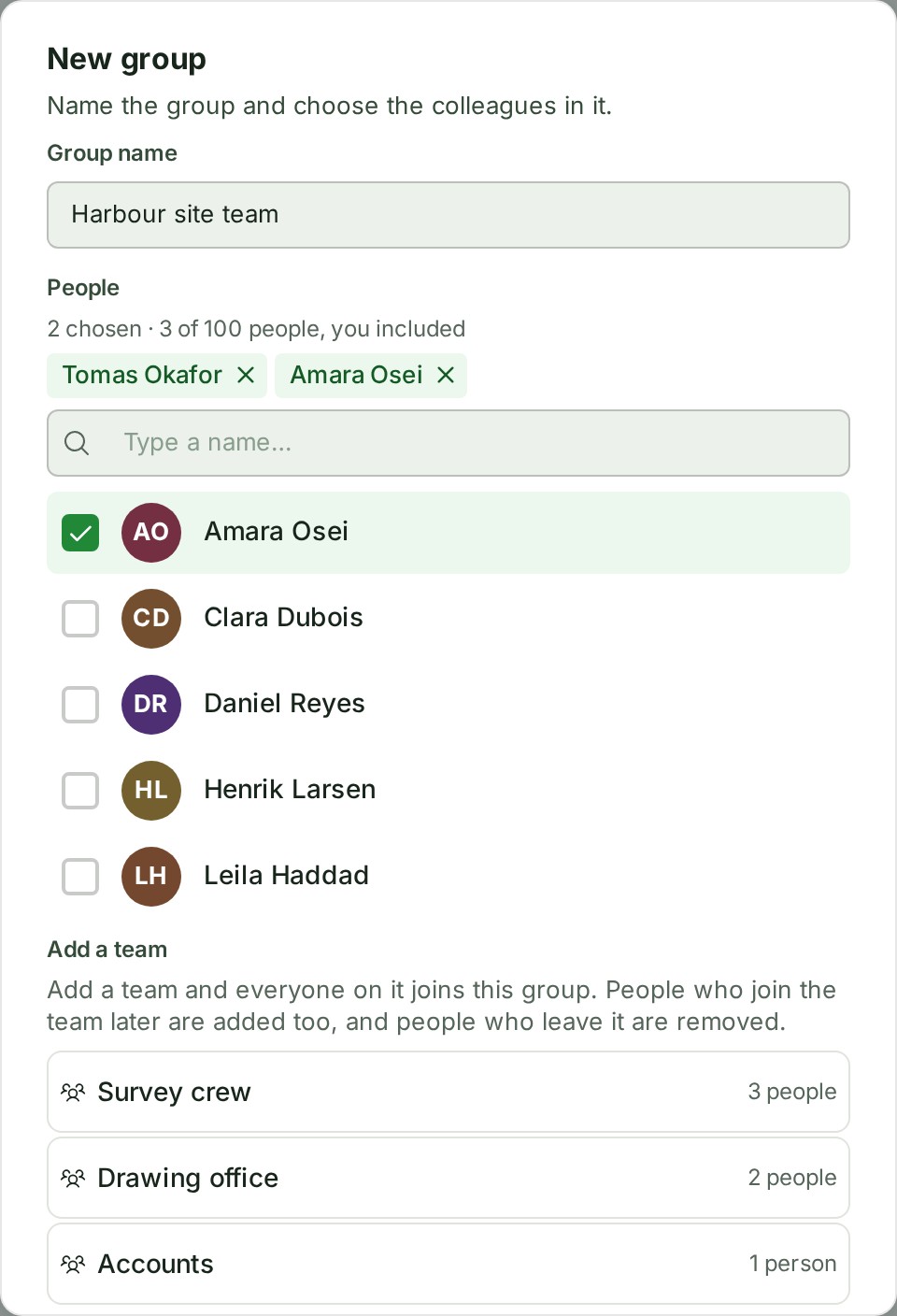
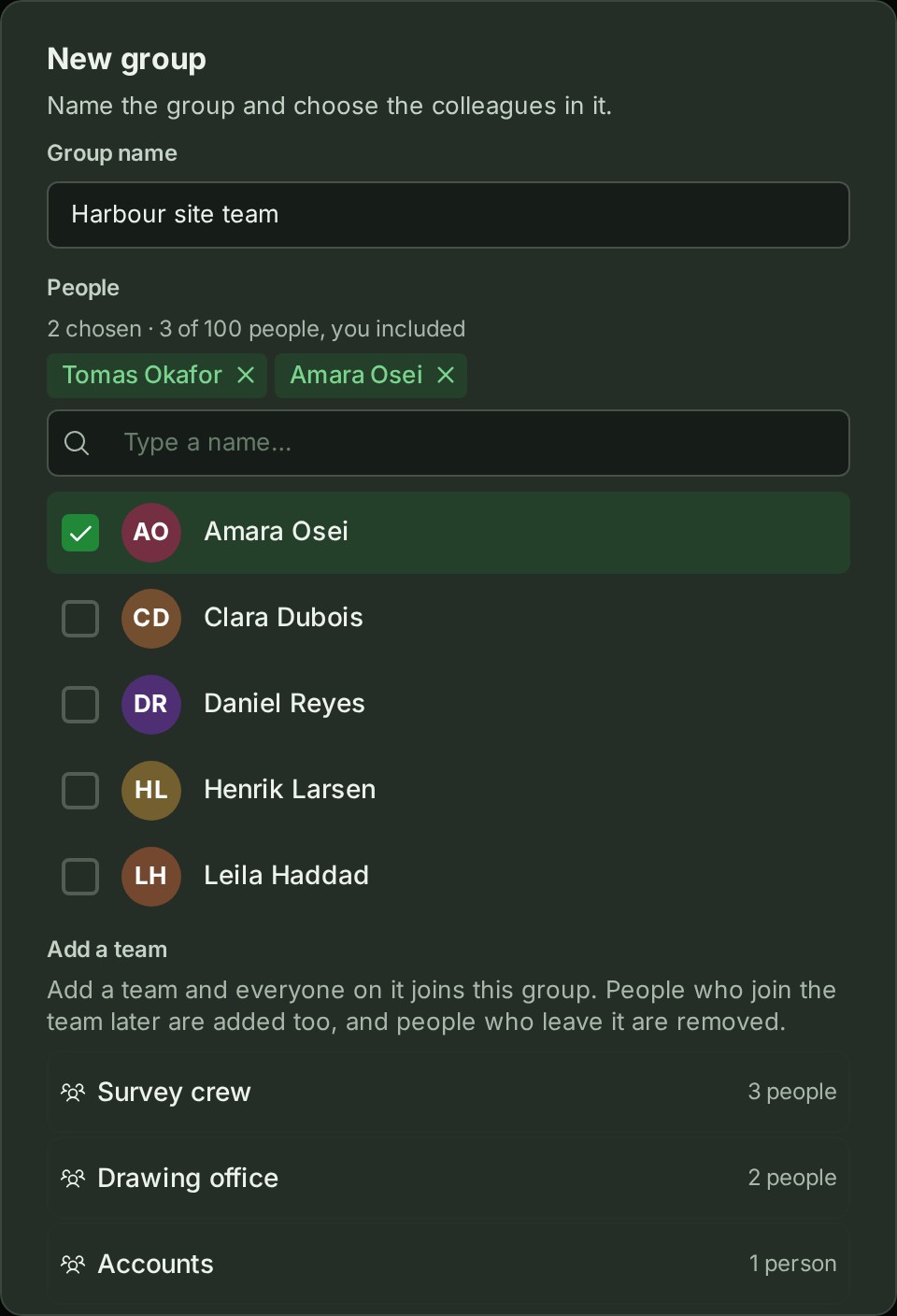
- Open Messages and select New group.
- Type a name in Group name, for example North site team.
- Under People, type part of a colleague's name. Matching colleagues are listed.
- Select a colleague. They appear under Chosen, and the count says how many people the group would hold.
-
Select Create group. The group opens.
To let a whole team read the group, select the team under Add a team before step 5: see A group for a team. A team is enough; you need not choose anyone by name. To add more colleagues, repeat steps 3 and 4 before step 5.
A group for a team
A group can be linked to a team (see Teams) or to a branch. The group follows the team: someone who joins the team reads it, and someone taken off the team stops reading it at once.
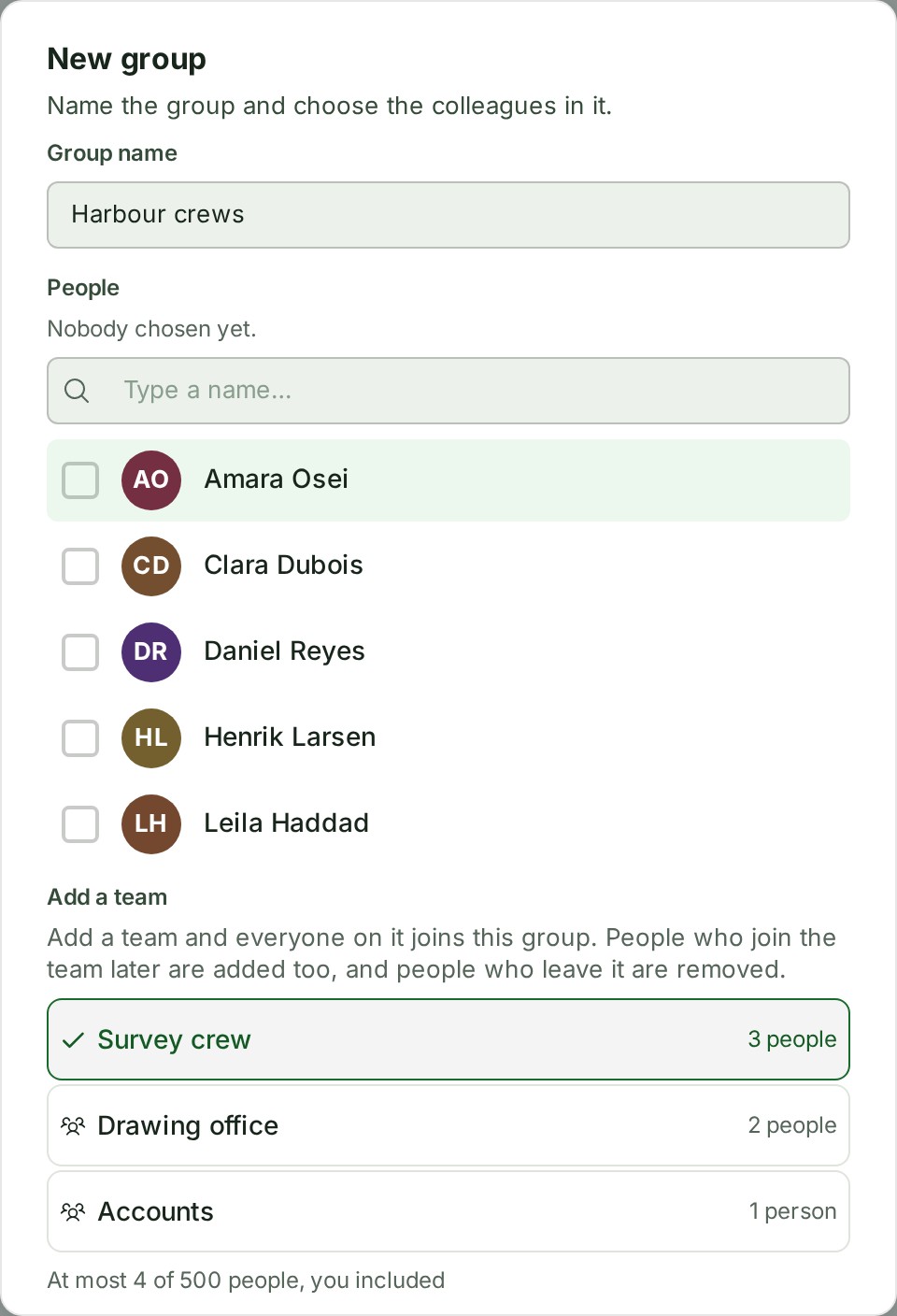
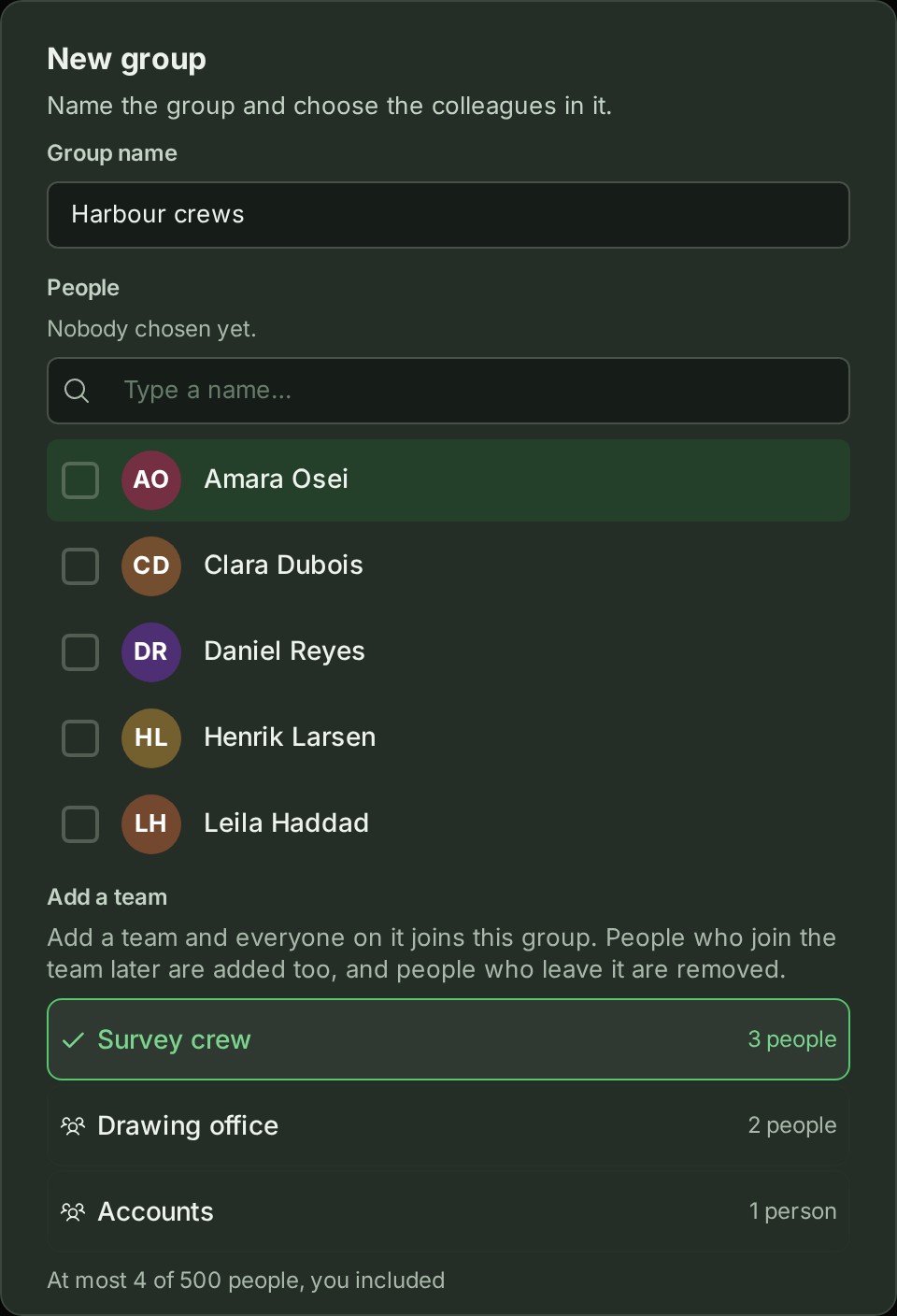
- Add a team offers the teams you may use: the teams you maintain, and every team if you are an owner or administrator.
- A maintainer of a team can start a group for it without running groups: open the team and select Start a group.
- They manage that group while they take part in it and remain a maintainer of a team linked to it. They can rename it, add and remove people, link other teams they maintain, take a team out, archive it and unarchive it.
- Being a maintainer of a team does not let someone manage the other groups the team reads.
- If the team is larger than the room left, the people over the limit wait: they read nothing and are told nothing until someone leaves. The group's Members panel says how many are waiting, and when someone leaves or is taken out, the first person waiting takes the place at once.
- Someone who leaves a group that reached them through a team is not put back by the team. An owner or administrator can add them again by hand.
What happens next
- The group opens, and people you added by hand find it in their Messages list straight away.
- People included through a team normally find it there within moments.
- Nothing is sent to their email. Write in it as in any conversation (see Send a direct message).
If something goes wrong
- Name the group. Give the group a name before you create it.
- Give the group a name of up to 80 characters. Shorten the name.
- Choose at least one colleague. A group needs you and at least one other person.
- A group can have at most 100 people. Choose fewer people. (With a team the limit is 500: A group with a team can have at most 500 people.)
- Only a maintainer of that team, or an Owner or Admin, can add it to a group. Ask someone who manages the team, or an owner or administrator.
- The count under Chosen says how many the group would hold, for example 2 chosen · 3 of 100 people, you included.
- Somebody you chose can no longer be added: they may have left your organisation. Choose again and try once more.
- Only an Owner or Admin can start a group. Ask one of them to start it and add you.
Who can read a group
Only the people in a group now can read it. Nobody else in your organisation can open it, the owner and administrators included, and neither can GISweaver's support staff.
Someone added later reads everything written in it, including earlier messages and threads, as does everyone who later joins a linked team. To keep earlier messages from a person, start a new group instead.
The audit trail records that a group was created, who was added, removed or left, and that it was renamed, archived or unarchived, never what was said or what the group is called. For a team's group it also records who gained or lost access with the team, and from when.
Details
- Anyone in your organisation can be in a group, whatever their role, but nobody from outside it and no client reviewer.
- Names need not be unique, and someone who manages the group can change the name later.
- A group is managed by the owners and administrators who are in it and, in a group started for a team, by the maintainer who started it, while they take part in it and remain a maintainer of a team linked to it. An administrator who is not in the group cannot read it or add themselves.
- A phone can read a group, reply in it and leave it. Starting, renaming, archiving and adding people are done at a desk.
- The numbers of people, teams and groups are in Limits.
The product words on this page are explained in the glossary.