See the checklist you sent
Who can do this
Owners, admins, billing managers and auditors of the organisation that delivered. Every plan.
When you deliver a release, GISweaver keeps a copy of the project checklist. Your client reads only the steps marked Show the client.
- Open the Sent tab of Deliveries and select View on the delivery.
-
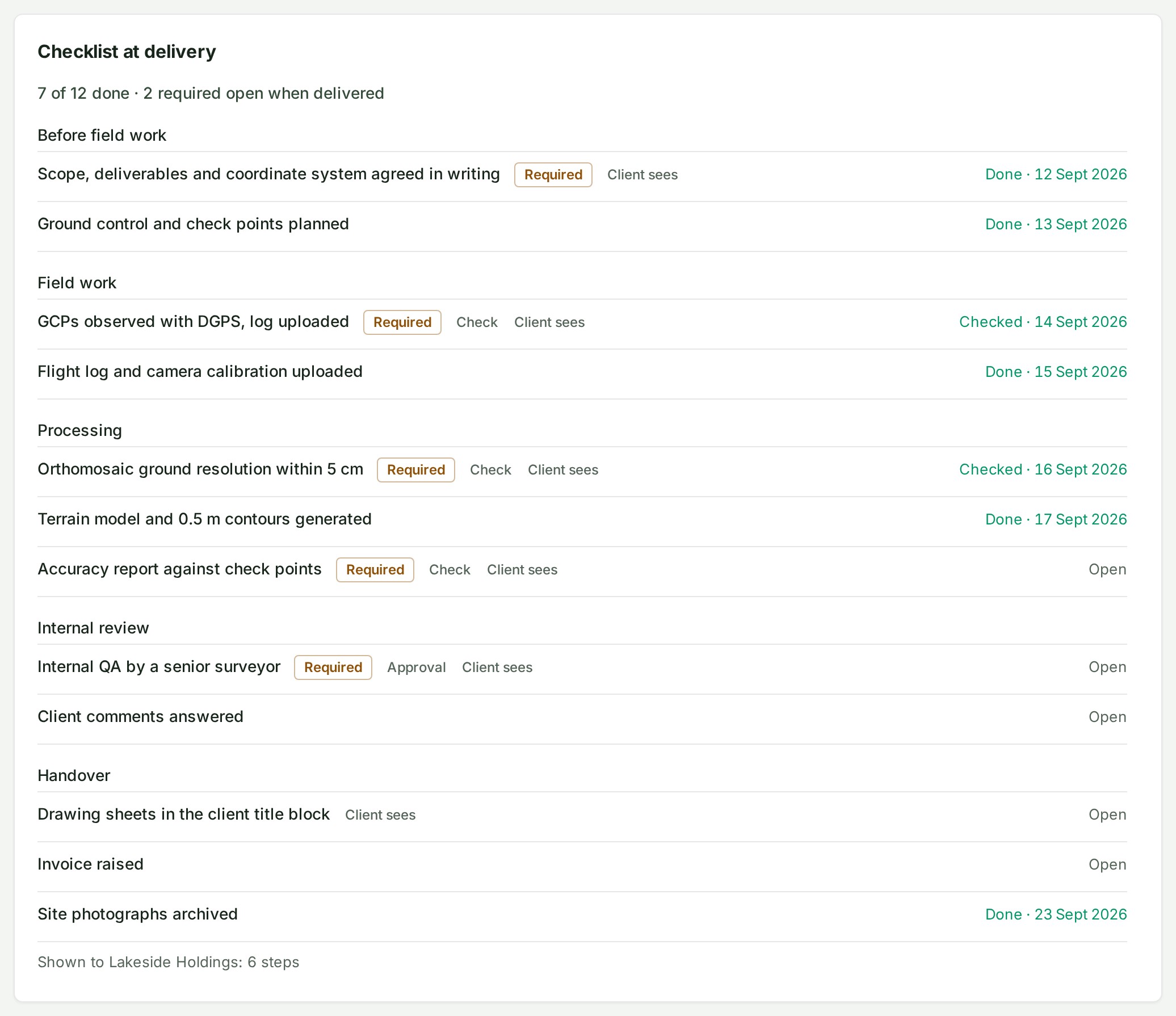
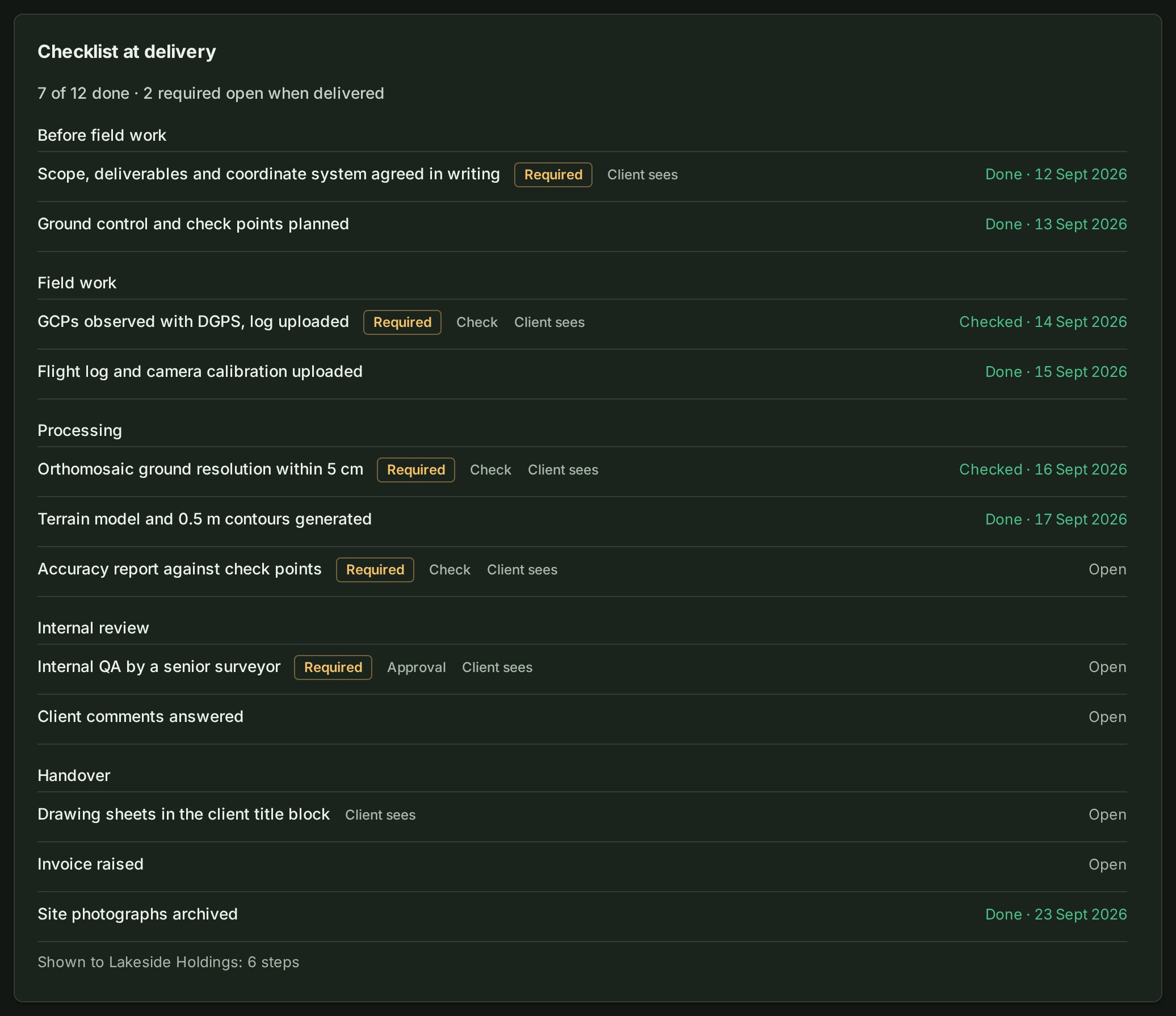
Find Checklist at delivery. It starts with a line such as 7 of 12 done · 2 required open when delivered, then every step with Required, its kind, and Done or Open with the day it was ticked.
-
Read the last line. Shown to the client's name and 6 steps says how many steps the client can read. A step they can read has the tag Client sees.
What happens next
The copy is as the checklist stood when you delivered, and it does not change afterwards. The client's download includes the same steps as a spreadsheet. The copy holds no names, no notes and no guidance, whoever ticked a step. Your client reads their view as described in See the steps the sender reported.
If something goes wrong
- No Checklist at delivery on a delivery you sent. The project had no checklist when you delivered. Ticks made later are on the project, not on this delivery.
- A step you expected is missing for the client. It was not marked Show the client when you delivered. A delivery cannot be changed afterwards; the project's list can, for the next one.
- Sender organisation closed or Client organisation closed in place of a name. The other organisation was closed; the record stays.
Details
On a phone
The section is folded under the summary line. Select it to read the steps.
A tick is a declaration
A tick records that someone at the sender said a step was done. It is not a certificate. That is why the client's copy says so, and why names do not travel: a delivery record is kept after people leave.
Next: See what you have sent