Remove a colleague
Remove a colleague who has left your organisation, so that they lose access to it at once.
- Open People and clients under Organisation, then select the People tab. The list shows your colleagues, each with a … menu at the end of the row.
- Open the … menu on the colleague's row. The menu offers Send reset link, Suspend and Remove.
-
Select Remove. A question opens over their details: Remove … from this organisation?
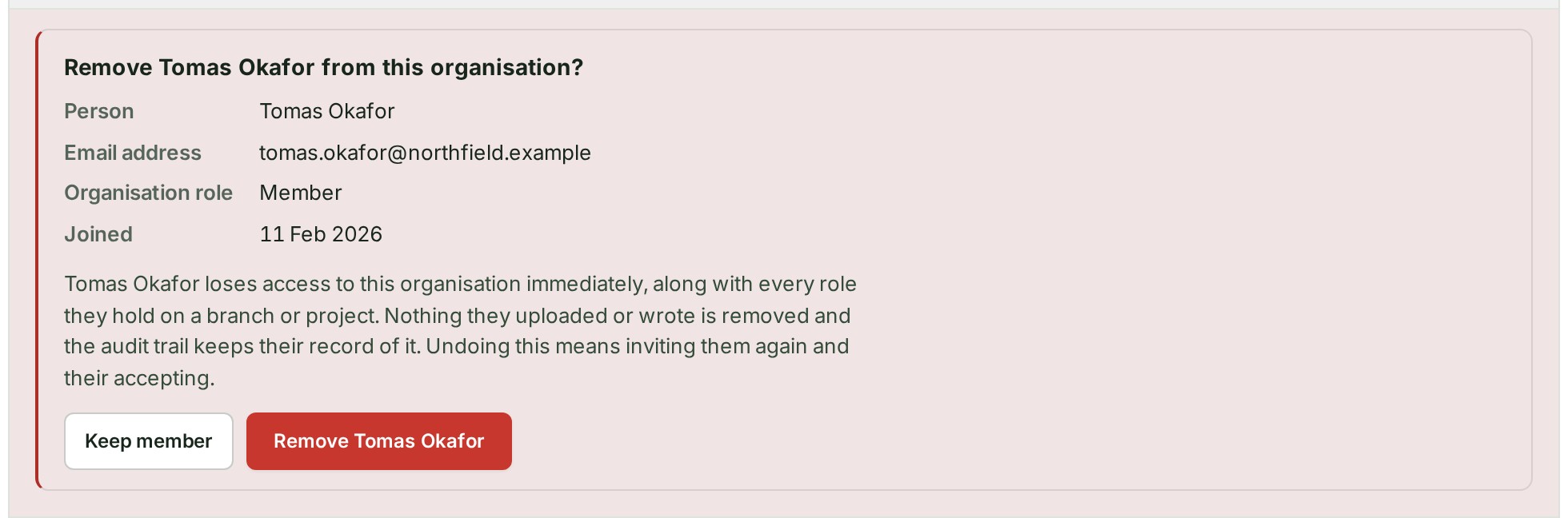
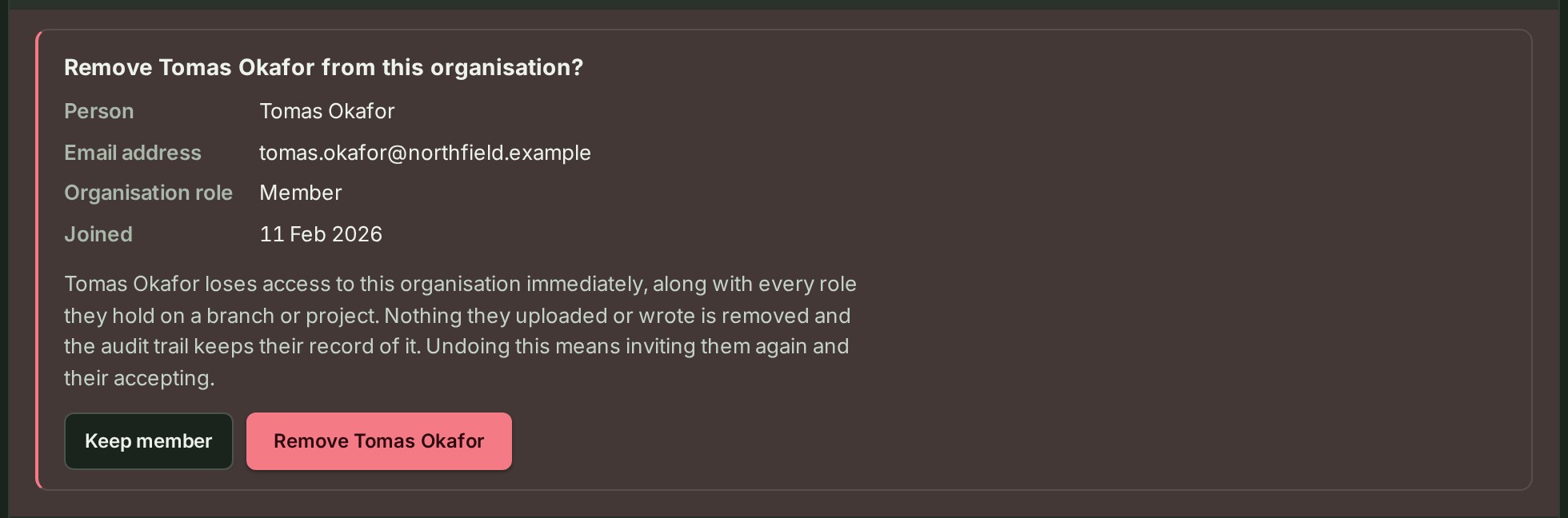
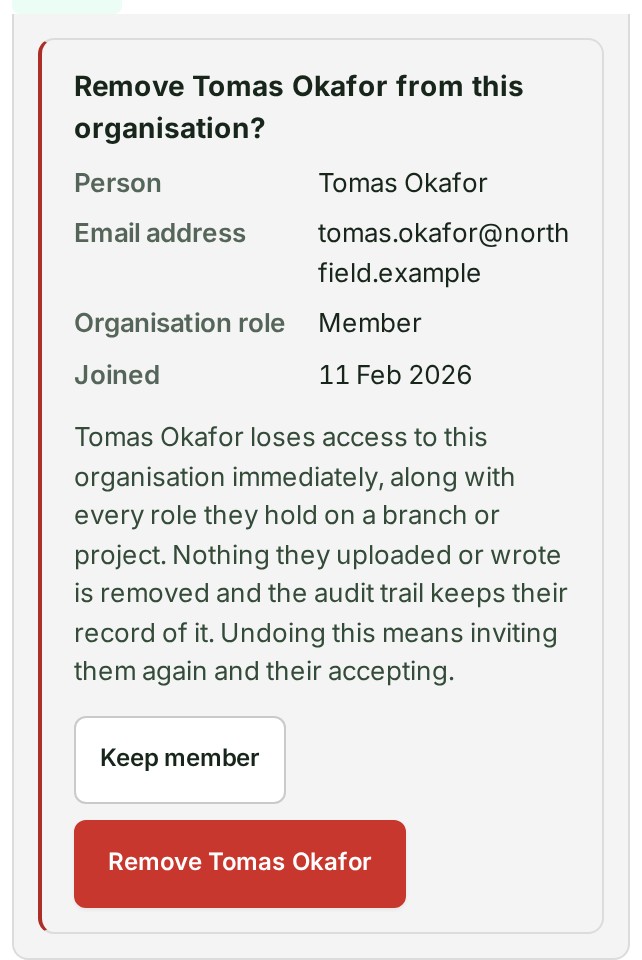
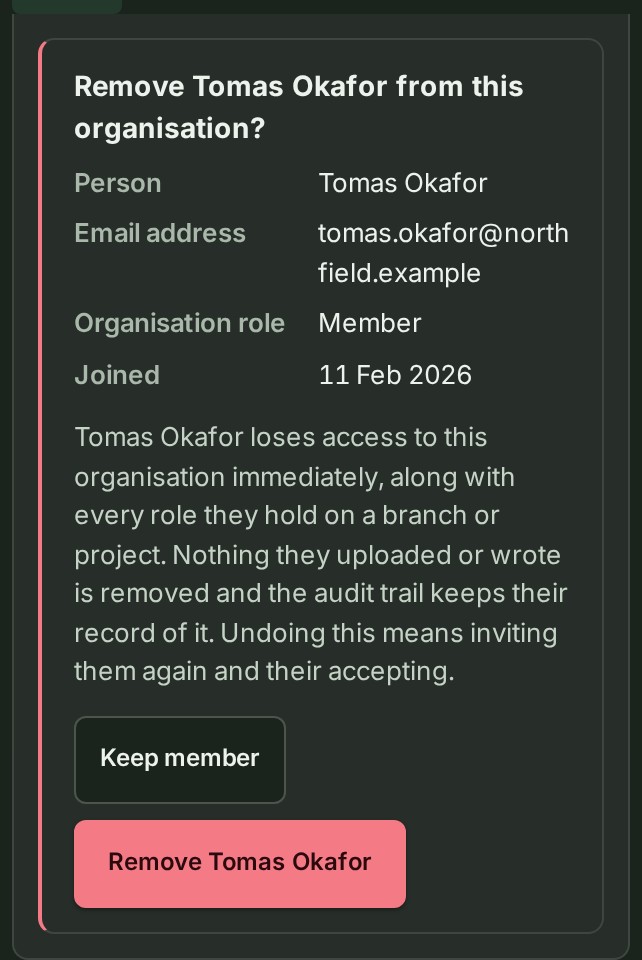 4. Select Remove, followed by their name, or Keep member to back out.
A notice says the colleague is no longer in this organisation, and their row leaves the list.
What happens next
They lose access to the organisation at once, with every role they held on a branch or project. Nothing they uploaded or wrote is removed, and the audit trail keeps their record of it. Invitations addressed to them end too.
To bring them back, invite them again; they must accept.
If something goes wrong
- The Owner has no … menu. Ownership moves only by transfer, never by removal.
- There is no … menu on any row. Your role cannot manage people. Ask an Owner or an Admin.
- To stop access for a while and keep the colleague on the list, select Suspend instead.