Find your unread messages
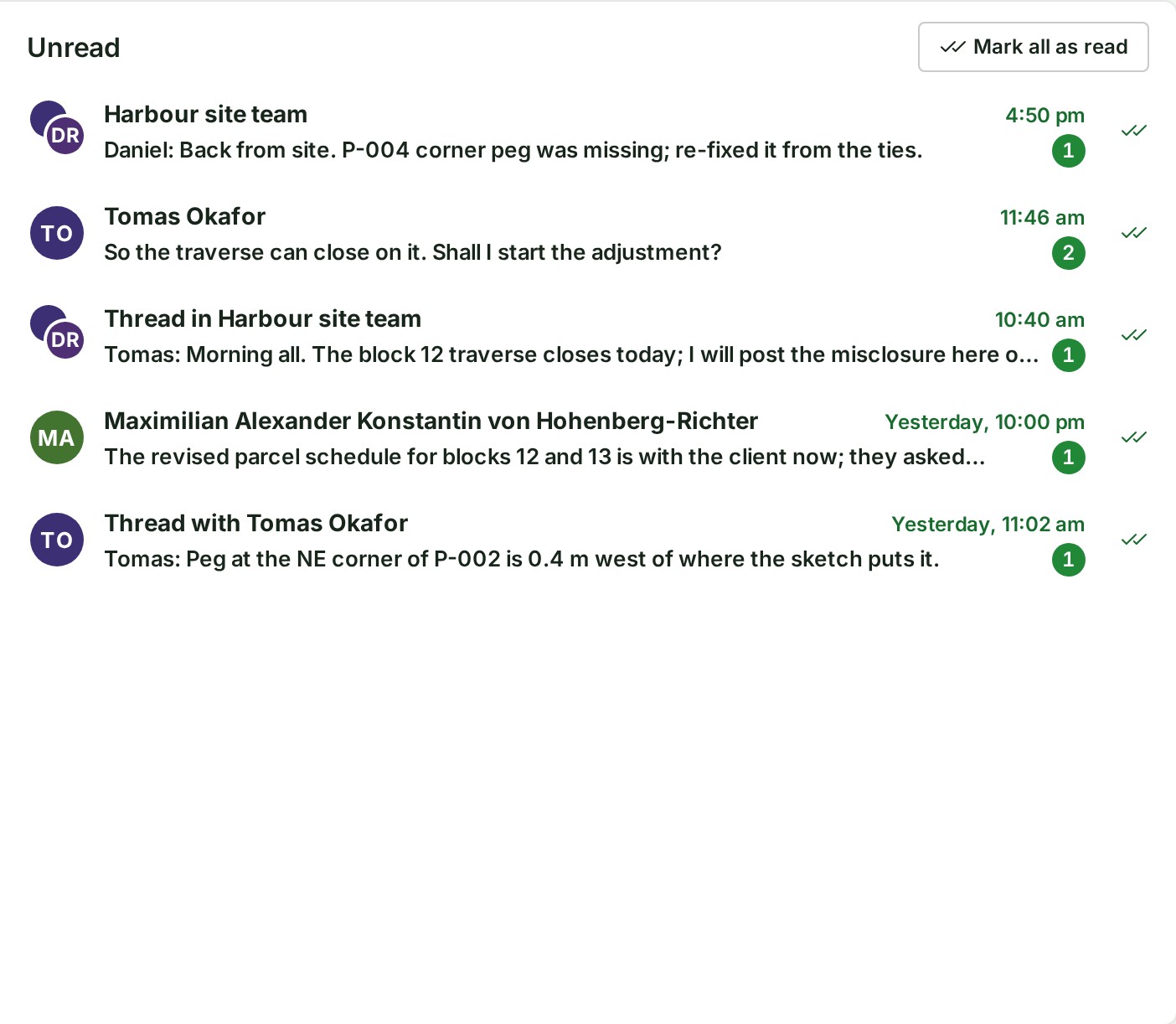
The Unread view, at the top of your Messages list, gathers every conversation and thread you follow that has messages you have not read.
- Open Messages in the Console's navigation, under Work. On a phone, open the menu first.
-
Select Unread at the top of the list. The number beside it is the same count as beside Messages in the navigation.


-
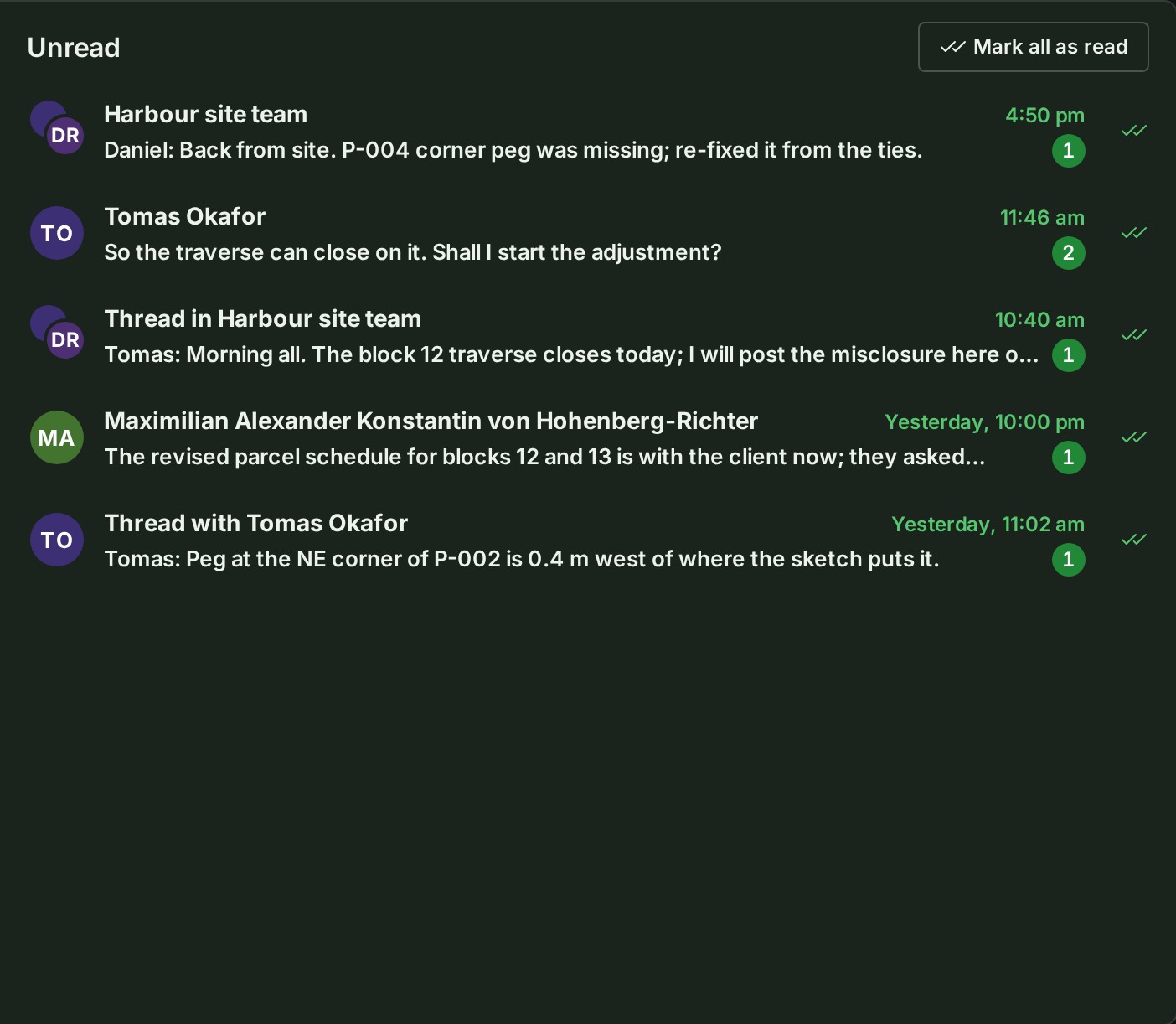
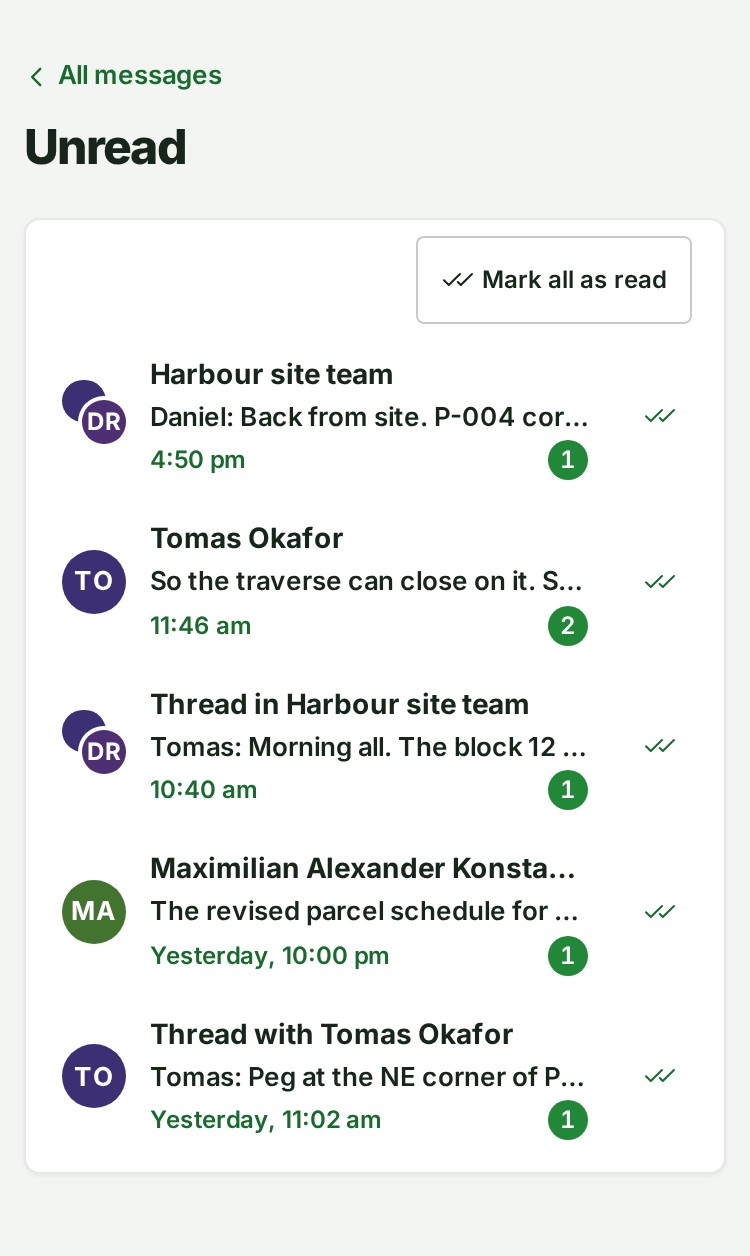
The list shows the newest unread first. Each row shows where it is from, the start of the message, how many are unread and when the newest arrived.
-
Select a row to open the conversation, or the thread, at the first message you have not read.
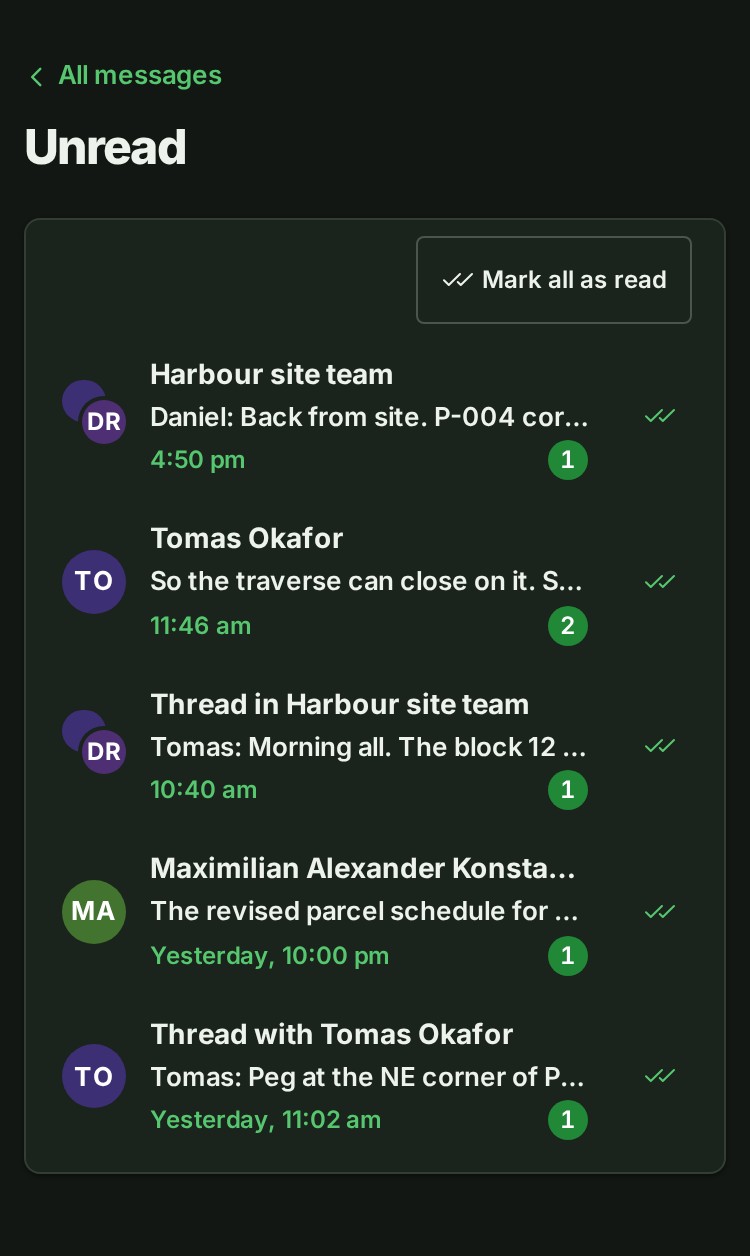
On a phone, Unread opens on its own page; All messages at the top takes you back to the list.
Mark messages as read without opening them
- Select the double tick at the end of a row, Mark as read, to mark that conversation or thread read. The row leaves the list.
- Select Mark all as read at the top of the list to mark every row read.
Marking read here is the same as reading to the end: the counts beside Messages and on the conversation go down, and the bell's notice for that conversation or thread is marked read too.
What happens next
The list changes as messages arrive and as you read them elsewhere. When nothing is left, it says You’re all caught up.
If something goes wrong
- That could not be marked as read. Try again. The connection dropped. Select Mark as read again.
- Not everything could be marked as read. Try again. Some rows were marked and the rest stay in the list. Select Mark all as read again.
- More unread conversations follow once these are read. The list shows up to 100 rows at a time. Mark some read, or read them, and the rest appear.
Details
- A thread is listed when you follow it: you wrote its first message, replied in it or, in a group, were mentioned in it. In a direct conversation both of you follow every thread. See Reply in a thread.
- Only your own conversations are listed. A group you have left or were removed from is not listed, whatever was unread in it.
- Your own messages are never unread.
- What each part of a row shows, and how times read, is in the Messages reference.
The product words on this page are explained in the glossary.
Next: Reply in a thread