Skip to content

Where a file is stored

A file's details end with Stored in, which says where the file is stored, and so what counts towards your storage. It speaks about this project only. To open the details, choose Show details in the file's menu, or select its name; see Read the Files list.

Stored in What it means
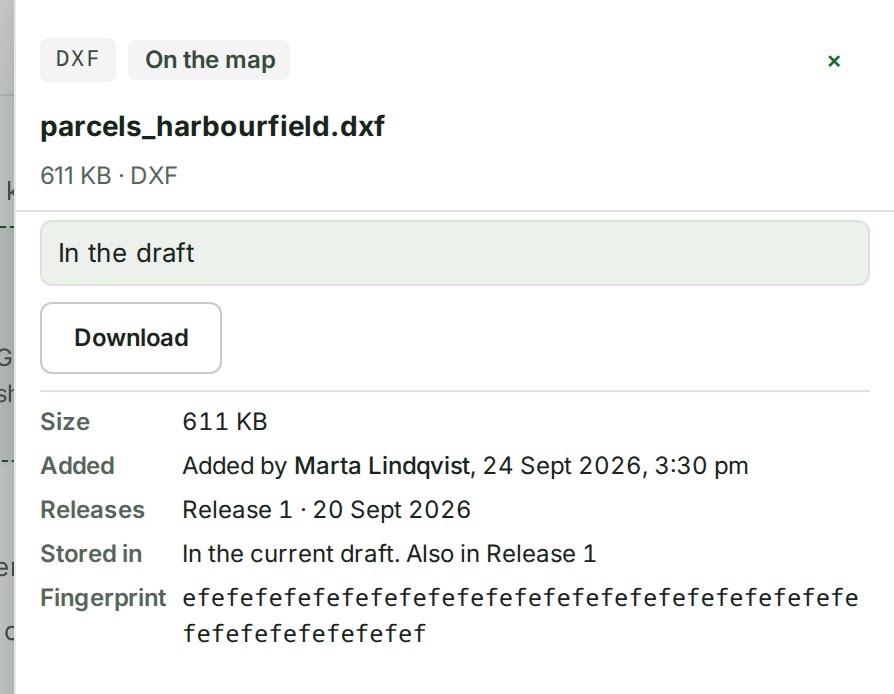
In the current draft The open draft includes the file. When a release holds it too, the line goes on: Also in Release 1.
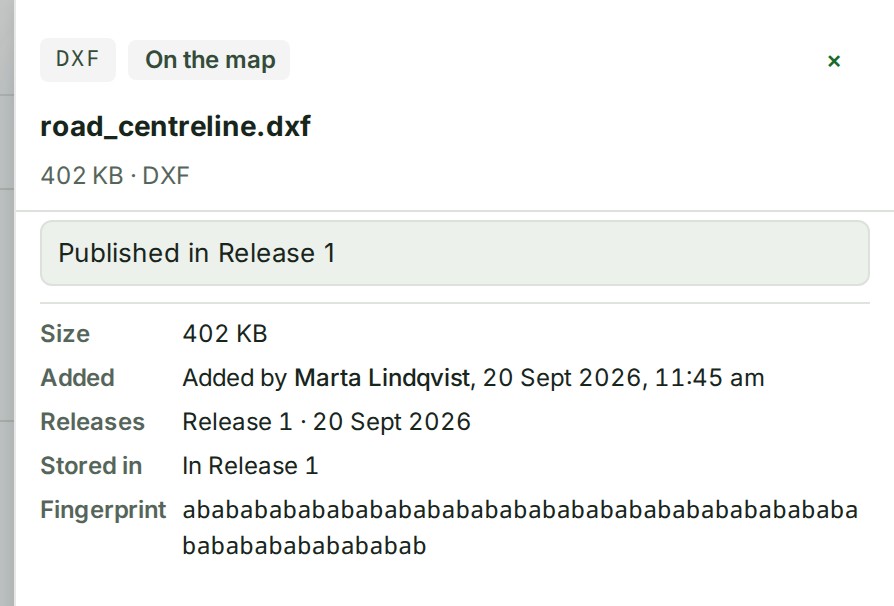
In Release 1 (or another release's name) A release of this project holds it and the open draft does not
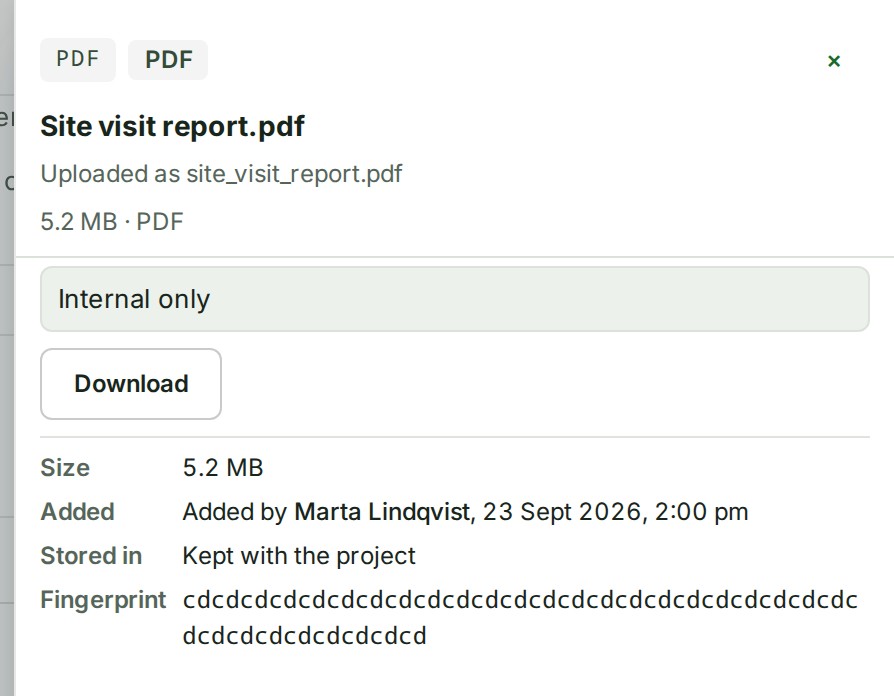
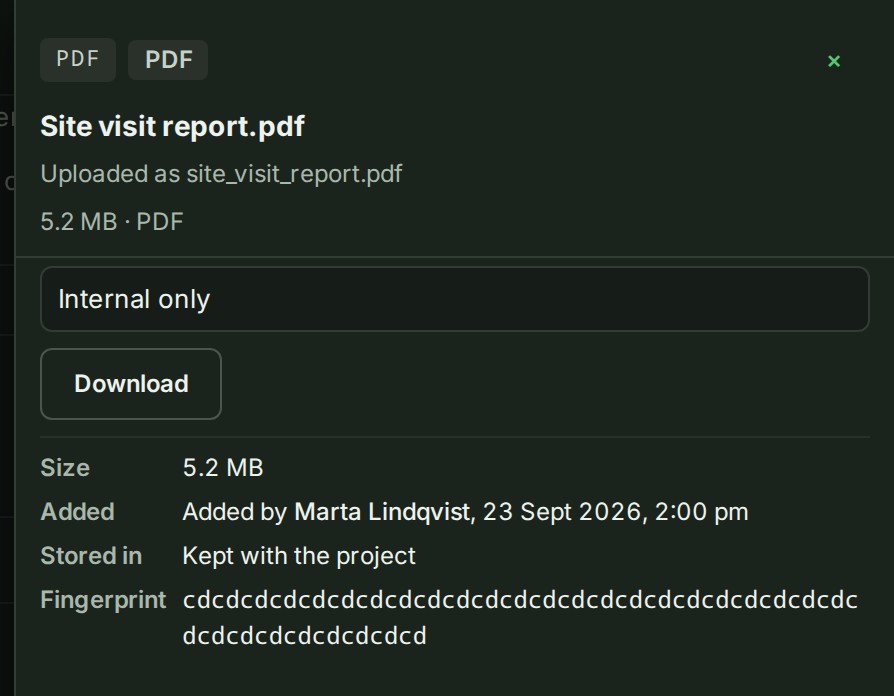
Kept with the project A photo, a PDF, a video or an archive kept with the project that you have not put in a release. It is not a deleted file
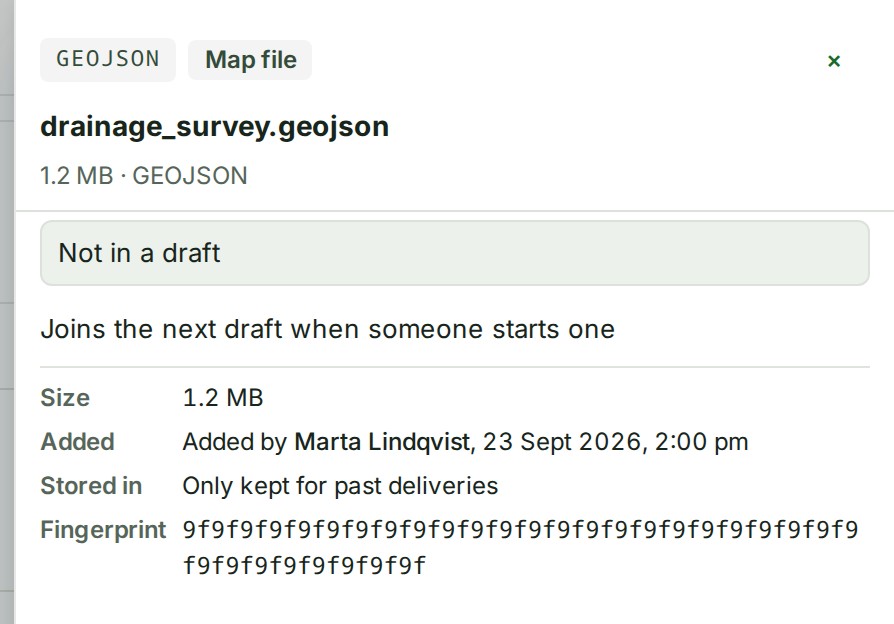
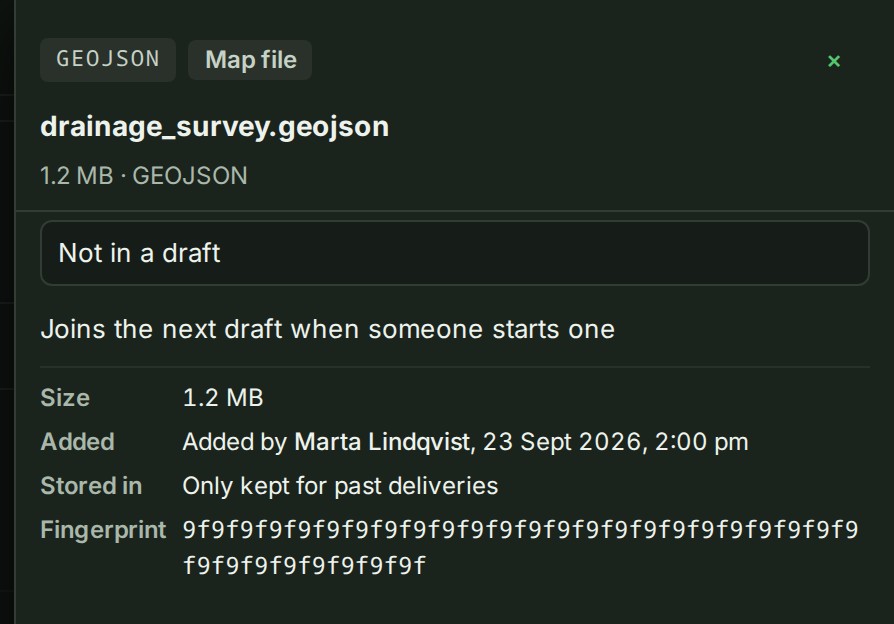
Only kept for past deliveries No release and no draft holds it, but a delivery promised it to a client
Not used anywhere The file was deleted from the project or taken out of the draft, and nothing else holds it. It stays stored, and counts against your storage, until the file is deleted permanently
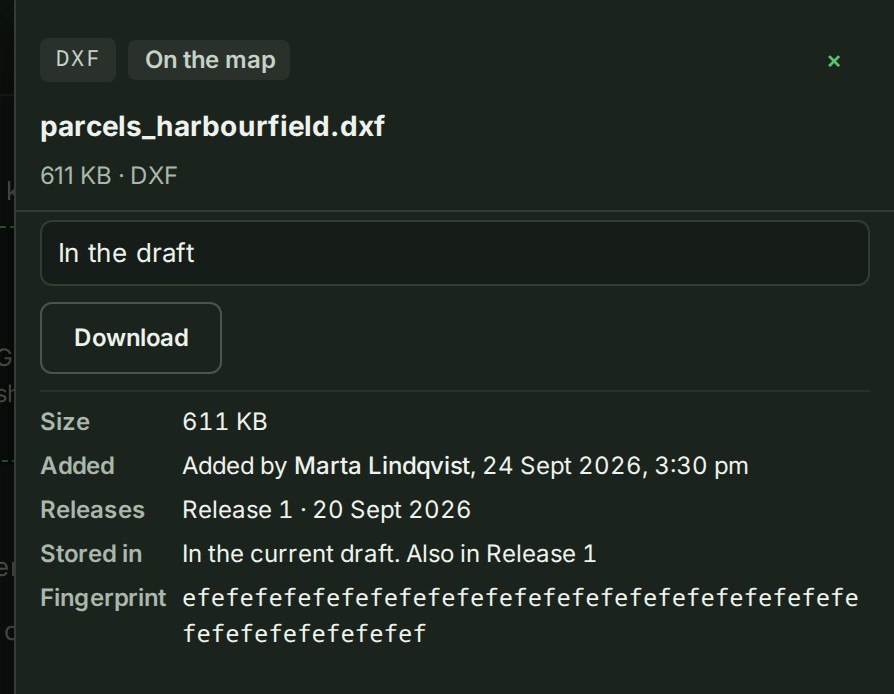
The details of parcels_harbourfield.dxf, with Stored in reading In the current draft. Also in Release 1.The details of parcels_harbourfield.dxf, with Stored in reading In the current draft. Also in Release 1. Dark theme.
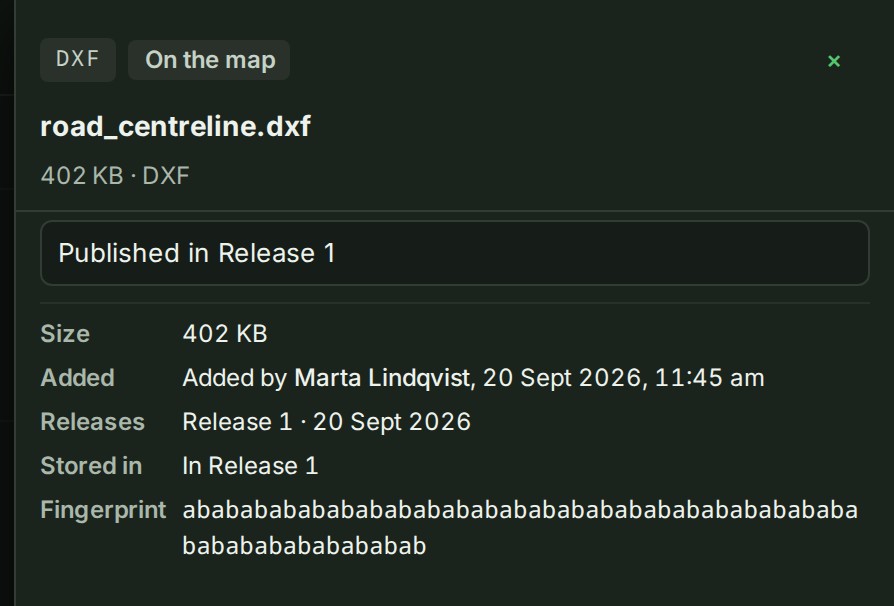
The details of road_centreline.dxf, with Stored in reading In Release 1.The details of road_centreline.dxf, with Stored in reading In Release 1. Dark theme.
The details of Site visit report.pdf, with Stored in reading Kept with the project.The details of Site visit report.pdf, with Stored in reading Kept with the project. Dark theme.
The details of drainage_survey.geojson, with Stored in reading Only kept for past deliveries.The details of drainage_survey.geojson, with Stored in reading Only kept for past deliveries. Dark theme.

Freeing storage

Above the list, a line says what the project stores. When some of it is in deleted files that nothing uses, it says how much.
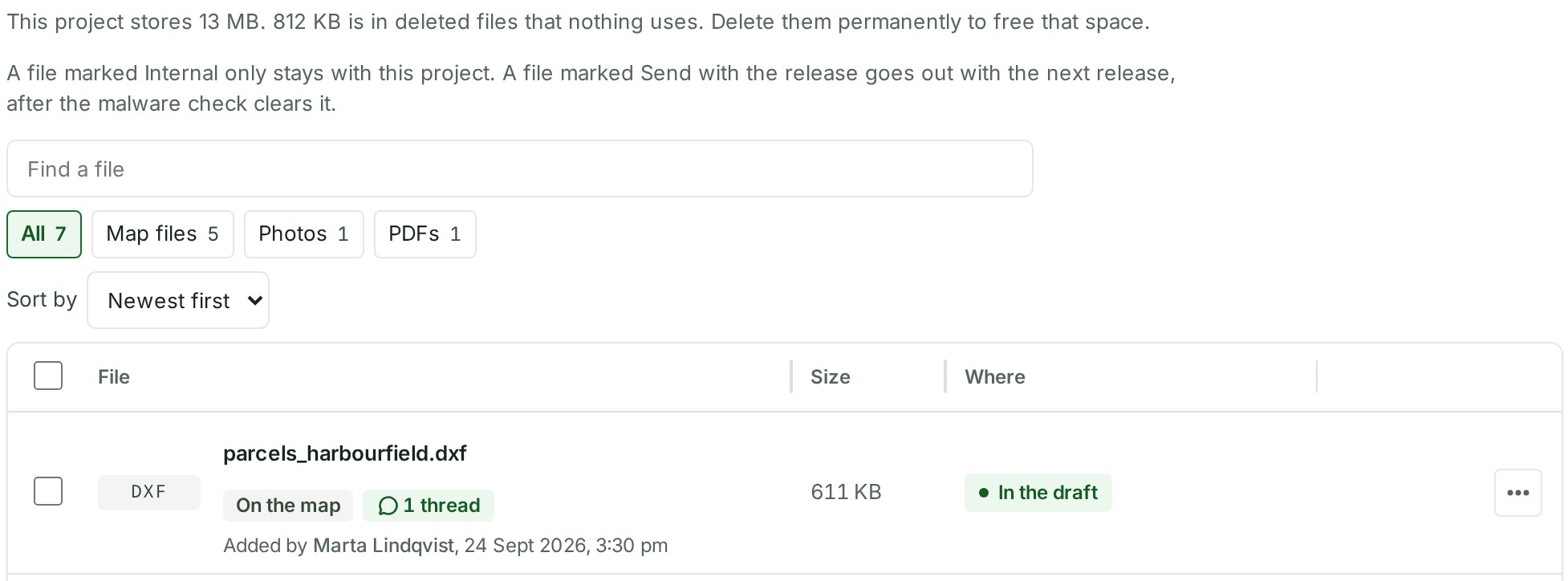
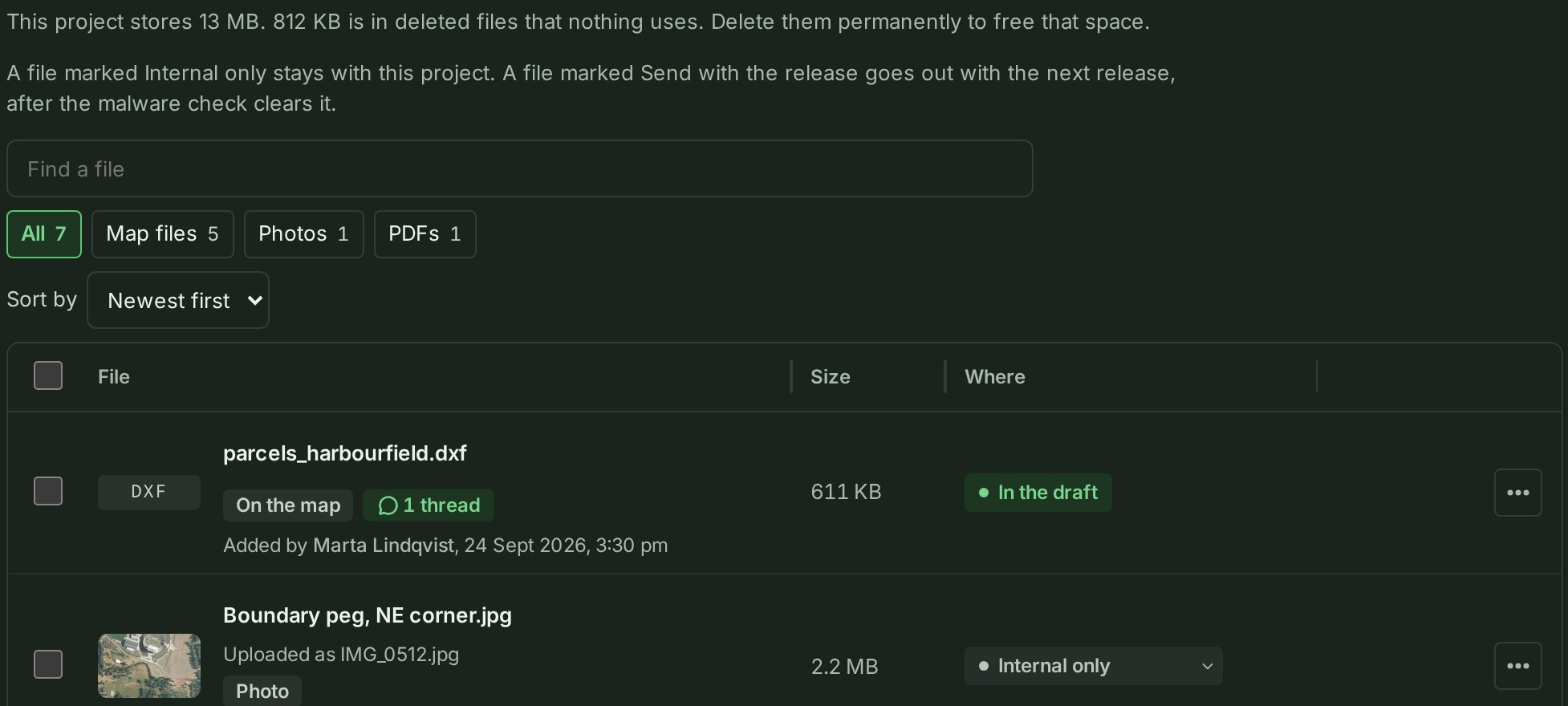
The Files list with the line "This project stores 13 MB. 812 KB is in deleted files that nothing uses. Delete them permanently to free that space." above its rows.The Files list with the line "This project stores 13 MB. 812 KB is in deleted files that nothing uses. Delete them permanently to free that space." above its rows. Dark theme.

Those files are the only ones whose deletion frees storage. Under Show 3 deleted files, a deleted file nothing uses says Not used anywhere. Delete permanently to free 812 KB. under its name.
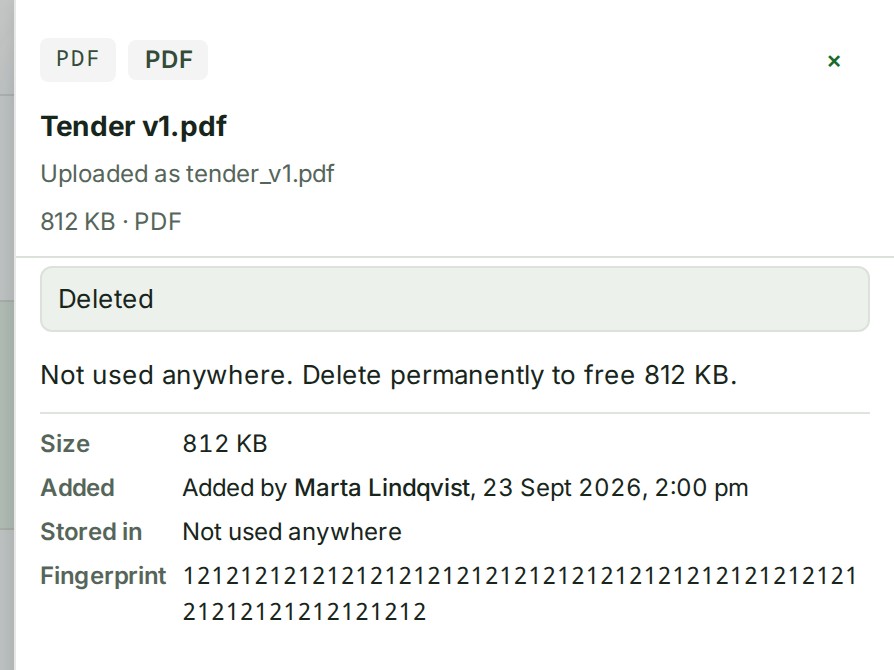
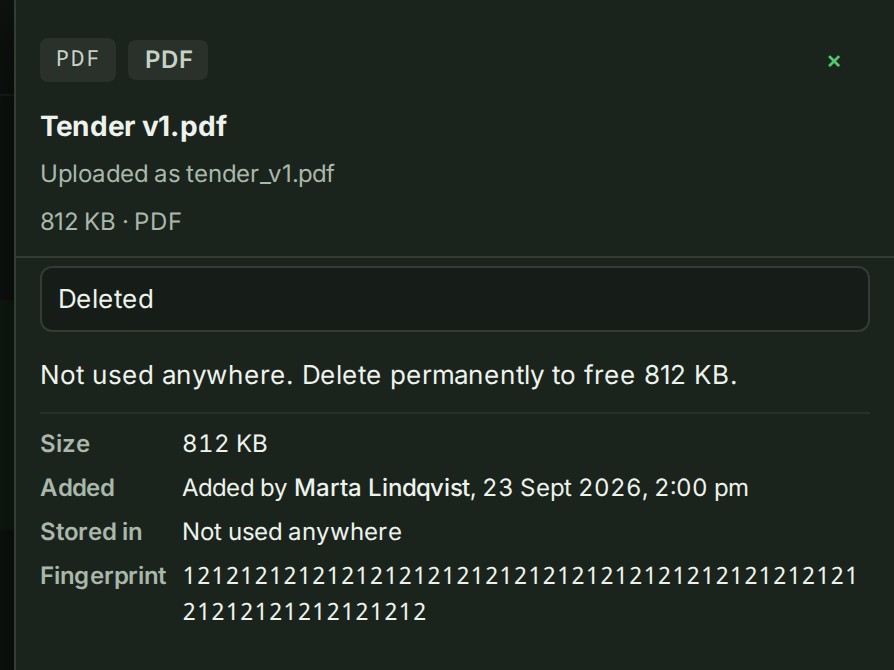
The details of the deleted Tender v1.pdf, with Not used anywhere. Delete permanently to free 812 KB. above its facts and Stored in reading Not used anywhere.The details of the deleted Tender v1.pdf, with Not used anywhere. Delete permanently to free 812 KB. above its facts and Stored in reading Not used anywhere. Dark theme.
The Files list with the deleted Tender v1.pdf showing the line Not used anywhere. Delete permanently to free 812 KB. under its name.The Files list with the deleted Tender v1.pdf showing the line Not used anywhere. Delete permanently to free 812 KB. under its name. Dark theme.

Its menu has Delete permanently…: see Delete a file permanently. No button frees them all at once; you choose each file.