Send a direct message
Who can do this
Anyone in your organisation, whatever their role Direct messages are on in a paid plan. On the free plan they work for 60 days from your organisation's first direct message.
A direct message is a private conversation with one colleague, for a quick question or a note before a delivery.
- Open Messages in the Console's navigation, under Work. On a phone, open the menu first.
-
Select New message.


-
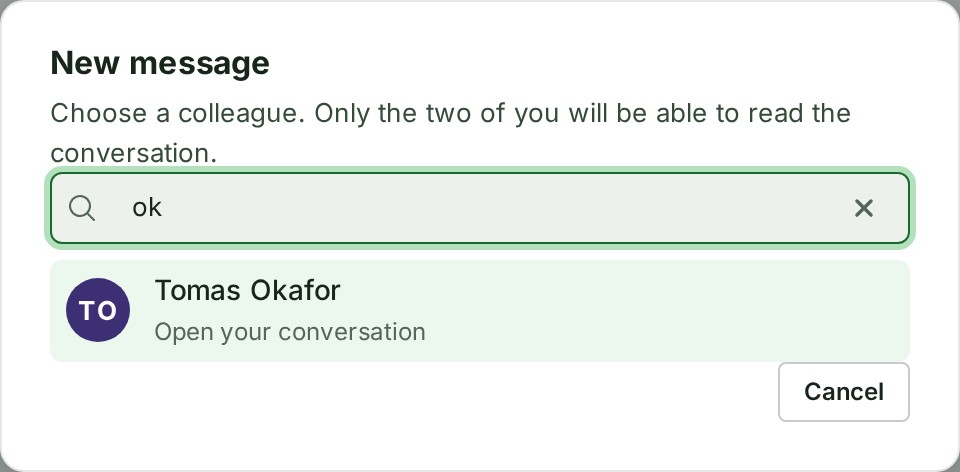
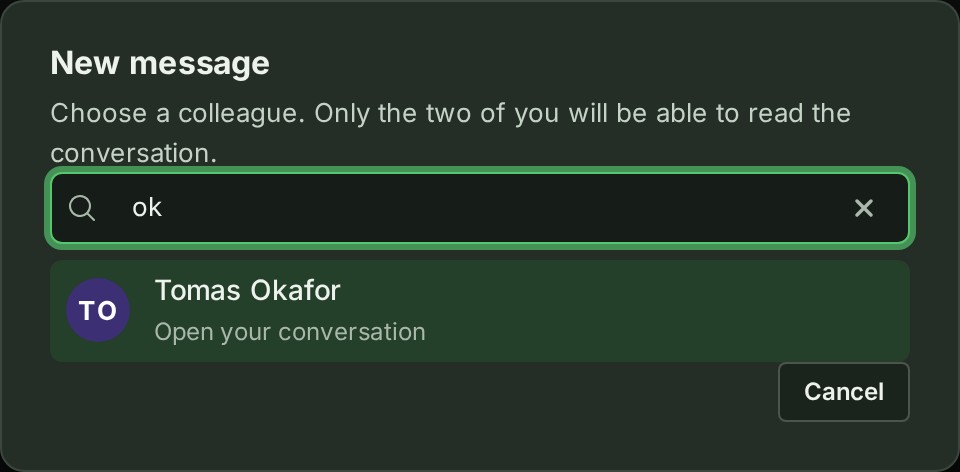
Type part of a colleague's name in Search colleagues. Matching colleagues are listed.
-
Select their name. If the two of you already have a conversation, it opens; otherwise a new one starts.
-
Type your words in the box at the foot of the conversation. They show in the box as you type.
- Select Send. Your message appears at the foot of the conversation with your name and the time.
At a desk, Enter sends too. On a phone or a tablet, Enter starts a new line.
What happens next
- Your colleague finds the conversation at the top of their Messages list, with a count of the messages they have not read.
- A conversation with unread messages shows its name and the start of its latest message in a bolder weight, and goes back to the normal weight once everything in it is read.
- The bell in their top bar says Marta Lindqvist sent you a direct message., without any of your words. Nothing is sent to their email.
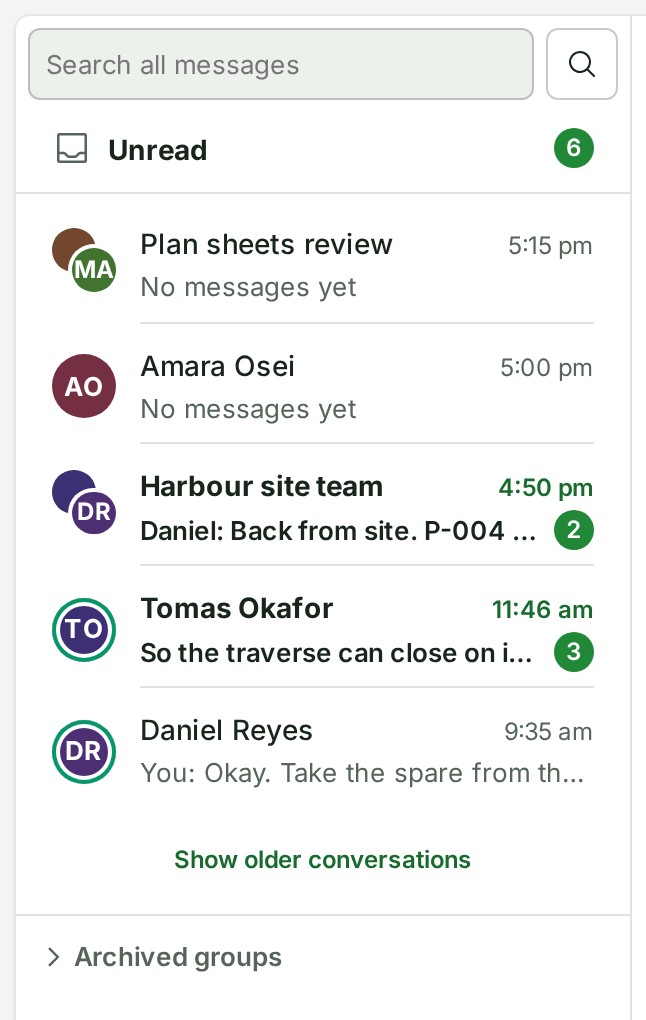
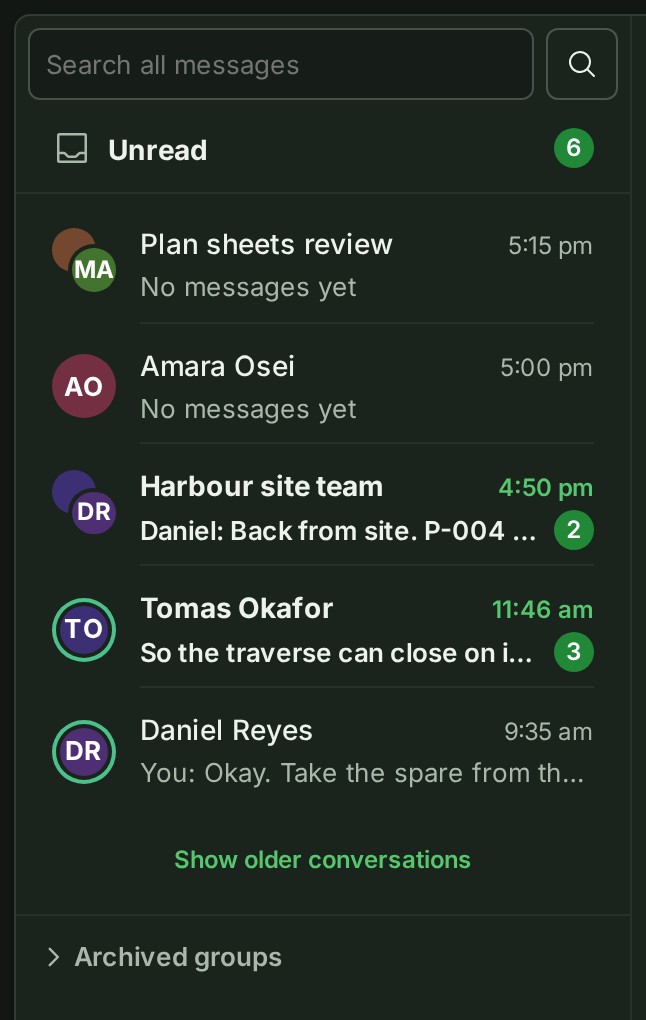
Unread, at the top of the list, gathers every conversation and thread with messages you have not read; see Find your unread messages.
If something goes wrong
- Not sent. Your message is still in the box. The connection dropped. Select Send again.
- Too many messages in a short time. Try again in 30 seconds. Wait for the time it gives, then send again; your words stay in the box.
- This message is 120 characters too long. A message holds up to 4,000 characters. Shorten it; Send waits until it fits, and nothing you typed is cut.
- Direct messages are not included on your organisation’s plan. You can still read every conversation and delete your own messages. To send or edit messages, choose a paid plan. Your organisation is on the free plan and its 60 days have passed. See Plans.
- Marta Lindqvist is no longer in your organisation. You can still read this conversation. The colleague was removed or suspended. You can read everything, and send nothing new.
Who can read it
Only the two of you can read a direct conversation. Nobody else in your organisation can open it, not the owner, an administrator or the auditor, and neither can GISweaver's support staff.
The audit trail records that a conversation was started, by whom and with whom, and never what was said.
Other ways to start one
- From a person: open a colleague's card in any conversation and select Message (see See who someone is).
- From the People page, if your role can open it: choose Message from a colleague's row menu.
New message lists every active colleague, whatever their role, by name and picture only. It never lists a client's reviewer, a former or suspended member, or you.
Writing, reading, times and what happens when a colleague leaves are in the Messages reference.
The product words on this page are explained in the glossary.