Reply to or reopen a ticket
Read GISweaver support's answer on a ticket, reply to it, or reopen it within 14 days.
- Open Help, where Your organisation’s tickets lists the tickets.
-
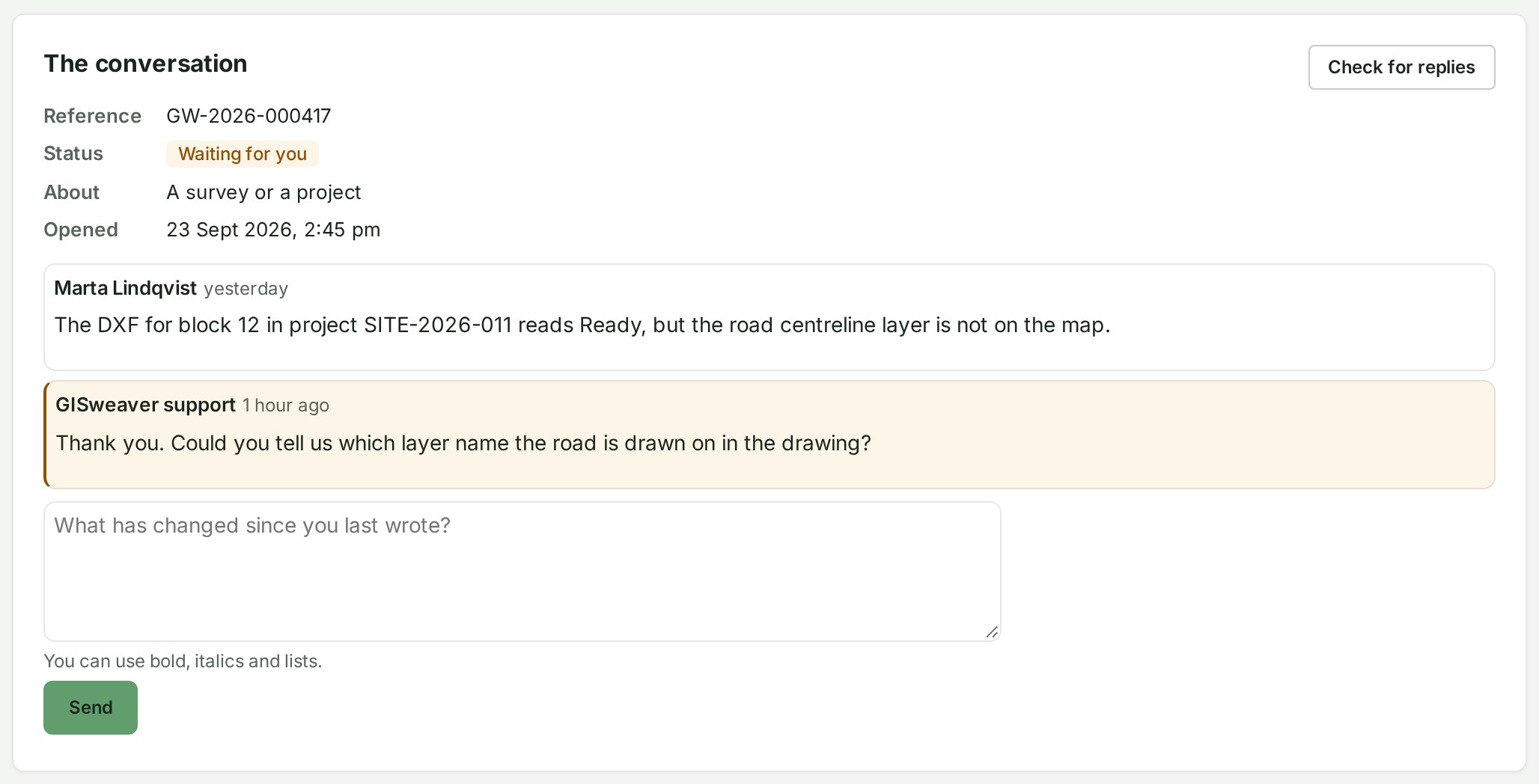
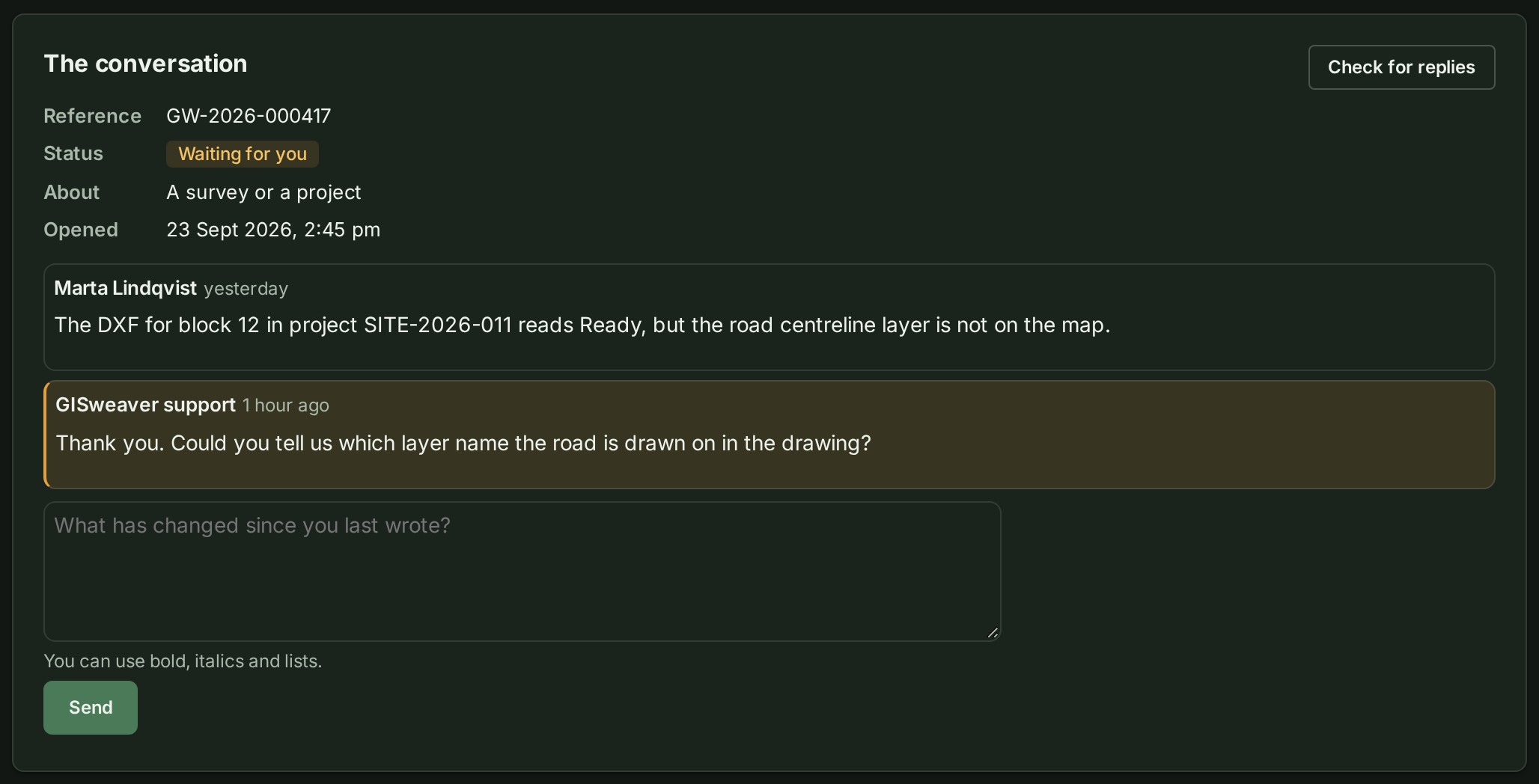
Select the ticket; one with an answer you have not read says New reply. Its page shows the Reference, Status, About and Opened, and The conversation under them.
-
Read support's answer. If you have the page open already, select Check for replies for the latest.
- Type your answer in the reply box under the conversation, which reads What has changed since you last wrote? until you type.
- Select Send. On a resolved ticket the button reads Reply and reopen.
What happens next
Support answers on the ticket itself and emails you when it does, so the whole conversation stays together. Your reply is added to the conversation and support is told. The status reads With GISweaver support until they answer; meanwhile the page says GISweaver support has this and will answer by email and here. There is nothing for you to do. A resolved ticket you reply to is open again. What each status means, and a ticket that opens in another organisation, are in Help.
If something goes wrong
- This ticket is resolved. Writing here opens it again, until a date. You can reopen it for 14 days after it was resolved.
- This ticket is closed and takes no more messages. A closed ticket cannot be reopened. Open a new ticket and name the old reference in it; see Ask GISweaver support for help.
- This ticket has reached its message limit. Open a new ticket and mention this reference. One ticket takes up to 50 messages from your organisation.
- This is 120 characters over the 8,000-character limit. (with its own numbers) Shorten the reply.