Discuss a file
Who can do this
Anyone in your organisation who can write in the project's conversation Every plan.
A thread can belong to one file instead of the whole project, so the conversation about a photo, a PDF or a map file stays with that file wherever it is read.
-
Open Projects, open the project and find the file in its Files list.
The file's row shows.
-
Open the file's menu.
The menu shows Start a thread.
-
Select Start a thread.
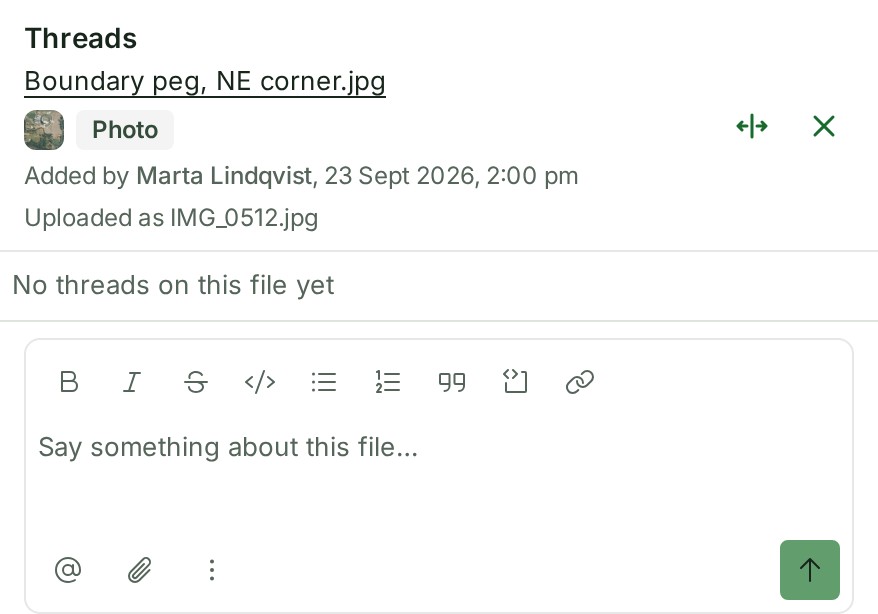
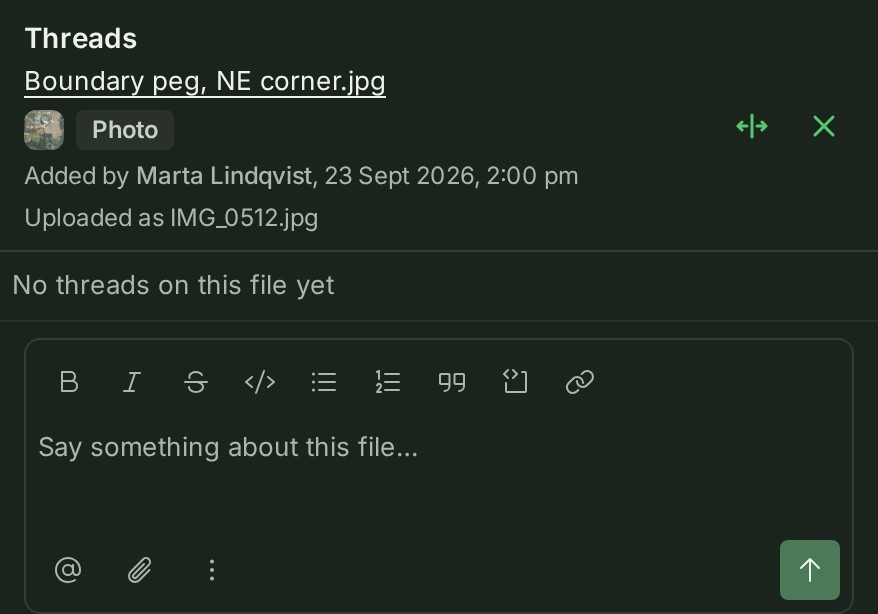
The file's Threads open beside the list.
-
Write in the box at the foot of the Threads.
The words are in the box.
-
Select Send.
Your thread appears in the file's Threads.
What happens next
Your thread also appears in the project's Project notes with a chip naming the file. Anyone who can open the project can read it and reply.
A thread about a file is internal to your organisation until someone marks it for your client: see Mark a thread for your client.
If something goes wrong
- Start a thread is not offered: you are the auditor, who reads conversations and writes in none, or your organisation is suspended or closed.
- This file has been deleted. Its threads stay here to read. Nothing new can be started on a deleted file; its threads can still be read.
More
- A file that has threads shows a chip with their number, such as 1 thread; select it to open them.
- Start a thread is in the file row's menu; right-click the row, or press and hold it on a phone.
- Select Widen the threads to widen the panel to about half the window, and Narrow the threads to put it back, or drag its inner edge. Close it with Close threads or Esc.
- Select the file's name in the panel's header to open the file in the gallery with the thread beside the picture, so you can look at the photo or the page while you answer. Close the gallery to come back to the list. In the gallery, Threads beside a photo or a PDF opens the same threads.
- If you delete a thread's first comment, the thread stays and shows This message has been deleted, with its replies.
- A file attached to a map feature or drawn object shows as a quiet line in that object's thread, not in the file's own Threads: see Attach a file or link to a feature.