Download your organisation's records and releases
Download one file of your organisation's records, and each survey release, from Data downloads.
-
Open Settings from Organisation controls.
Settings opens on its tabs.
-
Select the Data downloads tab.
The page opens under the line Each release this organisation holds, and whether it has been sent in full.
It has two sections, Your organisation’s records and Your releases.
-
Select Download the organisation records.
The button is under Your organisation’s records. Your browser saves one file, and the section then reads Sent in full on the date, and who ran the download.
-
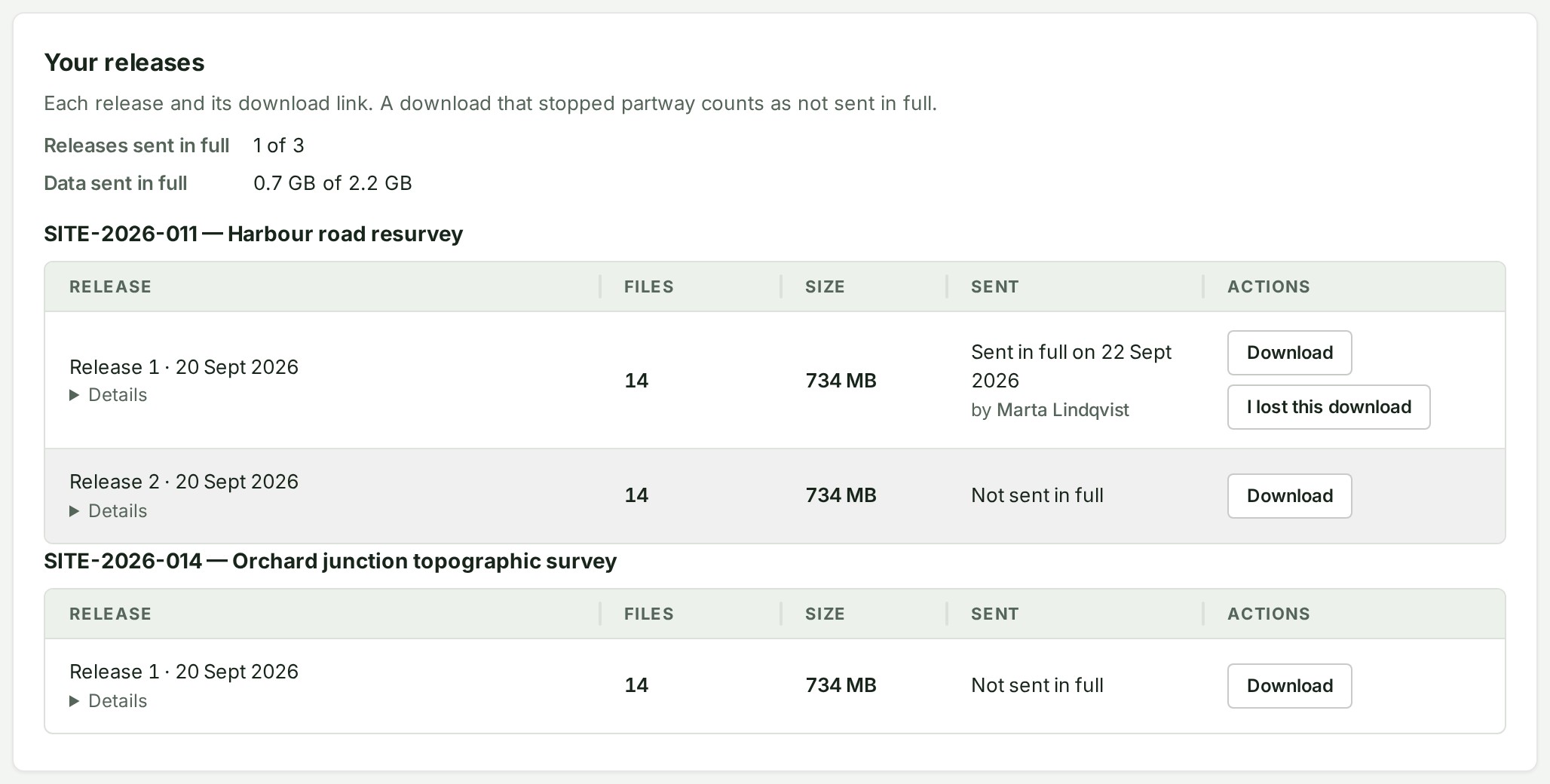
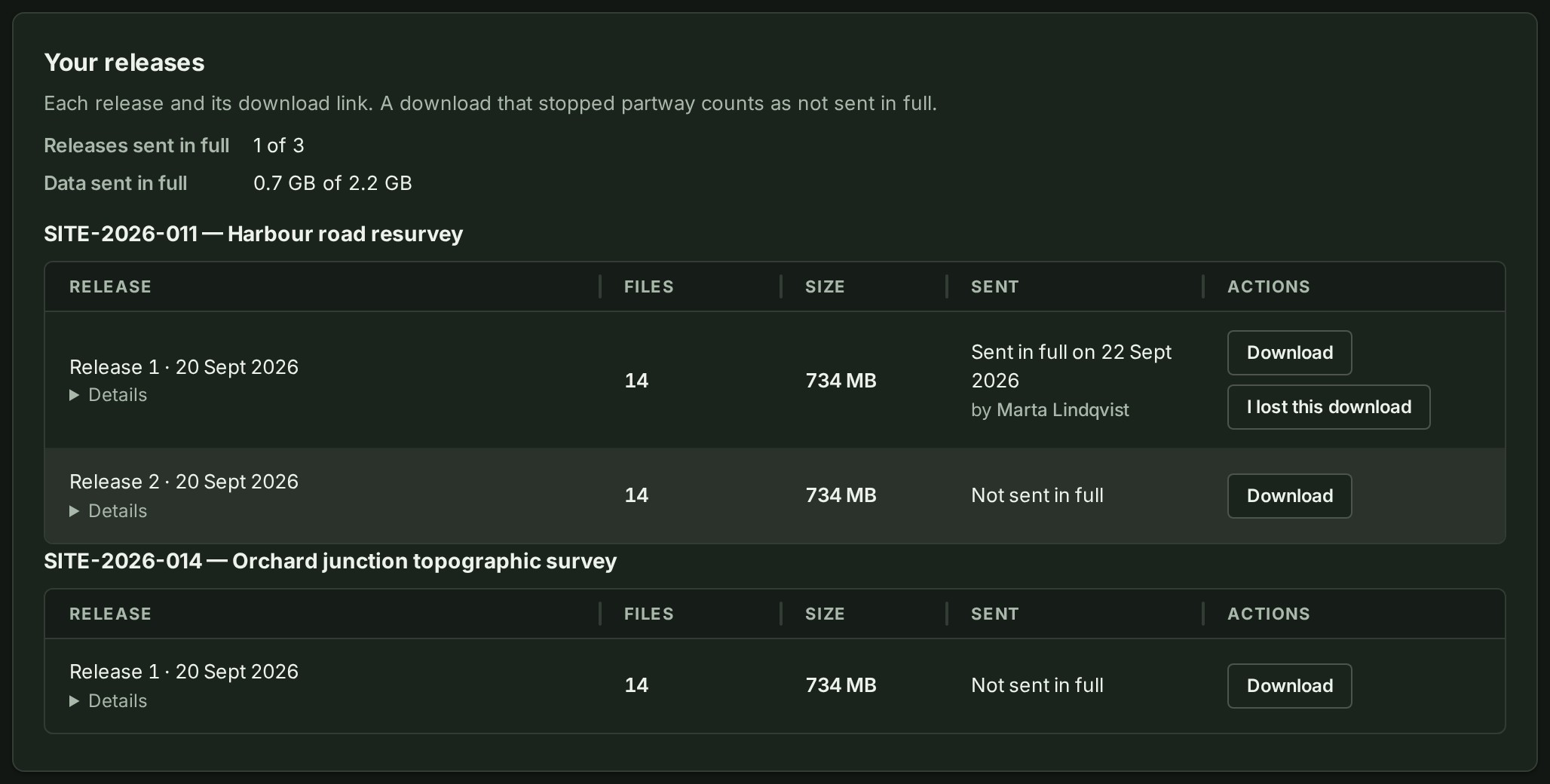
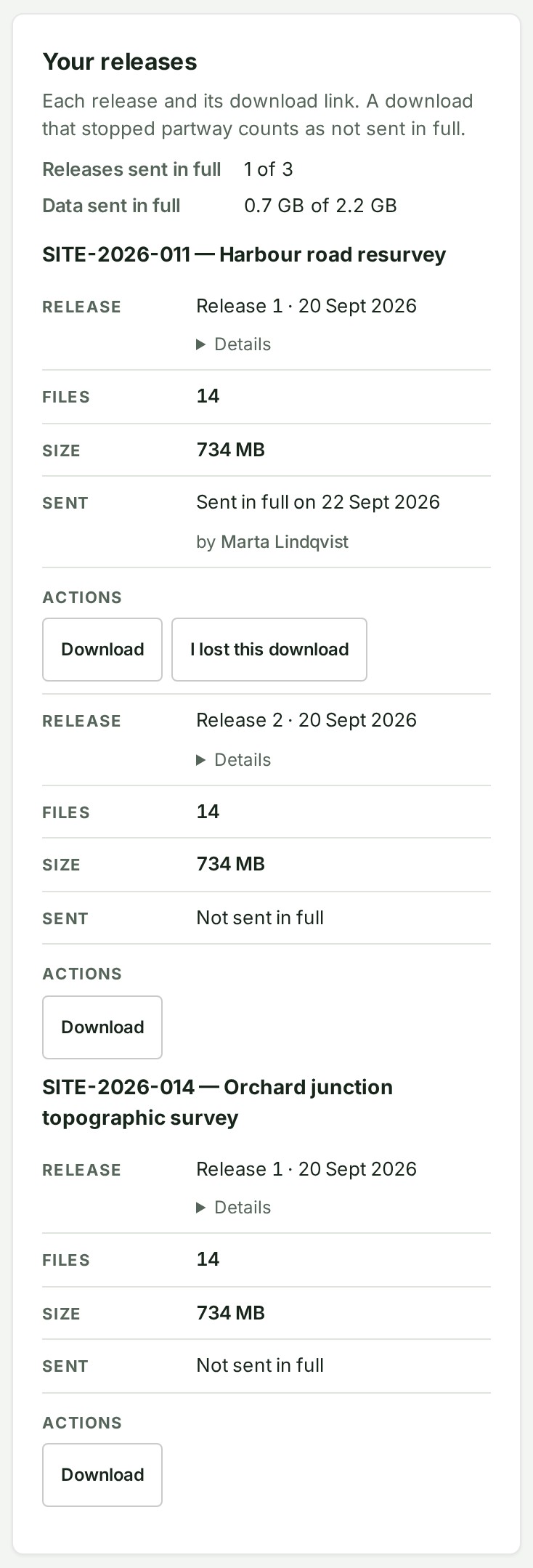
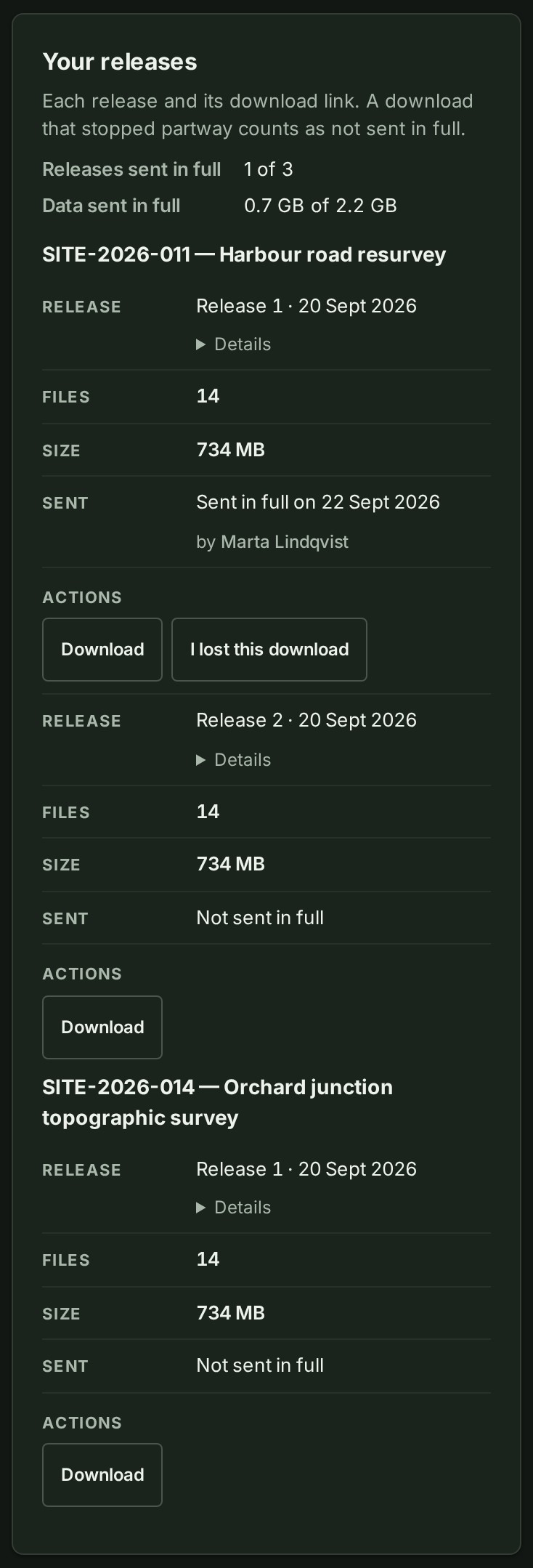
Under Your releases, select Download beside a release.
Your browser saves that release. Reload the page when it finishes, and the row reads Sent in full on the date. A download that stopped partway counts as not sent in full.
What happens next
The records file holds your organisation's details, offices, projects and their releases, clients and people. It also holds their roles, invitations, lent roles and the whole audit trail.
It does not hold the survey files themselves. Download those release by release from each project, as in step 4.
Kept files, saved work, notes, your logo, colleagues' pictures and invoices are downloaded separately. It never holds passwords, sign-in sessions or invitation links.
The file lists what it contains and what it leaves out. If its download stops partway, it will not open, so you will know it is incomplete.
If a row reads Sent in full but you no longer have the file, select I lost this download on that row. The row goes back to reading Not sent in full, and you can download the release again.
If something goes wrong
- Only the owner can open Data downloads. Ask your organisation’s owner.
- A release's Download button shows a reason under it instead of saving the file. A file is still being checked for malware: try again in a few minutes. Too many downloads at once: try again in the minutes it names. Any other reason: contact the organisation that sent the release.
- No releases yet Your organisation has not published a release. Your releases fills when it does.