Change or archive a branch
Correct a branch's name or address, archive a branch you no longer use, or bring an archived branch back.
- Open Organisation controls under Organisation in the Console navigation, then choose Branches. The list shows your branches, each with its Edit, Roles and Archive buttons if your role allows them.
Correct a branch
- Select Edit on the branch's row. The Branch name and Address boxes open.
- Change the Branch name or Address. You cannot change the Code.
- Select Save changes. The row shows the new name or address.
Archive a branch
-
Select Archive on the branch's row. A question names the branch and says what archiving does.
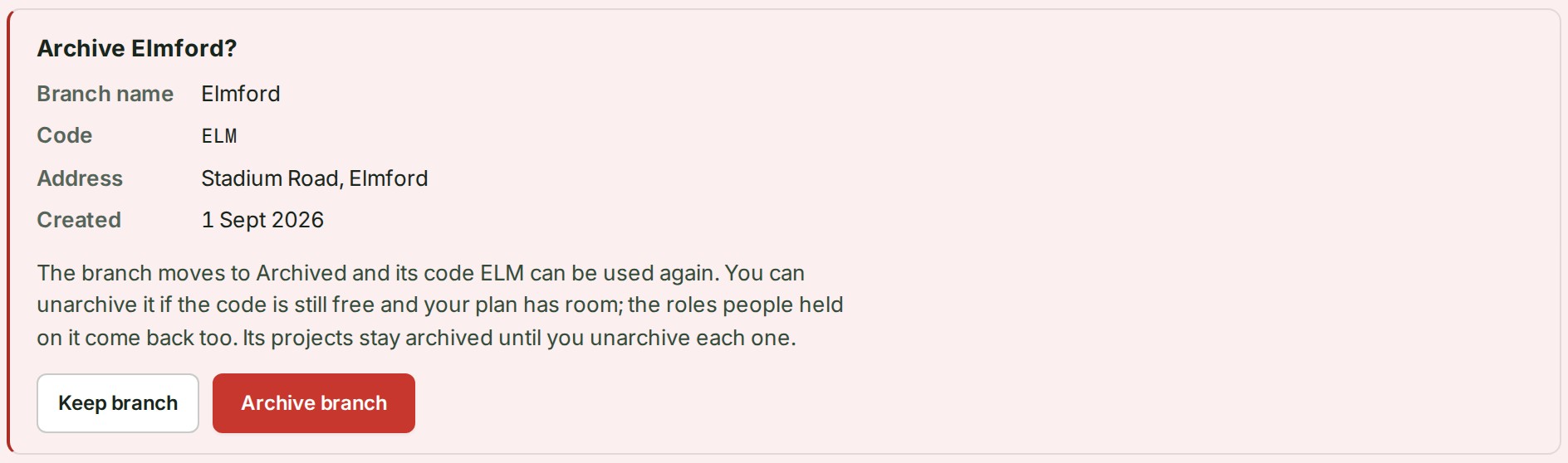
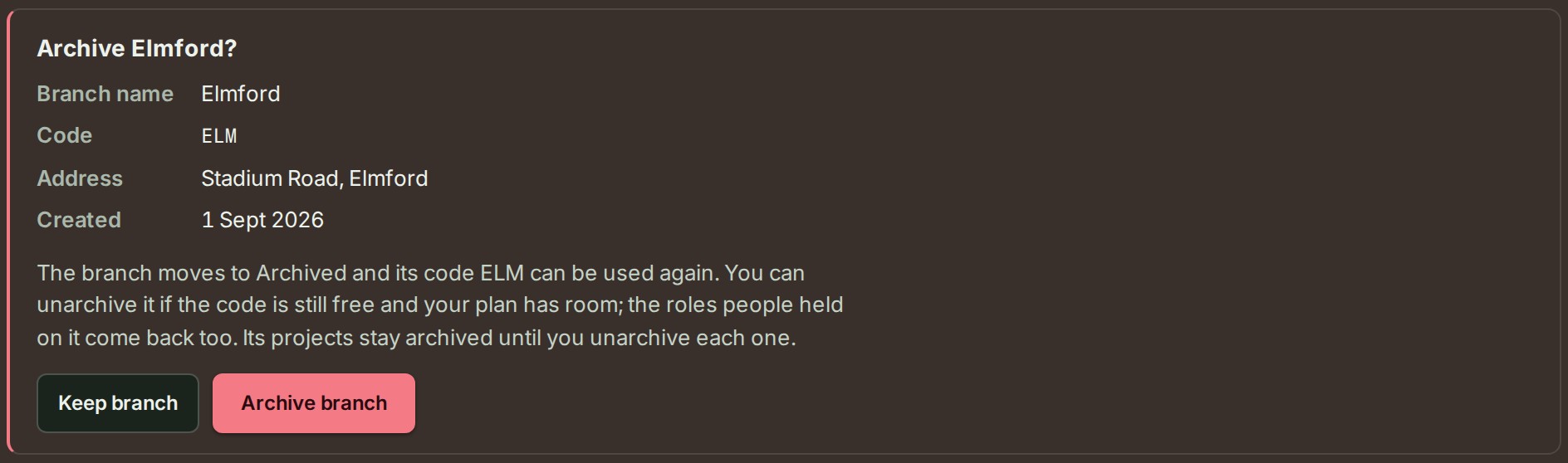
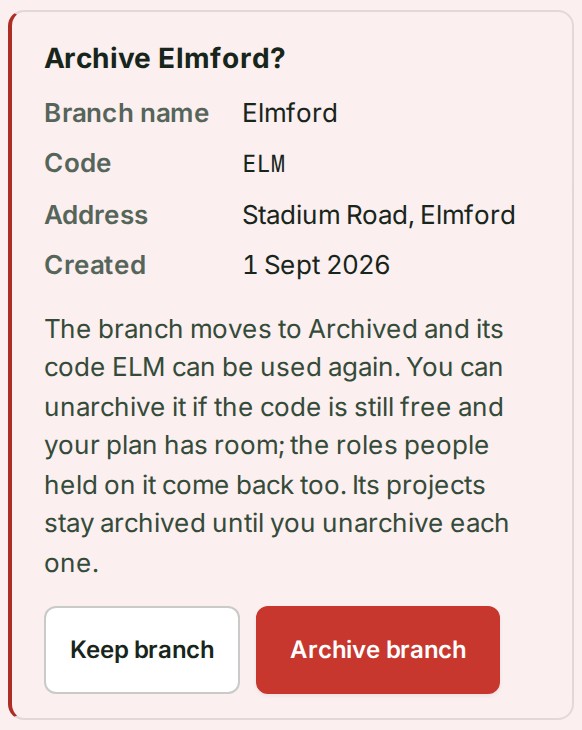
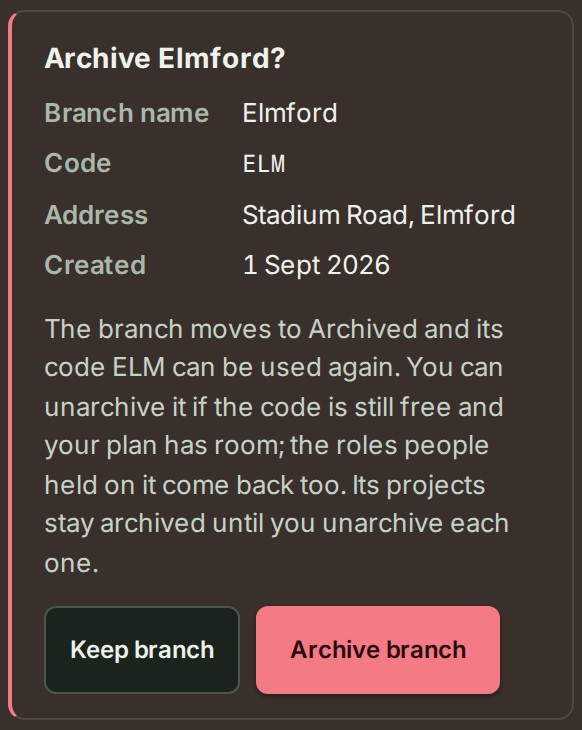 2. Select Archive branch, or Keep branch to leave it as it is.
The branch moves to the Archived group. Archiving never deletes a project or its survey data, and the branch's code can be used again.
If all the branches your plan includes were in use, archiving makes room for a new one.
Bring an archived branch back
- Open the Archived group below the branches. It lists each archived branch with its code and the day it was archived.
-
Select Unarchive on the branch's row. The branch returns to the list.


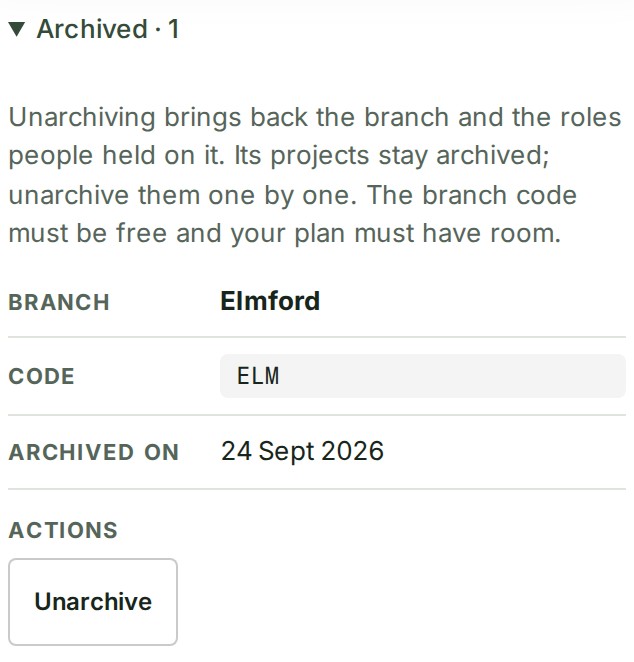
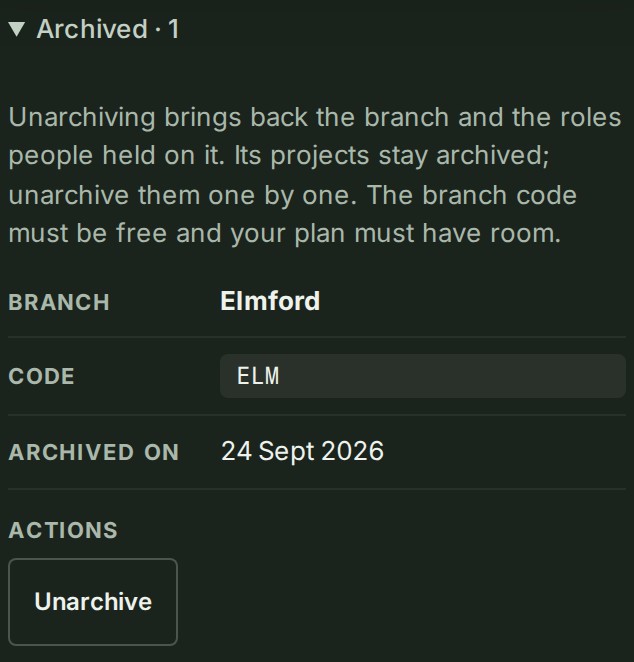
Unarchiving brings back the branch and the roles people held on it. Its projects stay archived; unarchive them one by one (Archive or unarchive a project). The branch code must be free and your plan must have room.
If something goes wrong
- This branch still runs projects. Archive them first, then archive the branch. Archive its projects first; see Archive or unarchive a project.
- The headquarters branch cannot be archived. The headquarters is marked HQ and stays.
- There is no Edit or Archive on a row. Your role does not cover that branch, or does not allow it. Ask an owner or an administrator.
Next: Create a branch