Settings and preferences¶
Open Organisation controls, then Settings, for the organisation. Preferences, in the account menu under your picture in the top bar, is for you as an individual — changing your profile or display units never affects colleagues or organisation documents.
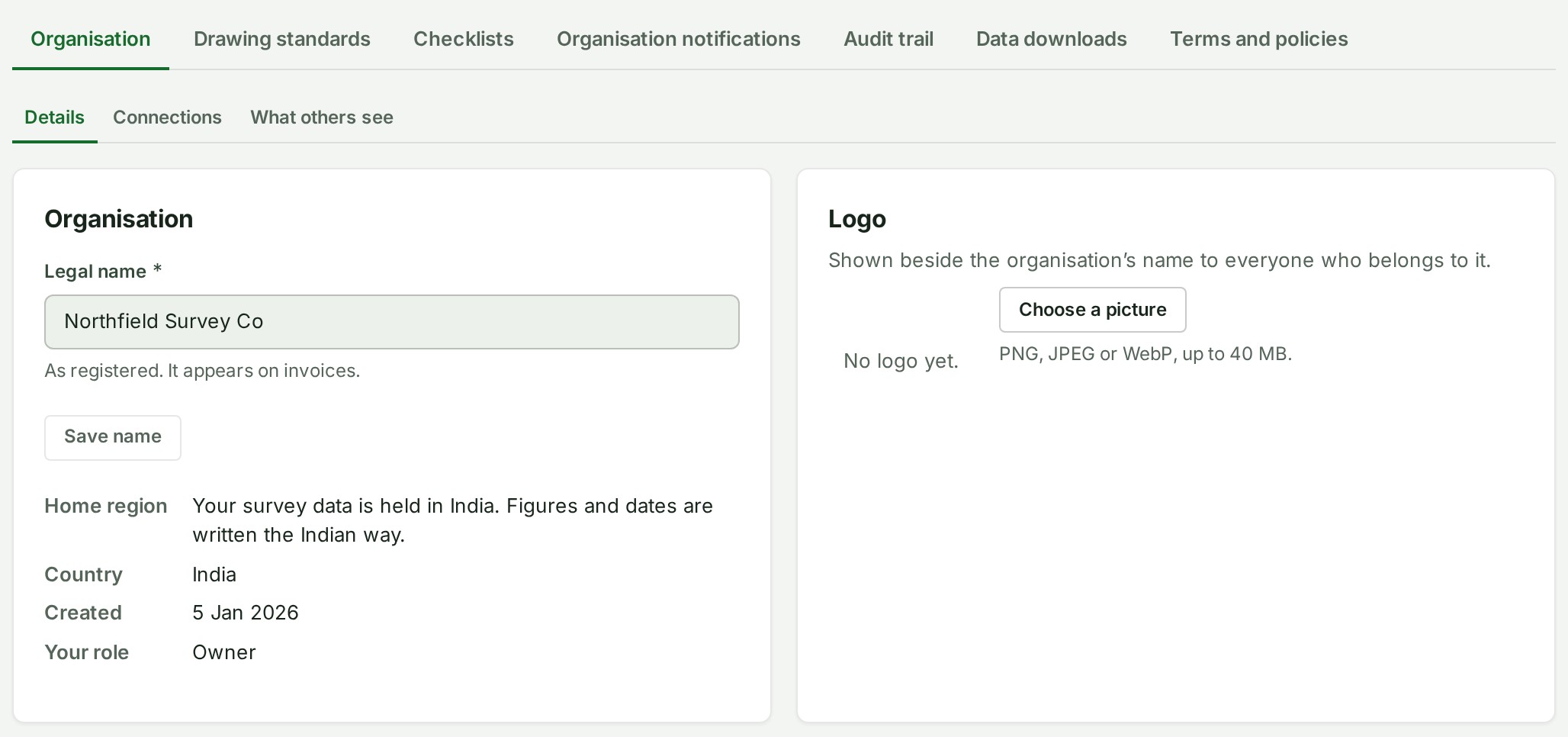
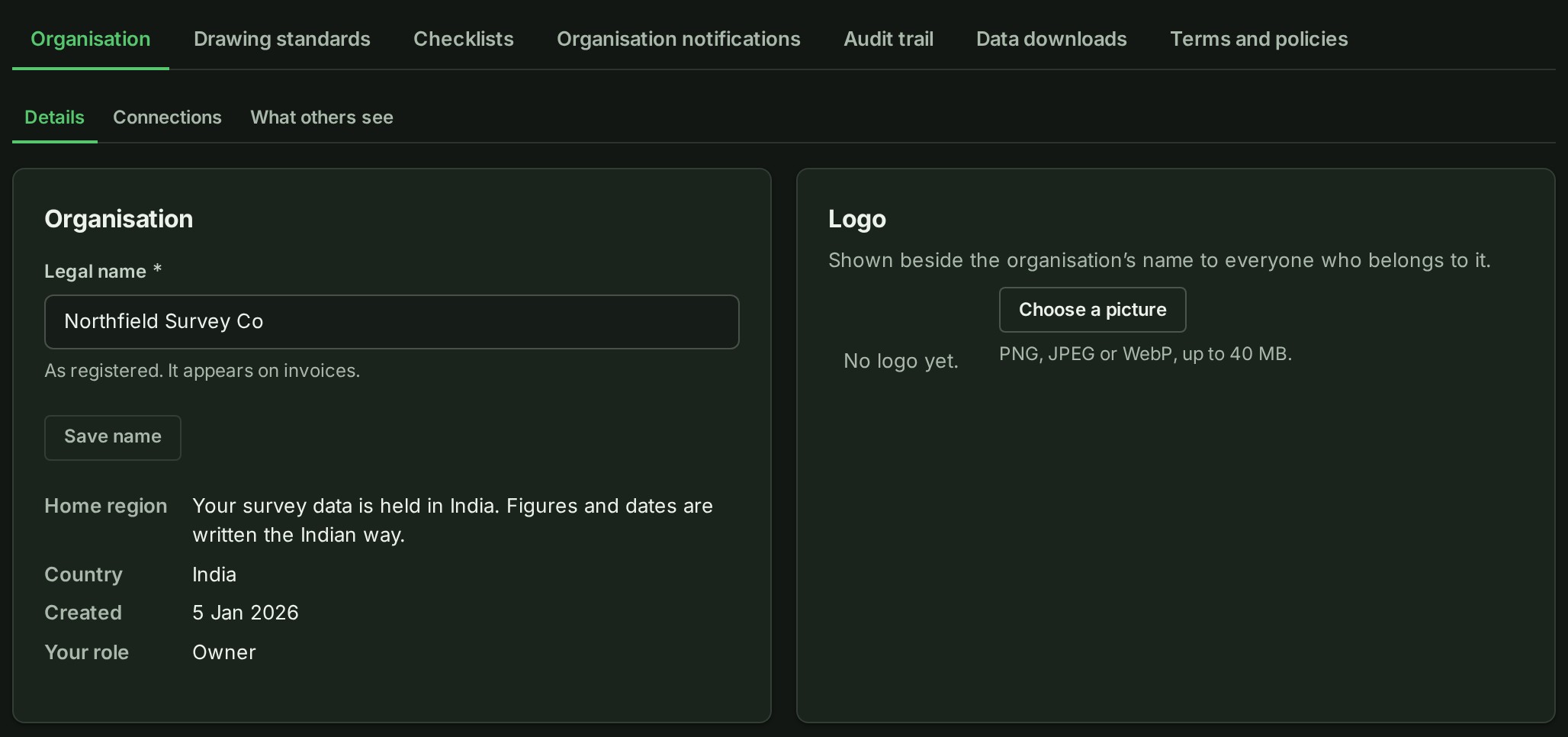
The Settings hub has up to seven tabs: Organisation, Drawing standards, Checklists (Owners and Admins; see Make a checklist template), Organisation notifications (Owners and Admins; see Choose your organisation's notifications), Audit trail, Data downloads and Terms and policies. Public profile, Access and Branches are not Settings tabs: they are separate entries on the Organisation controls page, next to Settings. Public profile is shown to Owners and Admins only — see Public profile.
Under the Organisation tab, a second, smaller strip has three tabs. Details holds the organisation's name, logo, contact details, and Discount and gift codes. Connections holds your organisation code, the firms connected to you, what they may copy, and your contact persons. What others see holds Client visibility: whether the firms you work for are shown your people's names, Client sees: what a client reads of a conversation you show them, and the Photos setting. The organisation's records and downloads, and the closing and erasing of the organisation, are under Data downloads. Organisation notifications is what the organisation sends; your own choices are under My notifications in Preferences, and each of the two screens links to the other.
On a phone, Settings opens as a list of its pages, one row each with an arrow, so the whole hub fits without a horizontal tab strip:
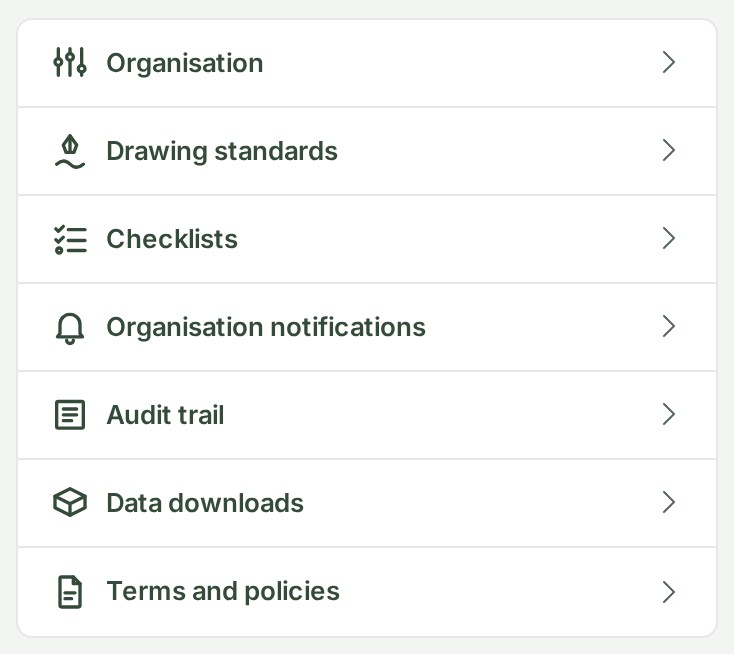
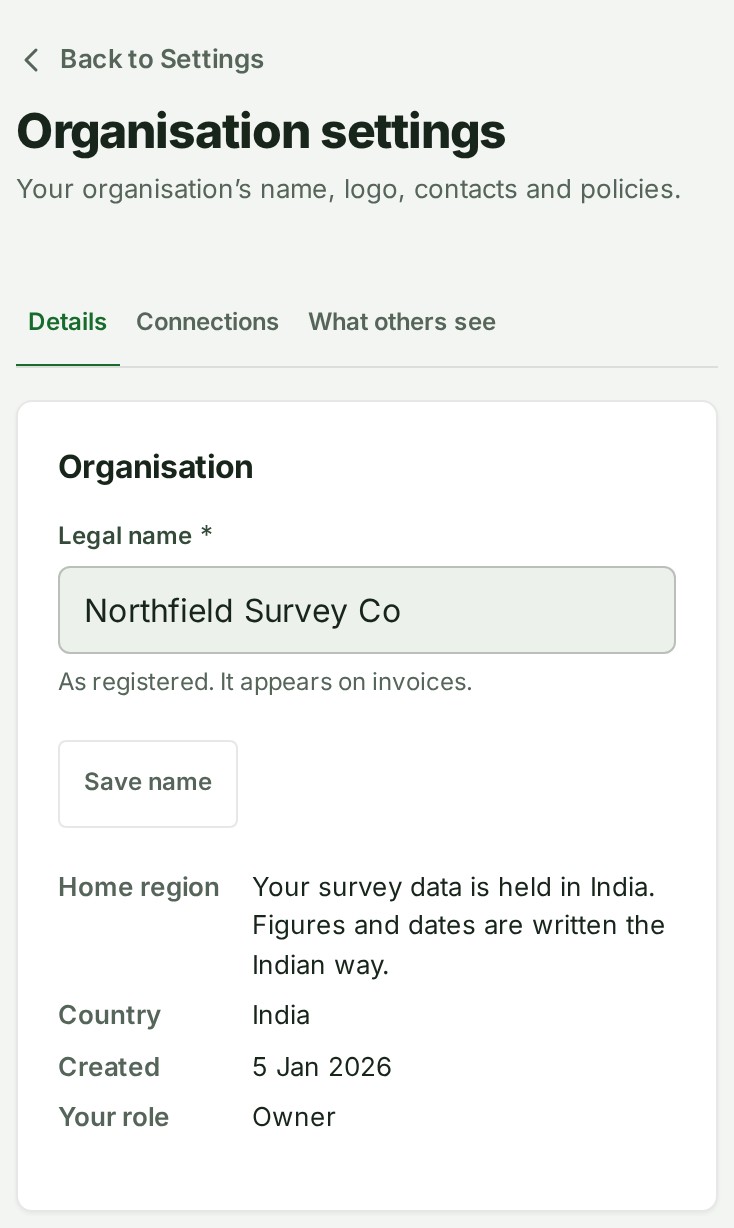
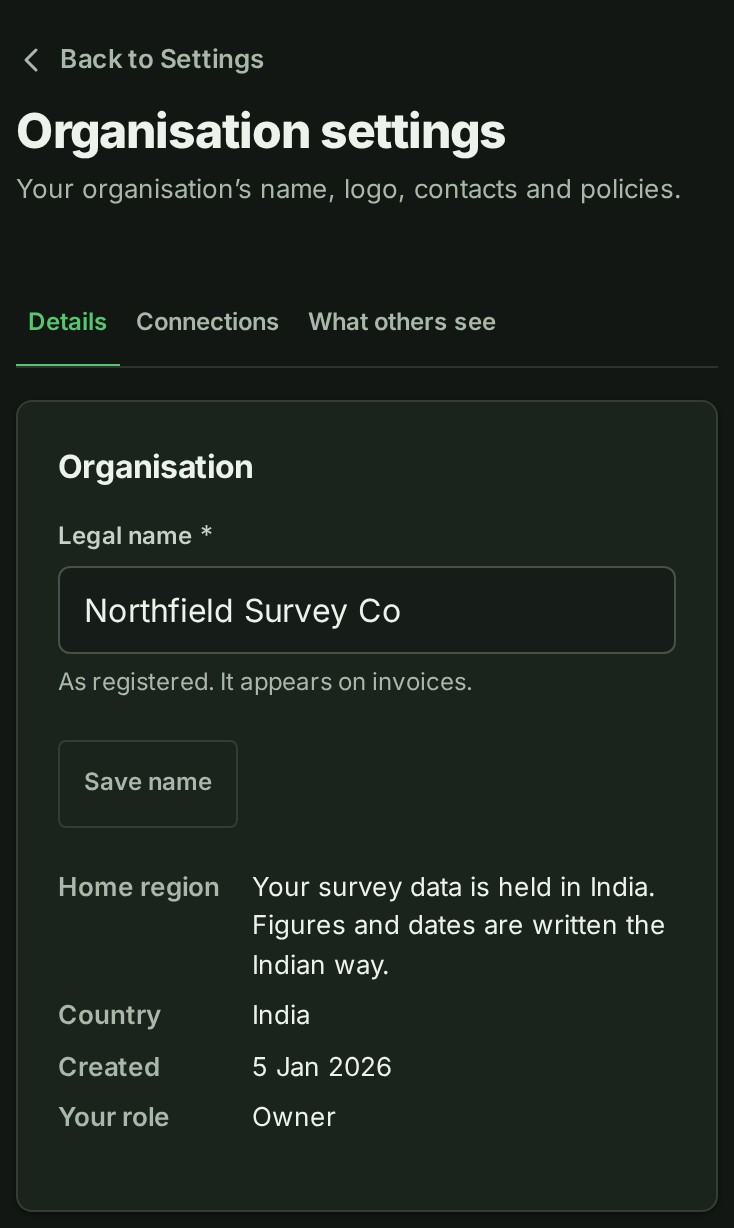
Select Organisation to open the page. Back to Settings sits above its title, and the Details, Connections and What others see tabs are beneath it. Every other Settings page has the same Back to Settings link above its title:
Allow or end GISweaver support access¶
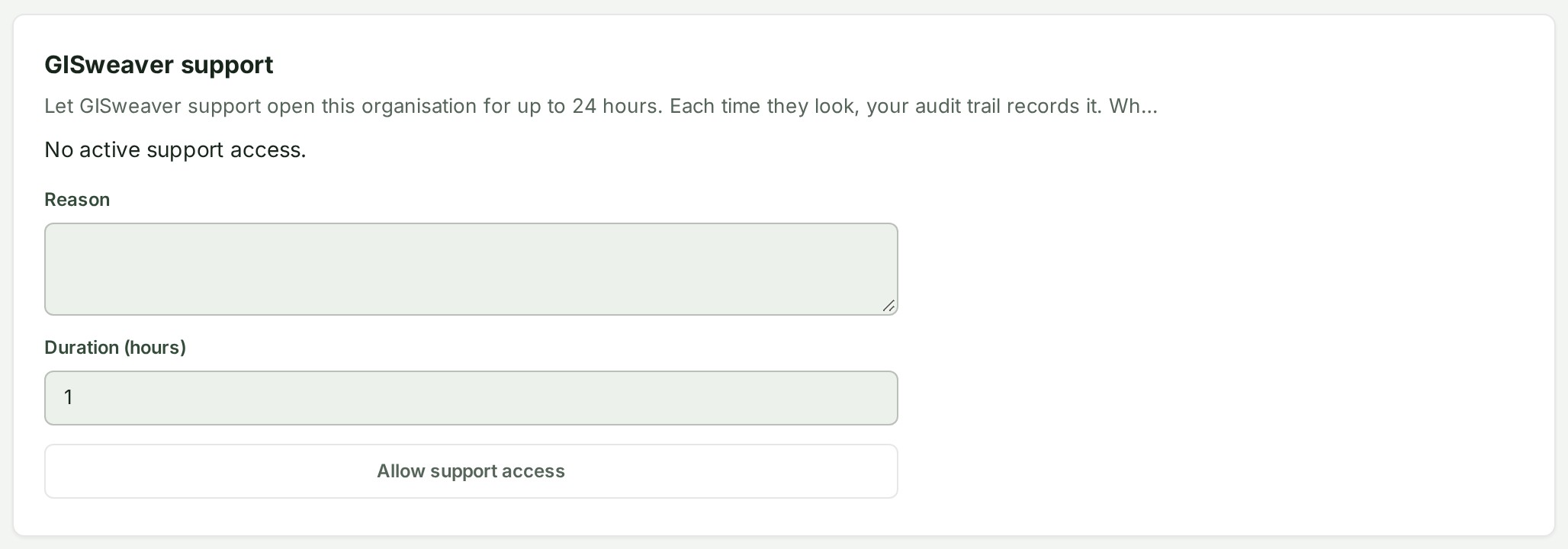
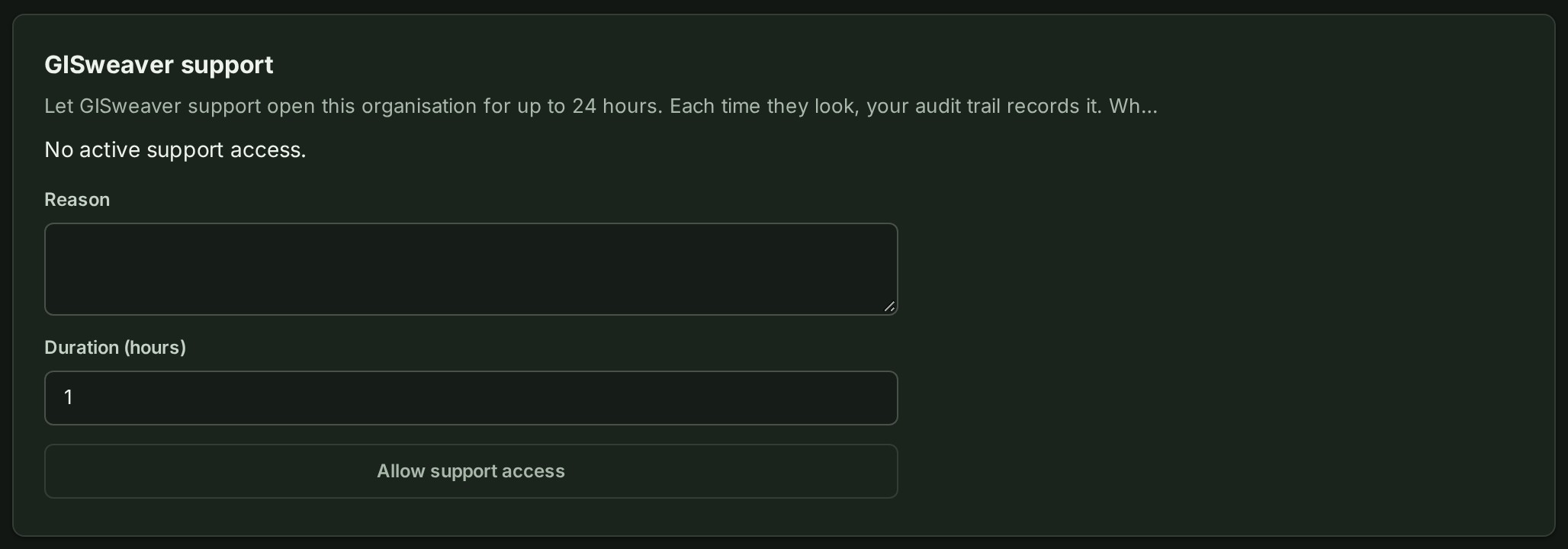
Only the Owner or an Admin can allow support access. Open Settings, then Details, then GISweaver support, or open the support ticket and use its GISweaver support card. A ticket grant covers the organisation, not just that ticket.
- Write the reason for support to look inside the organisation. Do not include passwords or secrets.
- Set Duration (hours) to a number from 1 to 24, then select Allow support access.
- Check the reason and expiry shown on the card. Every active administrator, including the Owner, receives an email notice.
Staff can then start a support session lasting up to one hour at a time, within your grant. Every read requested inside that session appears in your organisation's audit trail as well as the staff trail. Account, membership and billing records remain available to staff for running your account.
To stop access, select End access now beside the grant. It ends sessions using that grant immediately; they cannot read another screen with it. Check every active grant if you want to end all access. Expiry also stops access automatically.
If the customer cannot grant access during an emergency, two different active staff operators must approve emergency access. The Owner receives a notice when it is requested and when it is approved, and can end it using the same card. A request awaiting the second approval grants no access.
Change an organisation detail¶
On the Details tab, the Organisation card shows the legal name, with Save name directly under it for an owner or administrator, then Home region — where your survey data is held, in words — and Country, the country your firm declared when it signed up (it cannot be changed here; contact support to correct it), the date the organisation was created, and your own role.
- Check that the active organisation is correct.
- Check the current saved value against the value you intend to use.
- Save the change, then confirm the displayed value is the one you expected.
Why this is so
If another person changes the same information while you are working, GISweaver asks you to reload — compare the reloaded value with your intended change, then enter and save the correct final value, rather than repeatedly submitting an older screen. Ownership transfer, closure and data erasure are separate workflows with their own confirmations; closing an account is not the same as erasing its data, and a request or confirmation screen does not mean the process has already completed.
Redeem a gift code or refer another firm¶
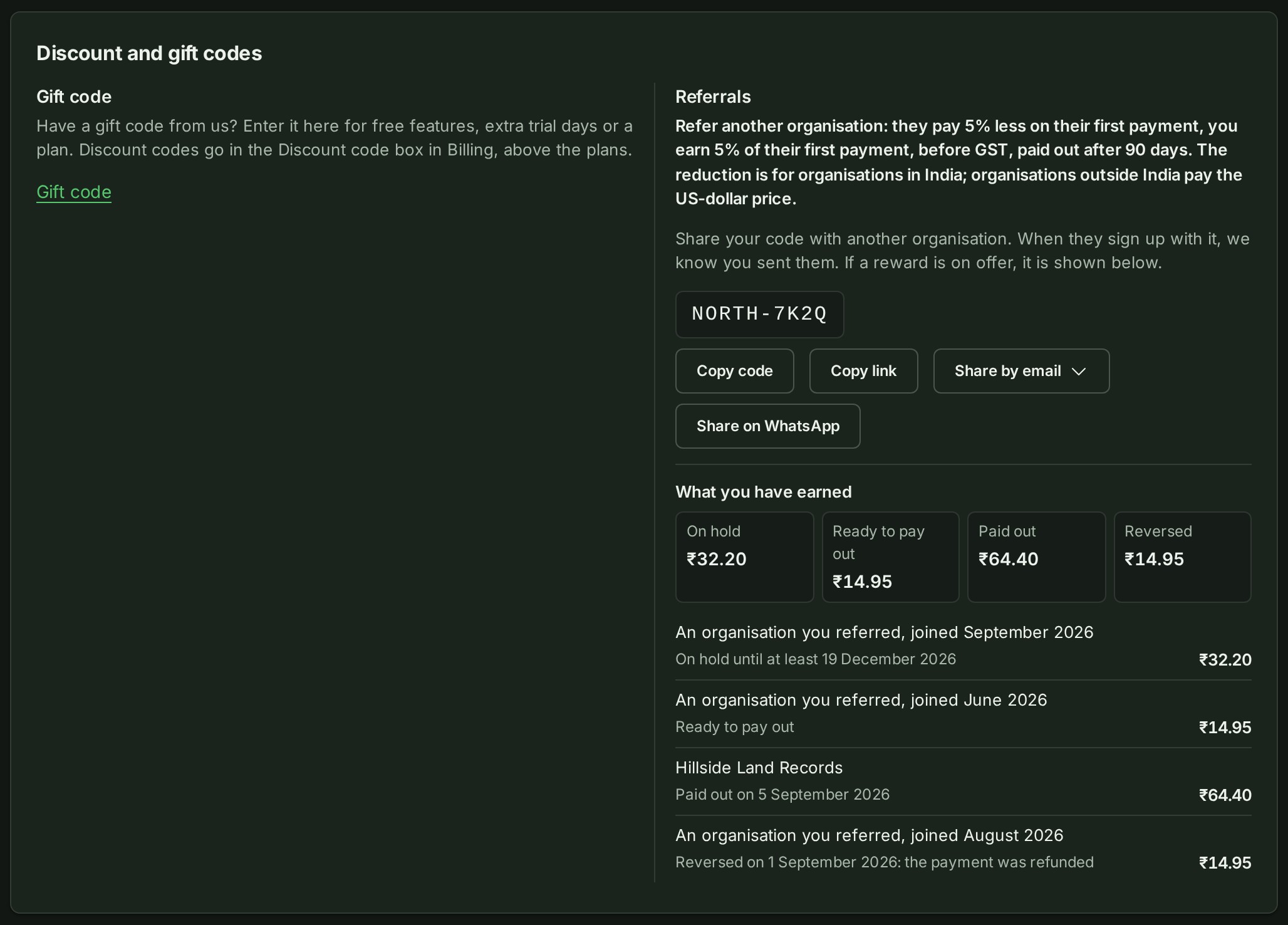
Open Settings, then Details, and find Discount and gift codes. Gift code is for an access or trial gift code that gives extra features, trial time or a plan for a stated period. It is separate from Billing's Discount code, which takes money off one purchase and stays with the plan cards.
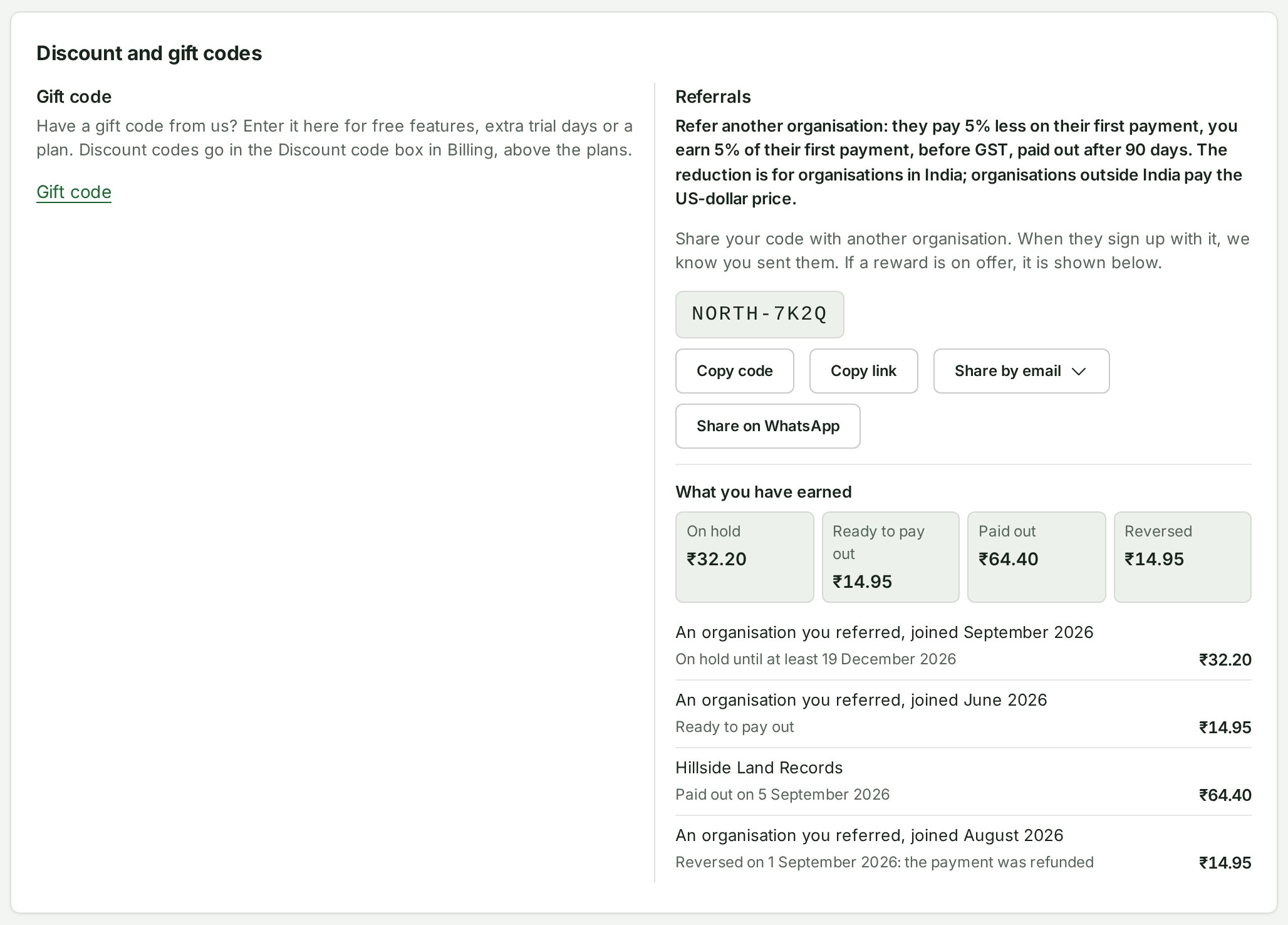
- To use a gift code, select Gift code, enter it under Gift code, and select Redeem gift code. Owners, Admins and Billing managers can redeem; other readers see why the control is unavailable.
- Read the result for what the gift code grants and when it ends. A discount code entered here is refused and points back to Billing; nothing is redeemed or charged.
- Under Referrals, use Copy code, Copy link, Share by email or Share on WhatsApp to pass on your organisation's code. The programme line says whether a reward is running, and What you have earned lists On hold, Ready to pay out, Paid out and Reversed amounts.
The referral code still works when no reward is running, to record who recommended a firm. When an agreed partner term ends, the code is not offered for sharing; earlier earnings remain listed. A referred firm is named only when it agreed at sign-up.
Change the organisation's logo¶
The logo is shown beside the organisation's name to everyone who belongs to it. Only the Owner or an Admin can change it.
- Open Settings, then Details, and find Logo.
- Select Choose a picture (or Change picture), or drop a file on the card, and pick a PNG, JPEG or WebP image up to 40 MB; a phone photograph is fine, since only the part you keep is sent.
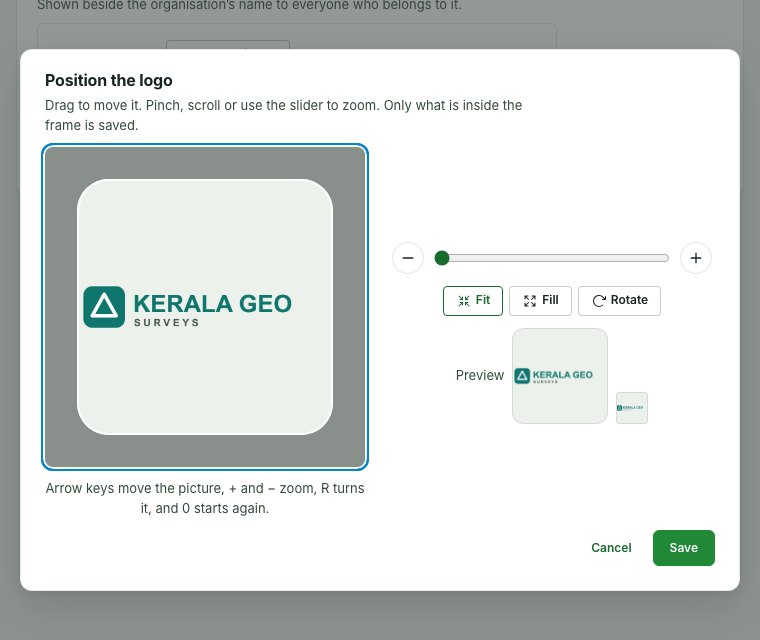
- In Position the logo, place the mark inside the rounded-square frame. It opens fitted: all of a wide wordmark inside the frame, with clear space above and below. Drag to move it; zoom with the slider, the − and + buttons (Zoom out and Zoom in), a pinch or the mouse wheel. Fit brings the whole mark back inside the frame, Fill covers the frame with it, and Rotate turns it a quarter turn to the right.
- Check Preview: the logo at the size this page shows it and at the size beside the organisation's name.
- Select Save. Cancel changes nothing.
Remove asks first, because colleagues see the logo on every screen; the organisation's initials are shown in its place.
Why this is so
The editor saves a square, the shape the Console draws a company in. A logo is allowed to sit smaller than the frame so that a long wordmark is never cut; the space around it stays transparent. Changing or removing the logo is recorded in the audit trail as … the logo.
Direct links to a section, including older gift-code and referral links, open the Organisation page on a phone. Role and lent-role notices open the page that states Your role.
Keep unfinished edits and retry a refresh¶
The organisation name, contact details, photo quality, connection choices and drawing standard each save separately. Turning your device or resizing the window keeps unfinished Organisation edits on the page. If you follow a link to another page or switch organisations with unfinished edits, choose Stay on this page to keep them. Discard and leave leaves them behind. Save before using the browser's Back or Forward buttons; these do not show this decision.
If a save succeeds but the latest details cannot be loaded, the saved change remains saved and other cards keep their unfinished edits. Choose Try again to refresh the details. This only loads the latest information; it does not submit the successful save again.
Show or hide your people's names to organisations that send you work¶
- Open Settings, then What others see. It holds Client visibility.
- Turn Show our people's names to organisations that send us work on or off.
- Choose Save client visibility and check the saved state.
Why this is so
This controls what firms sending work to your organisation see about the people here who open it: off shows your organisation and a stable code per person; on also shows that person's name. Turning it off again hides names from earlier entries too, since names are looked up when the sender views the record. Separate from personal Preferences.
Answer or manage a connection request¶
- Open Settings, then Connections. A link from a notice opens this tab.
- At the top of the panel, under Your organisation code, select Copy organisation code to copy it. Give this to an organisation you work with — they enter it on their own Clients screen to ask to connect. The same code, and a pointer to this panel, is still on the Shared releases tab of Deliveries.
- Under Waiting for your answer, select Accept or Decline for a request — the organisation is notified either way. At the top of the panel a line says what to do after you accept: After you accept a request, connect one of your teams to that organisation so it can choose reviewers from it. with two links, Connect a team to an organisation (People, Teams) and Clients, to record clients of your own.
- Under Connected organisations, select Disconnect, read the question, and select Disconnect again to end one.
- Turn Accept connection requests off to stop new requests and invitations from firms to link to your organisation (firms already connected stay connected), then Save.
- Under What connected organisations may copy, turn on Contact card, Tax ID (GSTIN in India) or Billing address as needed, then Save sharing.
Why this is so
A connected firm copies what you share into its own record when it accepts, and again whenever it chooses Refresh — a copy it keeps, so changing your details or a switch later does not change theirs. Each row under Connected organisations says what that firm may copy and when it last copied. When a connected firm names your organisation as the client on one of its projects, the owner, administrators and any contact persons an earlier release marked for review are notified once, and the notice opens this panel — the project stays the firm's and nothing of it is shared with you. Everyone in the organisation can see this panel; only the owner and administrators can act on it. Each action is recorded in your audit trail: a connection names the firm, never its people.
Name a contact person for connected firms¶
- Open Settings, then Connections, and find Contact persons for connected organisations.
- Choose a member under Add a member.
- Select Add contact person.
Contact persons are the people told when a connected firm delivers to you. They do not decide who a firm may invite to review its work: that is the teams you connect to the firm, on the Teams tab of People (see Teams).
Why this is so
A firm connected to you sees each contact person's name and email, and nothing else. People named for deliveries (plus the owner and administrators) are notified when a delivery reaches your organisation, and deliveries still go to the organisation itself. A firm can invite someone to review its work only from a team you have connected to it, and it sees their display names, never an address. The For review mark is gone from this list; a person an earlier release marked for review alone still appears, with a note and Name for deliveries, and can be removed. Each person is notified when added and can select Remove me at any time; the owner and administrators can Remove anyone. Someone who leaves the organisation leaves the list.
Set the organisation's photo quality¶
- Open Settings, then What others see, and find Photos.
- Choose Compress on upload (recommended) or Keep full quality.
- Select Save photo setting.
An unfinished photo choice joins the leave-without-saving decision: choose Stay on this page to keep it, or Discard and leave to leave it behind. After a successful save, the submitted choice is saved. If you have made no later choice, Save photo setting is disabled until you change it again. A choice you make while Save is in progress remains unfinished when the earlier save completes; the radio keeps your newer choice and Save remains available for it. If the following refresh fails, choose Try again to load the latest details. You can still save the organisation name or contact card against the updated record; you do not need to repeat the successful photo save.
Why this is so
Compress on upload, the default, reduces a photo to 2,560 pixels on its longest side as a JPEG, unless it is already that size or smaller. Keep full quality keeps a JPEG or PNG as it came; an iPhone's HEIC is still converted to JPEG at full size, since most browsers cannot show one. Either way, hidden camera fields are removed, where and when the photo was taken is kept and shown beside it, and a preview is made. Only the owner or an administrator can change this; a change applies to the next photo. See Photos from a phone.
Choose what a client reads of a shown conversation¶
- Open Settings, then What others see, and find Client sees.
- Choose The whole conversation or Only what is written from now on.
- Select Save what clients see.
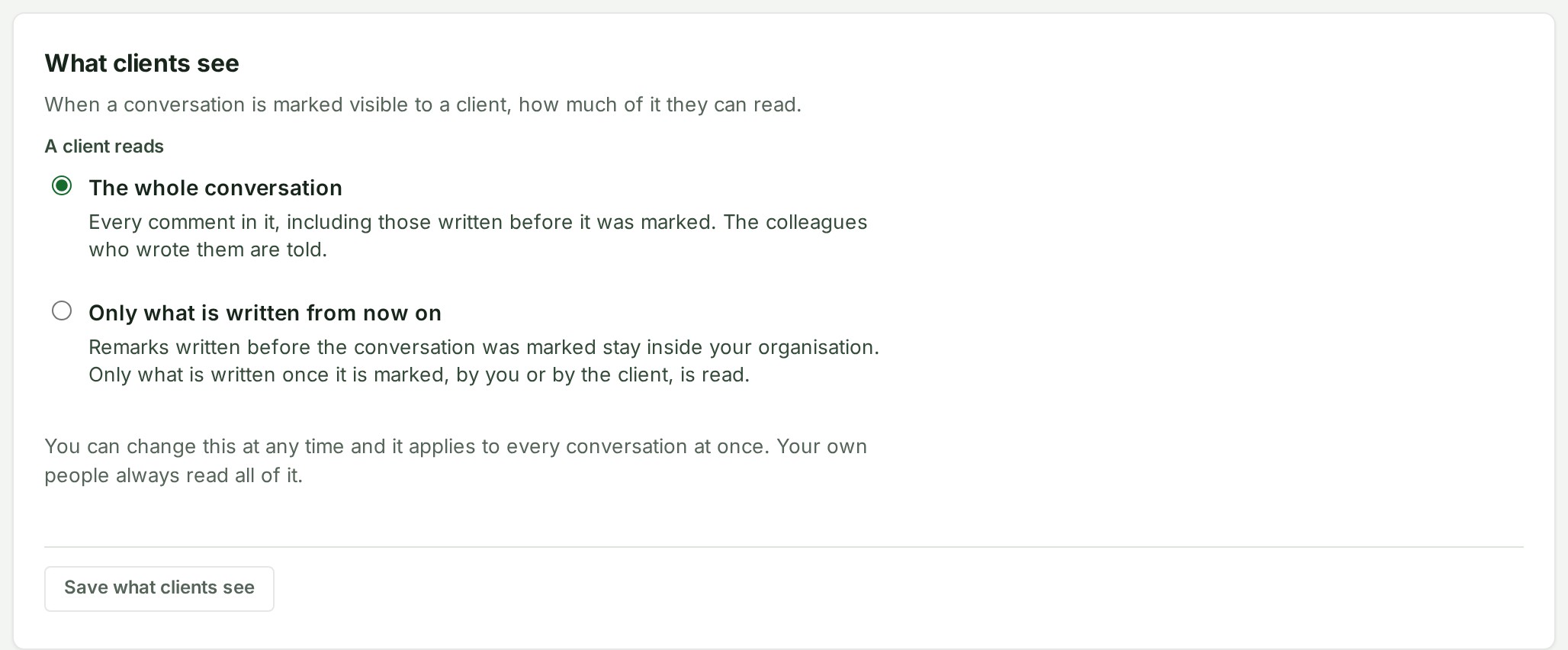
This is what a client's reviewer reads of a thread you show to the client. With The whole conversation, the default, they read every message in it, including the ones written before you showed it, and each colleague who wrote one of those messages is told in the bell. With Only what is written from now on, only messages written after the thread was shown are read by the client; the earlier ones stay inside your organisation. You can change it at any time and it applies to every thread at once, including threads you showed earlier: widening it tells the authors of the messages that become readable. Your own people always read everything. Only the owner or an administrator can change it; everyone else sees the choice.
An unfinished choice joins the leave-without-saving decision, as the photo setting does.
Change drawing standards¶
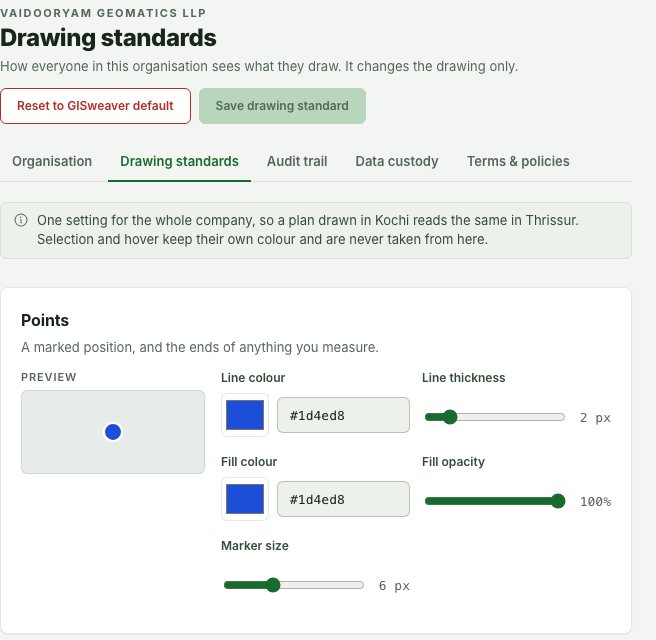
- Open Settings, then Drawing standards.
- Review the separate controls for points, lines and shapes.
- Where you have permission, choose the colours, thickness, fill opacity or size needed. A point has an Outline colour, Outline thickness and Size; a line or shape has a Line colour and Line thickness.
- Check each preview and choose Save drawing standard.
Why this is so
This sets the organisation's default appearance only — it never changes survey geometry, coordinates or a measurement value. Use Reset to GISweaver default only when you intend to replace the saved choices: read the confirmation, then choose Reset and save — this restores the default appearance, it does not delete drawings or change survey data. If you cannot save, check you are in the right organisation and have drawing-standard access; reload first if the page reports the saved standard changed.
Where the drawing standard shows¶
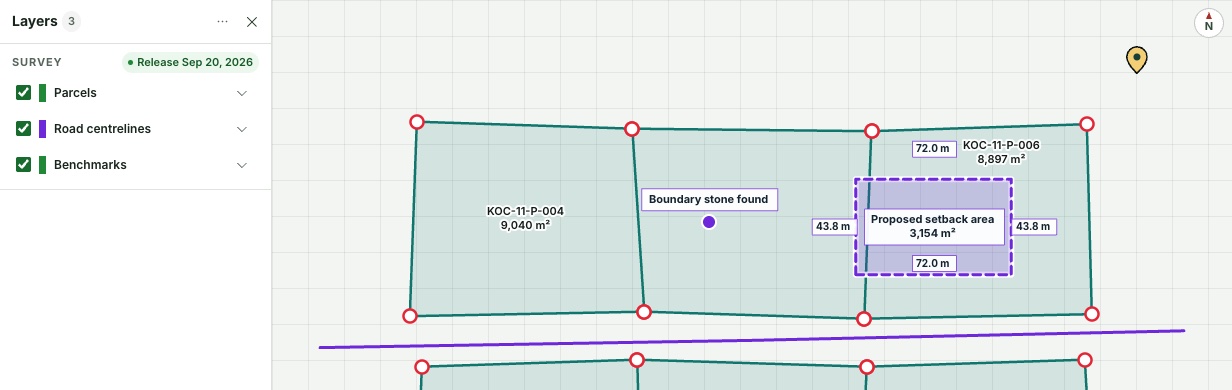
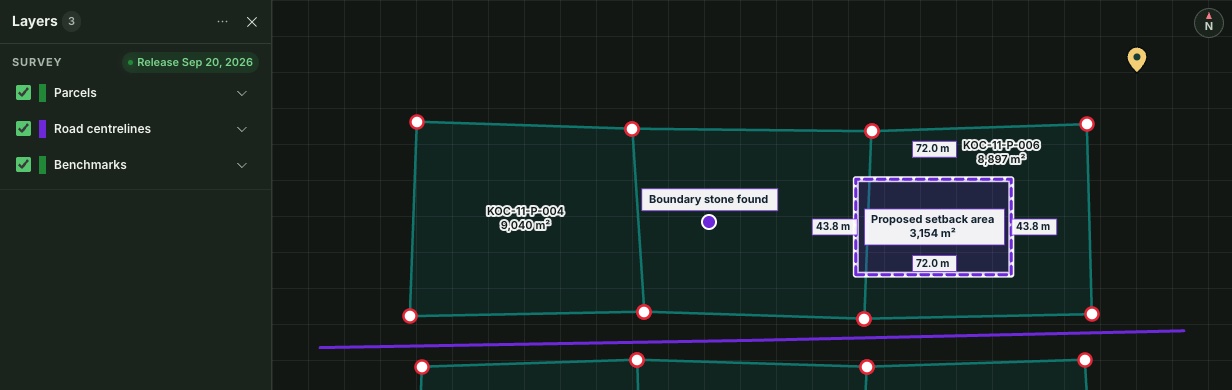
The standard is how your organisation's drawn work looks wherever it is drawn:
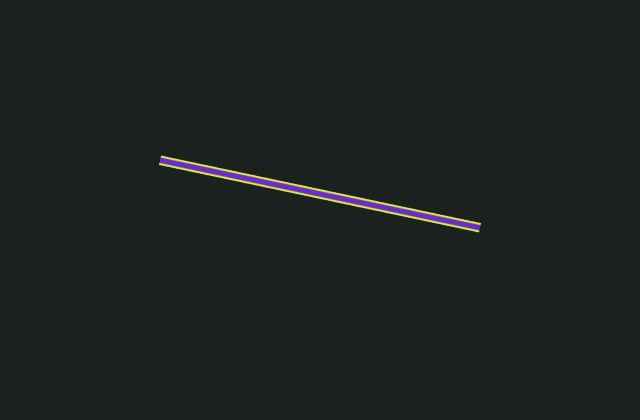
- Saved work you draw: points, distances and areas on the 2D map, and a distance measured in the 3D view. A measurement you have just drawn is selected so its figures open; it keeps the standard's colour and is marked as selected by a bright yellow-green ring around it.
- Corridor review: an alignment's line, its station ticks and the edge of its name. The current station and its section line stay red, because they show where you are looking.
- Map files of lines and shapes: a DXF or GeoJSON layer that is not parcels or points is drawn in the standard, and its swatch in Layers shows the same colour.
- Objects: each saved measurement's icon is drawn in the standard.
Some things keep colours of their own: parcels (so a parcel looks like a parcel on every map), point features such as benchmarks, contours, terrain profiles and cut-and-fill results (each is given its own colour so two can be told apart), and the selection ring itself.
The standard belongs to the organisation whose project it is. When another company shares a delivery with you, the map is drawn in their standard, not yours, so a survey delivered to you looks the way its author drew it.

Download and account for your data¶
- Open Settings, then Data downloads.
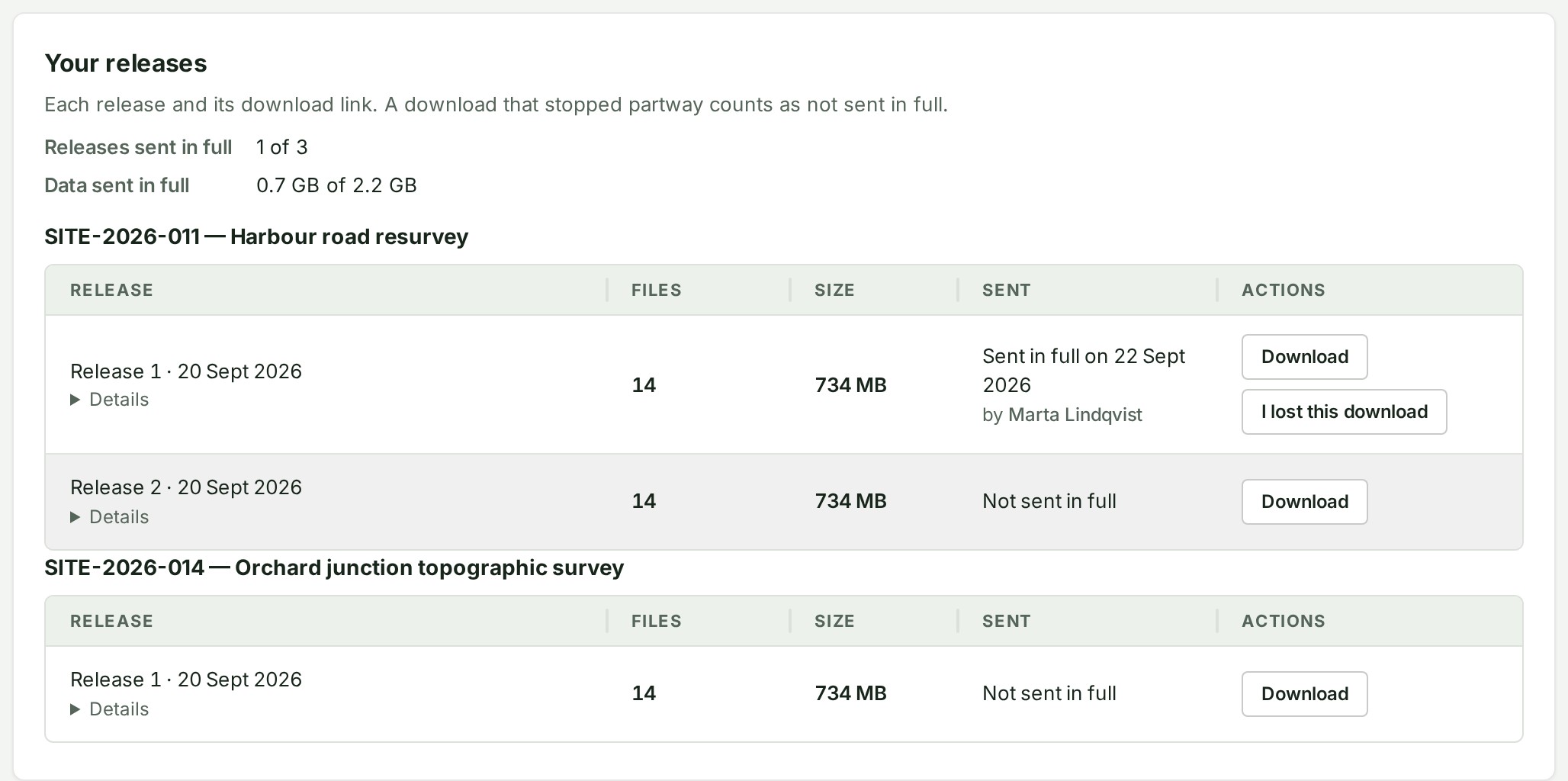
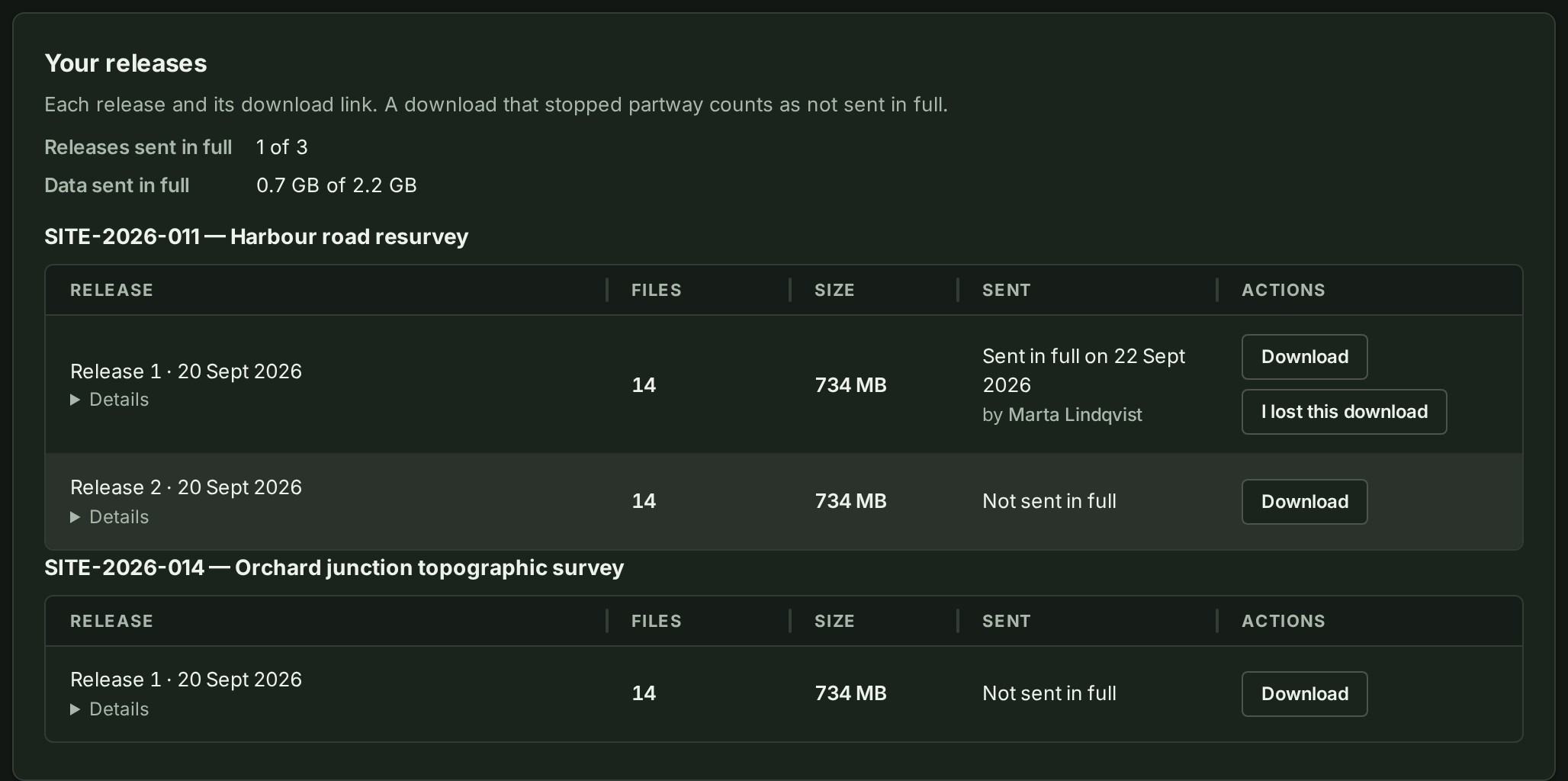
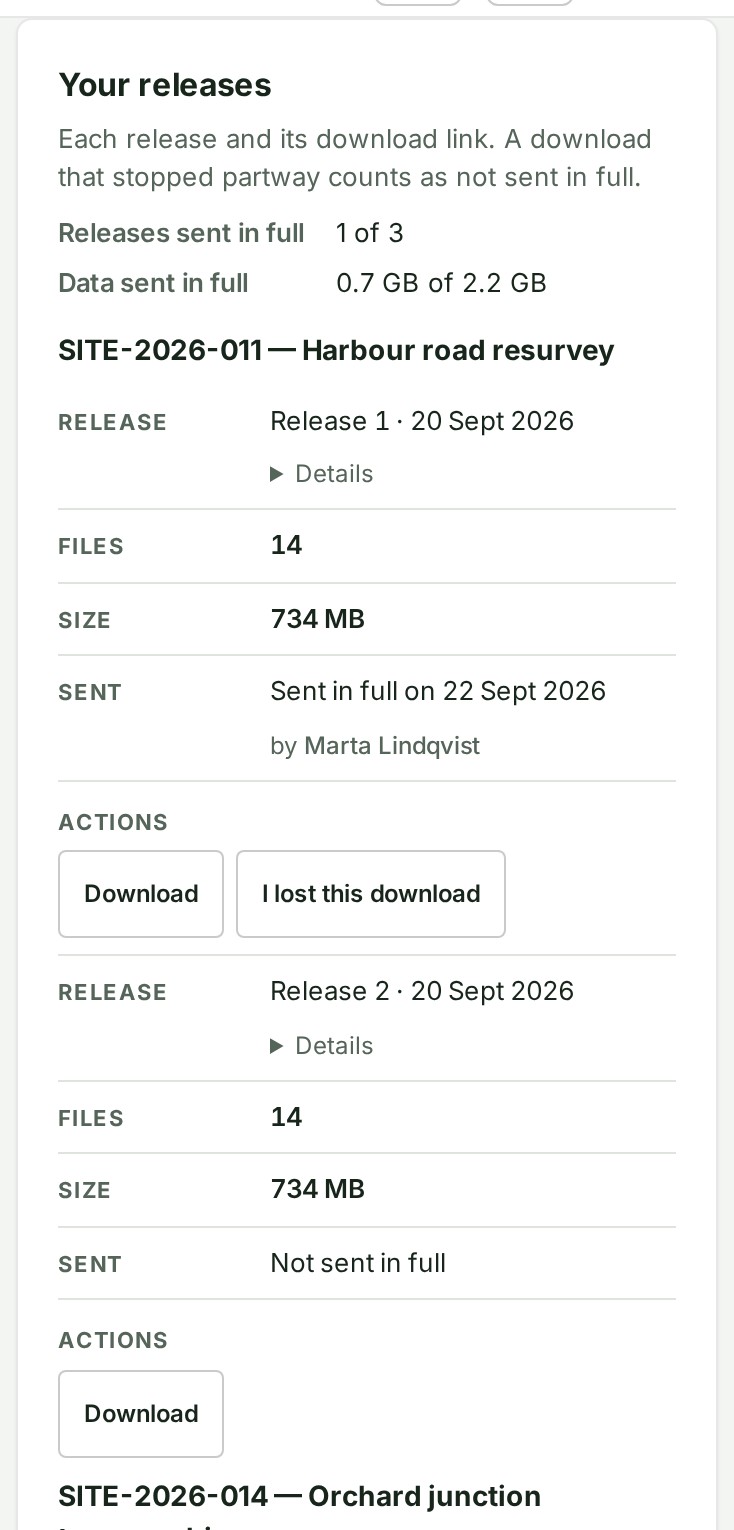
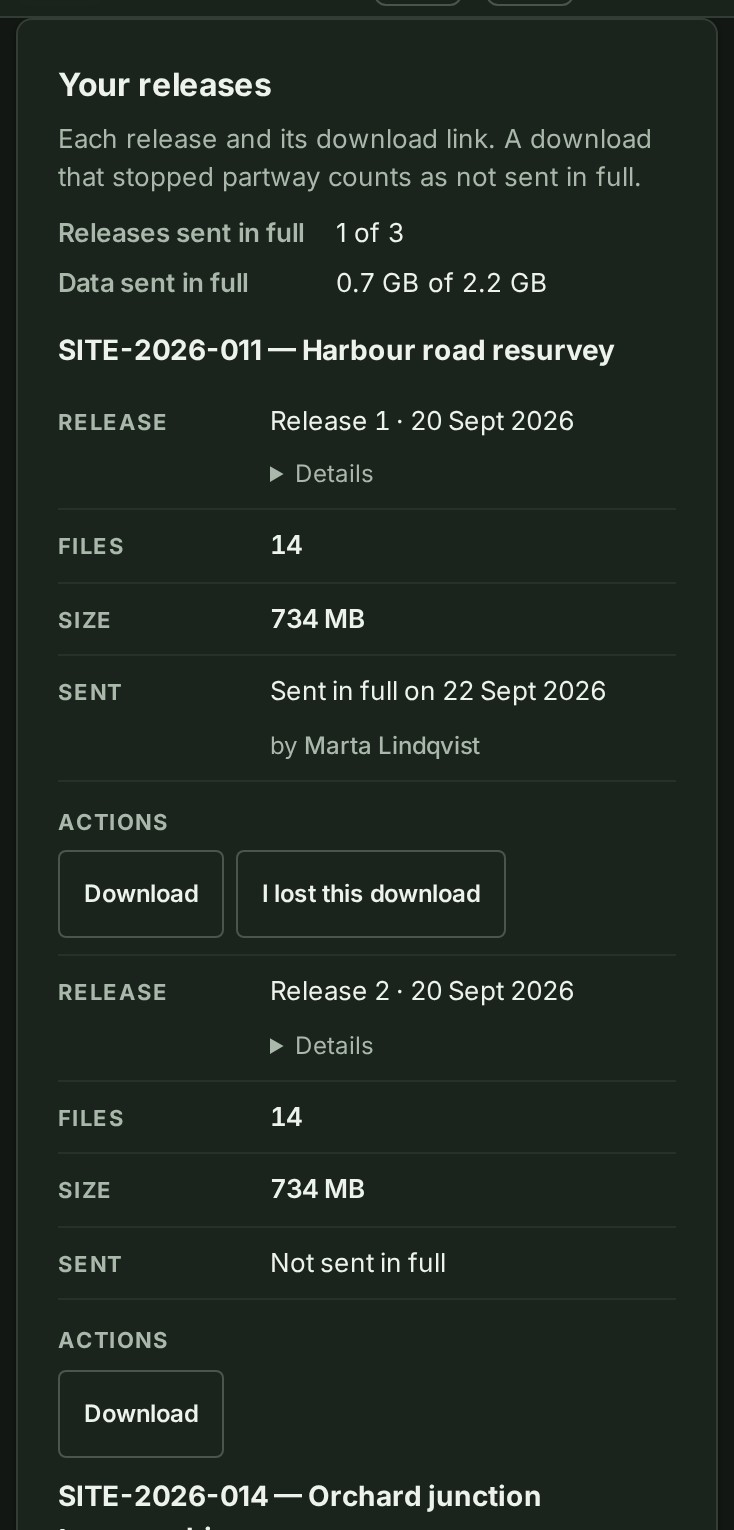
- Review the totals and release list — each release shows its date, files, size and whether it has been sent in full.
- Use Download beside the release you need and save it in your approved local location.
- Check the saved archive and keep it securely.
- If a completed copy is lost, choose I lost this download for that release.
- Below the releases, Records and your data holds the audit trail, the organisation records download (the owner only) and the way to each release's own export. At the foot, Close or erase the organisation (the owner only) holds closing the organisation and the two erasures.
Why this is so
Data downloads is the organisation's download record — the owner can use it to download organisation records (including the audit trail) and account for downloads of published releases (downloaded release by release); it is not a client delivery screen or a workspace export screen. Sent in full means the server completed the transfer, not that a usable local copy still exists. I lost this download clears the completed-download mark so the record correctly shows it as Not sent in full. Clearing this mark does not grant an additional entitlement. An interrupted download remains outstanding; retry with a reliable connection and enough storage. Different from sending a client a delivery and from preparing a Workspace PDF.
What you can still do while suspended, frozen or closed¶


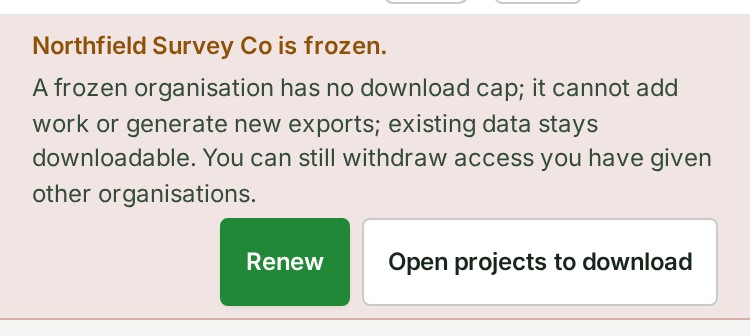
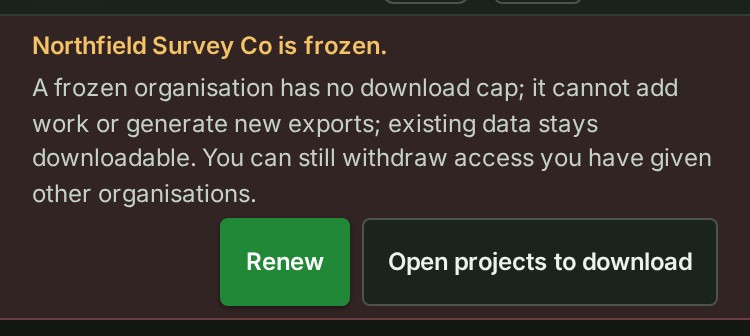
A suspended, frozen or closed organisation can still sign in and review its retained data and the download record. A frozen organisation has no download cap; it cannot add work or generate new exports; existing data stays downloadable. Only the owner can open Data downloads. It cannot add or change anything else, with the exceptions below. Each is open to whoever could do it before — the same role, on the same project.


| Suspended or frozen | Closed | |
|---|---|---|
| End share, or Turn downloads off on it | Yes | Yes |
| End this access or Turn downloads off on a client's access | Yes | Yes |
| Disconnect a connected firm, or a connected client | Yes | Yes |
| Take yourself off the contact persons with Remove me | Yes | Yes |
| Take the public profile down | Yes | Yes |
| Pause this access, Pause this client in the project, or Change end date to an earlier day | Yes | No |
| Withdraw a role you lent on People | Yes | No |
| Withdraw a client's review invitation | Yes | No |
| End delivery during its hold | Yes | No |
| Ask to close the account, or withdraw that request | Yes | No |
| Ask for erasure or confirm it (owner) | Yes | No |
| Withdraw an erasure request (owner) | Yes | Yes |
| I lost this download on Data downloads | Yes | No |
| Write to support from Help | Yes | No |
A frozen organisation can also pay for a plan from Billing, which ends the freeze. Everything else — sharing, giving access or delivering again, a later end date, reinstating, lending a role, inviting, changing a share's layers or dates, making a new survey file export — waits until the organisation is in good standing again, and is refused with the same sentence as any other change.
Why this is so
Withdrawing access you have given another organisation must always be possible: it protects you, and the people you sent the work to. Terms §4.6 lists what a frozen workspace can still change, and §12.2 gives a suspended one the same list. A closed organisation keeps the acts the Terms say may be done "at any time": withdrawing a share or its download, ending a link, a contact person leaving the list, and withdrawing an erasure request until an operator acts on it. Every one of these is written to the audit trail as it always is.
Read the published documents¶
Open Terms and policies, the last tab, for the Terms of Service, Privacy Policy, Vision, Mission & Governance statement, and this deployment's support and grievance contacts. See Terms and policies.
Change your personal preferences¶
- Open Preferences, then Profile, for your own name, job title, phone number and picture, and to see where account notices go (the email address is read-only). Open Units and formats for how areas, distances and coordinates are shown to you.
- Open Security for two-factor authentication, recovery codes and signed-in devices — see Protect your sign-in before changing a sign-in factor you rely on.
Why this is so
Measurement units change how numbers are displayed to you; they never change the survey's native coordinate reference system or stored geometry — use the unit converter to compare figures from documents in different units. Store recovery codes where only you can access them; if you lose access to a sign-in method, use the product's own recovery route rather than sharing codes with another person. See Preferences for the full steps.