Ask GISweaver support for help
Who can do this
Anyone in your organisation, whatever their role. Someone given access to only one branch or one project cannot open a ticket in the organisation's name. Whether your plan includes support tickets is on the plan card, under Compare all features. If it does not, Help shows the support address instead.
Open a ticket to ask GISweaver support about your account or your data.
- Open Help, in the Console's navigation.
-
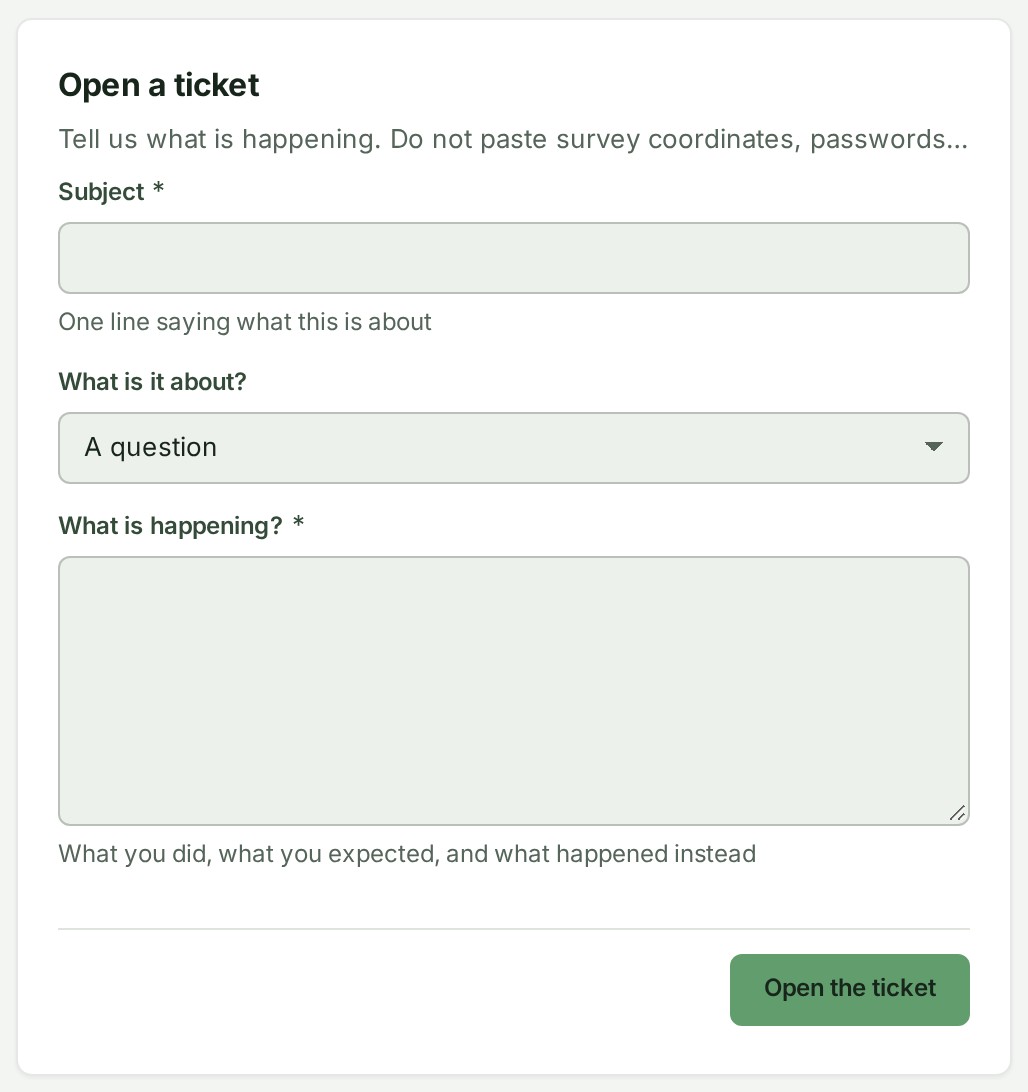
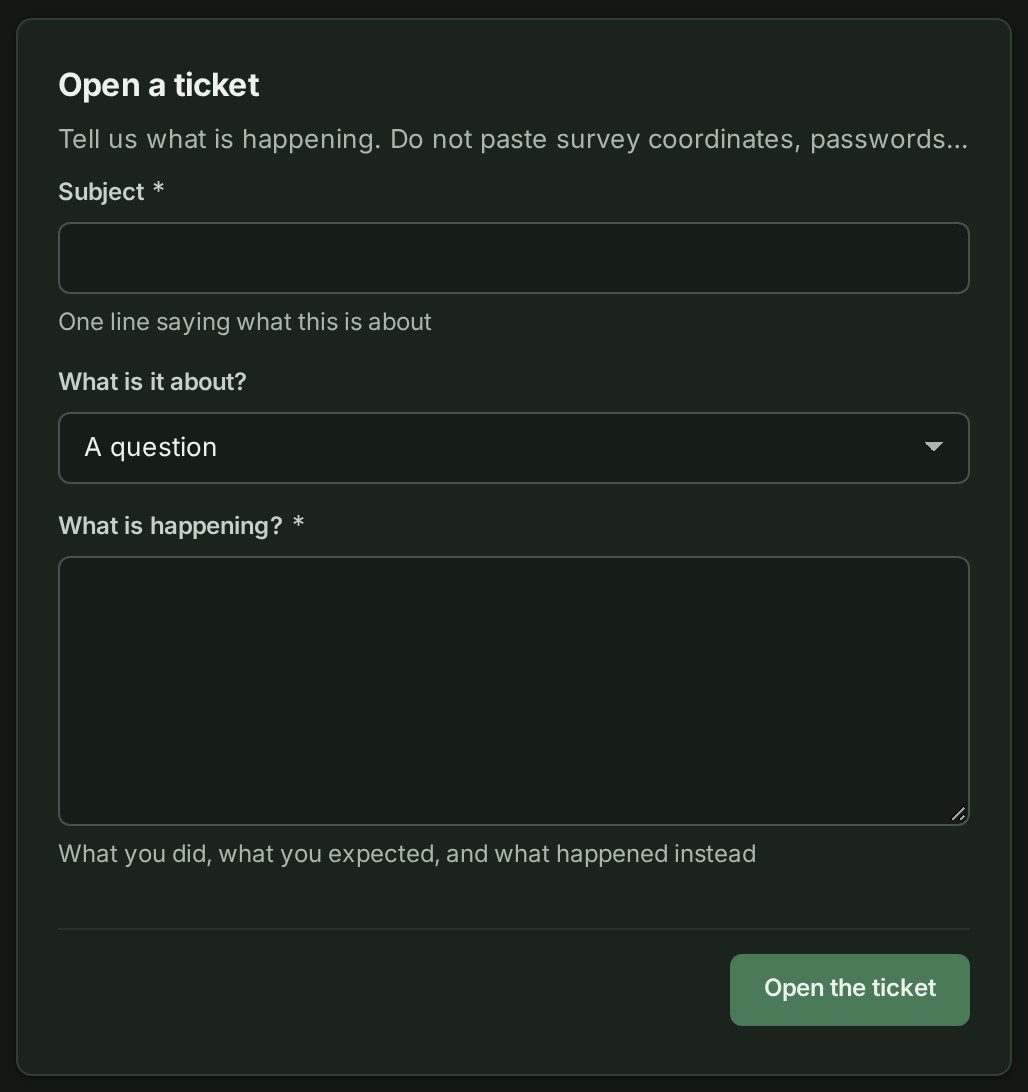
Under Open a ticket, write a short Subject: one line saying what this is about.
-
Choose What is it about?: A question, Something is not working, A survey or a project, Billing or the plan, A delivery or shared release or Something else.
- In What is happening?, say what you did, what you expected, and what happened instead. Give the project number or the delivery's reference, never survey coordinates, passwords or access keys.
- Select Open the ticket.
What happens next
The ticket opens, with its reference, such as GW-2026-000417, and its status. It is listed under Your organisation’s tickets on Help. When support answers, you get an email and the bell at the top of the screen says GISweaver support replied on and the reference; see Reply to or reopen a ticket.
If something goes wrong
- Support tickets are not included on this plan. Write to us at the address below. Your plan does not include tickets. Write to support@gisweaver.com.
- You can open one more ticket: 19 of 20 are already open. (with your own numbers) You can open this one; after it, add to a ticket you already have.
- You already have 20 open tickets, the most allowed at once. Reply on one of them and we will pick this up there. Add what you need to an open ticket instead.
- 48 characters too long under Subject (with its own number): shorten the subject.
For something broken on a screen, report a problem.