Role rights in conversations and checklists
Two tables: which roles can write in a project's conversation, and which can work with checklists.
Who can write in a project's conversation
Every role that can open a project can also write in its conversation and reply in its threads, where your plan includes Notes and comments, and be mentioned there, where it also includes Mentions. Writing a message is not a change to survey data, so it does not need the right to edit the project.
| Role | Opens the project | Writes in its conversation | Edits the project's data |
|---|---|---|---|
| Owner, Admin | Every project | Yes | Yes |
| Billing manager | Every project | Yes | No |
| Auditor | Every project | No — reads only, unless they also hold one of the roles below | No |
| Member | Only through a branch or project role | Through that role | Through that role |
| Branch manager, branch member | That branch's projects | Yes | Yes |
| Branch viewer | That branch's projects | Yes | No |
| Project lead, contributor | That project | Yes | Yes |
| Project viewer | That project | Yes | No |
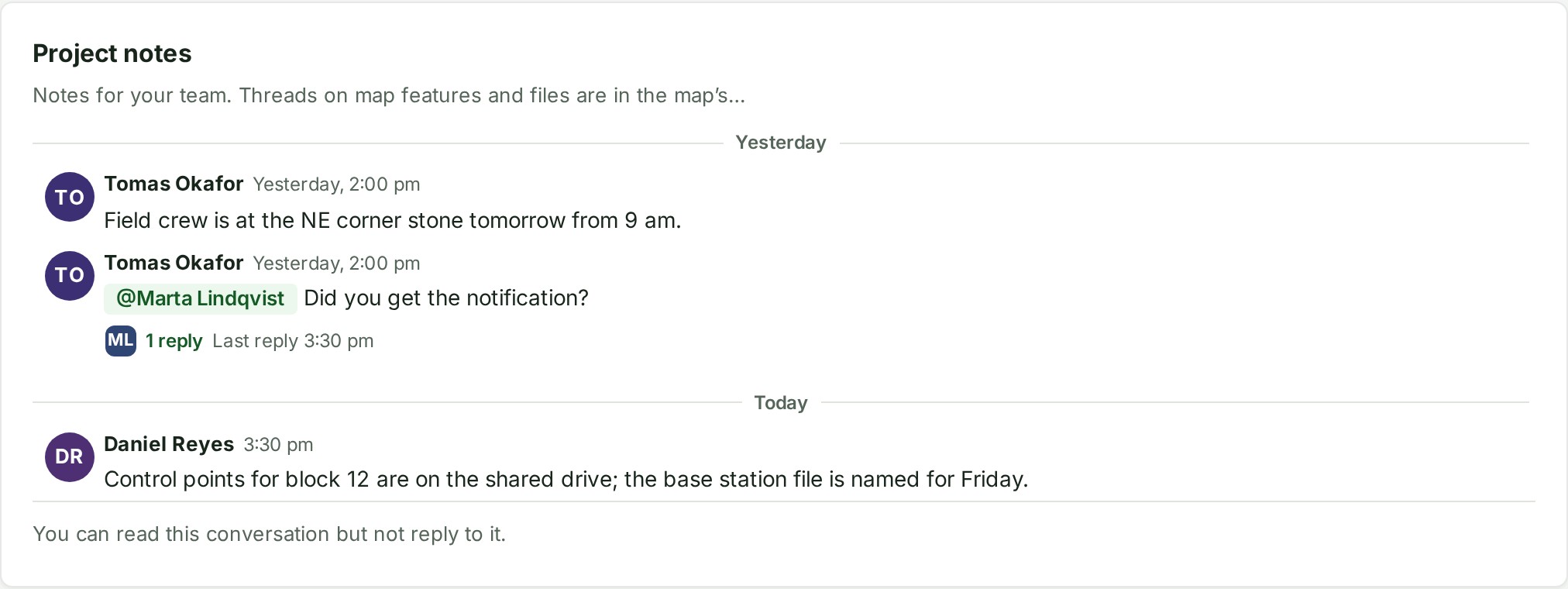
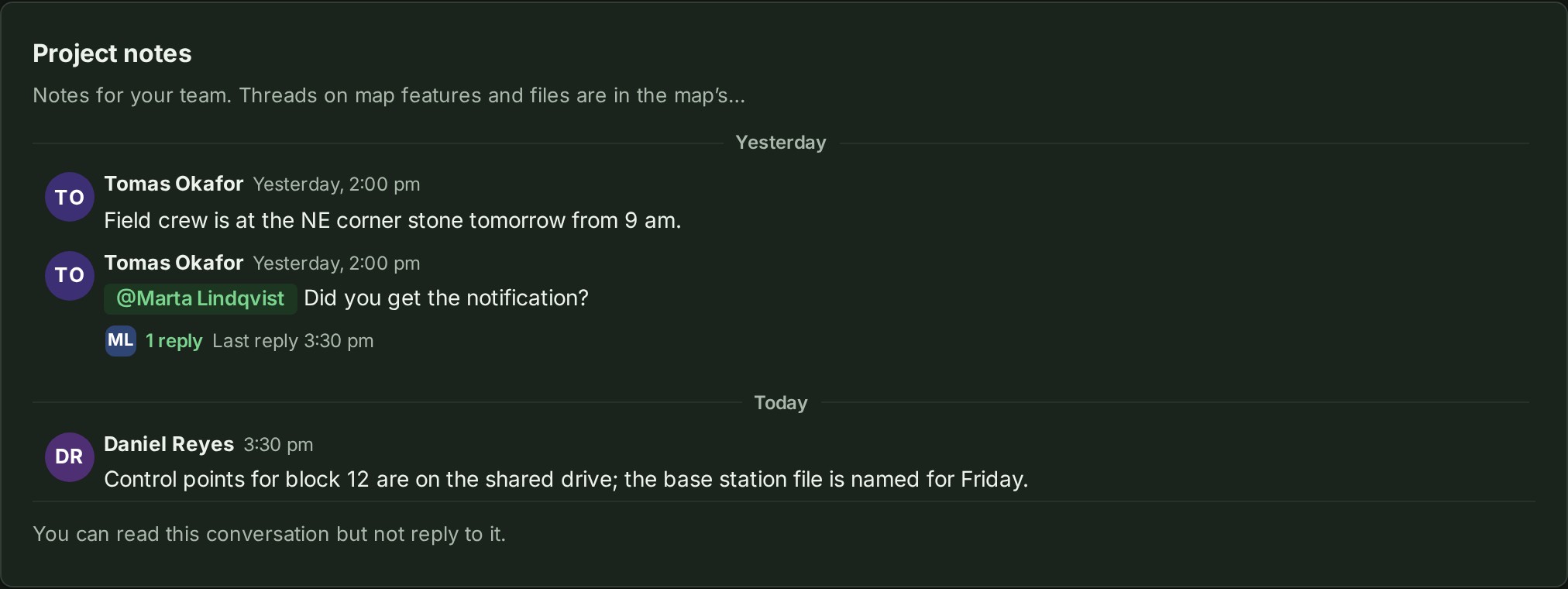
A suspended colleague opens nothing in the organisation until they are reactivated. On a plan without Roles and permissions the roles are recorded but not enforced, and everyone acts as an Admin — except that the Owner keeps what is the Owner's alone, the roles a person can give others are still limited by their own, and an auditor still does not write in any conversation. An auditor sees You can read this conversation but not reply to it. in place of the message box, and cannot be mentioned — see Conversations.
Direct messages are different: every role, the auditor included, can write to a colleague in Messages, because a private conversation between two people is not a project's record.
Who works with checklists
Checklists are your organisation's own lists of steps: templates under Settings, Checklists, and a copy on each project that wants one. Two permissions carry the work, Edit checklist templates and Tick checklist steps. The second is part of the permission group that lets a person work on a project's files, so everyone who does that work ticks.
| Role | Edits the templates | Adds, edits or removes a project's checklist | Ticks a step | Approves an Approval step |
|---|---|---|---|---|
| Owner, Admin | Yes | Yes | Yes | Yes |
| Branch manager, project lead | No | Yes | Yes | Yes |
| Branch member, project contributor | No | No | Yes | No |
| Billing manager, Auditor, branch viewer, project viewer | No | No | No (they read the list) | No |
| Member with no branch or project role | No | No | No (no project to read) | No |
A role your organisation defines can carry Edit checklist templates and Tick checklist steps like any other permission; approving an Approval step also needs the right to move the project between states. See Make a checklist template, Tick a checklist step and Approve a checklist step.