What the publishing strip says
The strip under a project's state bar says where its files and its publication stand, on any tab of the project, and says the same after you reload the page.
| The strip says | What it means | What to do |
|---|---|---|
| Files still uploading | A file is still arriving. | Wait. You can publish, or in a Draft start review, once every file has arrived and been checked. |
| Checking files | GISweaver is still checking a file, with how many are left. | Wait. |
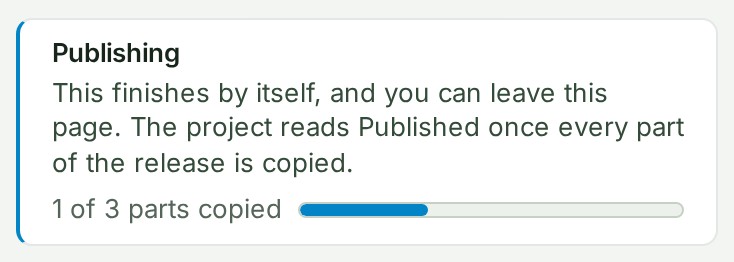
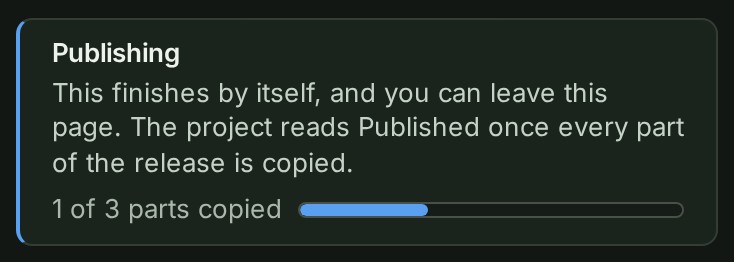
| Publishing | The release is being made, part by part, for example 1 of 3 parts copied. | Nothing. You can leave the page. Publish as Release 3 (the number is the next release's) and Back to draft wait for it. |
| Publishing did not finish | The last publication stopped before every part was copied, so nothing was published. | See Try publishing again. |
| Publishing, still, later in the day | The strip changes by itself as the work moves on. | Select Report a problem under Help. On a phone, Help is in the menu under your picture. |
| Publishing status unknown | GISweaver could not tell where the publication stands. | Reload the page, as Refresh to check again. says. Publish as Release 3 and Back to draft wait until it knows. |
When publishing has finished no strip is shown; the project reads Published. The line beside the steps names the current release, for example Release 2 · 20 Sept 2026.