Review a survey as a client
Who can do this
The person the organisation invited, signed in to their own organisation on GISweaver. Any plan, including the free plan. The firm's plan covers your comments and files.
Review a copy of a project's files that an organisation invited you to, and tell them what you found.
- Open the link in the invitation email. GISweaver asks you to sign in.
-
Sign in with the address the invitation went to, and choose your own organisation, the GISweaver account your company holds. The review opens. If you have no account yet, see Sign in to GISweaver.
-
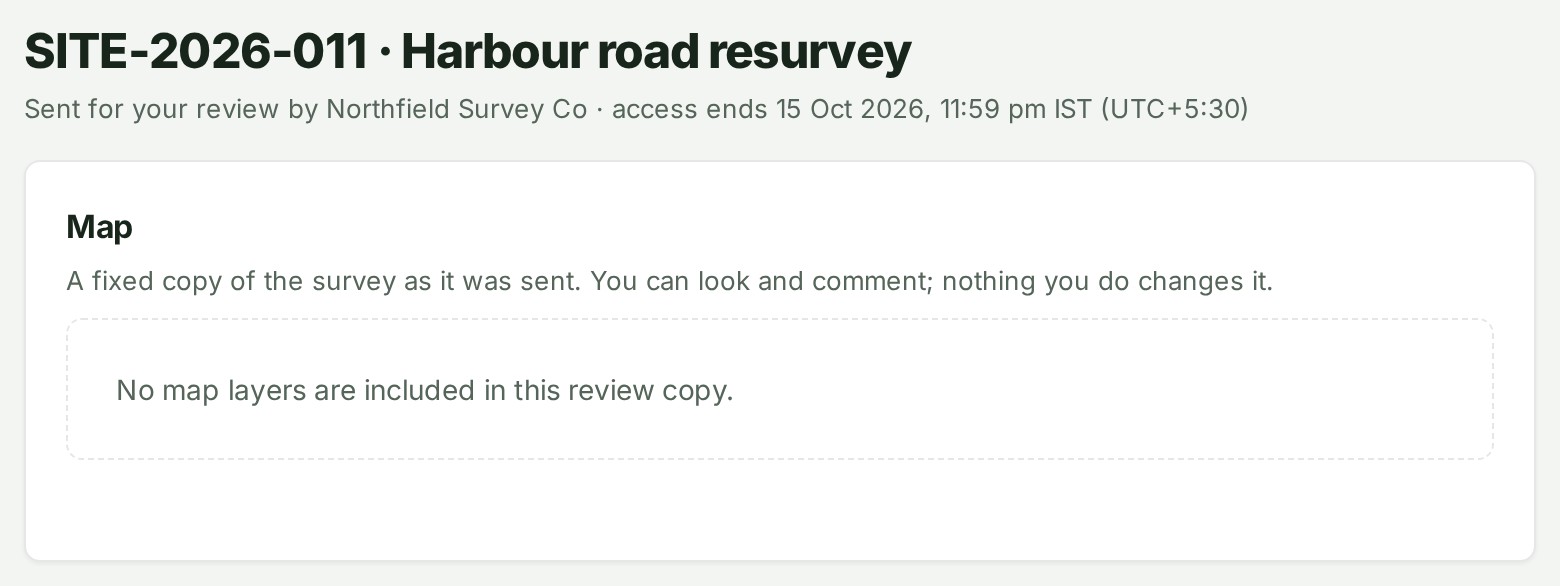
Move the map under Map to look at the survey. The map shows a fixed copy of the survey as it was sent.
- Scroll to Files in this review copy. It lists the exact files the sender shared with you.
-
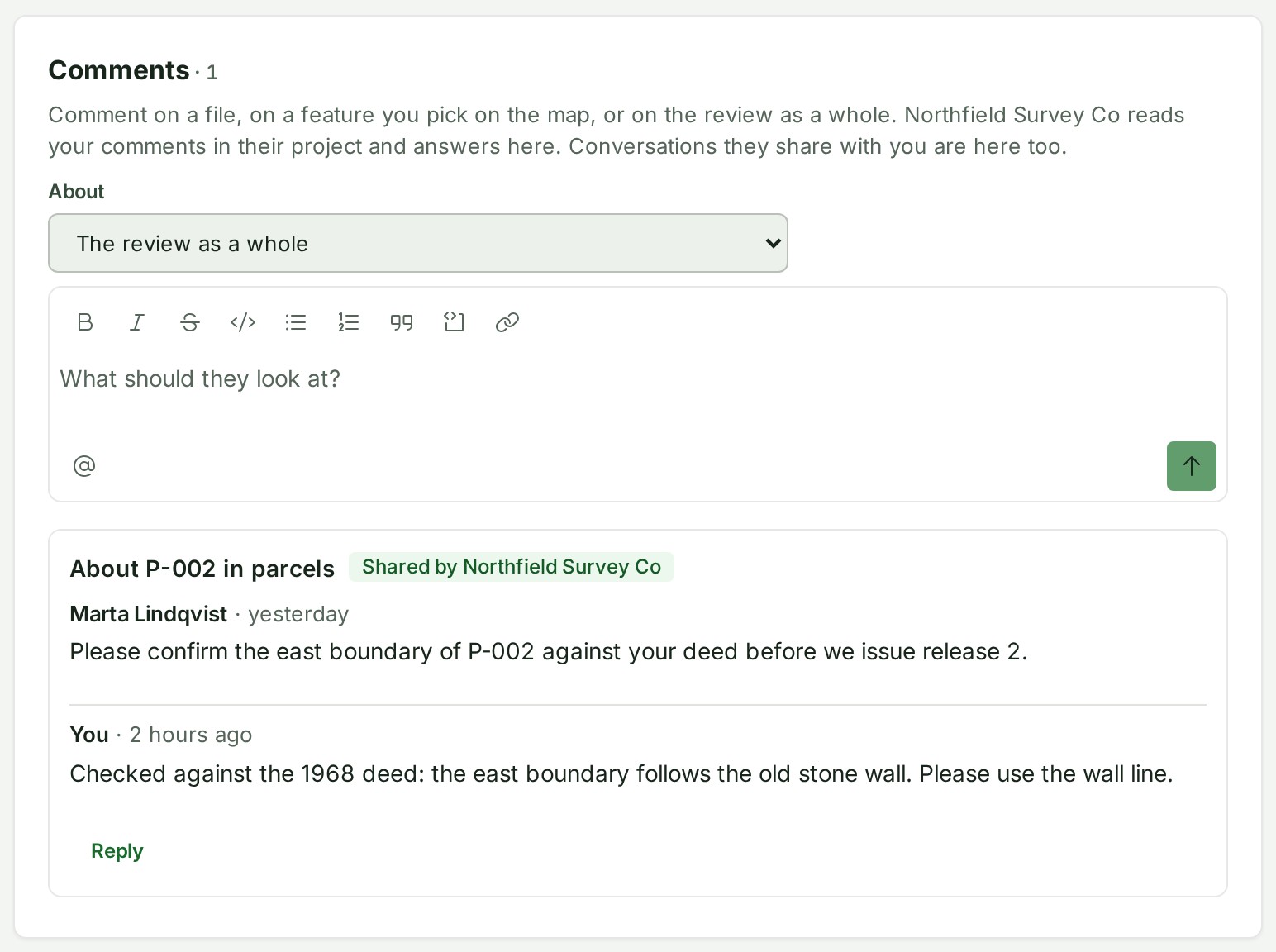
Under Comments, choose what your comment is About: The review as a whole, a file, or a feature you pick on the map. The field shows your choice.
-
Write your comment in the box. The text appears in the box.
- Select the arrow beside the box, Send comment. GISweaver says Comment sent to the organisation.
Open it from Home instead
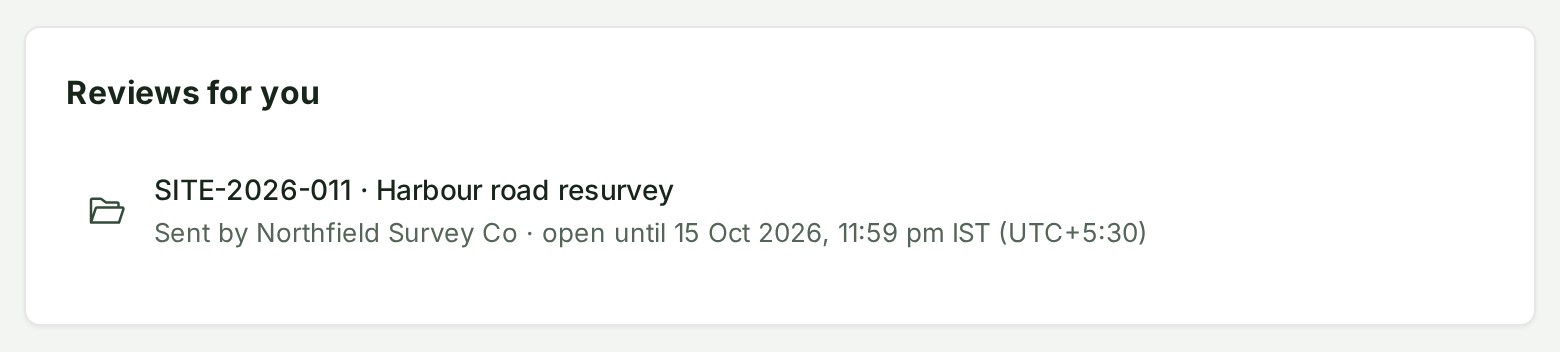
Without the email, choose the review under Reviews for you on Home, which lists every review open for you.
What happens next
Your comment is listed under Conversations, and the organisation answers it there; select Reply to answer back. Its people are told about your comment. On a phone, the comments are on the Conversation tab.
The title is the project's number and name, as the sender shows them to its own client, with who sent it and when access ends under it. If the sender allowed it, you can also use Add files to a review and Download the originals in a review. To see everything a review lets you do, read What a reviewer can and cannot do.
If something goes wrong
- This review is no longer available: the review ended on its day, or the sender ended it or put the project away (archived or deleted it). It leaves Reviews for you at once, and opens again if the sender restores the project before it has ended. Ask the sender if you still need it.
- The review stopped opening, and nobody ended it: you were taken off the team your organisation connected to the sender, or your organisation disconnected or archived that team. Putting you back on the team does not bring the review back; ask the sender for a new one.
- The review page asks you to reopen it from Reviews for you: the sender changed your role, between commenting only and commenting and uploading. You keep the same files and end day.
- The link opens nothing: check you are signed in with the invited address and in the organisation the sender linked. A review is for one named person.
- The review does not open, although it has not ended: the organisation that sent it may have paused your access. Ask them to resume it.
- Your invitation lets you read this review but not comment on it. Ask the sender to invite you again.
- This review has ended, so your comment was not sent. The review ended while you were writing. Ask the sender for a new invitation.