Download original files when allowed
Who can do this
Owners, administrators, billing managers and auditors of the organisation that was shared with. Every plan, including the free plan.
Download the files another organisation shared with you, where the sender allowed it.
- Open Deliveries, choose the Shared releases tab and open the release. The release's page opens.
- Find the download:
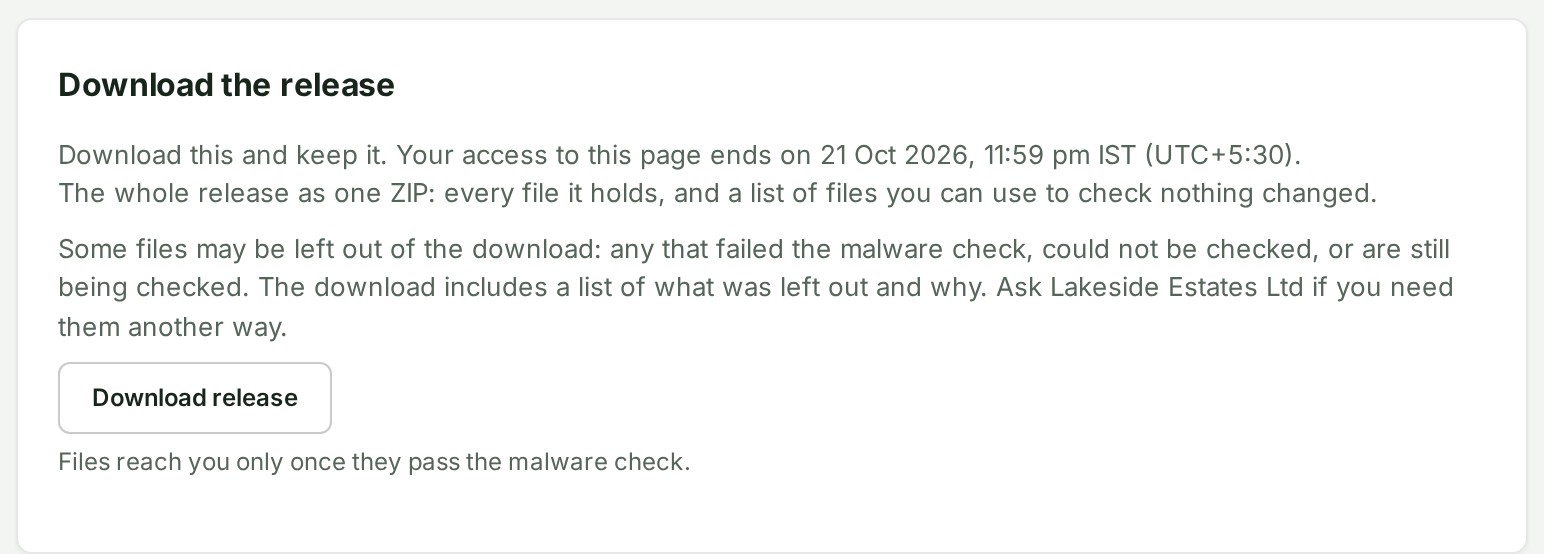
- a plain share has a Download the release section, with Download release;
- client access lists Files in this release, with Download beside each file you may download; see what a client may do for what each file allows.
-
Read the date and the notice beside it (which files cannot be downloaded across organisations, and who to ask), then select the download. A line under the button says files reach you only once they pass the malware check.
-
Save the files where your organisation keeps its records, before access ends.
What happens next
The browser saves the file. Download release saves the whole release as one archive, with a list of every file and its checksum so you can check your copy is unchanged. Every download is recorded in the sender's audit trail, naming your organisation.
If something goes wrong
A file the malware check holds back is not handed to another organisation, and the archive leaves it out. The dialog or notice says which of these applies:
| Message | What it means | What to do |
|---|---|---|
| This download includes a file whose name does not match what it contains, or that is a program, script or web page, so it cannot be transferred to another organisation. Contact the organisation that sent it. | The file is a program, script or web page, or its name does not match its content. The archive lists it as left out. | Download the other files, and ask the sender for that file another way. |
| This download includes a file that is still being checked for malware. Try again in a few minutes. | A file reaches another organisation only once its malware scan has found no threats, and this one's scan has not reported yet. | Try again shortly. |
| This download includes a file that could not be checked for malware, so it cannot be transferred to another organisation. Contact the organisation that sent it. | The scan could not open the file, failed, or the file was stored before scanning began. | Ask the sender for that file another way. |
| This download includes a file that was flagged by the malware check, so it cannot be transferred to another organisation. Contact the organisation that sent it. | The scan found a threat in the file. It is never handed to another organisation. | Tell the sender. |
| This download includes a file that is not transferred to another organisation until it has been checked for malware. Contact the organisation that sent it. | It appears only where malware scanning is not switched on for the sender's files, which is not so on GISweaver today. | Ask the sender for the file another way. |
| This download includes a file that the malware check could not open (it is password-protected, or too large to scan), so it cannot be transferred to another organisation. Contact the organisation that sent it. | The check could not read the file. | Ask the sender for the file another way, or for an unprotected copy. |


Other problems:
- Too many downloads at once. Try again in a minute. Too many downloads have been started from your address or by your organisation at once. Wait the time it says (it may say a number of minutes) and select the download again.
- The download didn’t start. Check your connection and try again, or contact the sender. Try again in a moment.
- There is no download section, or a file reads Not available: the sender allowed the map only. Ask them if you need the files.
- Download release cannot be selected, with The delivering organisation’s cooling period has not ended; the files can be downloaded once it has, and a date: wait until then.
- A download is refused with a message that your organisation limits who may download originals and exports from this project, and tells you to ask an access administrator. A sensitive-downloads policy limits downloading to the roles your organisation named. Ask an access administrator; see Access policies.
Details
What another organisation shares with you can be looked at on the map; the files themselves can be downloaded only where the sender allowed it, and that choice is off unless they switched it on. Where it is on, the download is on the same page you open the release from.
If you were invited to review a survey, see Download original files from a review.
Files are checked for type and upload integrity, and each file is scanned for malware before it reaches you: a file is handed over only once its scan has found no threats. A clean scan is not a promise: download only what you need, and check files you received from someone else before you open them.
A file you have downloaded is yours: the sender ending the access later does not reach it. If you need the files in GISweaver after access ends, ask the sender for a delivery instead, which you can copy into your own projects; see Copy delivered files to a project.
The product words on this page are explained in the glossary.