React to a message
Who can do this
Anyone who can reply in a conversation with reactions enabled Only when message reactions are switched on for your organisation.
A reaction is a quick emoji acknowledgement under a message, available when message reactions are switched on for your organisation.
-
Open the message's reactions:
- At a desk: point at the message to reveal its bar, or focus the bar with your keyboard.
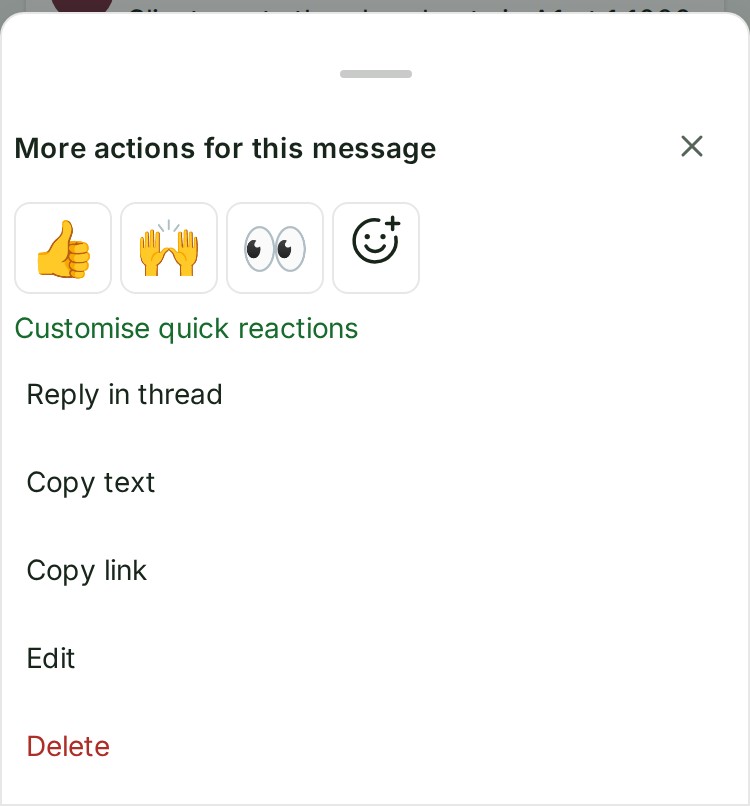
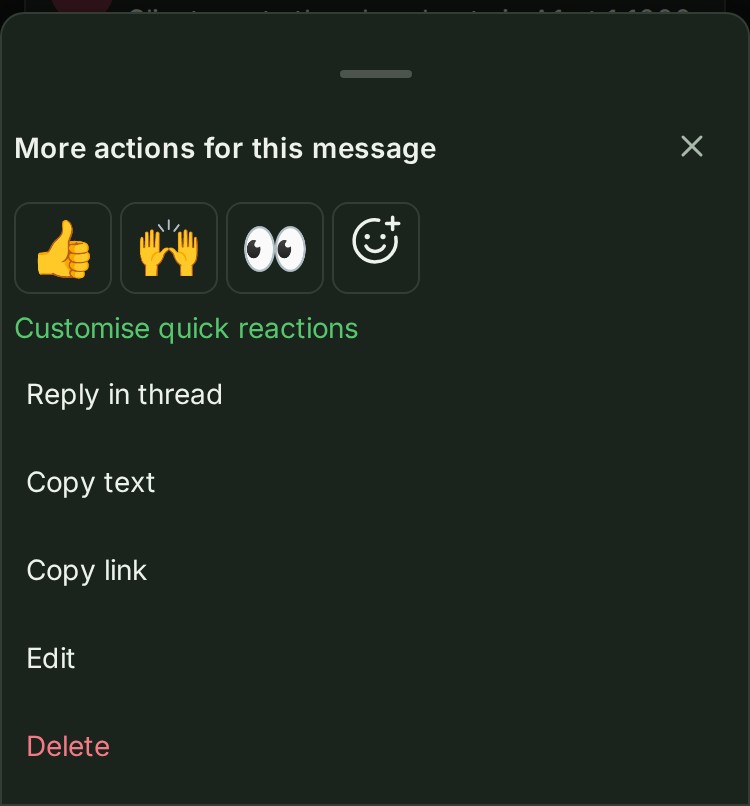
- On a phone: open More actions for this message beside the time. The quick emoji are at the top of the sheet.
-
Select a quick emoji to add it.


-
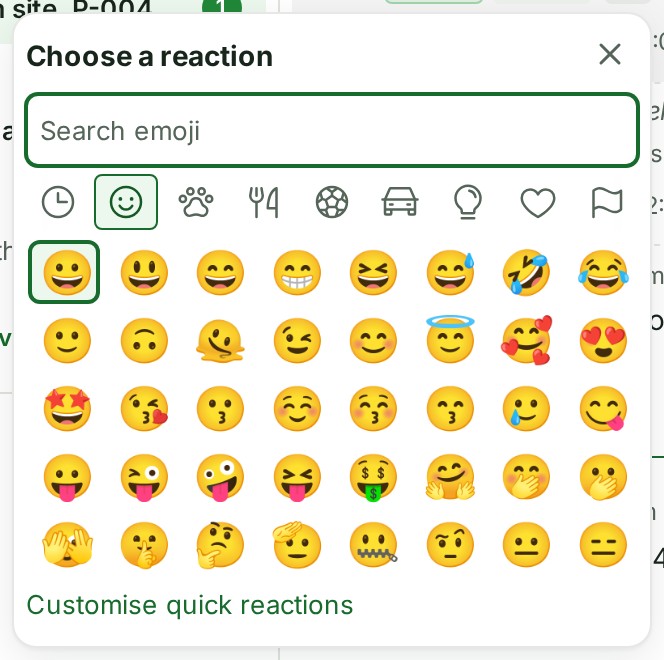
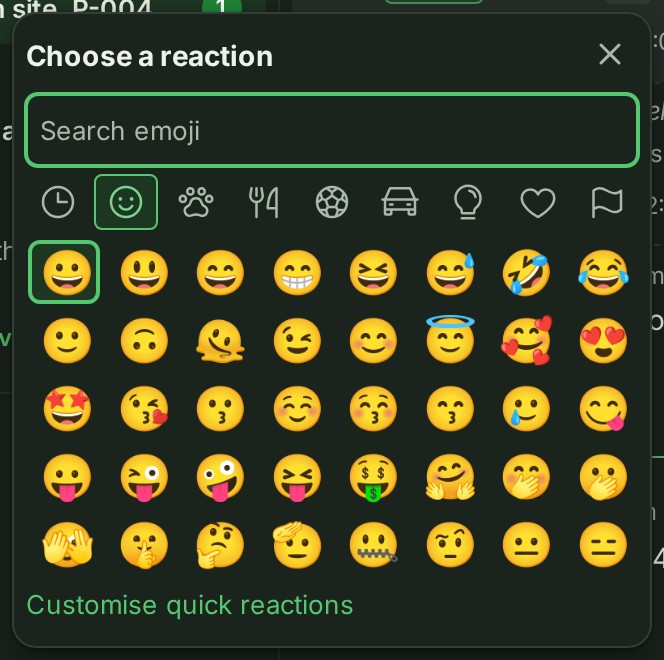
For another emoji, select Add reaction. The picker opens on Smileys & people until you have eight frequent emoji, then on Frequently used. Search by a name or keyword, or choose a category by its icon (point at an icon to read its name), and select the emoji. On a phone the picker does not raise the keyboard until you select the search field, and its sheet has a handle at the top and a Close button. Drag the handle down to close the sheet, or select it to open the sheet to full height and again to bring it back.
-
Your reaction has a highlighted pill under the message. Select it again to remove it. The number counts people; point at the pill to see their names.
What happens next
Reactions are quiet. They do not notify the author, add an unread message, or move the conversation in the list. Other people see updated counts.
Details
- The quick row uses your choices, or 👍 🙌 👀 until you choose a set. Customise quick reactions opens the Messages section of Preferences when that section is available; see Choose your quick reactions.
- Frequently used remembers emoji in this browser.
- A message can have 20 different emoji; you can add 10 of your own. Only the default skin tone is offered.
- A deleted message has no reactions. If you cannot reply, reaction controls are unavailable.
- The keys that work in the picker are in the Messages reference.
- To copy a message or a link to it, see Copy a link to a message.
If something goes wrong
- If a reaction cannot be saved, read the refusal under the message. Check the connection and try again; counts follow the server's answer.
Next: Reply in a thread