Rename, archive or leave a group
Who can do this
Anyone in the group can leave it. Owners and Admins in the group rename, archive and unarchive it, and so does the maintainer who started a team's group. Renaming needs a paid plan, or the free plan within its 60 days. Archiving and leaving do not.
A private group can be renamed, archived or left.
- Open Messages and open the group.
-
Select the ⋮ (Group actions) beside the group's name.
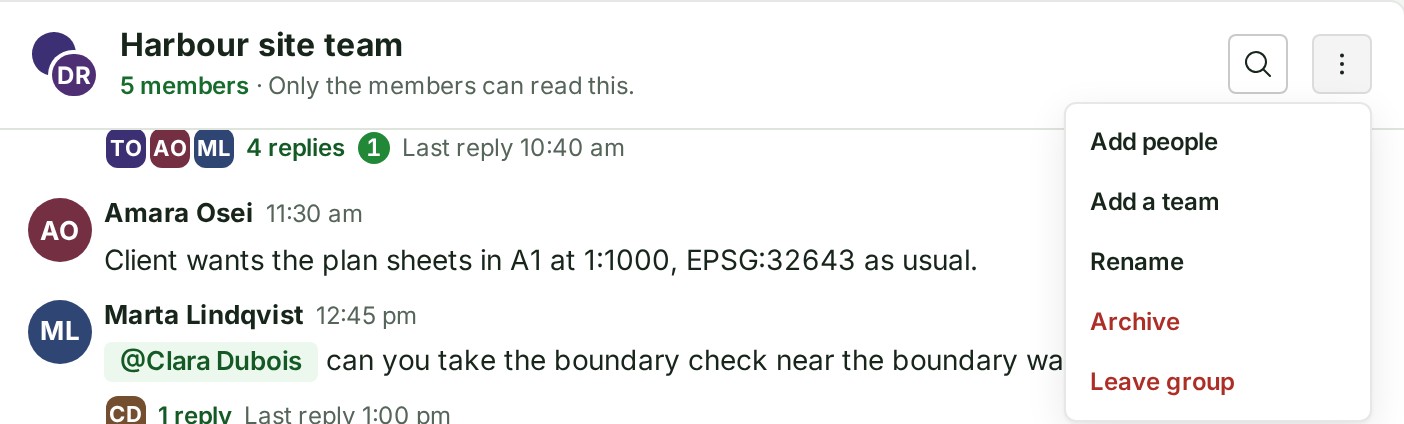
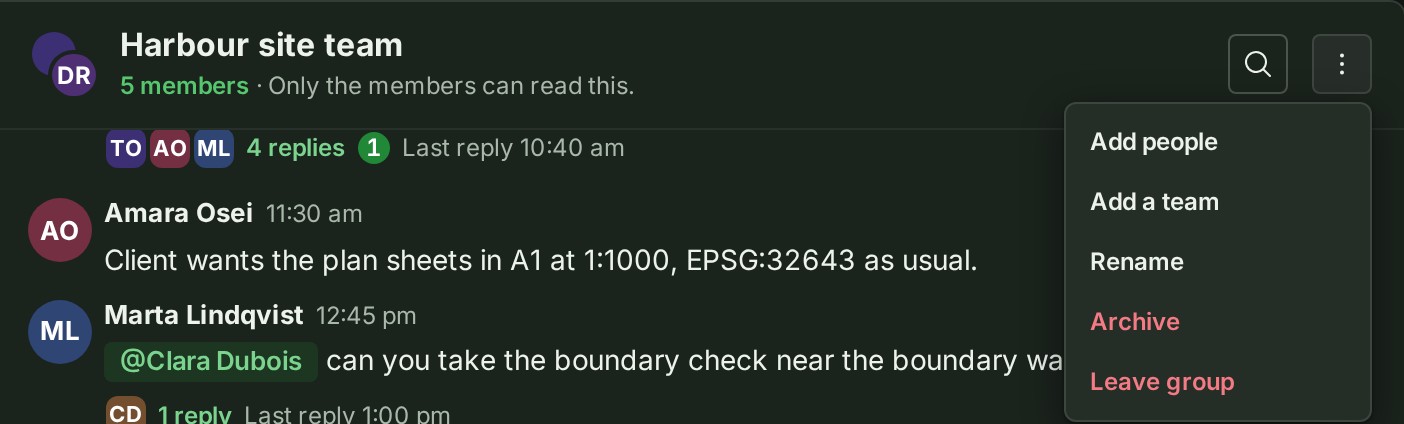
-
Select Rename. A box holds the current name.
- Type the new name and select Save. The name changes for everybody, and the screen says Group renamed.
Archive a group
- Open the group and select the ⋮ (Group actions) beside its name.
- Select Archive. You are asked Archive Harbour site team? under the group's name.
- Select Archive group. The group moves to Archived groups at the foot of your list, and in place of the message box it says This group is archived. You can still read it.
Unarchive a group
- Open the group from Archived groups.
- Select Unarchive group, beside the archived sentence or in the group's menu. The screen says Group unarchived.
Leave a group
- Open the group and select the ⋮ (Group actions) beside its name.
- Select Leave group. You are asked Leave this group?
- Select Leave group. The group leaves your list, and you can no longer read it.
What happens next
- An archived group is read-only for everybody. People can still read it, delete their own messages and leave it.
- When you leave, your messages stay, and somebody who manages the group can add you again.
- A group is never deleted. It is erased only with your organisation.
- Rename and archive need a desk; a phone can read, reply and leave.
If you reached the group through a team, you are not put back when the team changes; see Add or remove people in a group.
If something goes wrong
- Give the group a name of up to 80 characters. Shorten the name.
- Only an Owner or Admin who is a member of this group can do that. Only the people who manage the group can rename, archive or unarchive it.
- Manage this group on a larger screen. A phone shows this in the group's menu. On a phone you can read the group, reply in it and leave it; rename and archive it from a desk.
Details
- Select Keep group in the archive question, or Stay in group in the leave question, to leave things as they are.
- Nothing records a group's old or new name; the audit trail records only that it was renamed.
The product words on this page are explained in the glossary.
Next: Reply in a thread