Switch to another organisation
Who can do this
Anyone who belongs to more than one organisation
Switch the organisation you are working in with the menu beside the GISweaver mark.
- Open your organisation's name at the top left, beside the GISweaver mark. The menu lists every organisation you belong to.
-
Choose the one you want. Nothing changes yet: GISweaver asks Switch to and the organisation's name, and shows the organisation you are in (From) beside the one you chose (To).
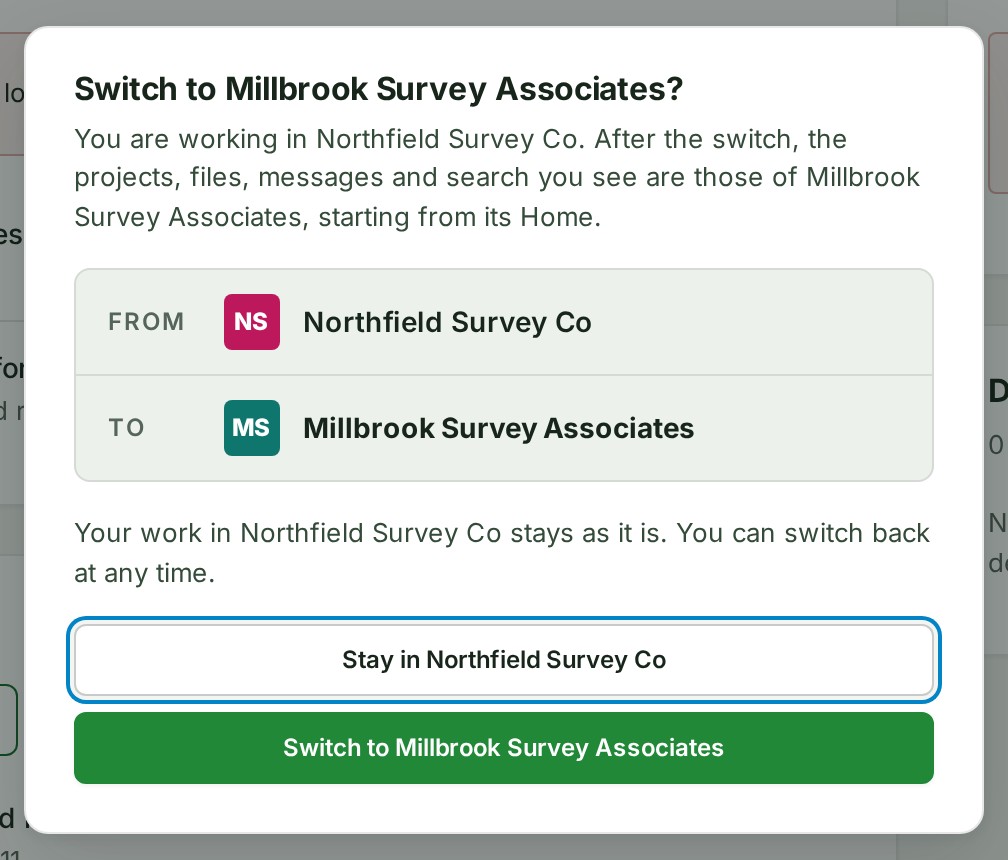
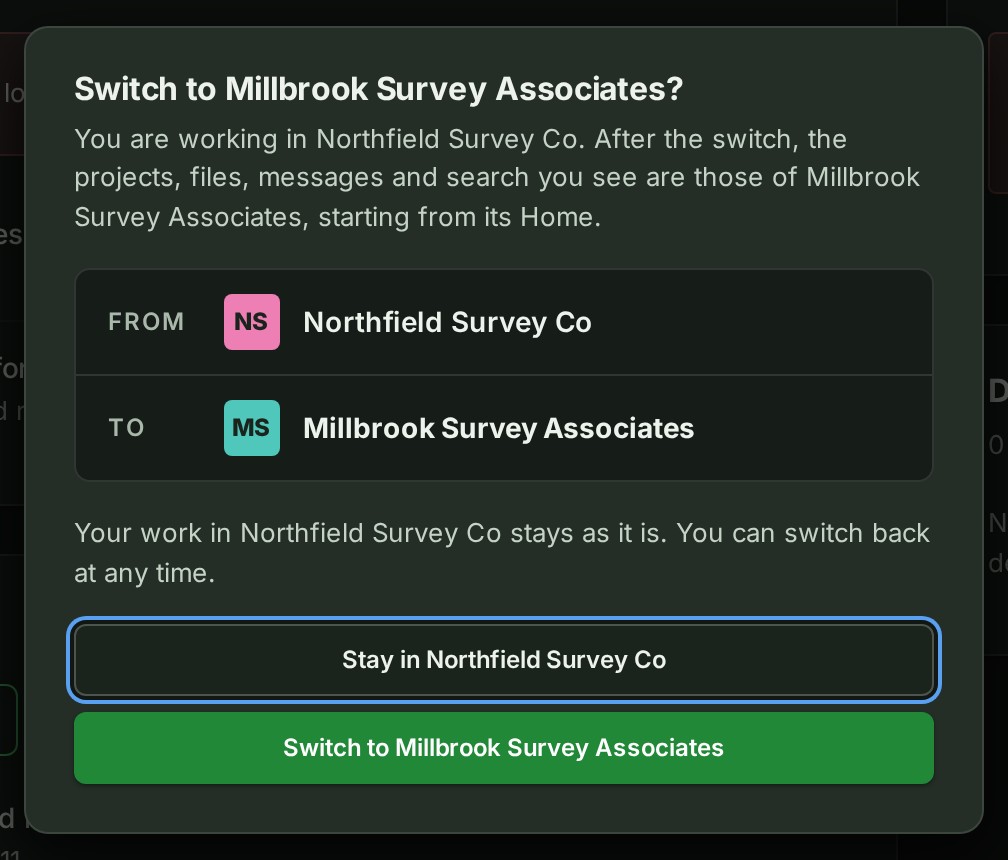
-
Select Switch to organisation. The switch happens.
What happens next
Home opens in the organisation you chose, and a message says You are now working in and its name. Your work in the organisation you left stays exactly as it is, and you can switch back at any time.
If something goes wrong
- This page has a change you have not saved. Switching discards it. The question then offers Discard and switch in place of Switch to organisation. Select Stay in organisation to go back and save the change first.
- An organisation in the list reads (access suspended) and cannot be chosen: your membership there is paused. Ask an administrator of that organisation.
- An organisation reads (frozen), (suspended) or (closed): you can still open it and read what it holds, but you may not be able to change anything.
- Could not switch to an organisation. You are still working in the one you were in. Try again; if it keeps failing, reload the page.
Details
You work in one organisation at a time: projects, files, search and messages are always those of the organisation you are in. If you belong to only one, its name is shown without a menu.
To change nothing, select Stay in organisation (your current one) instead of step 3. On a phone, open the menu button at the top left (Open Console navigation): the organisation's name is at the top of the menu.
Links into another organisation, how each browser tab keeps its organisation, and how you can tell which organisation you are in are on GISweaver Console.
If session recovery pauses a tab holding unsaved work while the switch question is open, that question stays hidden until the same account and organisation are confirmed. If a different account is identified, the question and its pending switch are discarded. See session recovery.
Next: Find anything