Require two-factor for your organisation
Who can do this
Owners and Admins. Only the Owner can let Admins choose. Every plan.
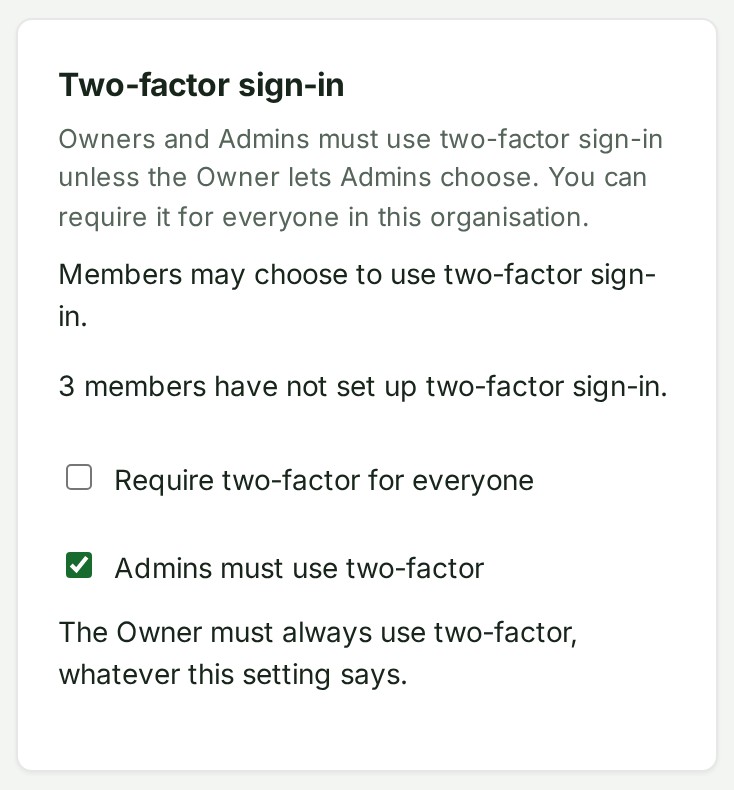
The Owner must always use two-factor sign-in, and Admins must too unless the Owner lets them choose. You can also require every member of your organisation to use it.
- Open Preferences → Security.
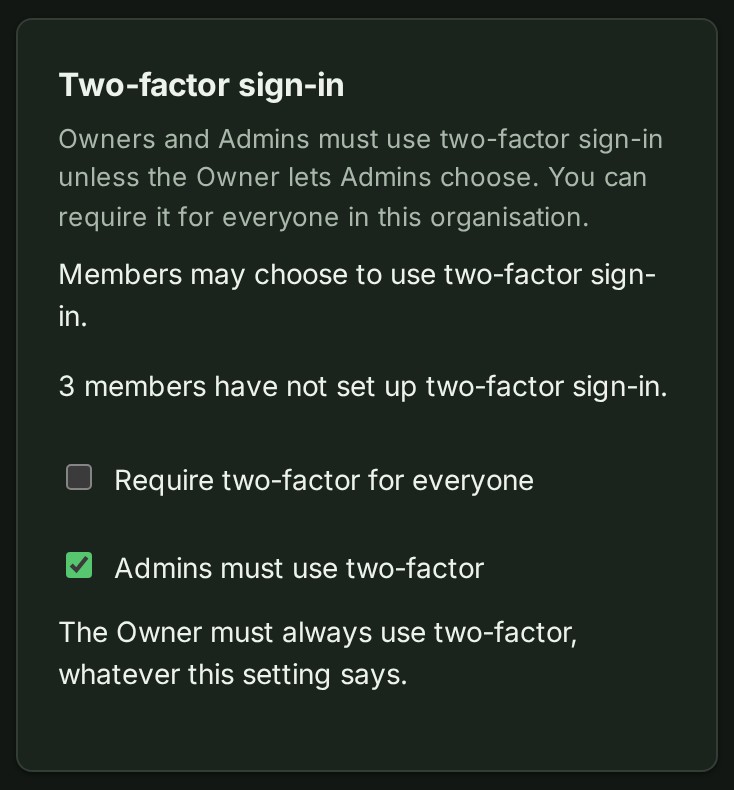
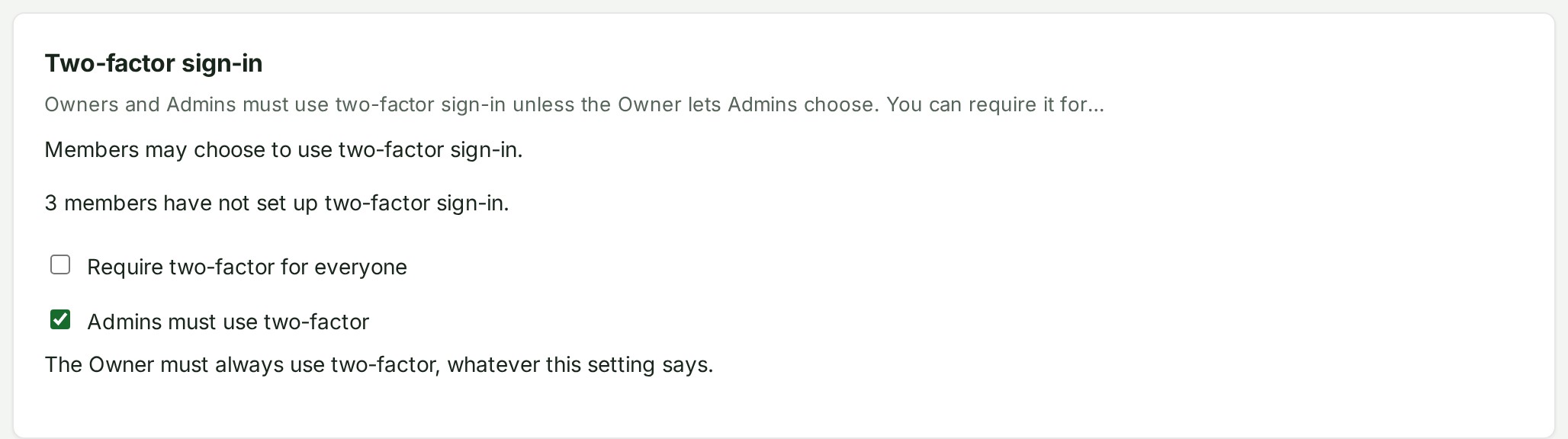
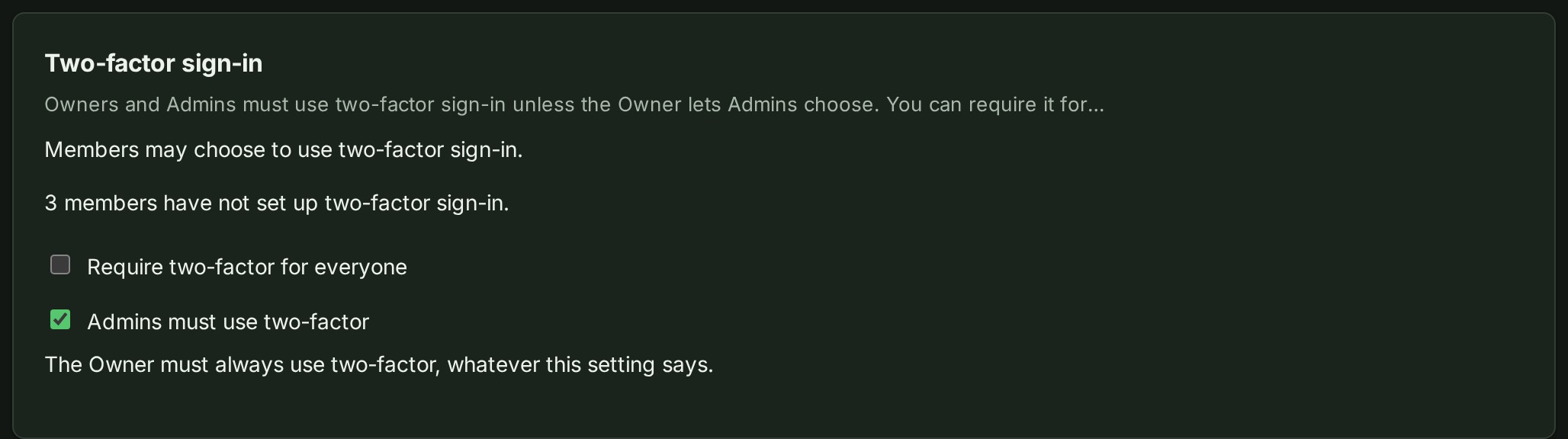
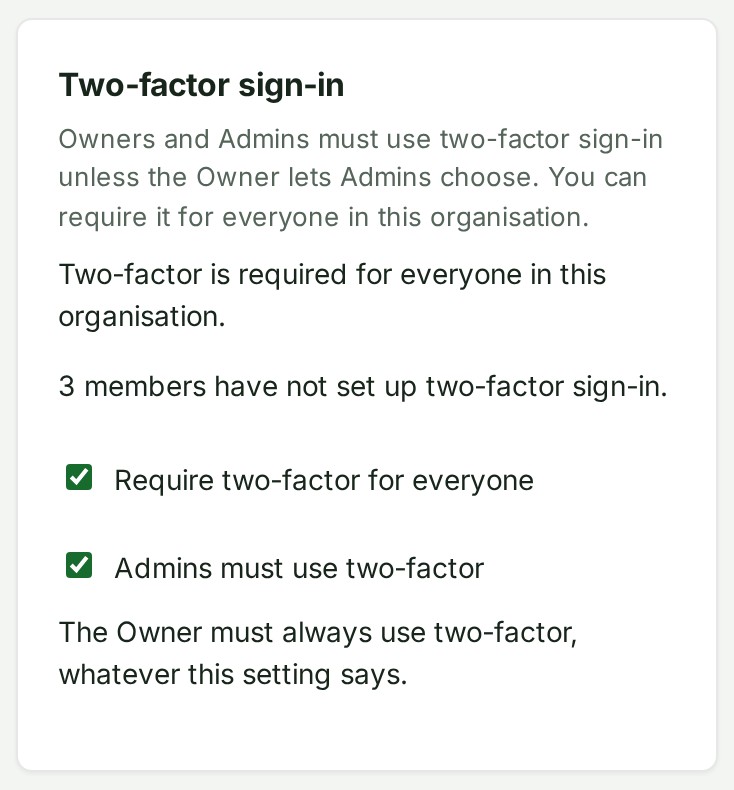
- Under Two-factor sign-in, read how many members have not set it up.
- Turn on Require two-factor for everyone. The setting takes effect at once. Members without a factor are sent to Preferences → Security to set one up before they continue.
What happens next
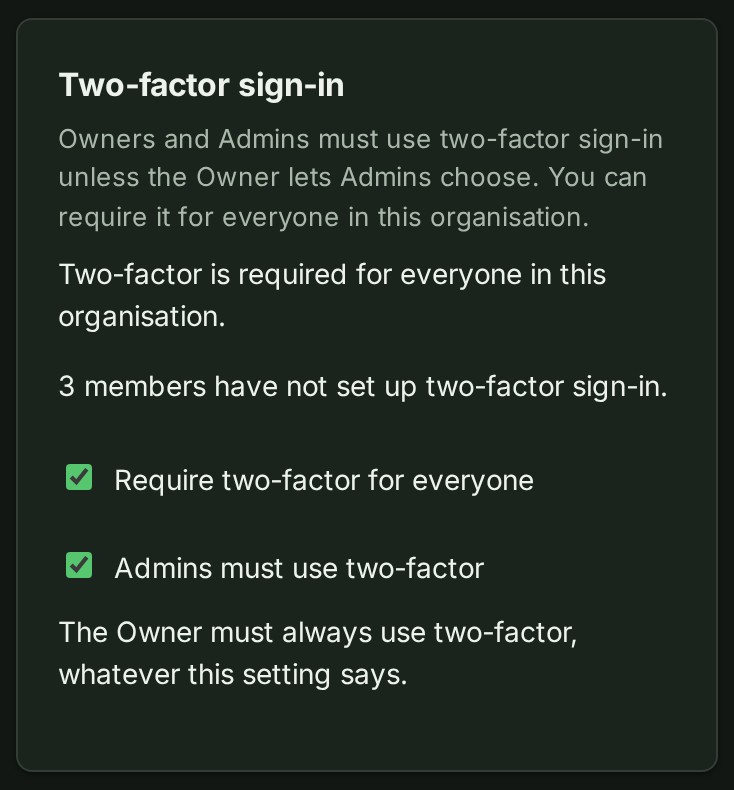
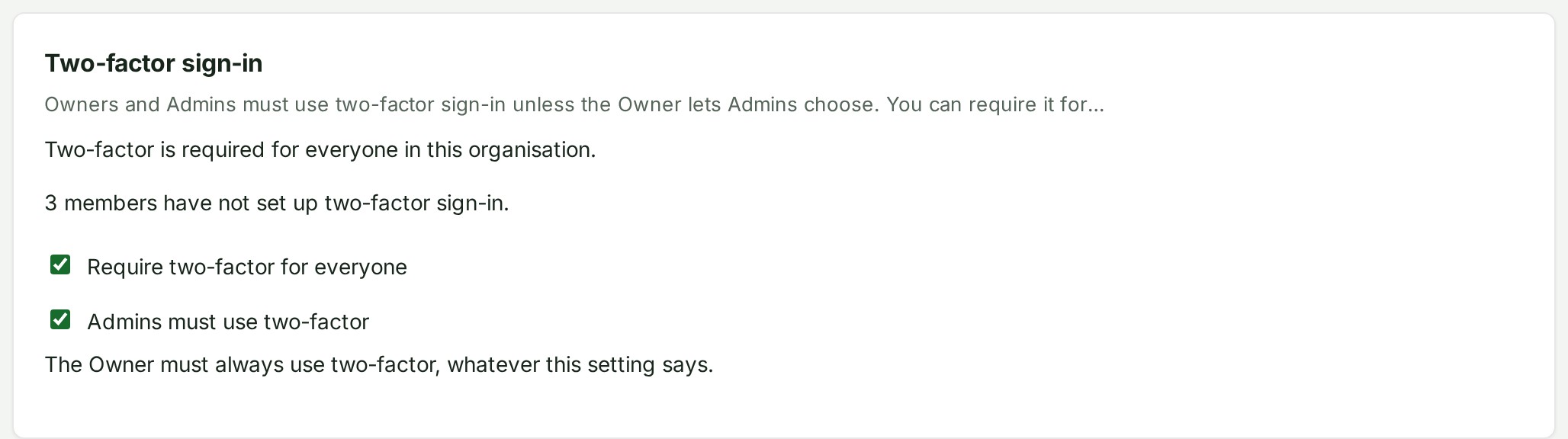
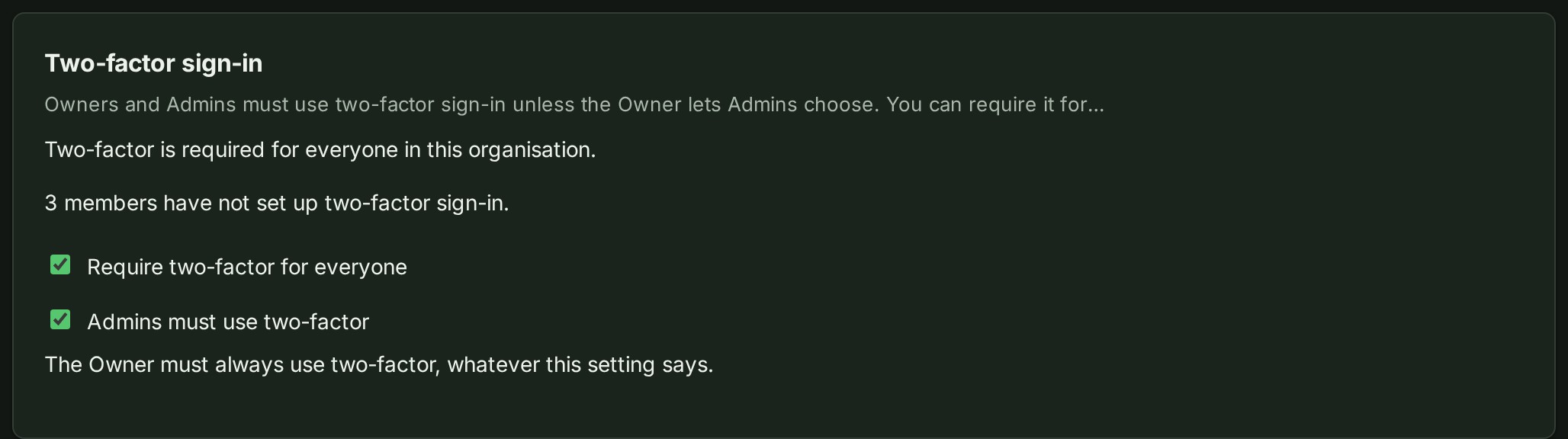
Once on, the card says two-factor is required for everyone and keeps the count of members who still need to set it up.
You can turn the switch off later. That changes the rule for members; the Owner, and Admins unless the Owner lets them choose, must still use two-factor. Anyone may keep using a factor they already set up.
Let Admins choose
Only the Owner sees this switch. Only the Owner can change whether Admins must use two-factor; an Admin cannot change it.
- Open Preferences → Security.
- Under Two-factor sign-in, turn off Admins must use two-factor. Admins may then turn their own two-factor on or off, like any other member.
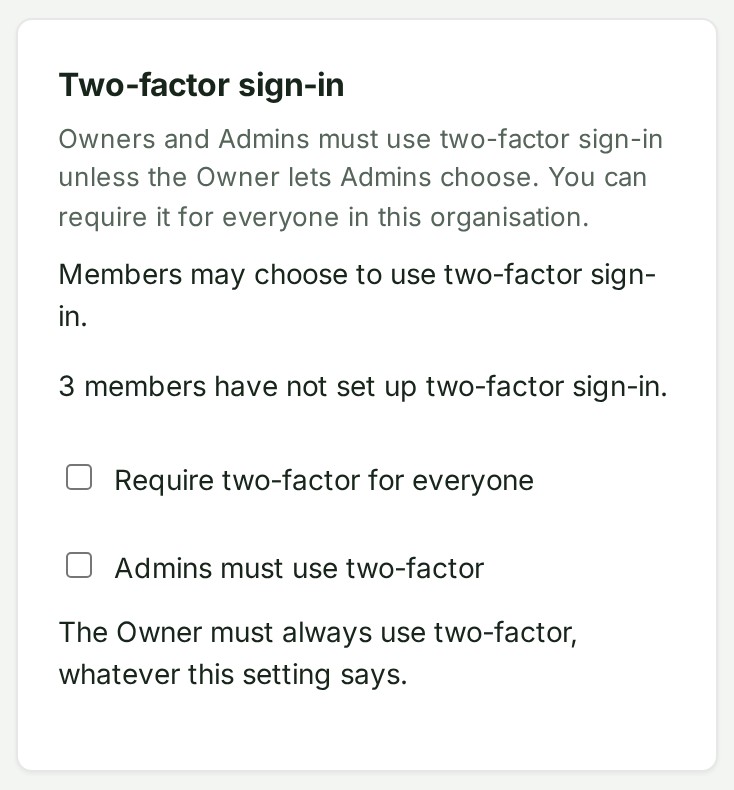
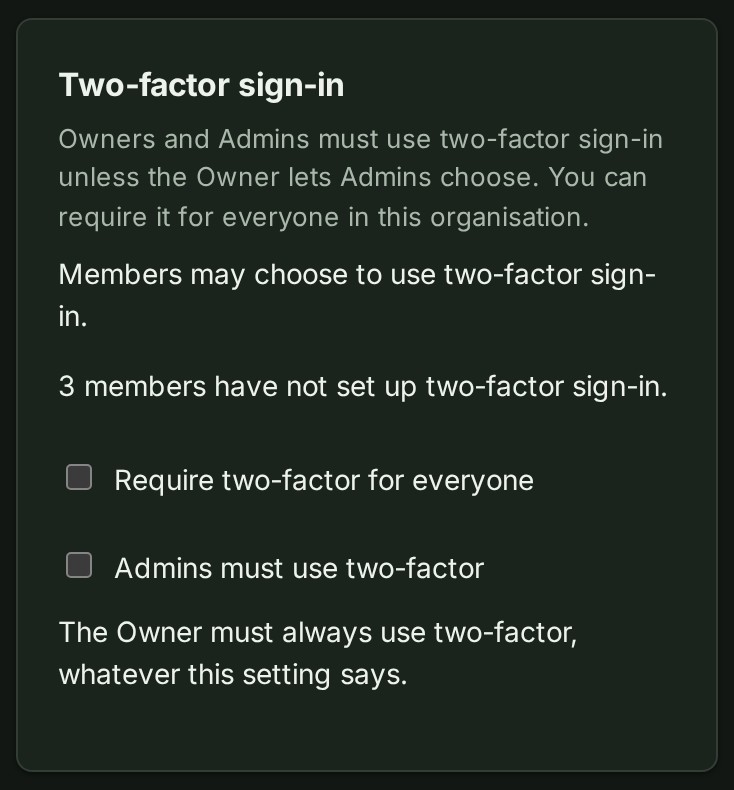
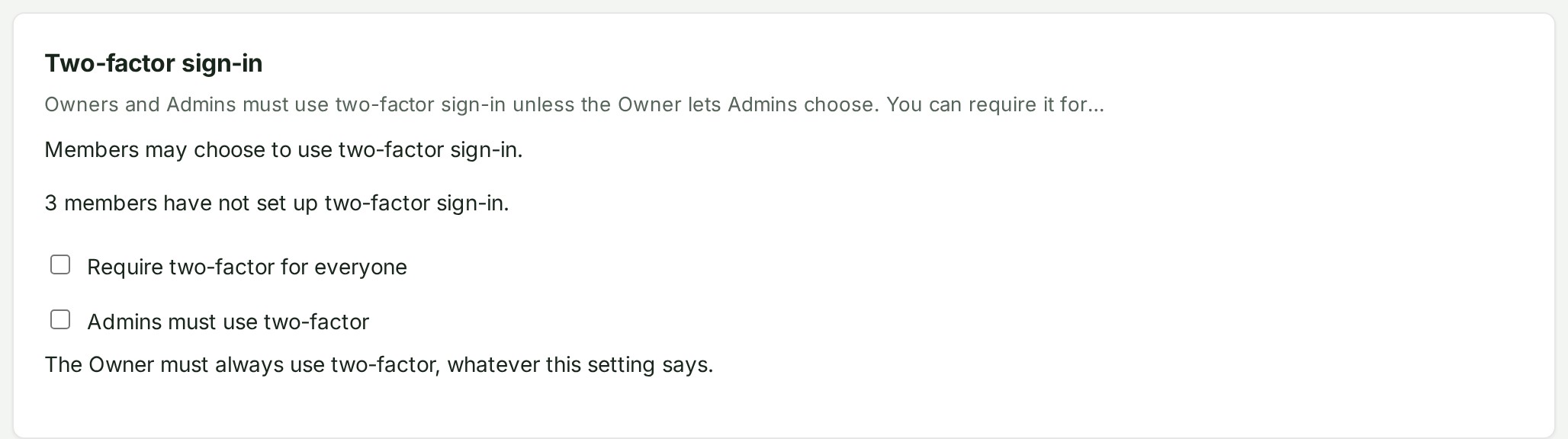
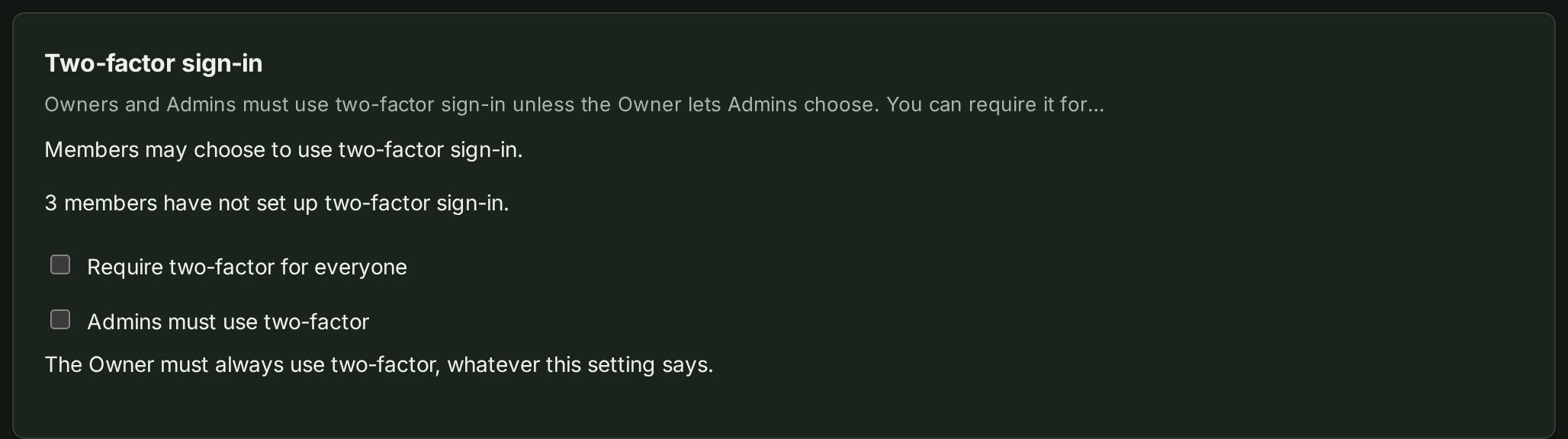
While Require two-factor for everyone is on, Admins must use two-factor whatever this switch says. The Owner's own two-factor is always required. Every change to either switch is recorded in the organisation's audit history with who made it.