Change a reviewer's role
Change what an invited reviewer may do, between commenting only and commenting and uploading files, without inviting them again.
- Open Projects, choose the project and select the Review tab. Result: the reviewers are listed with their end day and what they may do.
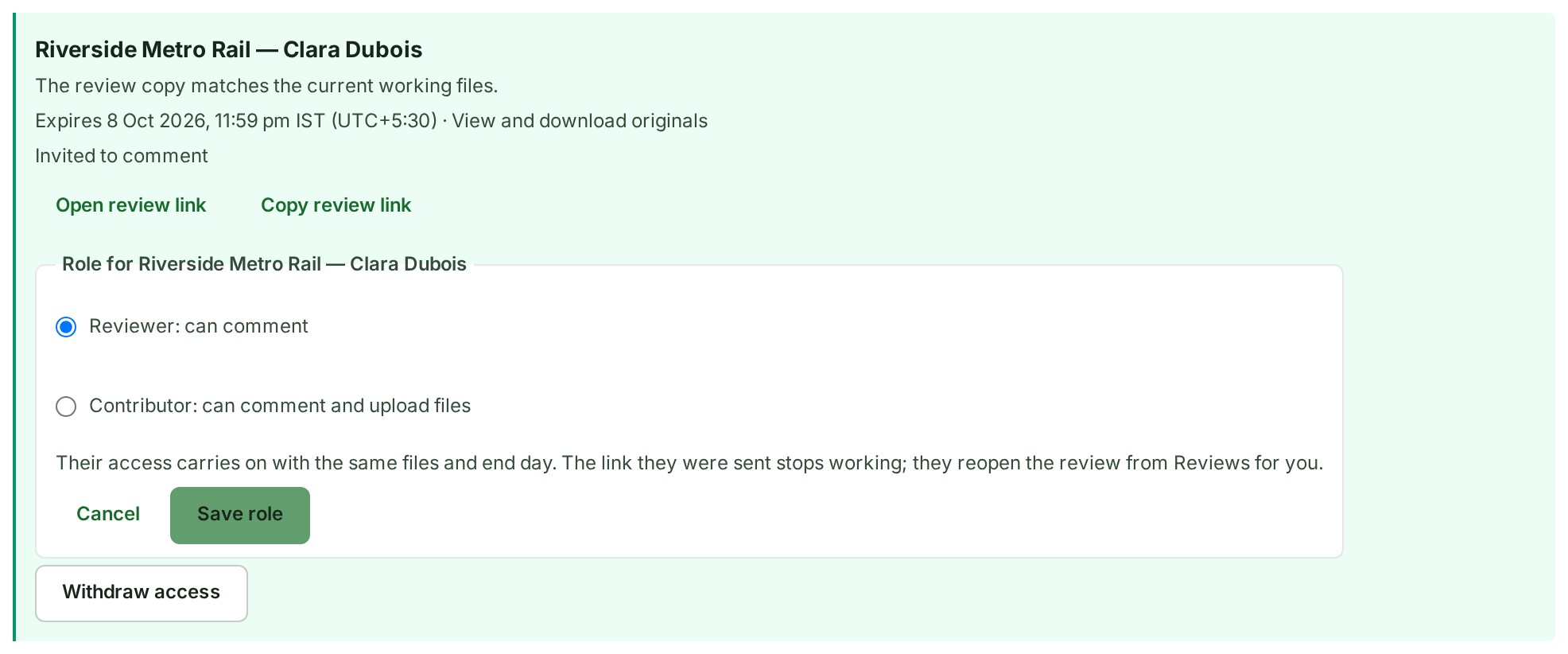
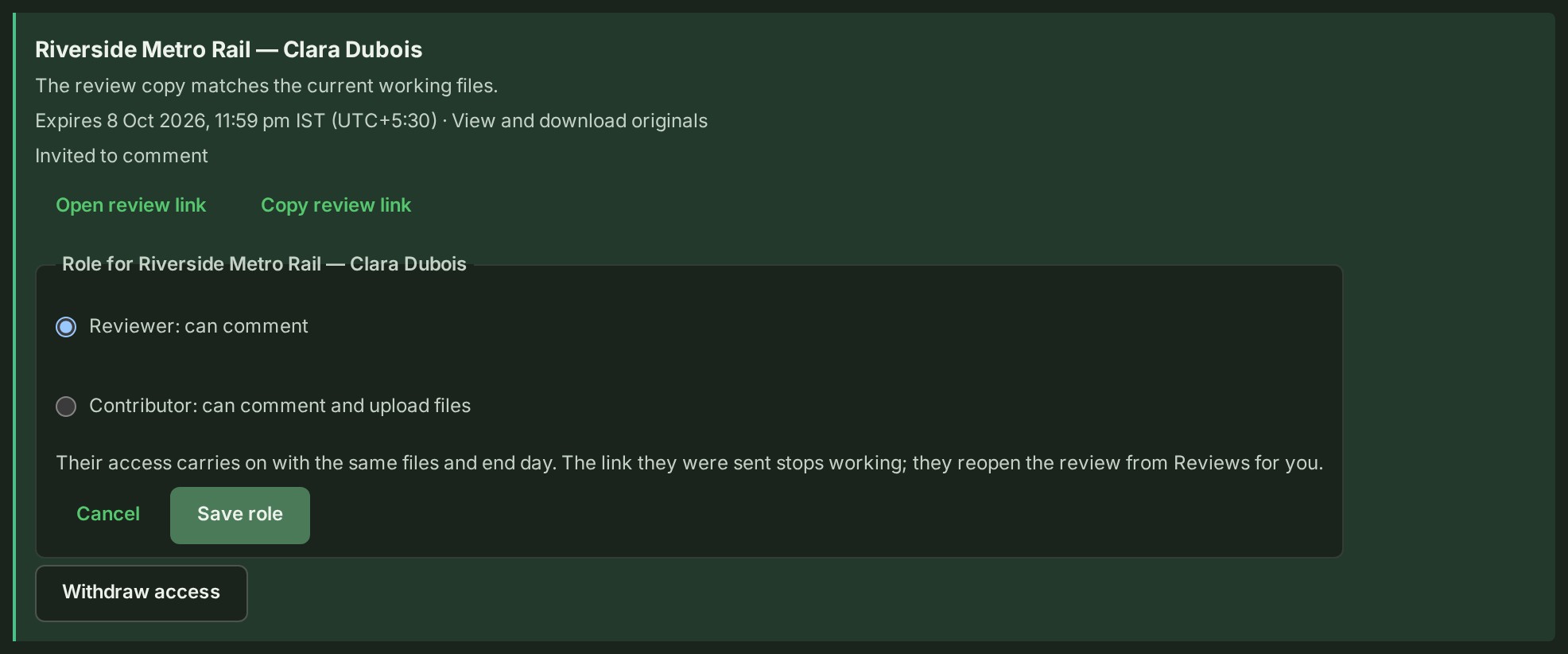
- Select Change role on the reviewer's row. Result: the row offers Reviewer: can comment and Contributor: can comment and upload files.
- Choose the role. Result: the row says their access carries on with the same files and end day.
-
Select Save role. Result: the row shows the new role.
What happens next
The reviewer keeps their access with the same files, the same end day and the same download setting. The link they were sent stops working, so they reopen the review from Reviews for you.
Your audit trail and your client's both record the change, and your client's Reviews other organisations have asked your teams to do shows the new role.
If something goes wrong
- Giving Contributor works only while the project is in Review. Going back to Reviewer works in any state.
- A project closed to external sharing can be given the other role only where an access administrator has not prohibited it. Ending a review is never refused.
- You want to know what choosing Contributor changes. See Review and publishing reference.
Next: End a review