Name an access administrator
Who can do this
The owner names access administrators and people who may use emergency access. The owner or an access administrator names branch access administrators. Every plan.
Name a colleague as an access administrator, or as a branch access administrator for one branch.
If you are the only access administrator, switch on emergency access first: Switch on emergency access.
- Open Access from Organisation controls. The Access page opens.
- Select Administrators and approvals, then Access administrators. The list of who administers access opens.
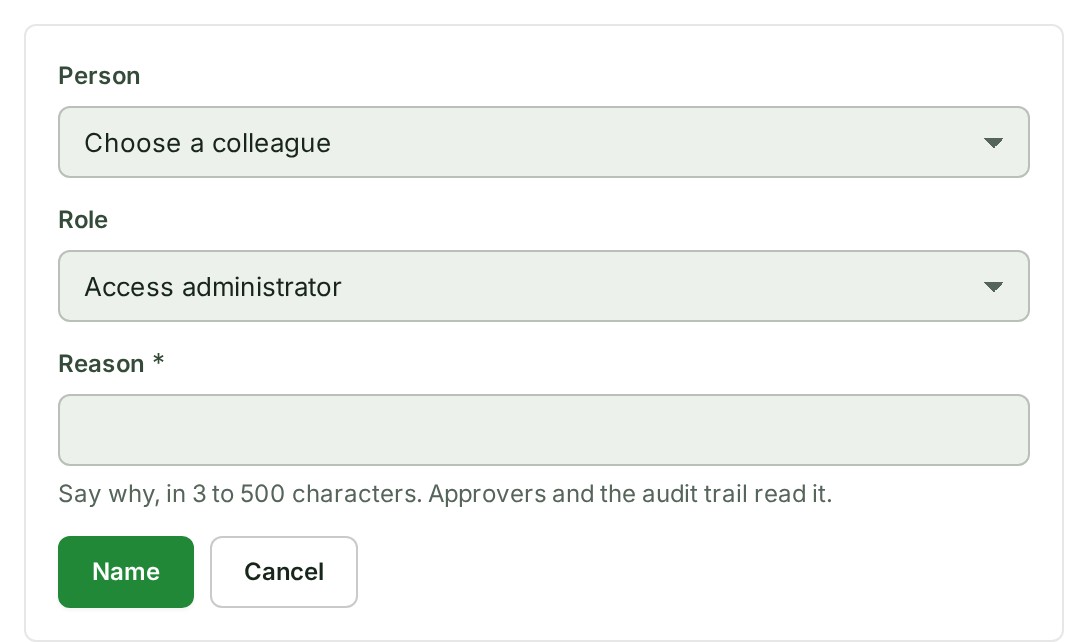
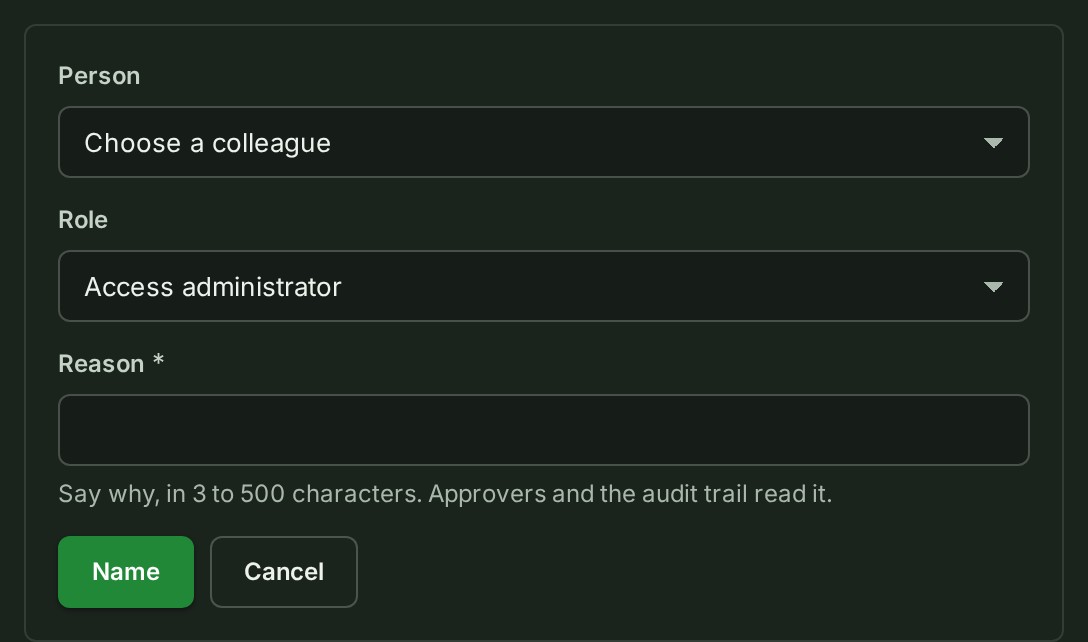
- Under Access administrators, select Name an access administrator. A form opens.
- Choose the colleague in Person.
- Choose the Role. For a branch access administrator, choose the Branch.
- Say why in Reason. The text shows in the field.
-
Select Name. The request is sent, and What happens next says what follows.
What happens next
- With two or more access administrators (the owner counts as one), the naming waits for another of them to approve it, and a notice titled Sent for approval says Waiting for approval by another access administrator. See Approve or reject an access change.
- Once it applies, the colleague is told by a notification, and the naming is written to the audit trail.
To end a role, see End an access administrator.
If something goes wrong
- Only the owner can let someone assign or manage roles across the organisation. Ask the owner to name the access administrator.
- Only the owner or an access administrator can name a branch access administrator. Ask the owner or an access administrator.
- You cannot assign a role to yourself. Ask another administrator.
- That person already holds this role there. Choose another person or role.
- The same change is already waiting for approval. Wait for it to be decided, or open Approvals.
- Your organisation has one access administrator, so this change needs emergency access. Switch it on, then try again.
Details
- You can read this page whatever your role. Without permission, the controls are disabled.
- Who may name whom, the branch-role ceilings and From your former plan are in the People and access reference.