End or replace a link
Who can do this
Owners, administrators, the branch's manager and the project's lead. Every plan that can send a delivery by link.
End a delivery link so it stops opening at once, or replace it with a new address.
- Open Projects, choose the project and select the Access tab.
-
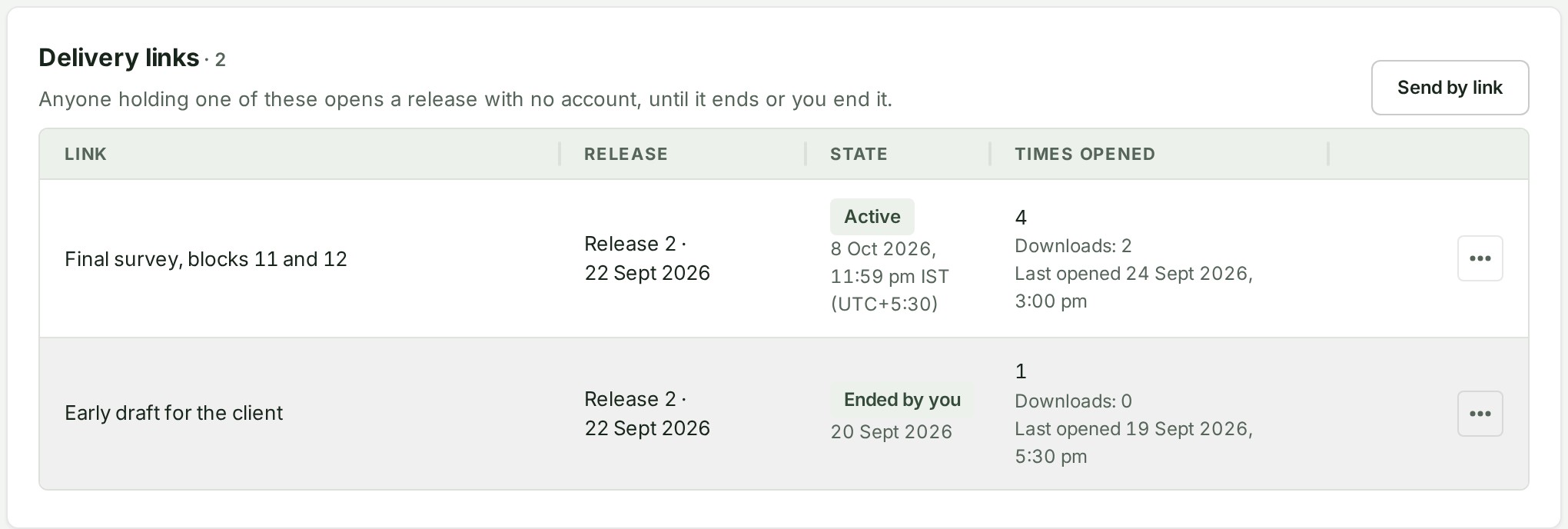
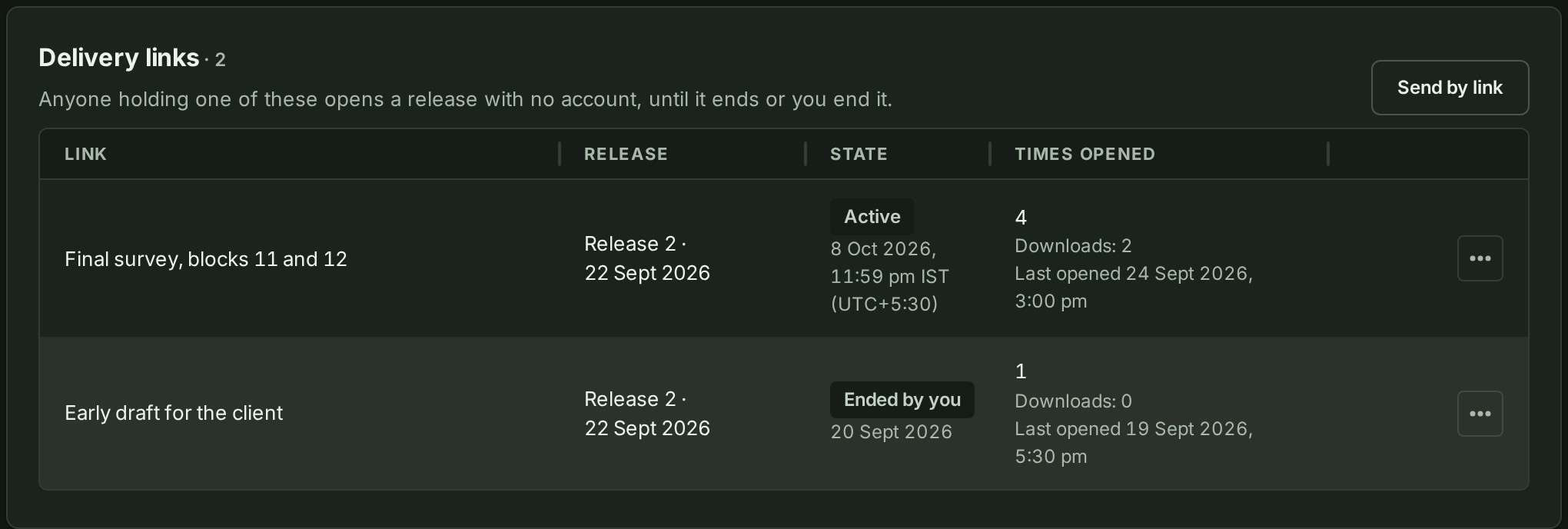
Under Delivery links, find the link by its label and the release.
-
Select the ⋯ button on its row. A menu opens.
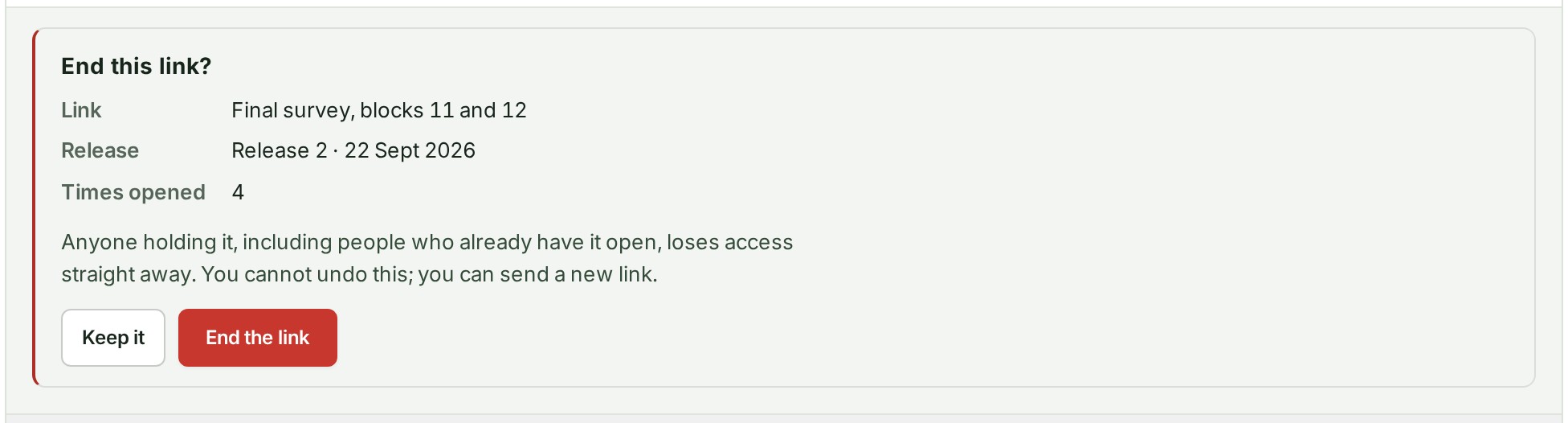
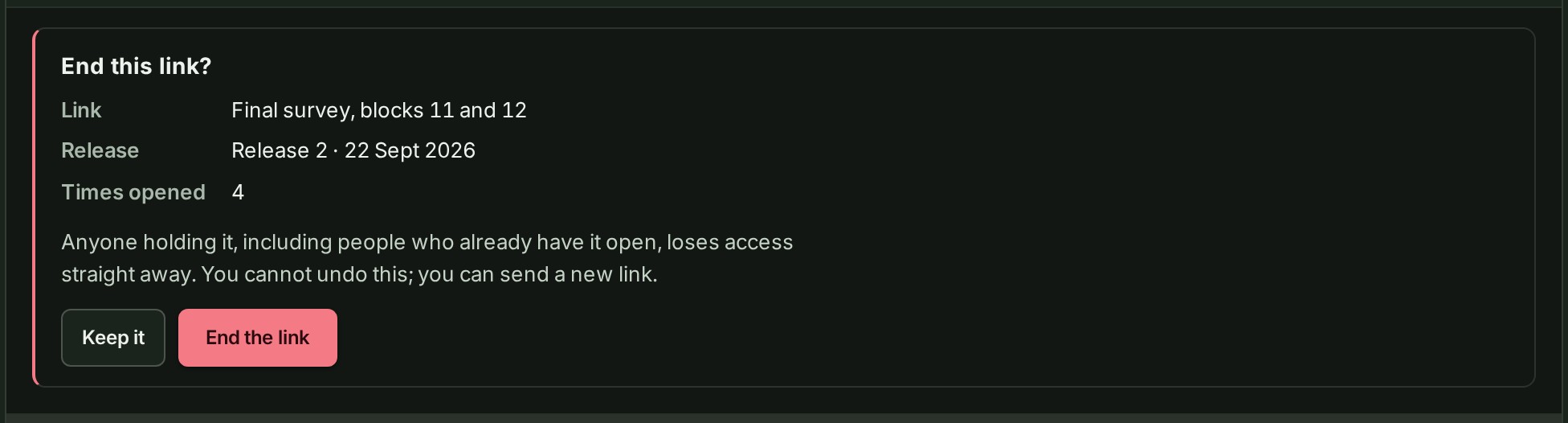
- Select End link. The question End this link? opens under the row.
-
Read the question and select End the link. The row reads Ended by you.
Replace a link
- Find the link as in steps 1 and 2 above.
- Select the ⋯ button on its row. A menu opens.
- Select Replace link. A question opens under the row.
- Read the question and select Replace the link. The new address is shown.
- Select Copy the link and send the new address to the people who should keep access. It is shown once.
What happens next
A link you ended is listed as Ended by you with the day, and it cannot be brought back; send a new link if you need one. A replaced link stays Active, and the person who has the old address sees that it does not open. Both acts are written to your audit trail.
If something goes wrong
- This link no longer opens, so there is nothing to change. The link had already ended, or expired. Only a link that is Active can be ended or replaced.
- You do not have permission to do that. Ending a link or replacing it needs the same standing on the project as sharing it. Ask an Owner, an Admin or the project's lead.
Details
Ending a link stops it straight away, for everybody who holds it, including a person who already has the delivery open. Replacing a link keeps it going but gives it a new address, and the old one stops working.
A page that is already open
Ending a link stops further access at once. The person's page closes by itself and shows This delivery has ended. What they already saw or downloaded stays with them; ending the link only stops anything more being loaded.
When a link ends by itself
A link also ends when its day passes, when its release's files are removed from storage, or when the sender's data is erased. The row then shows one of these states:
| State | Why |
|---|---|
| Expired | The day you chose has passed. |
| Files removed | The release's files were removed from storage, or the sender's data was erased. The reason is under it. |