Accept or decline a delivery
Tell the organisation that delivered files to you that you accept the delivery or do not need it.
- Open Deliveries, and select View on the delivery's row on the Received tab. The delivery's page opens.
-
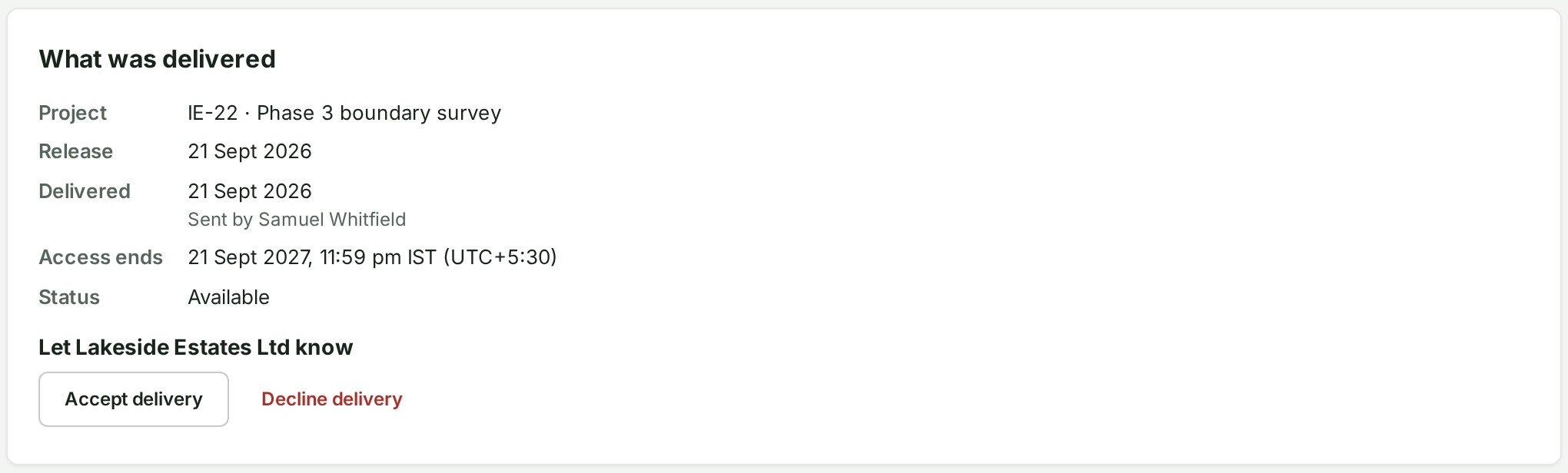
Under What was delivered, find the box headed Let (the sender's name) know. It holds the buttons Accept delivery and Decline delivery.
-
To accept, select Accept delivery. The box says on which day you let the sender know that you will download the files.
- To decline instead, select Decline delivery. The page asks Decline this delivery?.
- Select Decline delivery to confirm, or Keep it open to leave the delivery as it is. The delivery then reads Declined.
What happens next
Accept delivery is optional: it tells the sender you will download the files and does not change what you can download.
Decline delivery tells the sender you do not need the files. The question says nothing has been downloaded, and that the sender may then remove the files from storage.
If something goes wrong
- The box is missing: only owners and admins can answer, and only while the delivery is open.