Sign up another way
Who can do this
Anyone setting up their organisation on GISweaver. Where sign-up asks for an access code, someone holding one from GISweaver support.
Use this page to create your organisation with a Google or Microsoft account instead of a password, and to find where the last card takes an access code, a referral code or a tax ID. For the email and password path, see Create your organisation.
- Open Create your organisation.
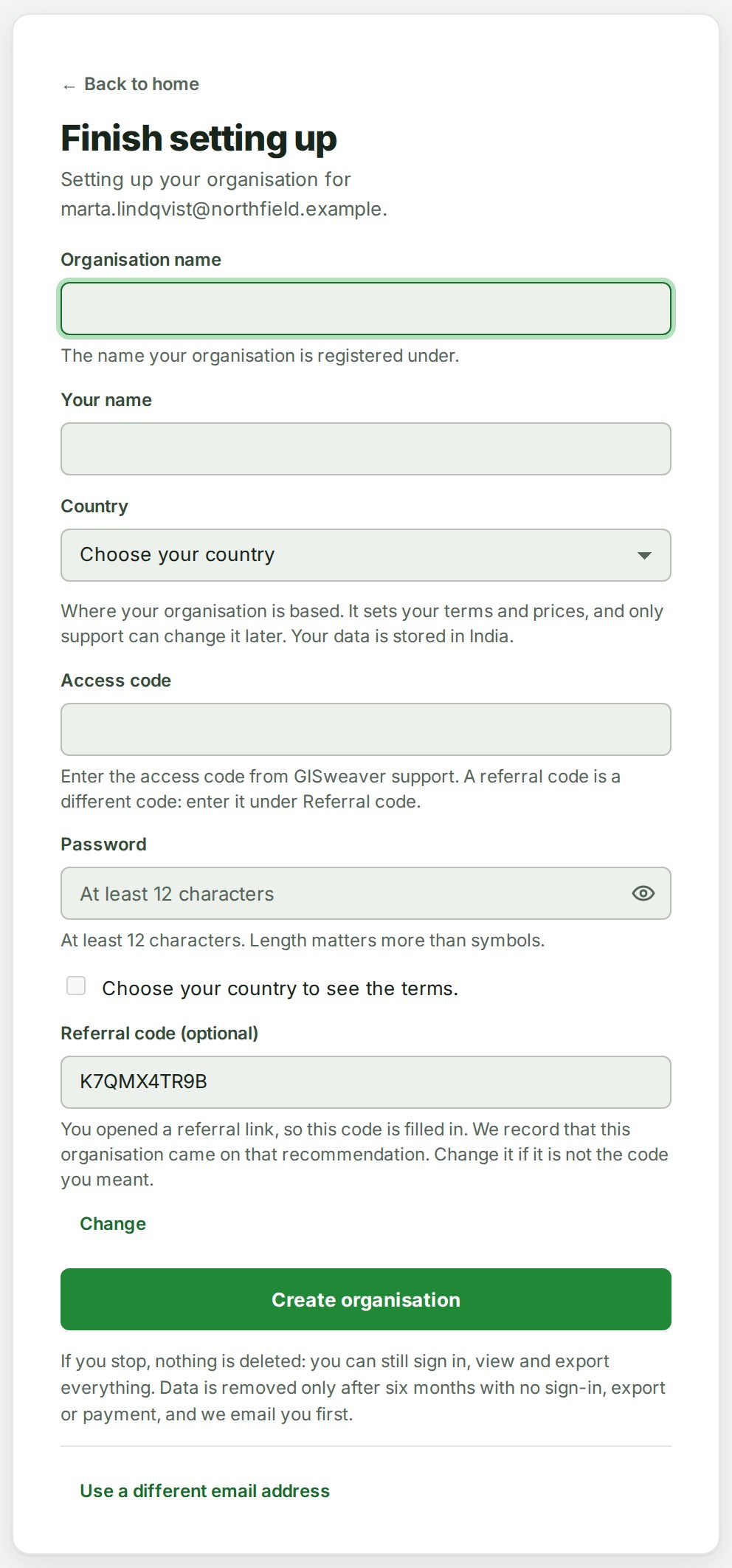
- Select Sign up with Google or Sign up with Microsoft, and sign in with that account. The card changes to Finish setting up.
- Type the name your organisation is registered under in Organisation name, and your own name in Your name. There is no password to choose; you sign in with the same provider.
-
Choose your Country. Outside India, Tax ID (optional) and Tax ID type appear.
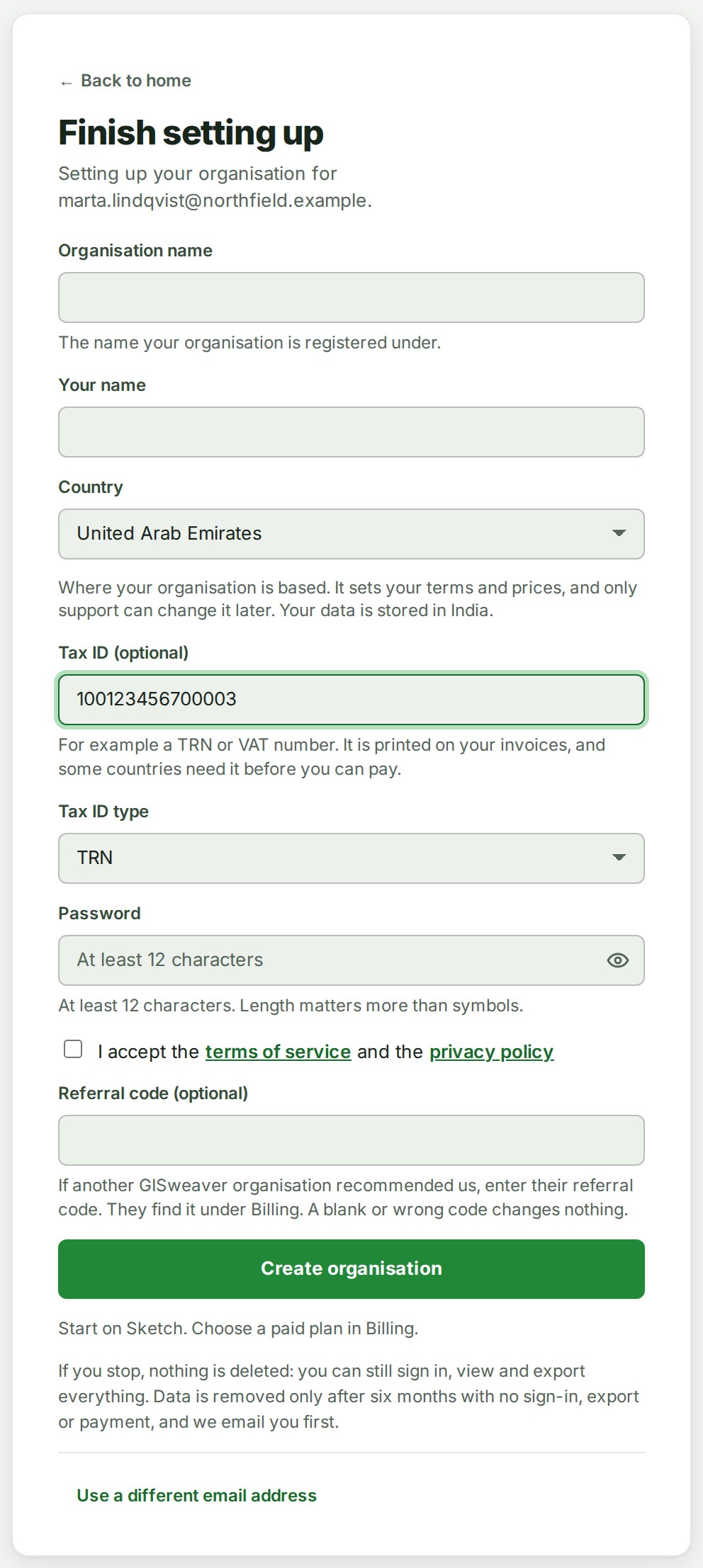
 5. Tick the box that reads I accept the terms of service and the privacy policy.
6. Select Create organisation.
What happens next
GISweaver creates the organisation, makes you its Owner and signs you in. See Create your organisation.
If something goes wrong
- Sign-up currently needs an access code. Contact support to get one. Enter the access code in Access code, as the table below says. The first card tells you when sign-up needs one.
- That access code cannot be used. Please check it with support. The code is wrong, used up or withdrawn. Ask GISweaver support for a working one.
- Choose the country your organisation is in. Choose a Country in step 4. The card keeps everything else you typed.
- Choose which kind of tax ID this is. You typed a Tax ID (optional) without choosing its Tax ID type. Choose one, or empty the tax ID.
- GISweaver cannot open an organisation in this country. Contact support if you think this is wrong. Choose the country your organisation is in, or contact support.
Details
These boxes appear on Finish setting up, whichever way you signed up.
| Box | When it appears | What to enter |
|---|---|---|
| Access code | Where sign-up asks for one | The access code GISweaver support gave you. |
| Referral code (optional) | Always | The code of another GISweaver organisation that recommended you, found under Billing. Leaving it empty changes nothing, and a link from that organisation fills only this box, never the Access code. |
| Tax ID (optional) | When Country is not India | A number such as a TRN or a VAT number, with its Tax ID type. GISweaver keeps it for invoices later and uses it nowhere yet. |